Kling IMAGE 4.0

Kling IMAGE 4.0 is an image model for text-to-image and reference-guided generation at native 2K, 4K, and 8K, with natural lighting and skin and material detail close to a camera photo. It renders up to 2,000 characters of legible text in seven languages, combines up to 10 reference images and elements, and plans series of up to 10 images that keep subjects and style consistent. It also designs e-commerce product pages and websites as a single tall image, which suits storyboards, slide decks, product shoots, and campaign visuals.
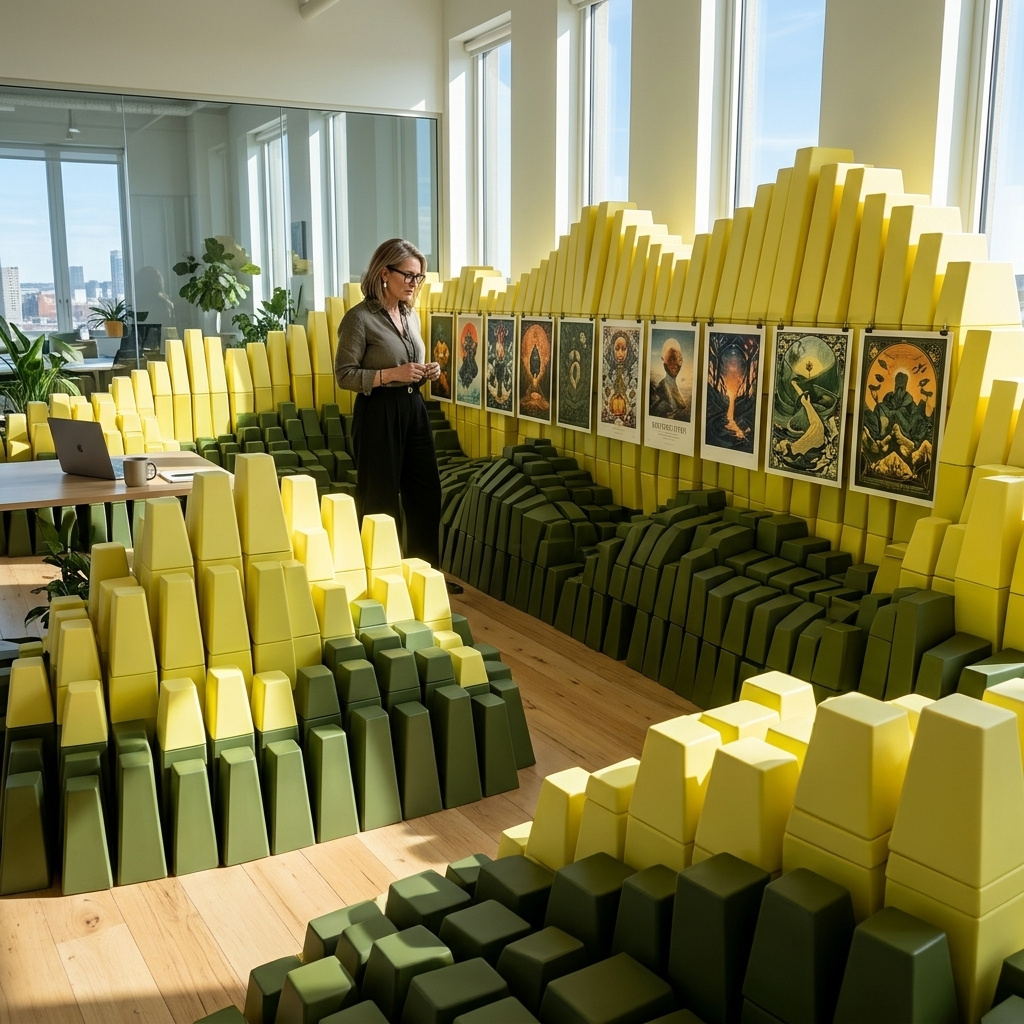
Prompting
How to write text-to-image prompts for Kling IMAGE 4.0: picking a tier or an exact size, deciding when 8K pays off, describing people, and pinning HEX colors.
Text and typography
How to put exact copy on images with Kling IMAGE 4.0: quoting every line, dense layouts, seven languages, named fonts and lettering matched from a reference image.
Editing images
How to edit a photo with Kling IMAGE 4.0: recoloring a product to HEX values, replacing a studio background, retouching haze and color casts, and adding motion blur.
Image series
How to generate a planned set of 2 to 10 consistent images with Kling IMAGE 4.0: storyboards, slide decks, product image sets and lookbooks from one request.
Reference images
How to build images from up to 10 references in Kling IMAGE 4.0: placing a product in a scene, matching a style or a palette, rendering a 3D draft and trying on clothes.
Elements
How to save a product or a character in Kling IMAGE 4.0 as an element under your own id, build it from several angles, and reuse it by id across a whole campaign.
Product pages and websites
How to design an e-commerce product page or a website as one tall image with Kling IMAGE 4.0, from product photos or a prompt, and set how many sections it has.