Kling IMAGE 4.0

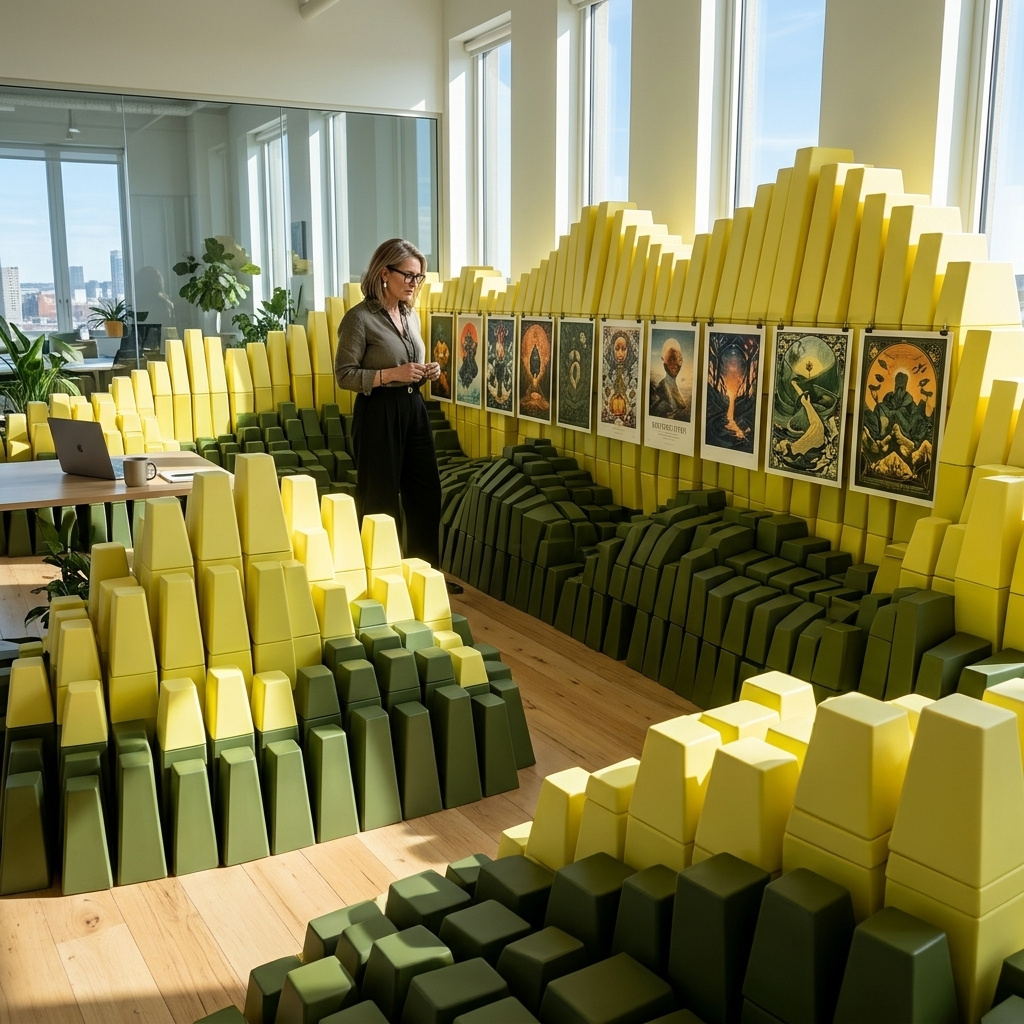
Kling IMAGE 4.0 is an image model for text-to-image and reference-guided generation at native 2K, 4K, and 8K, with natural lighting and skin and material detail close to a camera photo. It renders up to 2,000 characters of legible text in seven languages, combines up to 10 reference images and elements, and plans series of up to 10 images that keep subjects and style consistent. It also designs e-commerce product pages and websites as a single tall image, which suits storyboards, slide decks, product shoots, and campaign visuals.
API Options
Platform-level options for task execution and delivery.
taskType
stringrequiredvalue: imageInferenceIdentifier for the type of task being performed.
taskUUID
stringrequiredUUID v4UUID v4 identifier for tracking tasks and matching async responses. Must be unique per task.
outputType
stringdefault: URLImage output type.
Allowed values3 values
outputFormat
stringdefault: JPGSpecifies the file format of the generated output. The available values depend on the task type and the specific model's capabilities.
- `JPG`: Best for photorealistic images with smaller file sizes (no transparency).
- `PNG`: Lossless compression, supports high quality and transparency (alpha channel).
- `WEBP`: Modern format providing superior compression and transparency support.
**Transparency**: If you are using features like background removal or LayerDiffuse that require transparency, you must select a format that supports an alpha channel (e.g., `PNG`, `WEBP`, `TIFF`). `JPG` does not support transparency.Allowed values3 values
outputQuality
integermin: 20max: 99default: 95Compression quality of the output. Higher values preserve quality but increase file size.
webhookURL
stringuriWebhook URL that receives JSON responses via HTTP POST when generation tasks complete. For batch requests with multiple results, each completed item triggers a separate webhook call as it becomes available.
Learn more1 resource
- WebhooksPLATFORM
- Webhooks
deliveryMethod
stringdefault: syncDetermines how the API delivers task results.
Allowed values2 values
- Returns results directly in the API response. Over HTTP, a task still running after 120 seconds continues as an async task and comes back with status 'processing'. Poll for its results using getResponse.
- Returns an immediate acknowledgment with the task UUID. Poll for results using getResponse.
Learn more1 resource
- Task PollingPLATFORM
uploadEndpoint
stringuriSpecifies a URL where the generated content will be automatically uploaded using the HTTP PUT method. The raw binary data of the media file is sent directly as the request body. For secure uploads to cloud storage, use presigned URLs that include temporary authentication credentials.
Common use cases:
- Cloud storage: Upload directly to S3 buckets, Google Cloud Storage, or Azure Blob Storage using presigned URLs.
- CDN integration: Upload to content delivery networks for immediate distribution.
// S3 presigned URL for secure upload
https://your-bucket.s3.amazonaws.com/generated/content.mp4?X-Amz-Signature=abc123&X-Amz-Expires=3600

// Google Cloud Storage presigned URL
https://storage.googleapis.com/your-bucket/content.jpg?X-Goog-Signature=xyz789

// Custom storage endpoint
https://storage.example.com/uploads/generated-image.jpg
The content data will be sent as the request body to the specified URL when generation is complete.
safety
objectContent safety checking configuration for image generation.
Properties1 property
safety»checkContentcheckContent
booleanEnable or disable content safety checking. Increases total generation time.
ttl
integermin: 60Time-to-live (TTL) in seconds for generated content. Only applies when
outputTypeisURL.
includeCost
booleanInclude task cost in the response.
numberResults
integermin: 1max: 20default: 1Number of results to generate. Each result uses a different seed, producing variations of the same parameters.
Inputs
Input resources for the task (images, audio, etc). These must be nested inside the inputs object.
inputs object.inputs»referenceImagesreferenceImages
array of stringsmin items: 1max items: 103 limitsList of reference images (UUID, URL, Data URI, or Base64).
inputs»elementselements
array of objectsmin items: 1max items: 10Elements allow you to include reusable assets in your generation. Each element is identified by an
idand can be referenced in the prompt using<<<element_1>>>,<<<element_2>>>, etc. in order of appearance.An element can contain:
- Images via
frontalImageplusimages(1 to 3 additional angles). - Videos via
videos, on video models only (cannot be combined with images). - Voices via
voices, on video models only (can only be combined with images, not videos).
Examples2 examples
Create a new element with an image:
"positivePrompt": "<<<element_1>>> walking through a futuristic city",
"inputs": {
  "elements": [
    {
      "id": "my-character-id",
      "description": "A young woman with red hair",
      "frontalImage": "c64351d5-4c59-42f7-95e1-eace013eddab",
      "images": ["8f2a9c3e-1b4d-4e6f-a7c8-9d0e1f2a3b4c"],
      "tags": ["Character"]
    }
  ]
}
Reuse a previously created element by ID:
"positivePrompt": "<<<element_1>>> sitting in a coffee shop, reading a book", "inputs": { "elements": [ { "id": "my-character-id" } ] }Properties5 properties
inputs»elements»idid
stringrequiredmin: 1max: 20Unique identifier for this element. Use to create a new element or reference a previously created one.
inputs»elements»descriptiondescription
stringmin: 1max: 100Description of the element.
inputs»elements»frontalImagefrontalImage
stringFrontal reference image for the element. Required when using image-based elements.
inputs»elements»imagesimages
array of stringsmin items: 1max items: 3Reference images for the element. Up to 3 images. Requires frontalImage.
inputs»elements»tagstags
array of stringsmin items: 1Classification tags for the element.
- Images via
inputs»styleImagestyleImage
string3 limitsImage whose visual and layout style the page takes (UUID, URL, Data URI, or Base64).
inputs»subjectImagesubjectImage
string3 limitsImage of the subject the page keeps as it appears and is designed around (UUID, URL, Data URI, or Base64).
Core Parameters
Primary parameters that define the task output.
model
stringrequiredvalue: klingai:kling-image@4.0Send
autoinstead of an AIR identifier to have the model router choose the model for this task. The rest of the request is unchanged, every value you send is kept, and only the parameters you leave out are filled in. See Model Router.Learn more3 resources
positivePrompt
stringrequiredmin: 1max: 166000Text prompt describing elements to include in the generated output. Reference images are referenced as
<<<image_1>>>and elements as<<<element_1>>>, numbered in order. Must satisfyE / 50000 + N / 21000 <= 1, orE / 166000 + N / 71000 <= 1withsettings.pageType, whereNcounts the non-ASCII characters andEthe rest.Learn more1 resource
- PromptsLEARN
- Prompts
width
integerpaired with heightWidth of the generated media in pixels.
Learn more2 resources
height
integerpaired with widthHeight of the generated media in pixels.
Learn more2 resources
resolution
stringResolution preset for the output. When used with input media, automatically matches the aspect ratio from the input. Without reference images, the model picks the aspect ratio from the prompt.
Allowed values4 values
Settings
Technical parameters to fine-tune the inference process. These must be nested inside the settings object.
settings object.settings»pageLengthpageLength
stringLength of the product page, in content sections.
Allowed values3 values
- About 2 to 5 sections.
- About 6 to 10 sections.
- About 11 to 18 sections.
settings»pageTypepageType
stringLong-form page design, returned as one tall image whose size the model picks.
Allowed values2 values
- E-commerce product detail page for the product in
inputs.referenceImages. - Website design.
- E-commerce product detail page for the product in
settings»seriesLengthseriesLength
integer | stringmin: 2max: 10Number of images in an image series. The images are planned together, keep subjects and style consistent, and are returned in series order.
Allowed values1 value
- Picks between 2 and 10 images from the prompt.
Features
Standalone addons and post-processing features.
advancedFeatures»watermarkwatermark
objectConfiguration object for adding watermarks to generated videos. Watermarks can be applied using either text or image content with customizable positioning and appearance. You must provide either
textorimagecontent for the watermark, but not both."advancedFeatures": { "watermark": { "text": "© 2025 Company", "displayPosition": "bottom-right", "opacity": 0.6, "fontColor": "#ffffff", "bgColor": "#000000" } }"advancedFeatures": { "watermark": { "image": "c64351d5-4c59-42f7-95e1-eace013eddab", "displayPosition": "top-left", "opacity": 0.6 } }"advancedFeatures": { "watermark": { "text": "PREVIEW", "tiled": true, "opacity": 0.4, "fontColor": "#cccccc" } }Properties6 properties
advancedFeatures»watermark»texttext
stringmin: 2max: 32Watermark text.
advancedFeatures»watermark»imageimage
stringWatermark image (UUID, URL, Data URI, or Base64).
advancedFeatures»watermark»displayPositiondisplayPosition
stringWatermark position.
Allowed values10 values
advancedFeatures»watermark»opacityopacity
floatmin: 0.1max: 1step: 0.01Watermark opacity.
advancedFeatures»watermark»fontColorfontColor
stringText color in hex format.
advancedFeatures»watermark»bgColorbgColor
stringBackground color in hex format.