MiniMax H3

MiniMax H3 is a multimodal video generation model that supports text-to-video, first-frame and keyframe-guided generation, multi-reference conditioning, and audio-video continuation in a single workflow. It accepts text together with images, videos, and audio references to keep subjects, voice, motion, and scene identity more consistent across shots, while generating synchronized sound natively rather than as a separate dubbing pass. It is well suited to cinematic multi-shot generation, reference-driven character performance, instruction-based video editing, and continuation workflows that extend an existing clip or audio segment into a seamless new video.
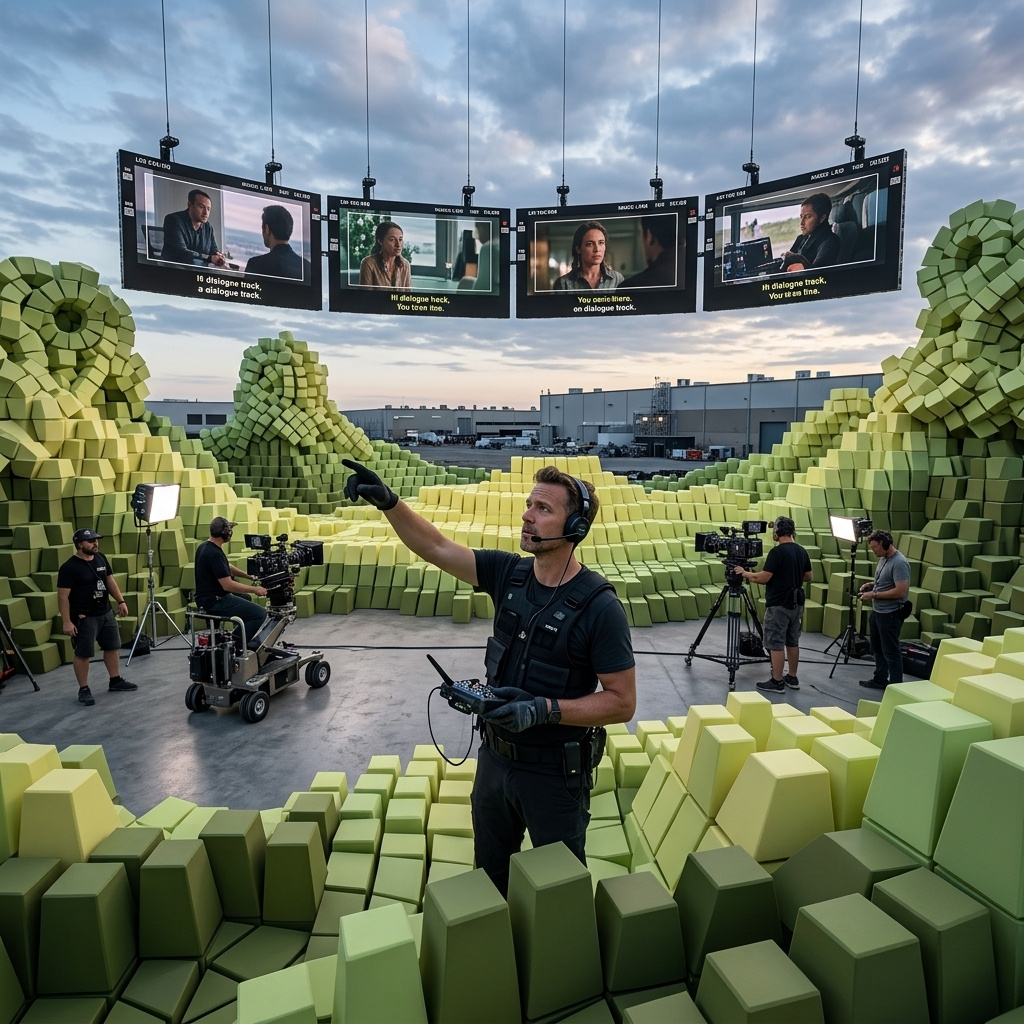
Sound and voice
How to direct MiniMax H3's native audio from the prompt: ambience, synced sound effects, music, and spoken dialogue with lip-sync.
Introduction
Most AI video is silent, and the sound is added afterwards. MiniMax H3 writes it natively. Every clip comes back with a synced stereo track composed in the same pass as the picture, straight from your prompt. A Sound: clause at the end of the prompt is where you direct it, and naming a sound next to the action it belongs to lands it in time with the frame.
A barista with tattooed forearms in a dark canvas apron pulls an espresso shot at a bright specialty coffee bar in warm morning light. The grinder whirs and fills the portafilter, the barista knocks and tamps the grounds, locks the portafilter into the machine, and a rich stream of espresso pours into a white cup with steam rising. Shot on an 85mm lens, natural skin texture. Sound: the whir of the grinder, a sharp tamp knock, then the hiss and gurgle of extraction as the espresso pours, and a soft cup clink at the end.
Turn the volume up. The grinder, the tamp knock, the hiss of the pour, and the cup set down at the end each arrive on the action they belong to, because the prompt named them in sequence alongside the picture.
How H3 writes sound
Audio is generated from the prompt, not pulled from a library. Everything before the Sound: clause describes the picture, and everything after it describes the track. List whatever the scene should contain: ambience, individual effects, music, or spoken lines. There is no separate audio parameter and no extra call, so the same prompt that directs the shot also directs its sound.
import { createClient } from '@runware/sdk'

const client = await createClient({ apiKey: process.env.RUNWARE_API_KEY })
await client.connect()

const [result] = await client.run({
  model: 'minimax:h3@0',
  positivePrompt: 'A hand pops a champagne bottle at a bright celebration, the cork flying and pale-gold foam surging over the neck. Sound: a loud festive cork pop exactly as the cork flies, then the fizz of overflowing foam and distant cheering.',
  width: 1440,
  height: 2560,
  duration: 5
})
import asyncio
import os
from runware import Runware
async def main():
async with Runware(api_key=os.environ["RUNWARE_API_KEY"]) as client:
results = await client.run({
"model": "minimax:h3@0",
"positivePrompt": "A hand pops a champagne bottle at a bright celebration, the cork flying and pale-gold foam surging over the neck. Sound: a loud festive cork pop exactly as the cork flies, then the fizz of overflowing foam and distant cheering.",
"width": 1440,
"height": 2560,
"duration": 5
})
asyncio.run(main())curl https://api.runware.ai/v1 \
-H "Authorization: Bearer $RUNWARE_API_KEY" \
-H "Content-Type: application/json" \
-d '[
{
  "taskType": "videoInference",
  "taskUUID": "c8d9e0f1-2a3b-4c4d-9e5f-6a7b8c9d0e1f",
  "model": "minimax:h3@0",
  "positivePrompt": "A hand pops a champagne bottle at a bright celebration, the cork flying and pale-gold foam surging over the neck. Sound: a loud festive cork pop exactly as the cork flies, then the fizz of overflowing foam and distant cheering.",
  "width": 1440,
  "height": 2560,
  "duration": 5
}
]'runware run minimax:h3@0 \
positivePrompt="A hand pops a champagne bottle at a bright celebration, the cork flying and pale-gold foam surging over the neck. Sound: a loud festive cork pop exactly as the cork flies, then the fizz of overflowing foam and distant cheering." \
width=1440 \
height=2560 \
duration=5{
"taskType": "videoInference",
"taskUUID": "c8d9e0f1-2a3b-4c4d-9e5f-6a7b8c9d0e1f",
"model": "minimax:h3@0",
"positivePrompt": "A hand pops a champagne bottle at a bright celebration, the cork flying and pale-gold foam surging over the neck. Sound: a loud festive cork pop exactly as the cork flies, then the fizz of overflowing foam and distant cheering.",
"width": 1440,
"height": 2560,
"duration": 5
}Response
[
  {
    "taskType": "videoInference",
    "taskUUID": "c8d9e0f1-2a3b-4c4d-9e5f-6a7b8c9d0e1f",
    "videoUUID": "9f0a1b2c-3d4e-4f5a-9b6c-7d8e9f0a1b2c",
    "videoURL": "https://vm.runware.ai/video/os/a14d18/ws/2/vi/9f0a1b2c-3d4e-4f5a-9b6c-7d8e9f0a1b2c.mp4"
  }
]
The Sound: label is a convention, not a keyword, so a plain sentence describing the audio works too. Keeping it as a labelled clause at the end just makes prompts easier to read and edit.
Ambience is the bed of a scene
The simplest audio to direct is the constant layer under everything: the room tone, the weather, the environment. Name where the shot is and what that place sounds like, and H3 lays it down as a continuous bed. Here a rainy cafe carries four ambient elements at once.
Inside a cosy cafe on a rainy afternoon, rain streaking down the large window, warm interior light, a few patrons softly out of focus, a slow gentle pan across the room. Sound: steady rain against the glass, a low murmur of conversation, the occasional clink of a cup, and soft background jazz.
Rain, murmur, cup clinks, and low jazz sit together without any of them being an event. Ambience is what you reach for to give a shot a sense of place, and it costs nothing extra to stack several layers in one clause.
Sound effects, synced to the action
This is the single most useful trick in the model. Naming a sound is easy, but naming when it happens is what ties it to the frame. Words like "as", "when", and "then" bind an effect to a moment, so the sound lands with the picture instead of floating over it.
A hand pops a bottle of champagne at a bright celebration, the cork flying from the neck and pale-gold foam surging up and over, a little confetti drifting in soft daylight. Sound: a loud festive cork pop exactly as the cork flies, then the fizz of overflowing foam and distant cheering.
The prompt did not just ask for a pop, it asked for a pop "exactly as the cork flies", then a fizz, then cheering. That ordering is the instruction H3 follows to place each sound. Describe your effects as a small timeline tied to what is on screen, and the model syncs them for you.
Timing words are the lever for sync. "A thunderclap as the lightning strikes" reads very differently from "thunder and lightning", because the first tells H3 which frame the sound belongs to. Whenever an effect has a clear on-screen moment, say when it happens.
Music and mood
Ask for a track and describe it the way you would brief a composer: genre, tempo, mood, and whether it has vocals. Music is what sets the emotional read of a shot, and the same footage carries a different message under a calm piano than under an upbeat electronic beat.
A sleek pair of wireless earbuds in a matte-white charging case slowly rotates on a turntable against a soft pastel gradient studio background, clean product lighting and gentle reflections. Sound: an upbeat modern electronic track with a punchy kick, a warm rolling bassline, bright plucked synth arpeggios, and a crisp synth-lead hook, energetic and polished, no vocals.
Adding "no voices" kept the bed clean under a product shot, which matters when the picture has to carry a brand. For a mood you can swap, keep the visual prompt fixed and change only the music description, and the same clip re-scores to a new feeling.
Describe music by its genre, tempo, mood, and instrumentation, not by naming a song or an artist. A track built from a plain description stays original, while asking for a specific real song or a named artist's sound invites output that echoes an existing work.
Dialogue and lip-sync
Put a spoken line in quotation marks in the prompt and H3 both speaks it and moves the mouth to match. This turns the model into a one-shot talking-head tool: a presenter, a character, or a narrator delivering a line with the picture, no separate voiceover pass.
A friendly female presenter in her early thirties with shoulder-length dark hair and natural makeup, wearing a blush-pink blazer over a white top, in a bright modern studio, looks straight at camera and says, clearly and warmly, "This is what your video can sound like." Waist up, natural lip movement matching the words, soft studio light, natural skin texture, 85mm lens. Sound: her spoken line in a clear warm voice, close-miked, with quiet room tone underneath.
The line she speaks is the one in the prompt, and her mouth matches it. Keep spoken lines short enough to fit the clip: a sentence or two suits a five-second shot, while a paragraph will feel rushed or run past the end. Describe the delivery too, since "clearly and warmly" shapes the read as much as the words do.
Where it fits
Native audio is H3's clearest advantage, and it is strongest on concrete, physical sound: foley, ambience, and effects tied to a visible action. Music and mood follow a brief well. Dialogue is the most demanding, since a long line, an unclear delivery note, or a clip too short for the words will strain the lip-sync. Keep spoken lines brief, describe the delivery you want, and let the picture and its sound come out of one prompt.
Tips
-
End with a
Sound:clause. Describe the picture first, then the audio. It keeps prompts readable and makes the track easy to edit on its own. -
Tie effects to the action. "A pop as the cork flies" syncs, while "a pop" floats. Timing words are what place a sound on the frame.
-
Stack ambience freely. Rain, murmur, and music can share one bed, and layering a few environmental sounds gives a shot its place.
-
Brief the music by style. Genre, tempo, mood, and instrumentation, plus "no voices" when the picture needs to lead. Describe the sound you want, never name a song or an artist, and swap only the music description to re-score the same clip.
-
Quote dialogue and keep it short. A line in quotation marks is spoken and lip-synced, and a sentence or two fits a five-second clip better than a paragraph.