MiniMax H3

MiniMax H3 is a multimodal video generation model that supports text-to-video, first-frame and keyframe-guided generation, multi-reference conditioning, and audio-video continuation in a single workflow. It accepts text together with images, videos, and audio references to keep subjects, voice, motion, and scene identity more consistent across shots, while generating synchronized sound natively rather than as a separate dubbing pass. It is well suited to cinematic multi-shot generation, reference-driven character performance, instruction-based video editing, and continuation workflows that extend an existing clip or audio segment into a seamless new video.
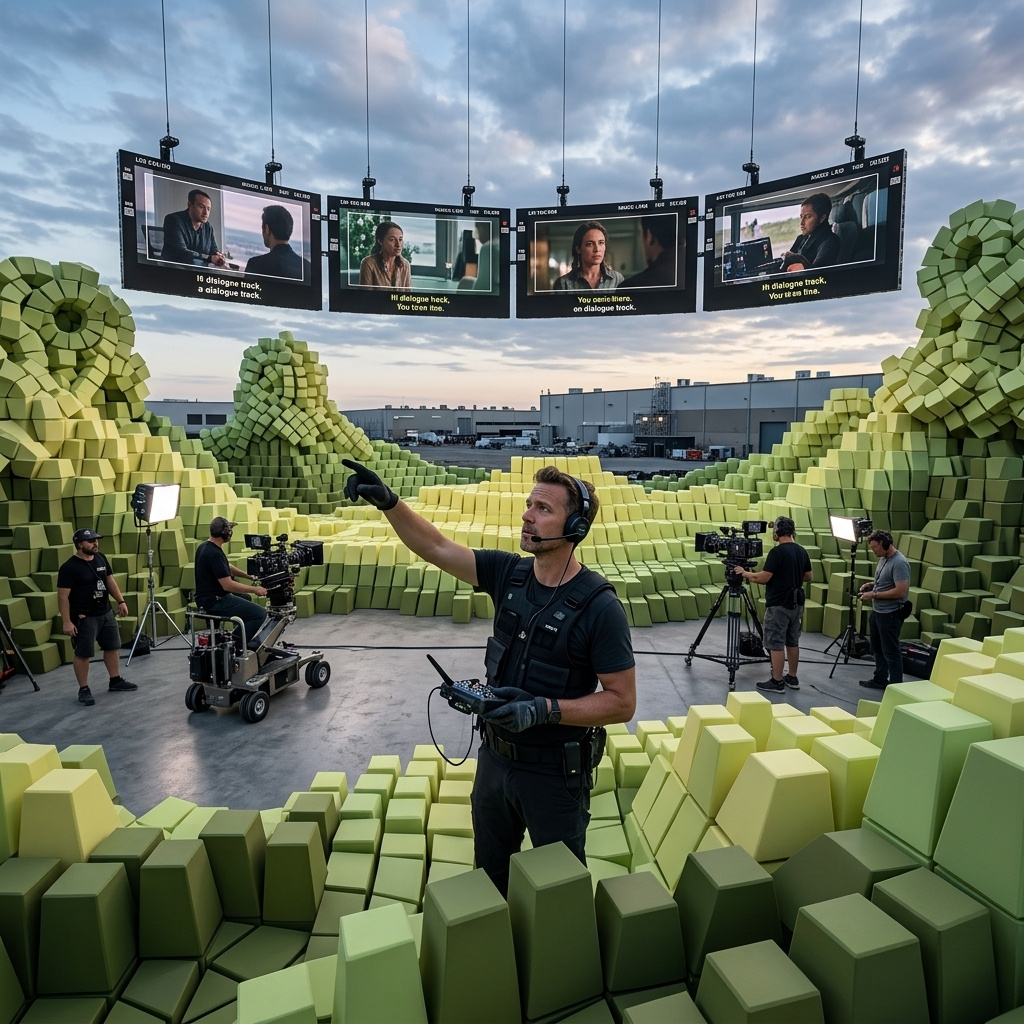
First and last frame
How to animate a still image with MiniMax H3 and bridge a first and last frame into one continuous shot, with the output following the image's own aspect ratio.
Introduction
Alongside plain text-to-video, MiniMax H3 takes still images as anchor frames. Give it one image and it animates from there. Give it a first and a last image and it generates the shot that travels between them. Either way the clip comes back with native synced audio, and the output takes the aspect ratio of the image you feed it.
The camera slowly orbits the sparkling soda bottle as condensation droplets slide down the glass and fine bubbles rise inside, sunlight glinting across the wet surface, the mint leaves trembling gently. Bright, crisp, appetizing. Sound: the soft fizz of carbonation, a light clink of glass, gentle kitchen ambience.
- First frame
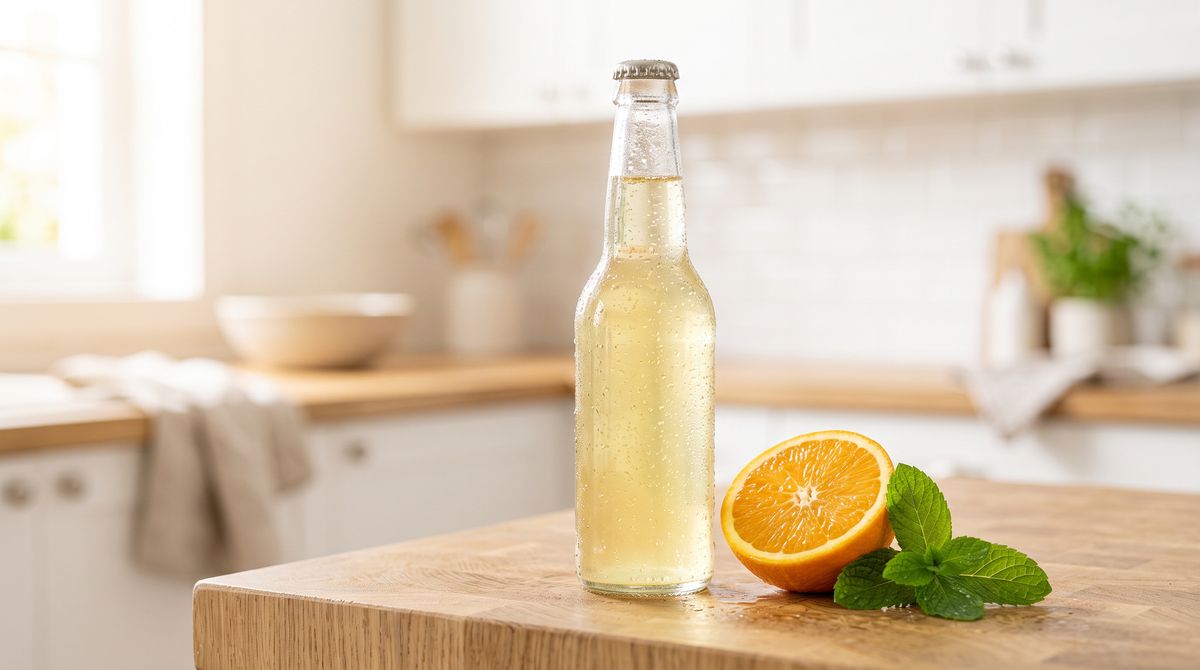
A chilled glass bottle of sparkling citrus soda on a bright sunlit kitchen counter, beaded with fresh condensation, a halved orange and a sprig of mint beside it, airy soft-white background. Photoreal high-end product photography, crisp and appetizing, no text, no branding.

The bottle on the right started as the still on the left. H3 held its look and gave it motion, condensation, and sound from the prompt.
Request shape
Anchor frames go in inputs.frameImages, each an image plus a frame position of first or last. There is no width or height in this mode, and the output follows the aspect ratio of the image you provide. The positivePrompt describes the motion and the soundscape, not the scene, since the image already fixes the scene.
import { createClient } from '@runware/sdk'

const client = await createClient({ apiKey: process.env.RUNWARE_API_KEY })
await client.connect()

const [result] = await client.run({
  model: 'minimax:h3@0',
  positivePrompt: 'The camera slowly orbits the bottle as condensation slides down the glass and fine bubbles rise inside, sunlight glinting across the wet surface. Sound: the soft fizz of carbonation, a light clink of glass, gentle kitchen ambience.',
  duration: 6,
  inputs: {
    frameImages: [
      {
        image: 'https://im.runware.ai/image/os/a14d18/ws/2/ii/9f0a1b2c-3d4e-5f60-a1b2-c3d4e5f6a708.jpg',
        frame: 'first'
      }
    ]
  }
})
import asyncio
import os
from runware import Runware
async def main():
async with Runware(api_key=os.environ["RUNWARE_API_KEY"]) as client:
results = await client.run({
"model": "minimax:h3@0",
"positivePrompt": "The camera slowly orbits the bottle as condensation slides down the glass and fine bubbles rise inside, sunlight glinting across the wet surface. Sound: the soft fizz of carbonation, a light clink of glass, gentle kitchen ambience.",
"duration": 6,
"inputs": {
"frameImages": [
{
"image": "https://im.runware.ai/image/os/a14d18/ws/2/ii/9f0a1b2c-3d4e-5f60-a1b2-c3d4e5f6a708.jpg",
"frame": "first"
}
]
}
})
asyncio.run(main())curl https://api.runware.ai/v1 \
-H "Authorization: Bearer $RUNWARE_API_KEY" \
-H "Content-Type: application/json" \
-d '[
{
  "taskType": "videoInference",
  "taskUUID": "c8d9e0f1-2a3b-4c4d-9e5f-6a7b8c9d0e1f",
  "model": "minimax:h3@0",
  "positivePrompt": "The camera slowly orbits the bottle as condensation slides down the glass and fine bubbles rise inside, sunlight glinting across the wet surface. Sound: the soft fizz of carbonation, a light clink of glass, gentle kitchen ambience.",
  "duration": 6,
  "inputs": {
    "frameImages": [
      {
        "image": "https://im.runware.ai/image/os/a14d18/ws/2/ii/9f0a1b2c-3d4e-5f60-a1b2-c3d4e5f6a708.jpg",
        "frame": "first"
      }
    ]
  }
}
]'runware run minimax:h3@0 \
positivePrompt="The camera slowly orbits the bottle as condensation slides down the glass and fine bubbles rise inside, sunlight glinting across the wet surface. Sound: the soft fizz of carbonation, a light clink of glass, gentle kitchen ambience." \
duration=6 \
inputs.frameImages.0.image=https://im.runware.ai/image/os/a14d18/ws/2/ii/9f0a1b2c-3d4e-5f60-a1b2-c3d4e5f6a708.jpg \
inputs.frameImages.0.frame=first{
"taskType": "videoInference",
"taskUUID": "c8d9e0f1-2a3b-4c4d-9e5f-6a7b8c9d0e1f",
"model": "minimax:h3@0",
"positivePrompt": "The camera slowly orbits the bottle as condensation slides down the glass and fine bubbles rise inside, sunlight glinting across the wet surface. Sound: the soft fizz of carbonation, a light clink of glass, gentle kitchen ambience.",
"duration": 6,
"inputs": {
"frameImages": [
{
"image": "https://im.runware.ai/image/os/a14d18/ws/2/ii/9f0a1b2c-3d4e-5f60-a1b2-c3d4e5f6a708.jpg",
"frame": "first"
}
]
}
}Response
[
  {
    "taskType": "videoInference",
    "taskUUID": "c8d9e0f1-2a3b-4c4d-9e5f-6a7b8c9d0e1f",
    "videoUUID": "5b6c7d8e-9f0a-4b1c-8d2e-3f4a5b6c7d8e",
    "videoURL": "https://vm.runware.ai/video/os/a14d18/ws/2/vi/5b6c7d8e-9f0a-4b1c-8d2e-3f4a5b6c7d8e.mp4"
  }
]
An image is passed by URL or by the UUID of a previous generation. With no frameImages at all, the same model runs as text-to-video.
Animating from a first frame
A single image at frame: first sets the opening frame, and the prompt says what happens next. This is the mode for bringing a fixed composition to life: the still locks the look, and the model adds only motion and sound. The landscape below is one photograph, then the same photograph animated:
From the still cliff, the mist drifts slowly inland, the waves roll in and break onto the beach below, and the seabirds glide across the frame. Gentle handheld drift, warm golden light. Sound: rolling surf, soft wind over the cliff, distant gull calls.
- First frame
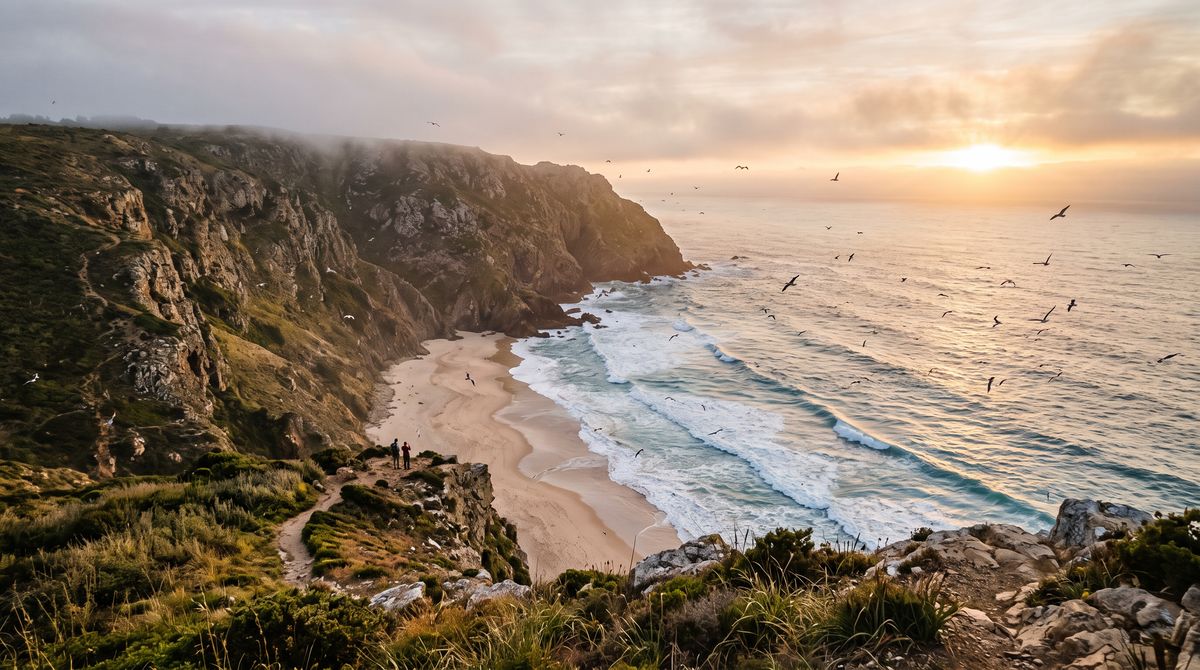
A misty coastal cliff at golden hour, waves rolling onto a curved sandy beach far below, seabirds wheeling over the water, soft warm sunlight breaking through low cloud. Wide cinematic landscape photograph, photoreal, warm.

The cliff, the light, and the composition are exactly the still. What the prompt added is the drift of the mist, the roll of the waves, and the surf on the soundtrack. Describe motion the frame can support: the wind and water were already implied by the scene, so asking them to move reads as natural rather than invented.
Bridging a first and last frame
Add a second image at frame: last and H3 generates the shot that travels from the first to the last. It works best when the two frames share a composition and differ in one thing, so the model has a clean path to interpolate. Below, the same peony as a closed bud and in full bloom:
The closed peony bud opens across the shot, petals unfurling layer by layer until it reaches full bloom, one smooth continuous time-lapse. Soft and elegant. Sound: a gentle ambient swell and the faint papery rustle of opening petals.
- First frame
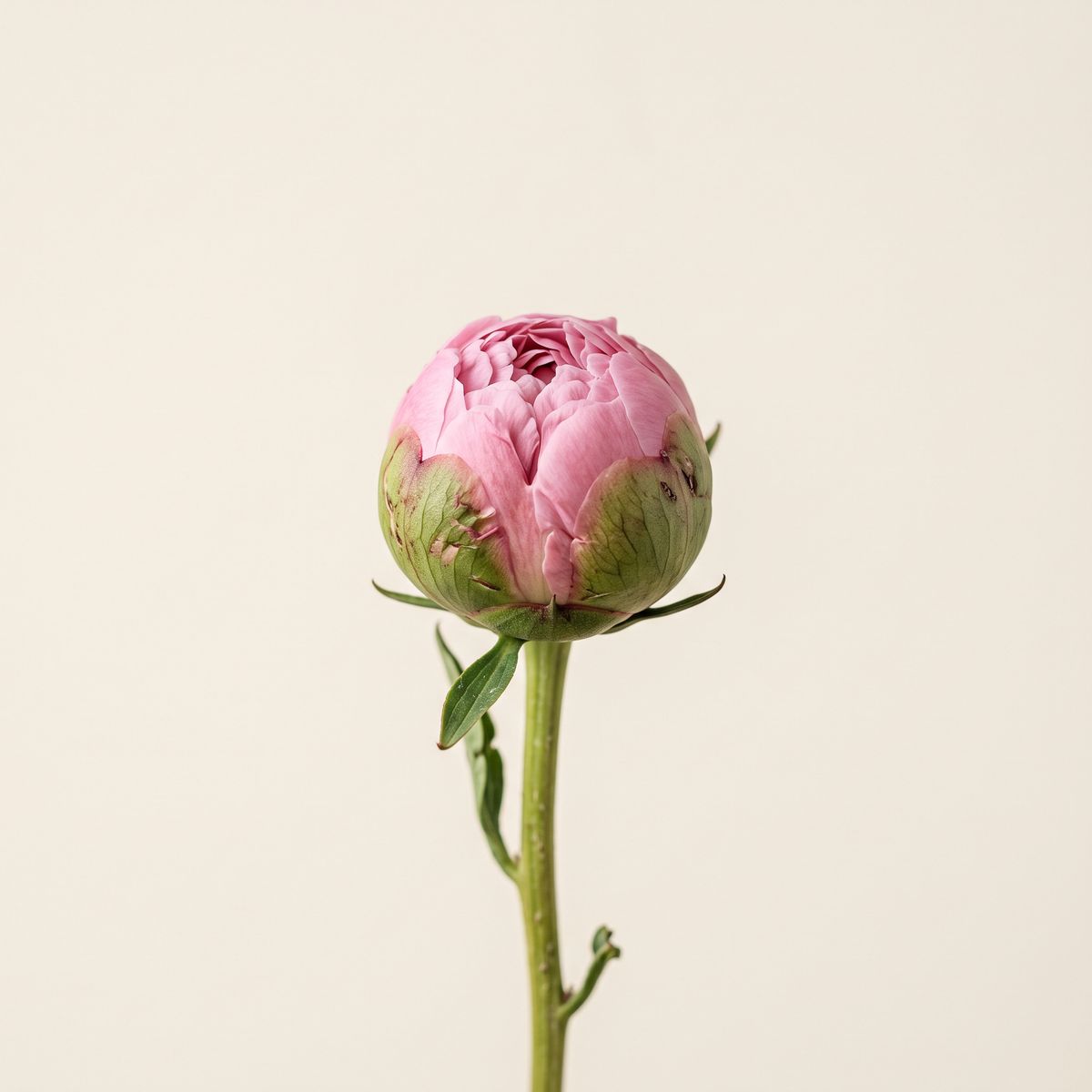
A single closed pink peony bud on a slender green stem, tight unopened petals, centred against a soft cream background under bright even studio light. Photoreal botanical close-up.
- Last frame
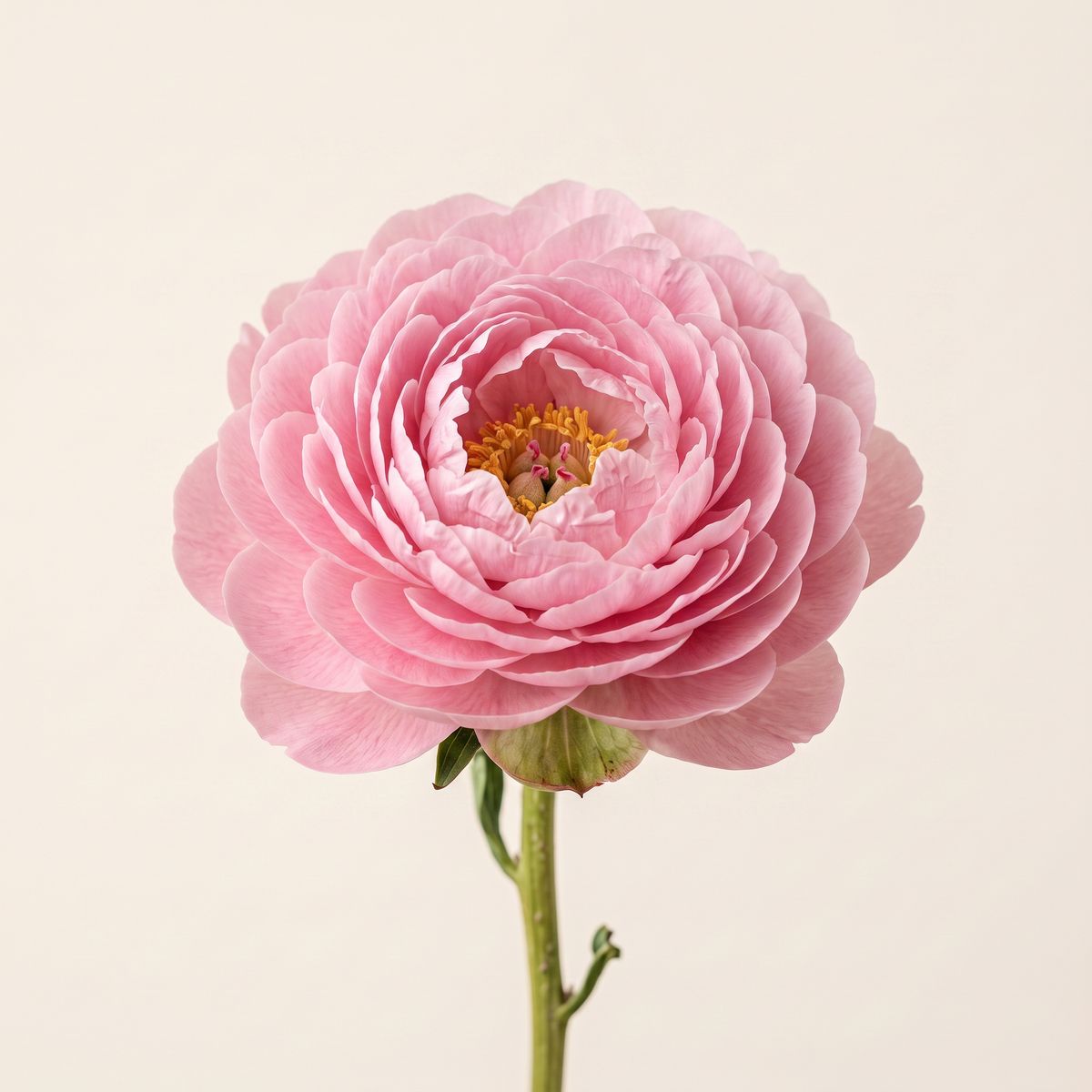
The same pink peony now fully bloomed, petals opened wide in layered rings on the same slender stem, in the exact same centred framing against the same soft cream background and the same bright even light. Photoreal botanical close-up.


Because the two frames are the same flower in the same position, the model can unfurl the petals continuously instead of cutting. Keep the last frame reachable from the first: a bud opening to a bloom morphs cleanly, but two unrelated images produce a hard change partway through rather than a transition. The most reliable last frames are an edit of the first, changing state, light, or one element while holding the frame.
The output follows the image
Because this mode has no width or height, the video comes out at the aspect ratio of the anchor image. A vertical still yields a vertical clip with no extra settings, which makes it the direct route to social formats: shoot the frame in the shape you need and the video matches.
Her hair stirs gently in a soft breeze, she blinks and turns her head a few degrees toward camera with a faint natural smile. Subtle, alive, photoreal. Sound: a soft ambient studio tone and the faint rustle of hair.
- Vertical still
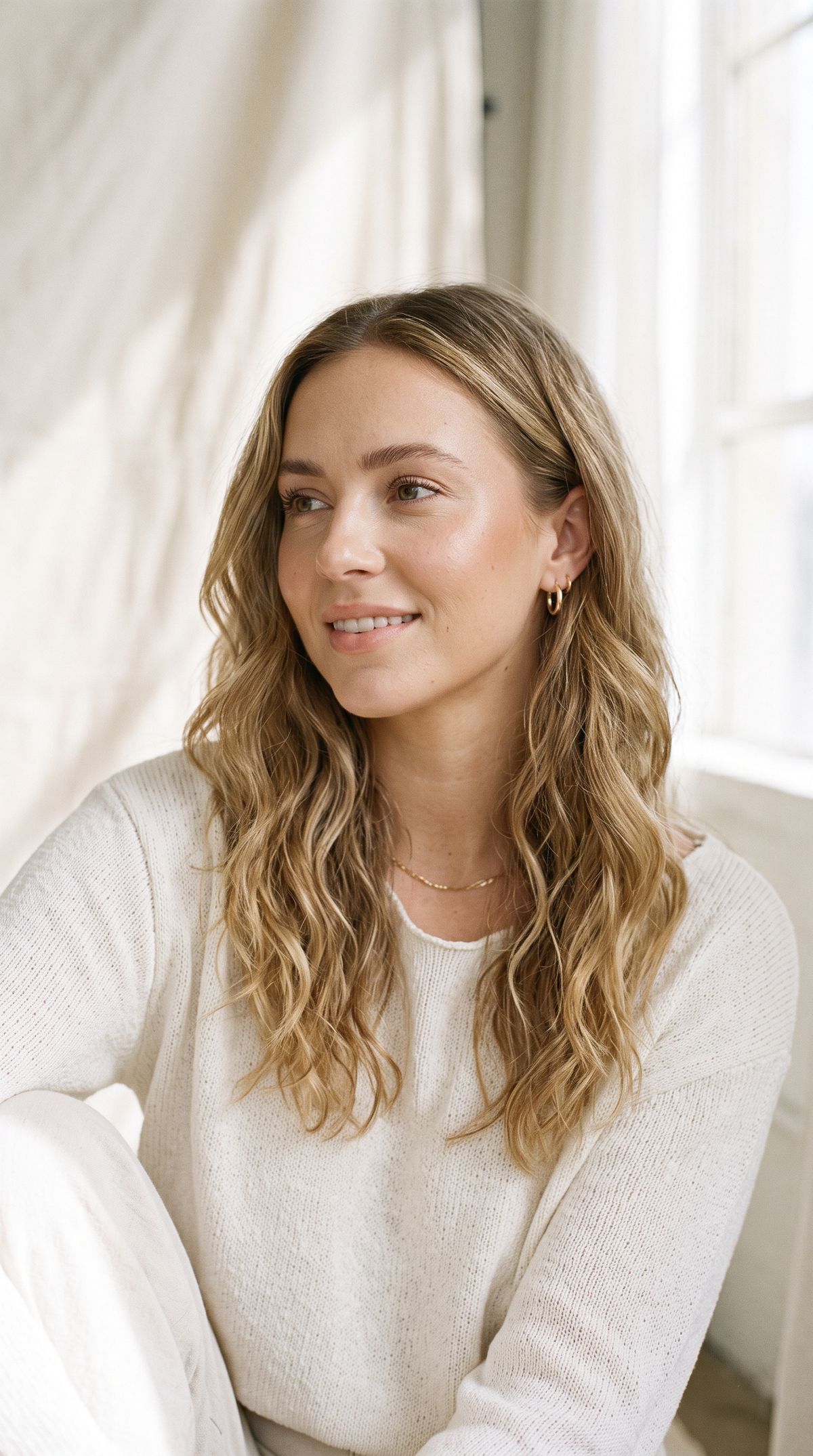
A fashion beauty portrait of a young woman with soft natural makeup and loose waves, looking just off camera, in a bright airy studio with a pale backdrop and soft daylight. Photoreal editorial portrait, shallow depth of field.

To change format, change the image, not a parameter. The same portrait rendered at 16:9 would give a 16:9 clip.
Directing the motion and the sound
The prompt in this mode is a motion and audio brief, not a scene description. The image owns the composition, so spend the words on what moves and what it sounds like. Two habits carry most of the results:
- Ask for motion the frame already implies. Hair in a breeze, a blink, drifting mist, rising bubbles, a slow camera push. Motion that fits the still lands. Motion that fights it (a static portrait suddenly sprinting) tends to break the likeness.
- Write the soundscape. The same
Sound:clause that shapes text-to-video works here, so the surf, the fizz, and the rustle of petals all came from the prompt. An anchored clip with a named soundscape feels finished rather than like a silent moving photo.
Subtle motion holds identity best. A portrait that blinks and lets its hair move stays recognisably the same person, while a portrait asked to perform a big action drifts from the source. For a strong, specific performance, drive it with a reference video instead of a first-frame prompt.
Tips
-
Use one frame to animate, two to transition. A single
firstframe brings a still to life, and afirstand alastgenerate the shot between them. -
Keep the last frame reachable. Bud to bloom, day to night, closed to open. Deriving the last frame as an edit of the first keeps the path clean.
-
Let the image set the format. There is no width or height here, so the clip matches the anchor image. Make the still vertical for vertical video.
-
Prompt motion, not the scene. The frame already fixes the look, so describe what moves and how the camera behaves.
-
Write the sound. A
Sound:clause turns an animated still into a finished clip with synced audio. -
Keep the motion honest to the still. Small, physical movements preserve the likeness, while large actions the frame cannot support tend to warp it.