MiniMax H3

MiniMax H3 is a multimodal video generation model that supports text-to-video, first-frame and keyframe-guided generation, multi-reference conditioning, and audio-video continuation in a single workflow. It accepts text together with images, videos, and audio references to keep subjects, voice, motion, and scene identity more consistent across shots, while generating synchronized sound natively rather than as a separate dubbing pass. It is well suited to cinematic multi-shot generation, reference-driven character performance, instruction-based video editing, and continuation workflows that extend an existing clip or audio segment into a seamless new video.
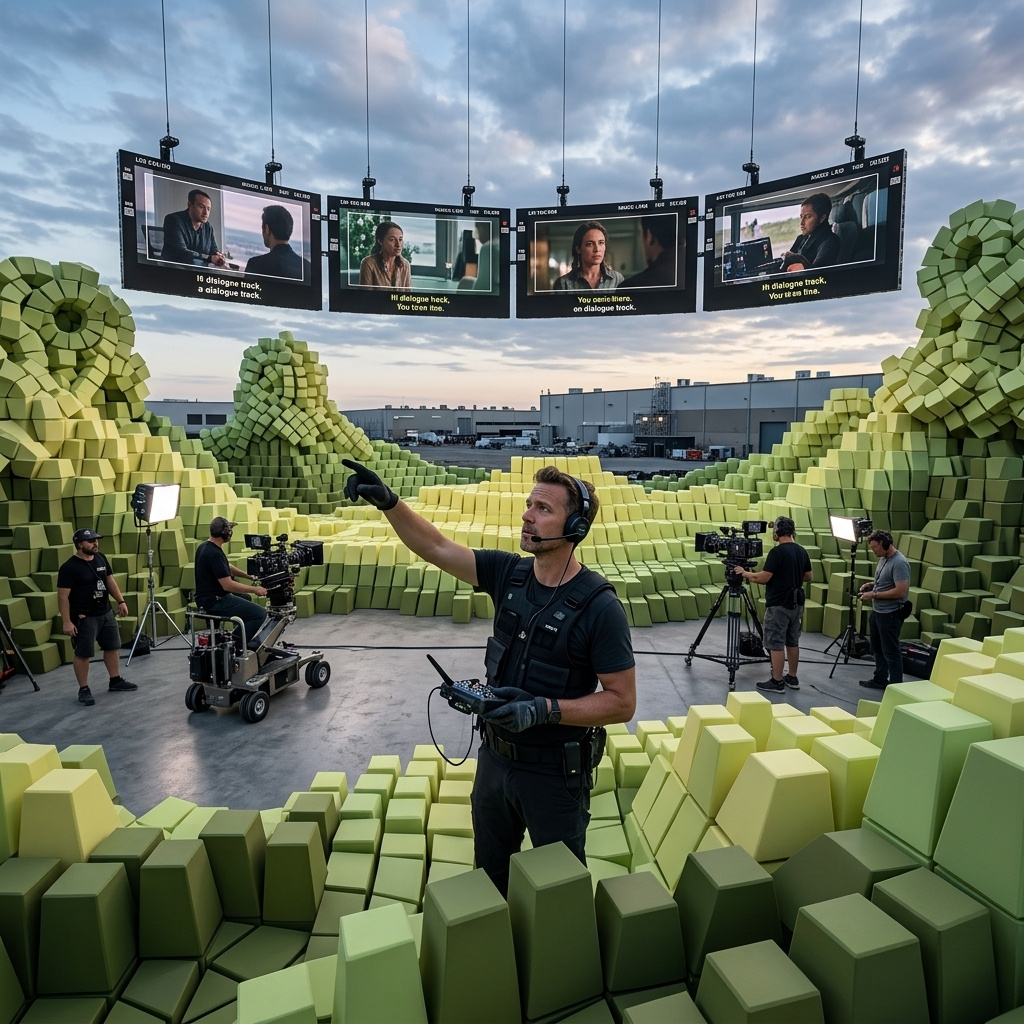
Generating video
How to generate video from text with MiniMax H3: the six 2K aspect ratios, 5 to 15 second durations, native synced audio, and prompting for cinematic shots.
Motion, camera, and performance
How to transfer motion, a camera move, or an acting performance from a reference video onto a new subject with MiniMax H3 Omni Reference.
Sound and voice
How to direct MiniMax H3's native audio from the prompt: ambience, synced sound effects, music, and spoken dialogue with lip-sync.
First and last frame
How to animate a still image with MiniMax H3 and bridge a first and last frame into one continuous shot, with the output following the image's own aspect ratio.
Reference-driven consistency
How to lock a character, product, or style across a new MiniMax H3 shot with Omni Reference images, and address each reference by index in the prompt.
Editing video
How to edit a finished clip with a prompt in MiniMax H3: replace a subject, relight a scene, add or remove elements, and combine edits, keeping the rest untouched.