Muse Image

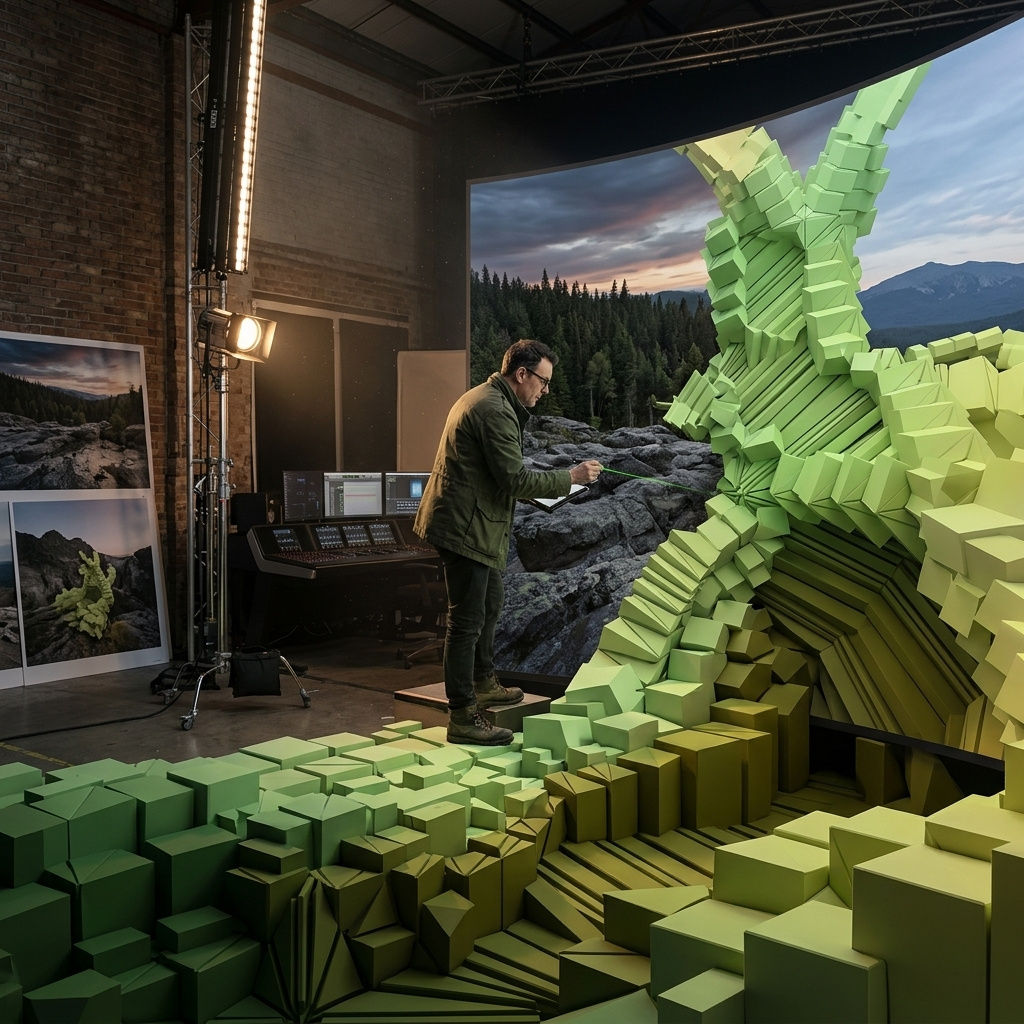
Muse Image is Meta's flagship image generation model from Meta Superintelligence Labs. It is built for prompt-faithful image creation, precision editing, and multi-reference composition, with strong text rendering and the ability to refine existing photos through localized markup-based edits. Meta positions it as an agentic image model that plans layouts, uses search and coding tools to improve accuracy, blends multiple visual references intelligently, and handles both creative generation and practical visual tasks such as infographics, QR codes, restorations, product-style mockups, and photobomber removal.
Prompting
How to prompt Muse Image: writing a brief it can plan a layout from, setting the thinking level, picking one of the eight size pairs, and working without a seed.
Editing images
How to edit an image with Muse Image: passing one source image, targeting a region in words, removing objects, restoring old photos, and refining a result across passes.
Rendering exact text
How to render exact, legible copy inside an image with Muse Image: quoting the literal string, keeping it short, directing the type, and landing multi-element layouts.
Composing with multiple reference images
How to build one image out of up to ten reference images with Muse Image: giving each reference a job in the prompt, and letting the references set the output shape.
Grounding images with web and image search
How to ground Muse Image in real facts and real references with settings.webSearch and settings.imageSearch, and when to switch the lookups off.
Building infographics and charts
How to build data-accurate charts and infographics with Muse Image: what settings.shell does, how to write your figures into the prompt, and when to switch it off.