HeyGen Video 1.0

HeyGen Video 1.0 is HeyGen's video generation model for short clips with synchronized audio. It generates the full frame from a text prompt, a first-frame image, or up to 12 image, video, and audio references, and produces dialogue, ambience, and sound effects in the same pass, with no separate lip-sync step. It outputs 5 to 15 second clips at 480p, 768p, 1080p, or 2K, suited to presenter shots, product and training content, and social video.
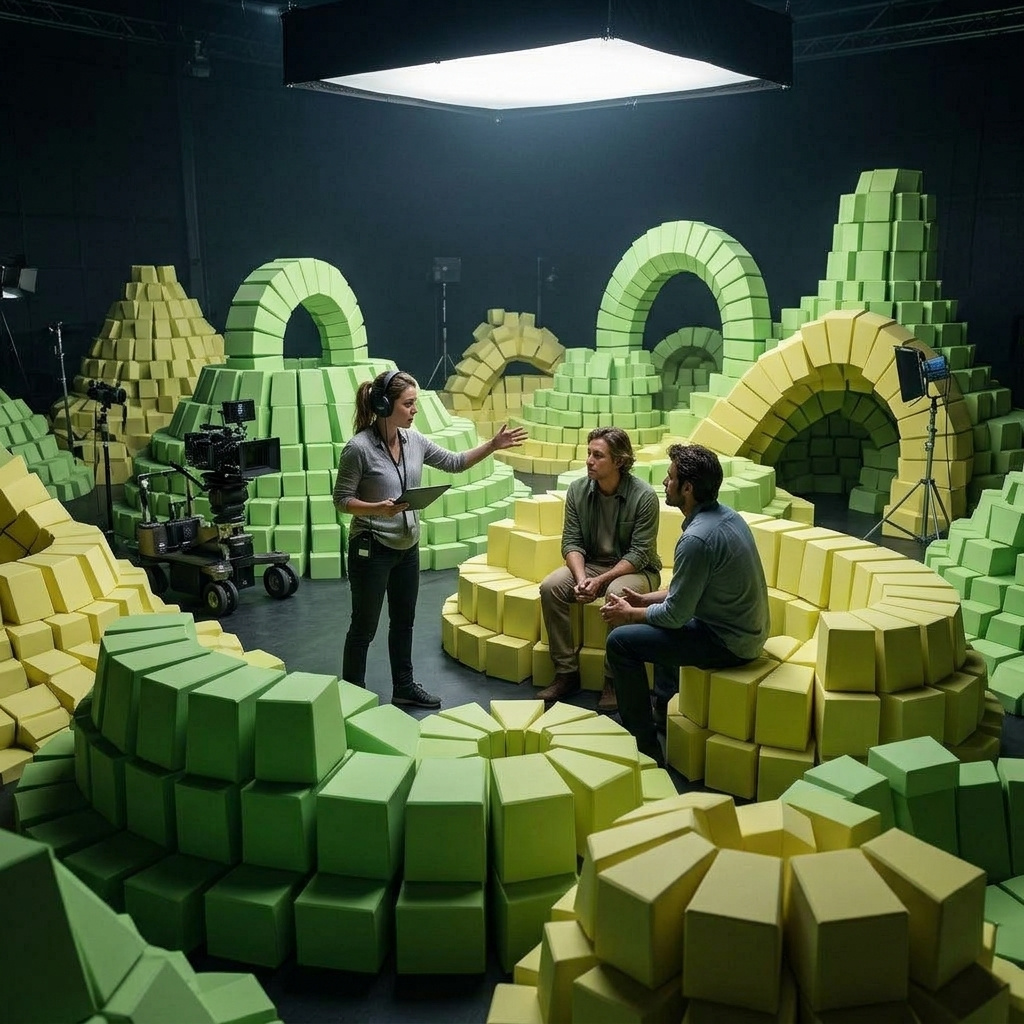
Writing long, specified prompts
How to write prompts for HeyGen Video 1.0, from naming the camera and ruling out the model's defaults to staging contact, short lettering and prompt enhancement.
Dialogue, ambience and sound effects
How to direct HeyGen Video 1.0's sound: dialogue sized to the clip length, two speakers, other languages, ambience by distance, effects on cue and music beds.
Animated and illustrated styles
How to take HeyGen Video 1.0 out of live action by naming a production process: stop-motion, cel animation, marker renderings, watercolor, oil paint and screen print.
Animating a still with a first frame
How to start a HeyGen Video 1.0 clip from your own image with inputs.frameImages, why the still decides the output shape, and how to get several motions from one packshot.
Voices and soundtracks from audio references
How to use inputs.referenceAudios with HeyGen Video 1.0 to give a character a specific voice, play your own voiceover word for word, or score a clip with your own track.
Keeping products, people and places with reference images
How to carry a product, a person or a location into a HeyGen Video 1.0 shot with inputs.referenceImages, address each one by label, and control the output shape.