Gemini Omni Flash 1.2

Gemini Omni Flash 1.2 is Google's multimodal video model for generating, editing, and extending clips with native synchronized audio. It generates up to 15 seconds from text or a single starting image, edits source videos of up to 15 seconds with optional reference images, and keeps characters, products, and brand details consistent across reference images and videos. Output runs from 360p for quick drafts to 1080p and 4K for delivery, which suits high-volume work such as product clips, virtual try-ons, and ad variations.
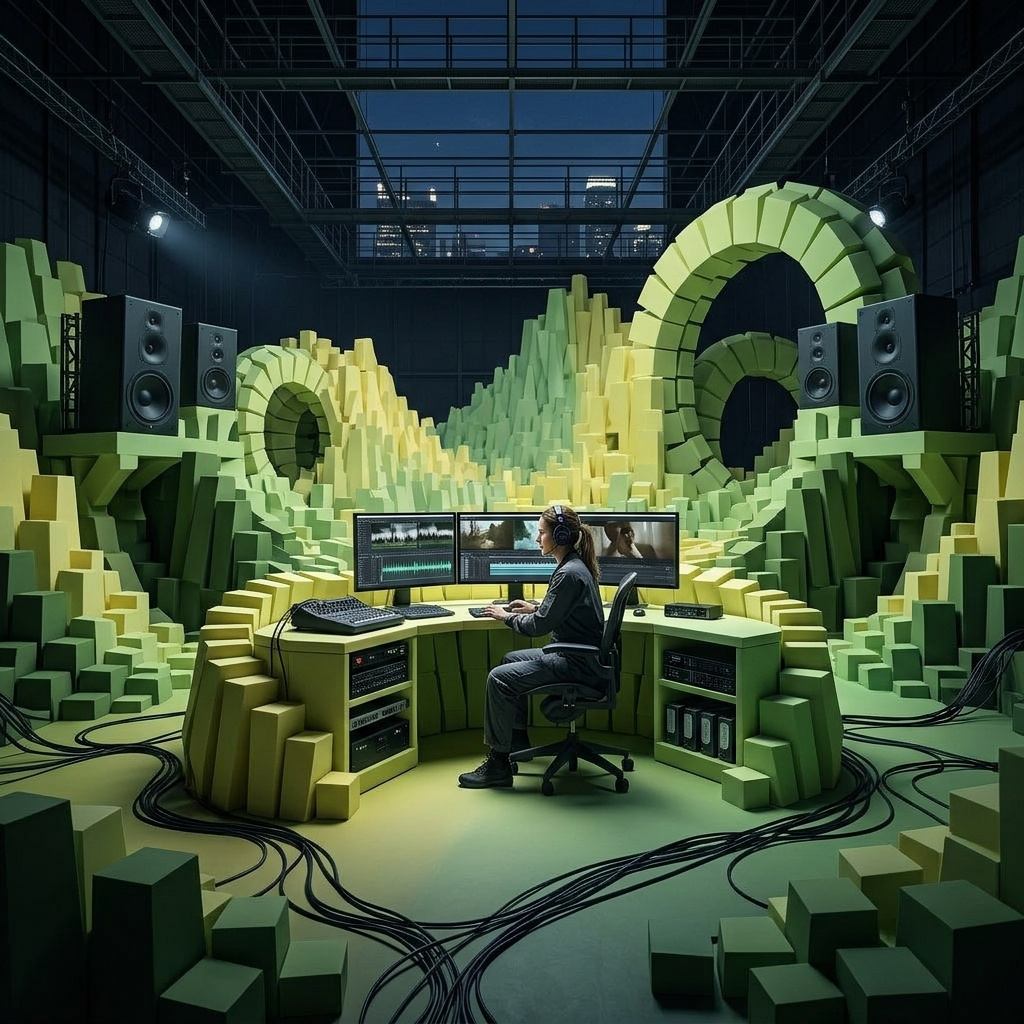
Prompting
How to write text-to-video prompts for Gemini Omni Flash 1.2: scene structure, one shot or several, timing, audio direction, and on-screen text.
Resolution and duration
How to size and time clips with Gemini Omni Flash 1.2: resolution tiers from 360p to 4K, 16:9 and 9:16 pairs, cost per second, and the duration range of each mode.
First and last frame
How to animate an opening frame or connect a first and last frame with Gemini Omni Flash 1.2, from building a matching pair to describing the motion between them.
Reference images and videos
How to build new clips from reference images and videos with Gemini Omni Flash 1.2, carrying a person, a product, a location or an illustration style into the shot.
Replacing elements with reference images
How to edit a clip with Gemini Omni Flash 1.2 and a reference image: swap a garment for virtual try-on, swap a product for ad variations, or add furniture to a room.
Editing video
How to edit a clip with Gemini Omni Flash 1.2 from a text prompt: relight a scene, change the season or style, rewrite a sign, remove or add objects, and chain edits.
Extending video
How to extend a clip with Gemini Omni Flash 1.2: writing what happens next, keeping or cutting the shot, carrying the audio, and chaining extensions into a longer video.