MiniMax H3 Image

MiniMax H3 Image is an open-weights image generation and editing model from MiniMax. It creates images from text or edits and combines up to 16 reference images, at 1K, 2K or 4K, or at a custom width and height up to 20 megapixels. It follows counts, positions and layouts closely and renders long, dense text, which suits product and marketing visuals, posters and infographics, concept art, and compositions that merge several subjects.
Prompt optimizer
How to use the prompt optimizer on MiniMax H3 Image: what the rewrite adds to a short prompt, and when to turn it off and send the prompt as written.
Introduction
MiniMax H3 Image rewrites your prompt before it generates. With settings.promptOptimizer on, which is the default, MiniMax expands the prompt into a detailed scene description and the model works from that description rather than from your words. The rewritten prompt is not returned, so the image is the only record of what the rewrite decided.
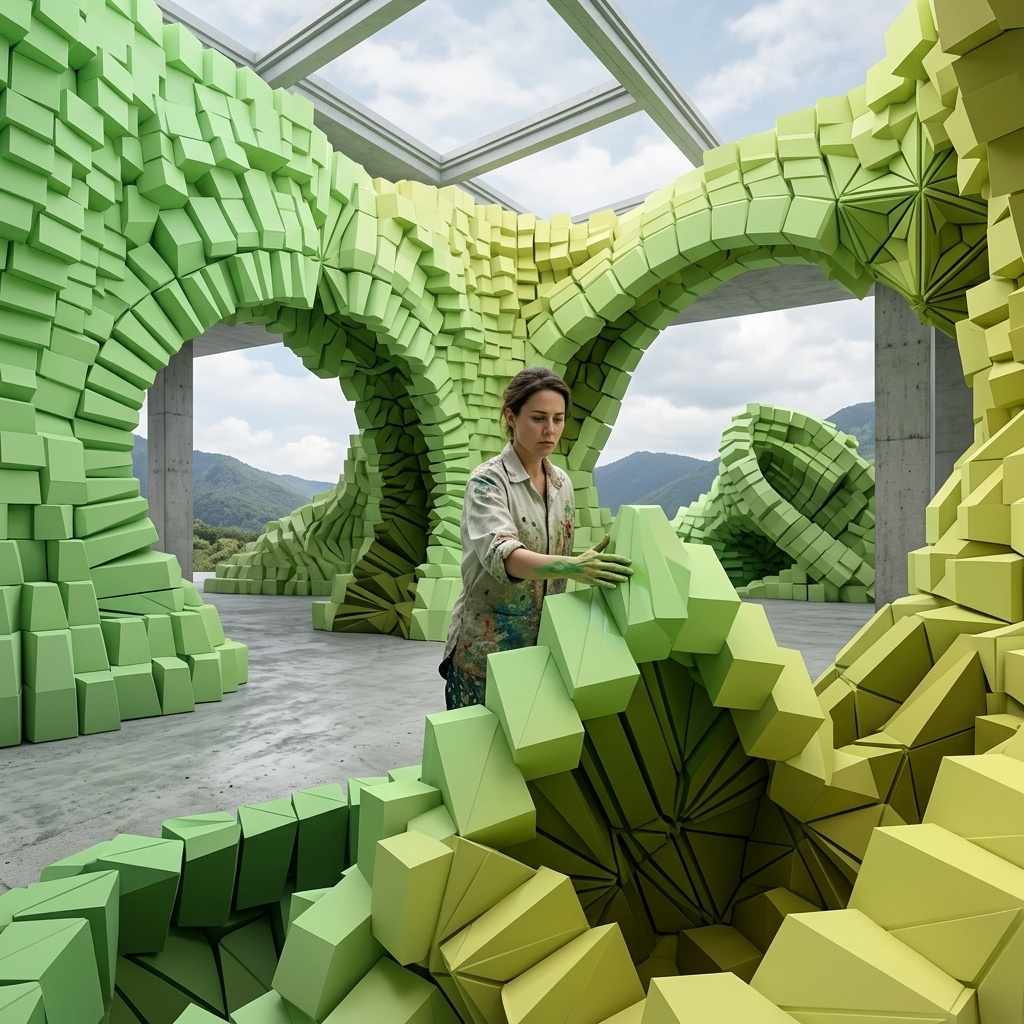
The hero came from six words, a rooftop yoga class at sunrise:

a rooftop yoga class at sunrise
Everything the six words left open, from the setting around the class to the angle of the light, was decided by the rewrite. That helps a prompt that is only a starting point, and it works against a prompt that has already made those decisions.
This guide runs the same prompts with the optimizer on and off, then covers the request and the rules for turning it off. Writing the prompt itself is covered in prompting, quoted copy and exact layouts in text and layouts, and reference images in editing images.
What the rewrite adds
A short prompt leaves most of the image undecided. Both images below came from a food truck at a summer festival at 2048 × 2048, one with the optimizer off and one with it on:

a food truck at a summer festival

a food truck at a summer festival
With the optimizer off, the model renders the prompt as written and fills the rest from its own defaults. With it on, the rewrite first turns the fragment into a scene, choosing the time of day, the crowd, the light and the camera position before the model starts.
Text the prompt leaves unwritten comes back garbled with the optimizer off. A food truck carries signs, and in two runs without the rewrite their lettering was nonsense, while the rewrite named the truck "SUMMER BITES" and filled in a menu with prices. With the optimizer off, quote the words a sign should carry, or end the prompt with "no text".
The optimizer-on result is what a consumer app wants from a short prompt. An end user types a few words into a text box and gets a finished image back, and your integration sends nothing beyond the prompt.
The rewrite also shows up on the bill. H3 Image is billed per token, and the tokens the rewrite adds count as text input, so a short prompt with the optimizer on bills more text tokens than the words you sent.
Complete prompts
The rewrite runs on every prompt, including one that has already made every decision. The flat lay below is written the way a product pipeline or an LLM writes a prompt, with the background, the count, the order, the spacing, the light and the exclusions all stated. It ran once with the optimizer off and once with it on:

A top-down flat lay product photo for a travel accessories store, shot straight down. The background is a single sheet of flat terracotta paper that fills the whole frame, with no texture and no other surface. Exactly five products sit in one horizontal row across the vertical center of the frame, evenly spaced with the same gap between each, and nothing above or below the row. From left to right: a closed navy leather passport wallet; an open white wireless earbud case with both earbuds inside; a folded light gray linen sleep mask; a matte silver universal travel adapter; a small mustard yellow zip toiletry pouch. Every product is fully in frame and none of them touch or overlap. Soft, even overhead light with only a faint contact shadow under each product. Clean e-commerce catalog photography, true-to-life color, no text, no logos, no hands, no plants, no extra objects.

A top-down flat lay product photo for a travel accessories store, shot straight down. The background is a single sheet of flat terracotta paper that fills the whole frame, with no texture and no other surface. Exactly five products sit in one horizontal row across the vertical center of the frame, evenly spaced with the same gap between each, and nothing above or below the row. From left to right: a closed navy leather passport wallet; an open white wireless earbud case with both earbuds inside; a folded light gray linen sleep mask; a matte silver universal travel adapter; a small mustard yellow zip toiletry pouch. Every product is fully in frame and none of them touch or overlap. Soft, even overhead light with only a faint contact shadow under each product. Clean e-commerce catalog photography, true-to-life color, no text, no logos, no hands, no plants, no extra objects.
Both keep the five products, their order and the plain paper. With the optimizer on, the rewrite still reinterpreted details the prompt had settled: the matte silver universal adapter came back as a round gray plug, and the paper turned a lighter shade. With it off, each clause reaches the model as written.
Turn it off when the prompt is the spec: prompts your pipeline or an LLM writes in full, layouts that must follow the prompt exactly, and product shots where nothing should be added to the frame. Exact positions and quoted copy are covered in text and layouts.
Turning it off
Set promptOptimizer to false in settings and send an exact size in width and height. This is the request behind the first flat lay:
import { createClient } from '@runware/sdk'

const client = await createClient({ apiKey: process.env.RUNWARE_API_KEY })
await client.connect()

const [result] = await client.run({
  model: 'minimax:h3@image',
  positivePrompt: 'A top-down flat lay product photo for a travel accessories store, shot straight down. The background is a single sheet of flat terracotta paper that fills the whole frame, with no texture and no other surface. Exactly five products sit in one horizontal row across the vertical center of the frame, evenly spaced with the same gap between each, and nothing above or below the row. From left to right: a closed navy leather passport wallet; an open white wireless earbud case with both earbuds inside; a folded light gray linen sleep mask; a matte silver universal travel adapter; a small mustard yellow zip toiletry pouch. Every product is fully in frame and none of them touch or overlap. Soft, even overhead light with only a faint contact shadow under each product. Clean e-commerce catalog photography, true-to-life color, no text, no logos, no hands, no plants, no extra objects.',
  width: 2400,
  height: 1600,
  settings: {
    promptOptimizer: false
  }
})
import asyncio
import os
from runware import Runware
async def main():
async with Runware(api_key=os.environ["RUNWARE_API_KEY"]) as client:
results = await client.run({
"model": "minimax:h3@image",
"positivePrompt": "A top-down flat lay product photo for a travel accessories store, shot straight down. The background is a single sheet of flat terracotta paper that fills the whole frame, with no texture and no other surface. Exactly five products sit in one horizontal row across the vertical center of the frame, evenly spaced with the same gap between each, and nothing above or below the row. From left to right: a closed navy leather passport wallet; an open white wireless earbud case with both earbuds inside; a folded light gray linen sleep mask; a matte silver universal travel adapter; a small mustard yellow zip toiletry pouch. Every product is fully in frame and none of them touch or overlap. Soft, even overhead light with only a faint contact shadow under each product. Clean e-commerce catalog photography, true-to-life color, no text, no logos, no hands, no plants, no extra objects.",
"width": 2400,
"height": 1600,
"settings": {
"promptOptimizer": False
}
})
asyncio.run(main())curl https://api.runware.ai/v1 \
-H "Authorization: Bearer $RUNWARE_API_KEY" \
-H "Content-Type: application/json" \
-d '[
{
  "taskType": "imageInference",
  "taskUUID": "7e2c4a91-5d3b-4f86-a0c7-2b9e1d4f6a38",
  "model": "minimax:h3@image",
  "positivePrompt": "A top-down flat lay product photo for a travel accessories store, shot straight down. The background is a single sheet of flat terracotta paper that fills the whole frame, with no texture and no other surface. Exactly five products sit in one horizontal row across the vertical center of the frame, evenly spaced with the same gap between each, and nothing above or below the row. From left to right: a closed navy leather passport wallet; an open white wireless earbud case with both earbuds inside; a folded light gray linen sleep mask; a matte silver universal travel adapter; a small mustard yellow zip toiletry pouch. Every product is fully in frame and none of them touch or overlap. Soft, even overhead light with only a faint contact shadow under each product. Clean e-commerce catalog photography, true-to-life color, no text, no logos, no hands, no plants, no extra objects.",
  "width": 2400,
  "height": 1600,
  "settings": {
    "promptOptimizer": false
  }
}
]'runware run minimax:h3@image \
positivePrompt="A top-down flat lay product photo for a travel accessories store, shot straight down. The background is a single sheet of flat terracotta paper that fills the whole frame, with no texture and no other surface. Exactly five products sit in one horizontal row across the vertical center of the frame, evenly spaced with the same gap between each, and nothing above or below the row. From left to right: a closed navy leather passport wallet; an open white wireless earbud case with both earbuds inside; a folded light gray linen sleep mask; a matte silver universal travel adapter; a small mustard yellow zip toiletry pouch. Every product is fully in frame and none of them touch or overlap. Soft, even overhead light with only a faint contact shadow under each product. Clean e-commerce catalog photography, true-to-life color, no text, no logos, no hands, no plants, no extra objects." \
width=2400 \
height=1600 \
settings.promptOptimizer=false{
"taskType": "imageInference",
"taskUUID": "7e2c4a91-5d3b-4f86-a0c7-2b9e1d4f6a38",
"model": "minimax:h3@image",
"positivePrompt": "A top-down flat lay product photo for a travel accessories store, shot straight down. The background is a single sheet of flat terracotta paper that fills the whole frame, with no texture and no other surface. Exactly five products sit in one horizontal row across the vertical center of the frame, evenly spaced with the same gap between each, and nothing above or below the row. From left to right: a closed navy leather passport wallet; an open white wireless earbud case with both earbuds inside; a folded light gray linen sleep mask; a matte silver universal travel adapter; a small mustard yellow zip toiletry pouch. Every product is fully in frame and none of them touch or overlap. Soft, even overhead light with only a faint contact shadow under each product. Clean e-commerce catalog photography, true-to-life color, no text, no logos, no hands, no plants, no extra objects.",
"width": 2400,
"height": 1600,
"settings": {
"promptOptimizer": false
}
}Response
[
  {
    "taskType": "imageInference",
    "taskUUID": "7e2c4a91-5d3b-4f86-a0c7-2b9e1d4f6a38",
    "imageUUID": "c51f8e2d-9a74-4b3e-8d06-3f7a2c9e1b54",
    "imageURL": "https://im.runware.ai/image/os/a14d18/ws/2/ii/c51f8e2d-9a74-4b3e-8d06-3f7a2c9e1b54.jpg"
  }
]
Three rules come with it:
- An exact size is required. With the optimizer off, the request needs both
widthandheight. Turning it off withresolution, or with no size at all, is rejected. - Editing always uses the optimizer. A request with
inputs.referenceImagescannot turn it off, andfalsealongside reference images is rejected. Leave the setting out of edits, which editing images covers. - Only about the first 4,096 tokens are read. That limit applies with the optimizer off, and
positivePromptaccepts up to 32,000 characters, so a valid prompt can run past it. Keep a long prompt within that budget and put the decisions that matter at the start.
MiniMax H3 Image Highspeed takes the same setting under the same rules.
Tips
-
Leave it on for short prompts. A few words typed by an end user come back as a full scene, and the request carries nothing but the prompt.
-
Turn it off when the prompt is complete. A prompt your pipeline or an LLM wrote in full already holds every decision, and the optimizer rewrites a brief that needs no rewriting.
-
Send an exact size with it off.
widthandheightare required, soresolutionor a request with no size is rejected. -
Leave the setting out of edits. Editing with reference images always uses the optimizer.
-
Stay within about 4,096 tokens with it off. The model reads no further than that, so put the decisions that matter first.
-
Judge each mode on several runs. Two runs of the same prompt differ, so generate a few with each setting on your own prompts before choosing one.
-
Spell out text with it off. Signs and labels the prompt does not write out come back as garbled lettering, so quote the words or ask for no text.
-
Budget for the rewrite. With the optimizer on, the tokens the rewrite adds are billed as text input.