Ideogram Vector 1.0

Ideogram Vector 1.0 is Ideogram's vector model, generating SVG artwork from text prompts, optionally guided by up to five reference images, and converting existing images into SVG. Each shape stays editable, so colors can be matched to a brand and individual elements refined in a vector editor. It suits logos, typography, illustrations, print designs, and labels or stickers.
Prompting
How to write prompts for Ideogram Vector 1.0: describing shapes and a palette, quoting exact lettering, and picking a size and a quality tier.
Introduction
Ideogram Vector 1.0 turns a text prompt of up to 9,500 characters into an SVG file. Every shape in the result is its own editable path, so the file opens in a vector editor ready to recolor or take apart, and it stays sharp at any print size.
The prompt carries most of the control. Around it sit two settings: the size, picked from 15 fixed pairs, and a quality tier.
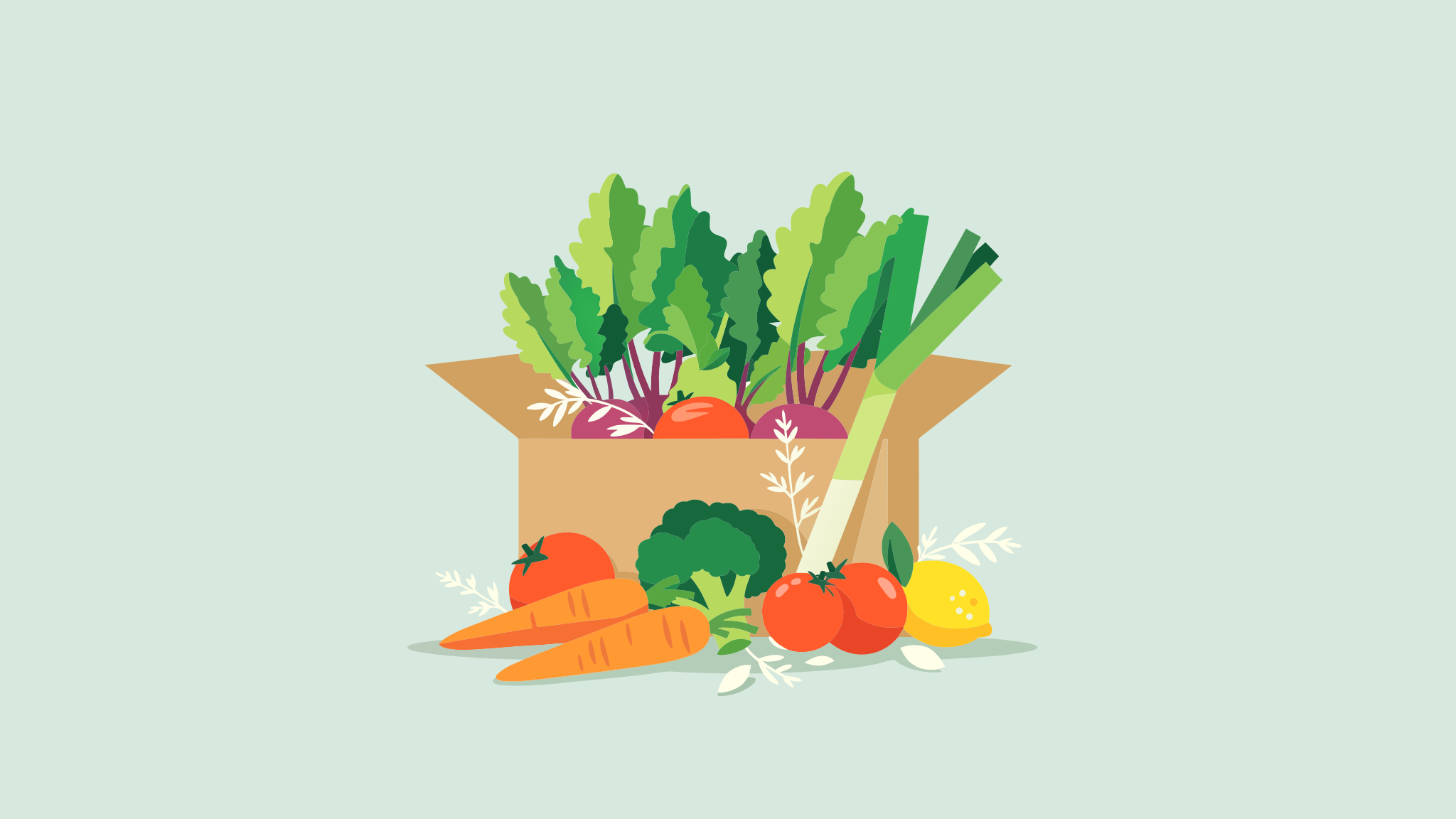
Wide flat vector hero illustration for a meal-kit delivery app landing page: an open kraft cardboard delivery box in the center of the frame, filled with fresh produce, with a bunch of carrots, a head of broccoli, ripe tomatoes, a leek and a lemon spilling out onto the surface in front of it and a few loose herb sprigs scattered around. The scene sits on a solid soft sage green background that fills the frame edge to edge, with a darker sage floor line under the box. Bold flat shapes with clean edges in a palette of sage, carrot orange, tomato red, warm yellow, kraft brown and off-white.
This guide covers structuring a prompt for vector output, getting exact lettering, picking a size and picking a quality tier.
Building the prompt
A vector prompt reads more like a design brief than a photo description. The prompts in this guide follow the same order: what the file is for, the subject, how the shapes are drawn, the palette and the layout.
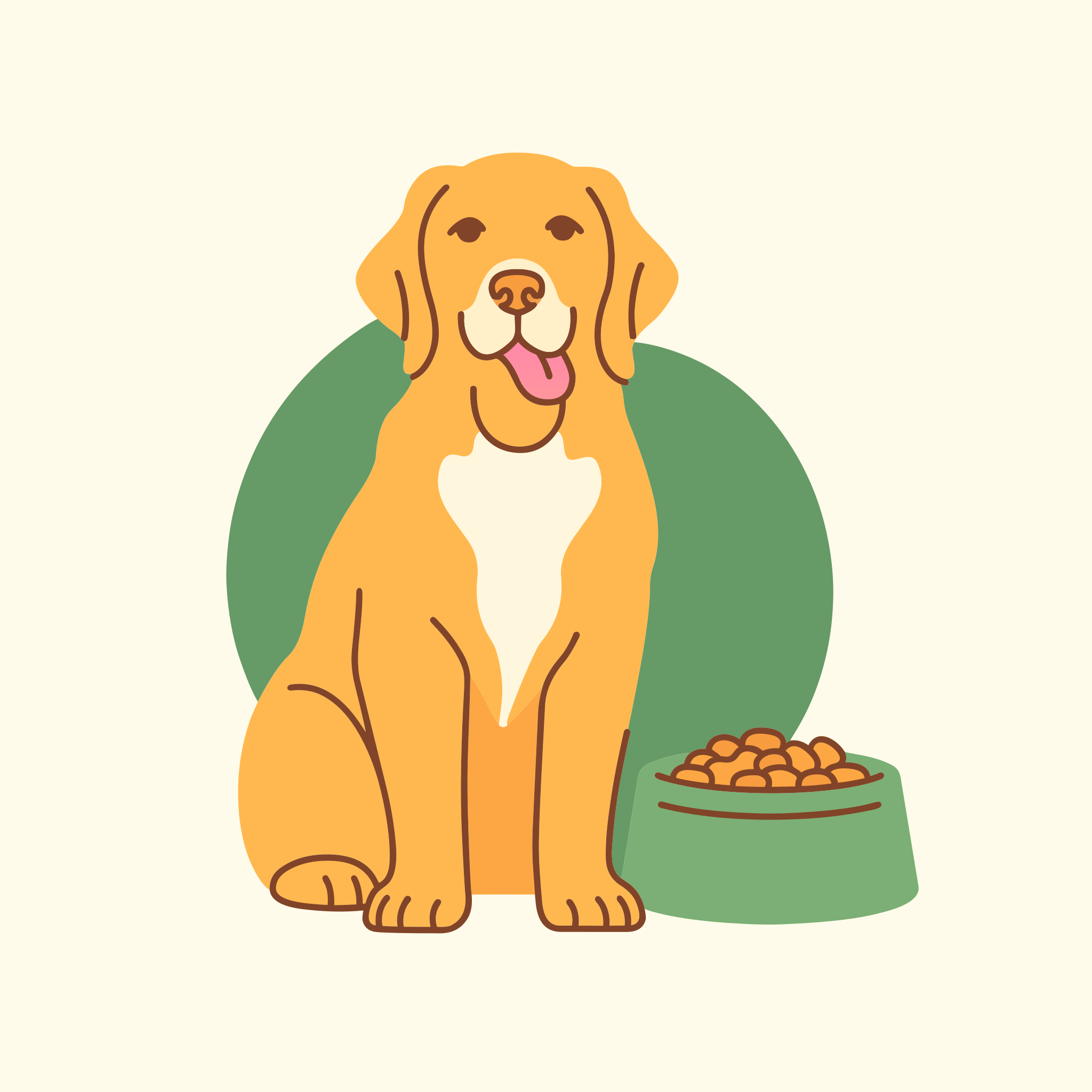
Flat vector illustration for a dog food pouch label: a happy golden retriever sitting upright with its tongue out, a bowl of kibble beside it. Simple geometric shapes with smooth curves and a consistent dark brown outline. Palette of warm orange, cream, forest green and dark brown only. Centered on a solid cream background with even margins on every side.
import { createClient } from '@runware/sdk'

const client = await createClient({ apiKey: process.env.RUNWARE_API_KEY })
await client.connect()

const [result] = await client.run({
  model: 'ideogram:vector@1.0',
  positivePrompt: 'Flat vector illustration for a dog food pouch label: a happy golden retriever sitting upright with its tongue out, a bowl of kibble beside it. Simple geometric shapes with smooth curves and a consistent dark brown outline. Palette of warm orange, cream, forest green and dark brown only. Centered on a solid cream background with even margins on every side.',
  width: 2048,
  height: 2048
})
import asyncio
import os
from runware import Runware
async def main():
async with Runware(api_key=os.environ["RUNWARE_API_KEY"]) as client:
results = await client.run({
"model": "ideogram:vector@1.0",
"positivePrompt": "Flat vector illustration for a dog food pouch label: a happy golden retriever sitting upright with its tongue out, a bowl of kibble beside it. Simple geometric shapes with smooth curves and a consistent dark brown outline. Palette of warm orange, cream, forest green and dark brown only. Centered on a solid cream background with even margins on every side.",
"width": 2048,
"height": 2048
})
asyncio.run(main())curl https://api.runware.ai/v1 \
-H "Authorization: Bearer $RUNWARE_API_KEY" \
-H "Content-Type: application/json" \
-d '[
{
  "taskType": "vectorize",
  "taskUUID": "7c2e9a41-5d3b-4f86-9e17-b4a0c8d2f539",
  "model": "ideogram:vector@1.0",
  "positivePrompt": "Flat vector illustration for a dog food pouch label: a happy golden retriever sitting upright with its tongue out, a bowl of kibble beside it. Simple geometric shapes with smooth curves and a consistent dark brown outline. Palette of warm orange, cream, forest green and dark brown only. Centered on a solid cream background with even margins on every side.",
  "width": 2048,
  "height": 2048
}
]'runware run ideogram:vector@1.0 \
positivePrompt="Flat vector illustration for a dog food pouch label: a happy golden retriever sitting upright with its tongue out, a bowl of kibble beside it. Simple geometric shapes with smooth curves and a consistent dark brown outline. Palette of warm orange, cream, forest green and dark brown only. Centered on a solid cream background with even margins on every side." \
width=2048 \
height=2048{
"taskType": "vectorize",
"taskUUID": "7c2e9a41-5d3b-4f86-9e17-b4a0c8d2f539",
"model": "ideogram:vector@1.0",
"positivePrompt": "Flat vector illustration for a dog food pouch label: a happy golden retriever sitting upright with its tongue out, a bowl of kibble beside it. Simple geometric shapes with smooth curves and a consistent dark brown outline. Palette of warm orange, cream, forest green and dark brown only. Centered on a solid cream background with even margins on every side.",
"width": 2048,
"height": 2048
}Response
[
  {
    "taskType": "vectorize",
    "taskUUID": "7c2e9a41-5d3b-4f86-9e17-b4a0c8d2f539",
    "imageUUID": "e4b17d82-9a3c-4c5e-8f61-2d0a9b7c3e15",
    "imageURL": "https://im.runware.ai/image/os/a14d18/ws/2/ii/e4b17d82-9a3c-4c5e-8f61-2d0a9b7c3e15.svg"
  }
]
Lead with the deliverable. "Flat vector illustration for a dog food pouch label" tells the model what the file is for before it reads a single detail, and a label calls for a centered subject with room around it.
The shapes and palette lines decide what the file is made of. A consistent outline and a short list of named colors, closed with "only", describe artwork a print shop can work with. The layout line gives the background a color and the artwork even margins, so the file has a known edge once it is placed on the pouch.
Getting exact lettering
Put every word that has to appear inside quotation marks, and say where each string sits and how it is set. Logos and labels are where a vector file earns its place, and almost every one carries a name.
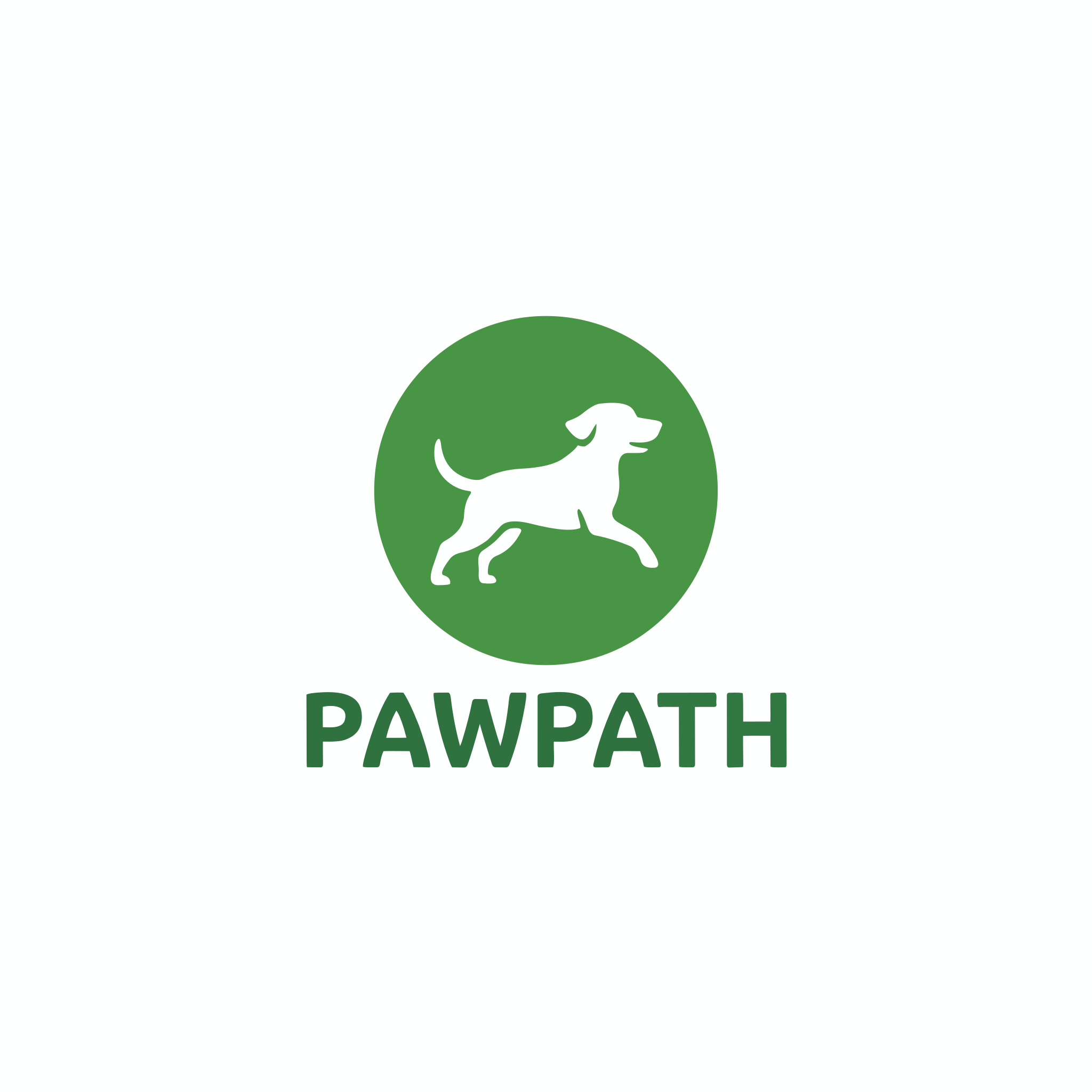
Flat vector logo for a dog-walking app: a simple dog silhouette mid-stride inside a rounded green circle, with the wordmark "PAWPATH" in a bold rounded sans-serif centered below it. Two colors only, forest green and white, on a plain white background.
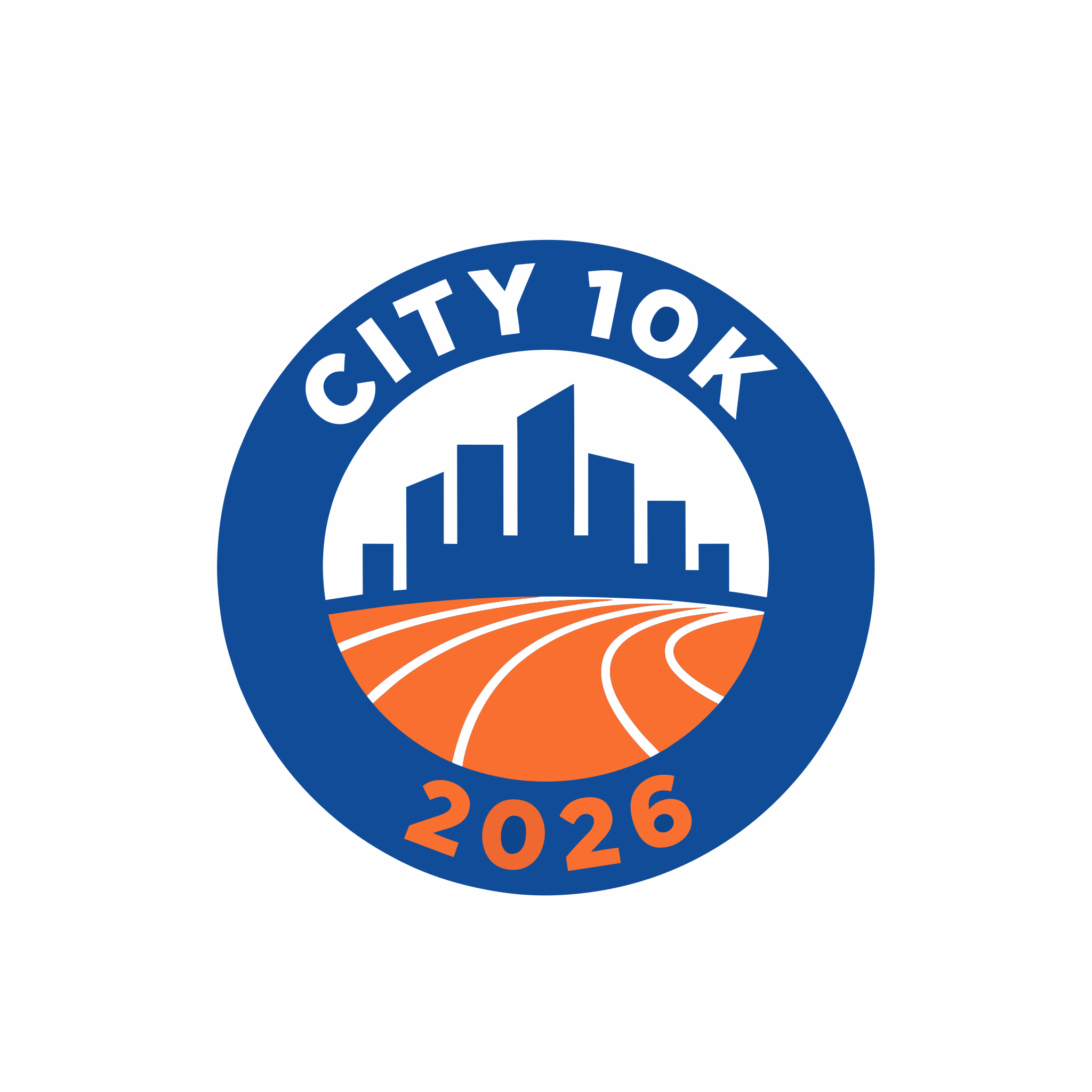
Flat vector finisher badge for a city running race: a circular badge with a stylized city skyline in the center, the text "CITY 10K" arched along the top edge and "2026" along the bottom edge. Navy, orange and white, thick clean outlines, on a plain white background.
The logo prompt names the typeface style and the position: a bold rounded sans-serif, centered below the symbol. The badge prompt places its two strings separately, one arched along the top edge and one along the bottom, so neither has to guess where the other goes.
Picking a size
width and height take one of 15 fixed pairs, from 1:3 to 3:1, and every pair is 2048 pixels on its long side. Send both or neither. Without them, a prompt-only request comes back at 2048 × 2048.
The pair sets the canvas and its proportions. The file itself is vector, so the same SVG prints on a sticker or a billboard without losing detail.

Wide flat vector email header for a furniture store spring sale: a bright living room with a mustard sofa, a round oak coffee table, a floor lamp and two potted plants, arranged across the right two thirds of the frame. The left third is a plain pale sage wall left empty for a headline. Flat shapes in a soft, muted palette.
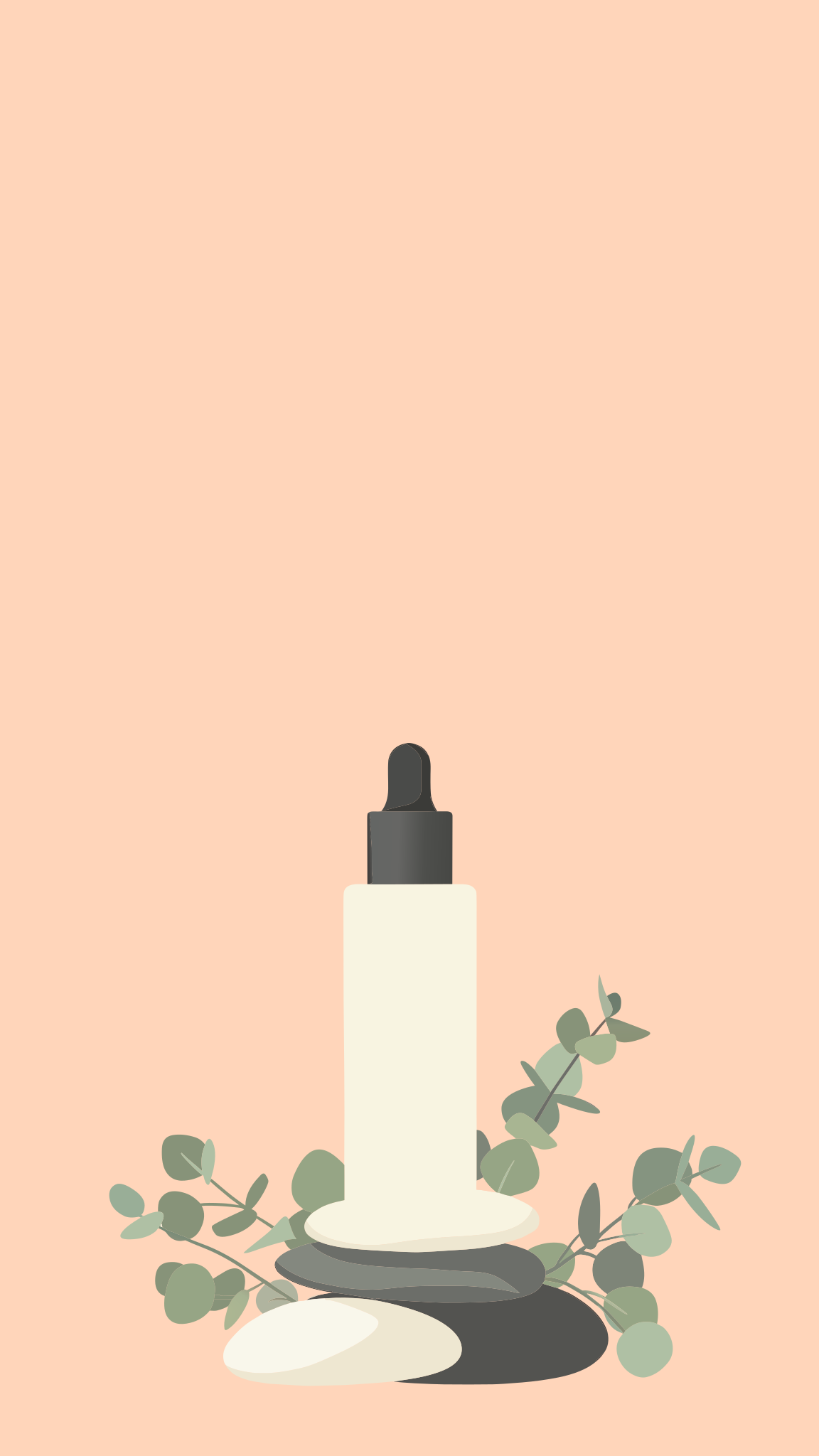
Vertical flat vector illustration for a 9:16 social story announcing a skincare launch: a tall frosted serum bottle with a dropper cap standing on a stack of smooth pebbles, a few eucalyptus leaves around the base. The bottle sits in the lower half of the frame, and the upper half is plain soft peach space left empty for text. Flat shapes in peach, sage, cream and charcoal.
Name the format in the prompt as well as in the size. "Wide flat vector email header" and "vertical flat vector illustration for a 9:16 social story" tell the model how to compose for the frame, and both prompts say which part of it stays empty for copy.
Picking a quality tier
settings.quality takes low, medium or high, and medium is the default. The lower tiers cost less. There is no seed, so the three files below are three separate generations of the same prompt, and part of what differs between them is ordinary variation from one run to the next.
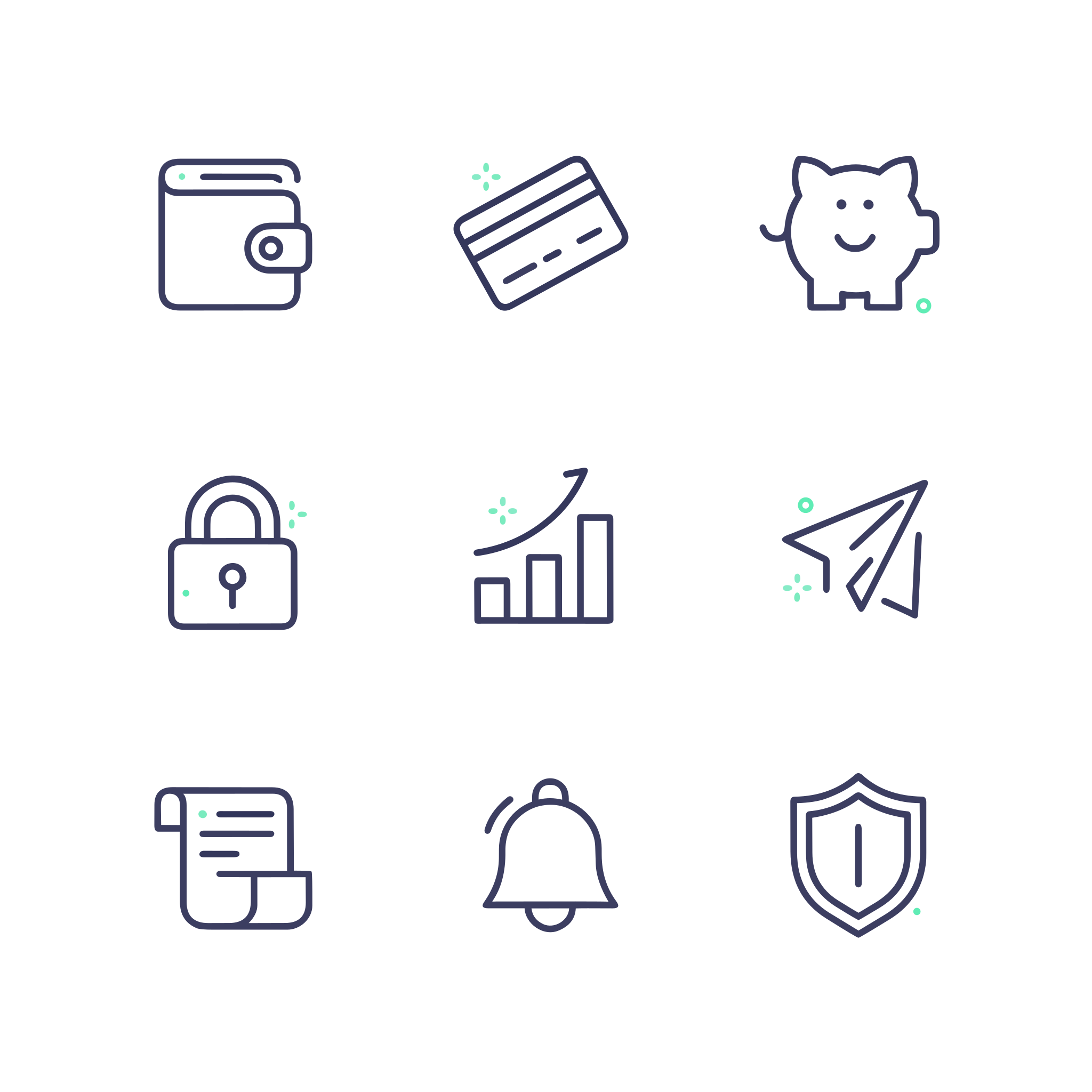
Flat vector icon set for a banking app: nine outline icons in a 3 by 3 grid, one of each, a wallet, a credit card, a piggy bank, a bar chart, a padlock, a paper plane, a receipt, a bell and a shield, all drawn with the same rounded navy stroke and small mint green accents, no solid fills, evenly spaced on a plain white background.

Flat vector icon set for a banking app: nine outline icons in a 3 by 3 grid, one of each, a wallet, a credit card, a piggy bank, a bar chart, a padlock, a paper plane, a receipt, a bell and a shield, all drawn with the same rounded navy stroke and small mint green accents, no solid fills, evenly spaced on a plain white background.
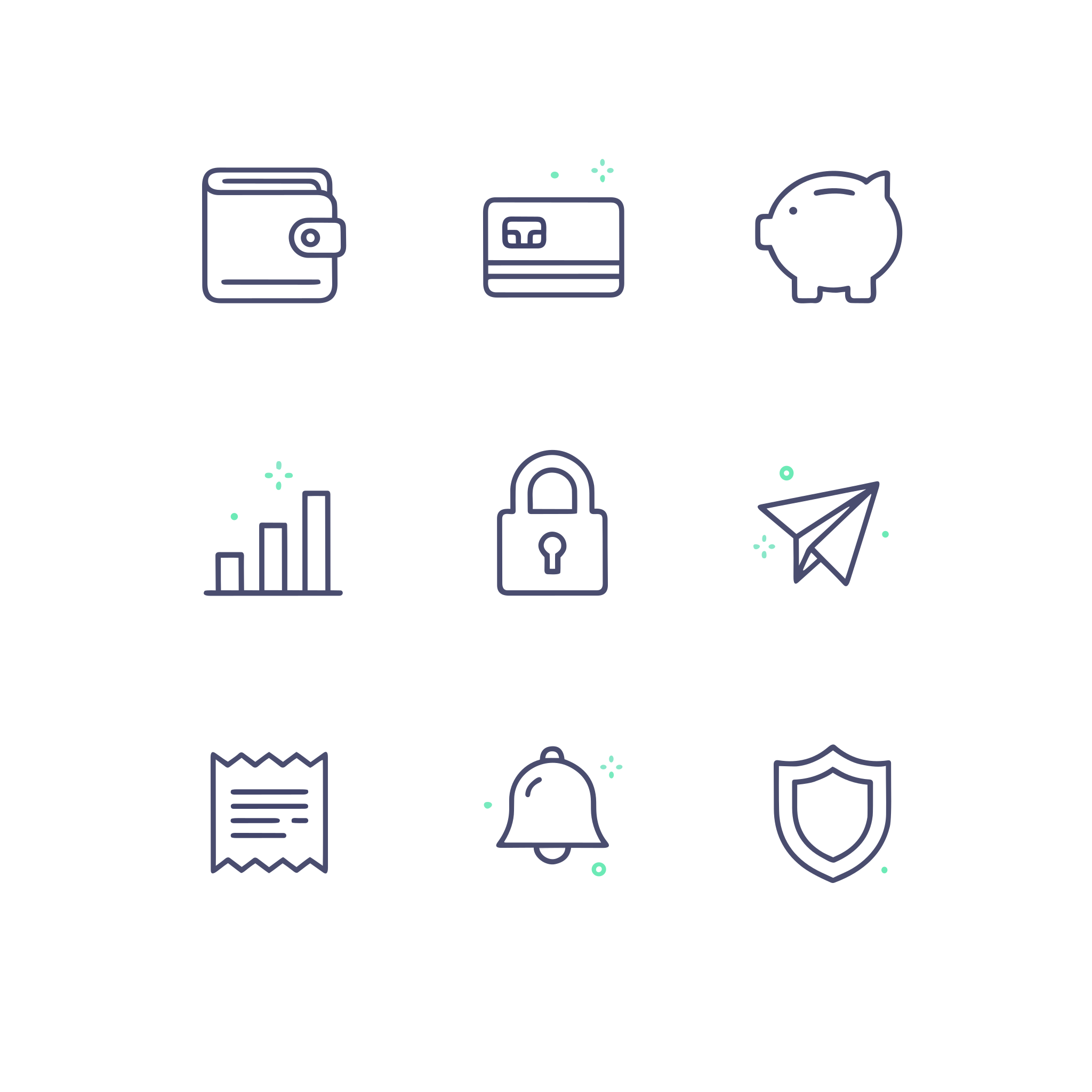
Flat vector icon set for a banking app: nine outline icons in a 3 by 3 grid, one of each, a wallet, a credit card, a piggy bank, a bar chart, a padlock, a paper plane, a receipt, a bell and a shield, all drawn with the same rounded navy stroke and small mint green accents, no solid fills, evenly spaced on a plain white background.
Use low while the prompt is still changing, and move to high for the file that ships.
Tips
- Write a design brief. The deliverable, the subject, how the shapes are drawn, the palette and the layout, in that order.
- Close the palette. Name the colors and end the list with "only" when the file has to match a brand or a print run.
- Quote every word that must appear. Say where each string sits and how it is set.
- Plan the empty space. Say which part of the frame stays plain and what it looks like, so copy can go on top later.
- Generate several and keep the best. With no
seed, every request is a new take on the prompt. - Start from an image when you have one. A sketch or a product photo can guide the result, see Reference images. To convert an existing image as it is, see Vectorizing images.