P-Video-2-Pro-Lipsync

P-Video-2-Pro-Lipsync is Pruna AI's lip-sync model that takes a video of someone talking and a new audio track, and returns the same video with the mouth re-synced to the new words. Only the lower face is redrawn, so the speaker, framing, camera and background stay as shot, and the output keeps the source resolution and aspect ratio up to 1080p, as long as the shorter input up to 60 seconds. It follows speech in any language, for dubbing talking-head videos, ads and courses, or changing a line without a reshoot.
Preparing the audio
How to prepare the audio for Pruna P-Video-2-Pro-Lipsync: how it sets the length of the output, sizing a line to the shot, and keeping music under the speech.
Introduction
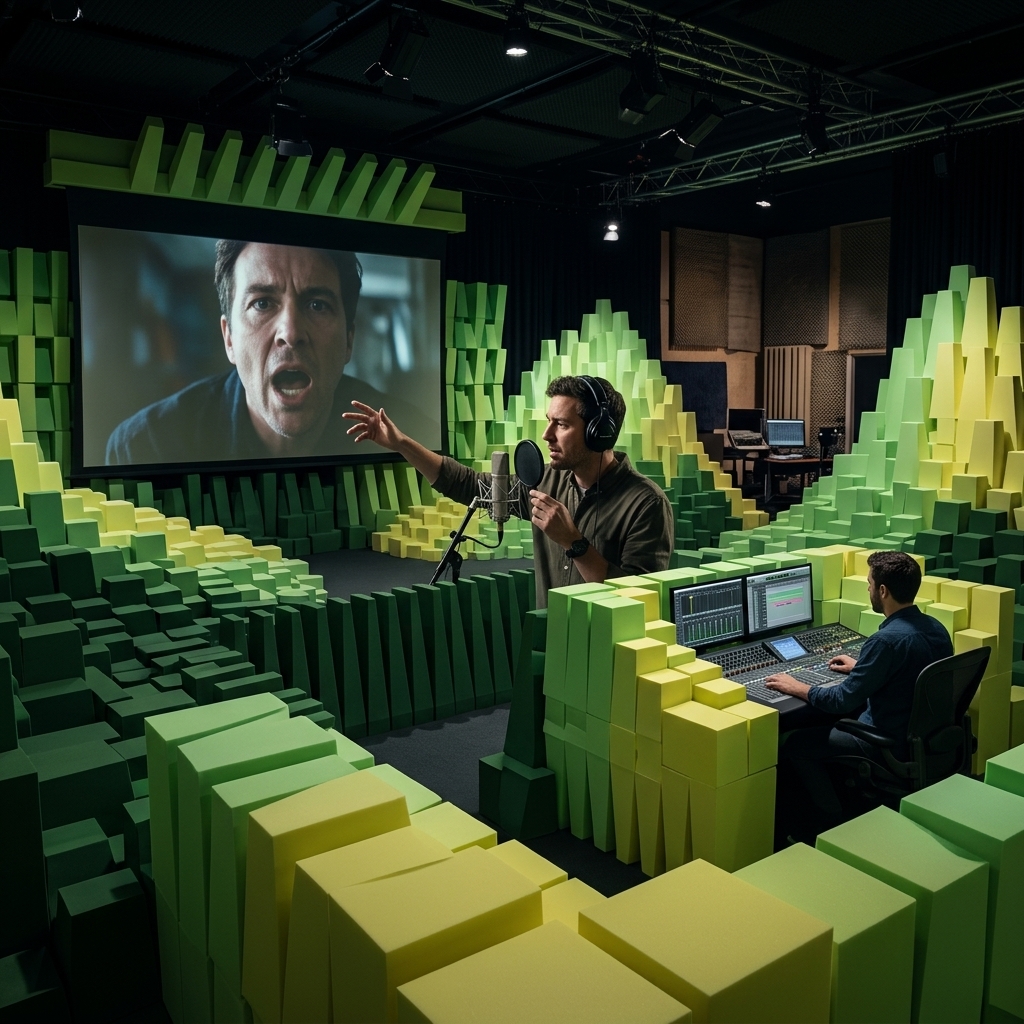
In P-Video-2-Pro-Lipsync the audio does two jobs. The mouth follows its speech, and it becomes the whole soundtrack of the output, music and room sound included. Together with the video, it also sets the length of the clip. Turn the sound on:
- Source video
The founder of a travel gear brand, a woman in her thirties with a dark bob, in a mustard cardigan, stands in a bright studio holding a charcoal gray carry-on backpack up to the camera and says, "This is the bag I wanted for every trip, and it fits under any plane seat." Medium close-up, locked-off camera, white walls and a rail of bags softly out of focus behind her, soft even light. Photoreal e-commerce product video, no text, no logos. Audio: her warm clear voice close to the microphone over an upbeat acoustic music bed.
- New audio0:00
This guide covers how long the output runs, and how to keep music and ambience under the new speech.
Output length
The output runs as long as the shorter of the two inputs, up to 60 seconds. A short line ends the clip early, and a line that runs past the video is cut where the video ends, wherever in the sentence that falls. The two lines below go to the same clip of an agent:
A real estate agent, a man in his thirties with short curly hair, in a dark green quarter-zip, stands in the bright empty living room of an apartment for sale and says to the camera, "Welcome in. The living room gets light all day, and the kitchen is right through here." Medium shot, locked-off camera, tall windows and pale wood floors behind him, afternoon daylight. Photoreal property listing video, no text, no logos. Audio: his friendly clear voice close to the microphone, light room echo, no music.
There is an open house this Saturday, from ten in the morning until two.
There is an open house this Saturday, from ten in the morning until two, and you can book a private viewing on any weekday evening after six.
The long line runs 7.7 seconds against a 6.6-second clip, so its output stops at 6.5 seconds, right after "on any weekday". The short line runs 4.3 seconds, and its output ends with it.
Time the line to the shot before you send it. Measure the audio against the video, and shorten the script or ask the voice for a quicker delivery when it runs over. When the line is the shorter input, the clip ends with the audio file, so leave a short pause after the last word to keep the final syllable from landing on the last frame.
The output is billed per second of video returned, rounded up to the next second, so trimming the longer input to the part you need also sets the cost. Anything past 60 seconds is cut, so split a longer piece into takes of up to a minute and join them in the edit.
Music and ambience
The audio you send replaces the soundtrack of the source. Sent with the speech alone, the founder's clip loses the music bed it was shot with:
To keep music or room sound, mix it into the audio before the request, with the music low enough that the voice stays on top. The hero above is this same line over this bed:
Our carry-on backpack is back in stock, in three new colors.
A 20-second upbeat acoustic instrumental for a product ad, 110 BPM. Bright acoustic guitar strums, light hand claps and a soft kick drum. Positive and steady from the first beat, no vocals.
Any audio tool builds the mix. With ffmpeg, the speech starts 0.3 seconds in and the music plays at 30% under it, for as long as the longer of the two files:
ffmpeg -i speech.mp3 -i music.mp3 -filter_complex "[0:a]adelay=delays=300:all=1[voice];[1:a]volume=0.3[bed];[voice][bed]amix=inputs=2:duration=longest:normalize=0" mix.mp3The mix then goes in inputs.audio like any other speech file:
import { createClient } from '@runware/sdk'

const client = await createClient({ apiKey: process.env.RUNWARE_API_KEY })
await client.connect()

const [result] = await client.run({
  model: 'prunaai:p-video@2-pro-lipsync',
  inputs: {
    video: 'https://assets.runware.ai/guides/prunaai-p-video-2-pro-lipsync/preparing-the-audio/source-backpack.mp4',
    audio: 'https://assets.runware.ai/guides/prunaai-p-video-2-pro-lipsync/preparing-the-audio/audio-backpack-mix.mp3'
  },
  deliveryMethod: 'async'
})
import asyncio
import os
from runware import Runware
async def main():
async with Runware(api_key=os.environ["RUNWARE_API_KEY"]) as client:
results = await client.run({
"model": "prunaai:p-video@2-pro-lipsync",
"inputs": {
"video": "https://assets.runware.ai/guides/prunaai-p-video-2-pro-lipsync/preparing-the-audio/source-backpack.mp4",
"audio": "https://assets.runware.ai/guides/prunaai-p-video-2-pro-lipsync/preparing-the-audio/audio-backpack-mix.mp3"
},
"deliveryMethod": "async"
})
asyncio.run(main())curl https://api.runware.ai/v1 \
-H "Authorization: Bearer $RUNWARE_API_KEY" \
-H "Content-Type: application/json" \
-d '[
{
  "taskType": "videoInference",
  "taskUUID": "bc48b29c-0b2a-4b33-836d-70cd0699c14e",
  "model": "prunaai:p-video@2-pro-lipsync",
  "inputs": {
    "video": "https://assets.runware.ai/guides/prunaai-p-video-2-pro-lipsync/preparing-the-audio/source-backpack.mp4",
    "audio": "https://assets.runware.ai/guides/prunaai-p-video-2-pro-lipsync/preparing-the-audio/audio-backpack-mix.mp3"
  },
  "deliveryMethod": "async"
}
]'runware run prunaai:p-video@2-pro-lipsync \
inputs.video=https://assets.runware.ai/guides/prunaai-p-video-2-pro-lipsync/preparing-the-audio/source-backpack.mp4 \
inputs.audio=https://assets.runware.ai/guides/prunaai-p-video-2-pro-lipsync/preparing-the-audio/audio-backpack-mix.mp3 \
deliveryMethod=async{
"taskType": "videoInference",
"taskUUID": "bc48b29c-0b2a-4b33-836d-70cd0699c14e",
"model": "prunaai:p-video@2-pro-lipsync",
"inputs": {
"video": "https://assets.runware.ai/guides/prunaai-p-video-2-pro-lipsync/preparing-the-audio/source-backpack.mp4",
"audio": "https://assets.runware.ai/guides/prunaai-p-video-2-pro-lipsync/preparing-the-audio/audio-backpack-mix.mp3"
},
"deliveryMethod": "async"
}Response
[
  {
    "taskType": "videoInference",
    "taskUUID": "bc48b29c-0b2a-4b33-836d-70cd0699c14e",
    "videoUUID": "4d49ec74-04f2-4083-a47d-b53e808bfece",
    "videoURL": "https://vm.runware.ai/video/os/a14d18/ws/2/vi/4d49ec74-04f2-4083-a47d-b53e808bfece.mp4"
  }
]
The mouth follows the voice in the mix, and the music plays under it to the end of the clip.
Tips
-
Measure the line against the clip. The shorter input sets the length, and a line that runs past the video is cut where the video ends.
-
End the audio on a short pause. The clip stops with the file, so a pause keeps the last word from ending on the final frame.
-
Mix the music into the audio you send. The output carries only that audio, so anything the source played is gone unless the mix brings it back.
-
Split anything longer than a minute. The output stops at 60 seconds, so send longer pieces as separate takes.