Gemini Omni Flash 1.1

Gemini Omni Flash 1.1 is Google's updated multimodal video generation and editing model in the Gemini Omni family. It generates native synchronized audio from the prompt, and expands the original Omni Flash workflow with additional 1080p and 4K output modes, a 360p draft mode, scene extension in 3 to 10 second increments up to 30 seconds total, start-to-end frame interpolation for fluid transitions, and reference-to-video generation guided by both images and short video clips. It is built for teams that need stronger continuity, higher-resolution delivery, and more controllable multi-input video creation than the first Omni Flash release.
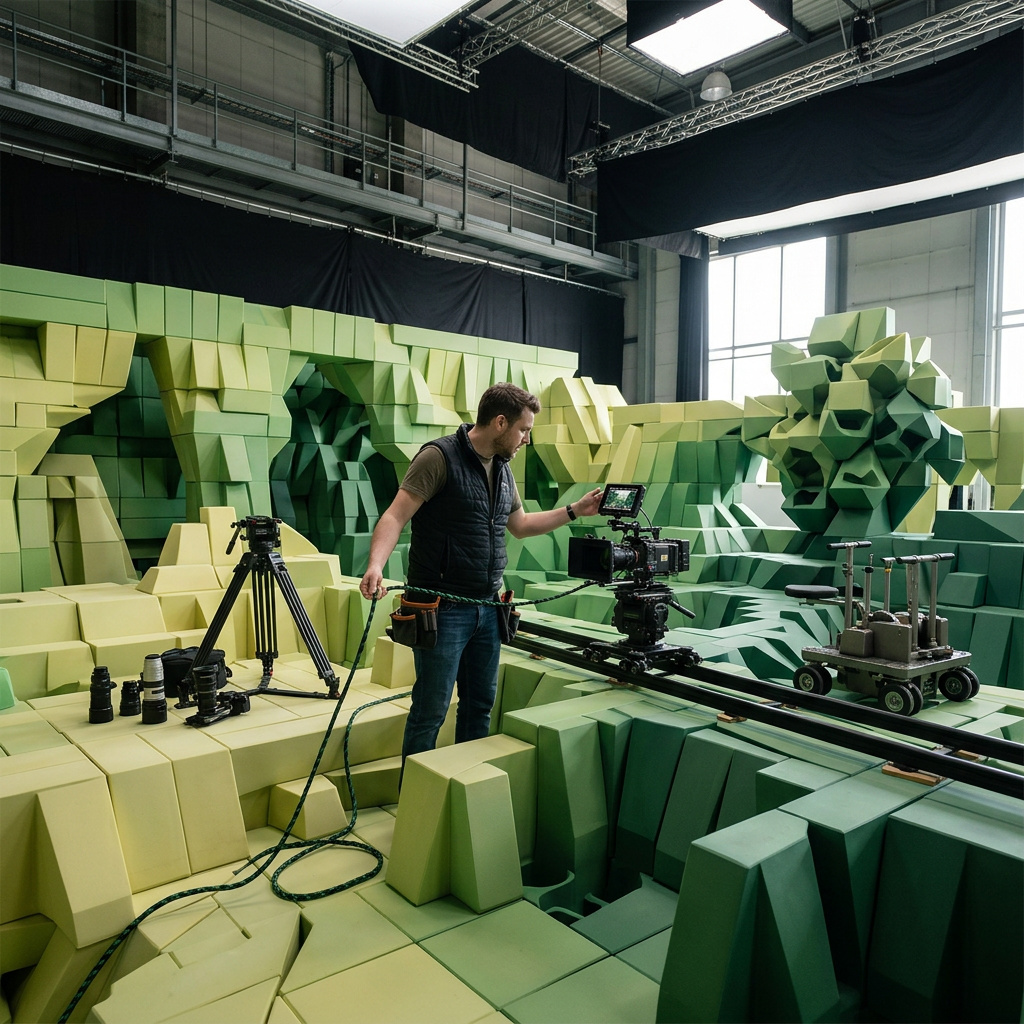
Prompting
How to prompt Gemini Omni Flash 1.1 for video: the five-element structure, camera vocabulary, holding a single shot, directing audio, and the sampling controls.
Resolution and duration
How to size and time a Gemini Omni Flash 1.1 video: the four resolution presets, the supported width and height pairs, and how tier and duration drive what a clip costs.
First and last frame control
How to pin the opening and closing frames of a Gemini Omni Flash 1.1 clip with inputs.frameImages, and prompt the transition the model builds between them.
Reference images and videos
How to carry a character, product, or style into a Gemini Omni Flash 1.1 shot with inputs.referenceImages and inputs.referenceVideos, and when to combine the two.
Editing video
How to edit an existing clip with Gemini Omni Flash 1.1: relighting, weather, and restyling through inputs.video, why short prompts win, and how to chain edits.
Extending a video
How to extend a clip past the 10-second ceiling with Gemini Omni Flash 1.1: sending duration with inputs.video, prompting continuation, and chaining extensions.