Recraft V4.1

Recraft V4.1 is the standard raster model in the Recraft V4.1 family for professional image generation and editing. It improves the V4 line with cleaner photorealism, sharper object understanding, smoother gradients and 3D rendering, cleaner icons and vectors by default, and better results from shorter prompts, while staying faster and more cost-efficient than the Pro variant.
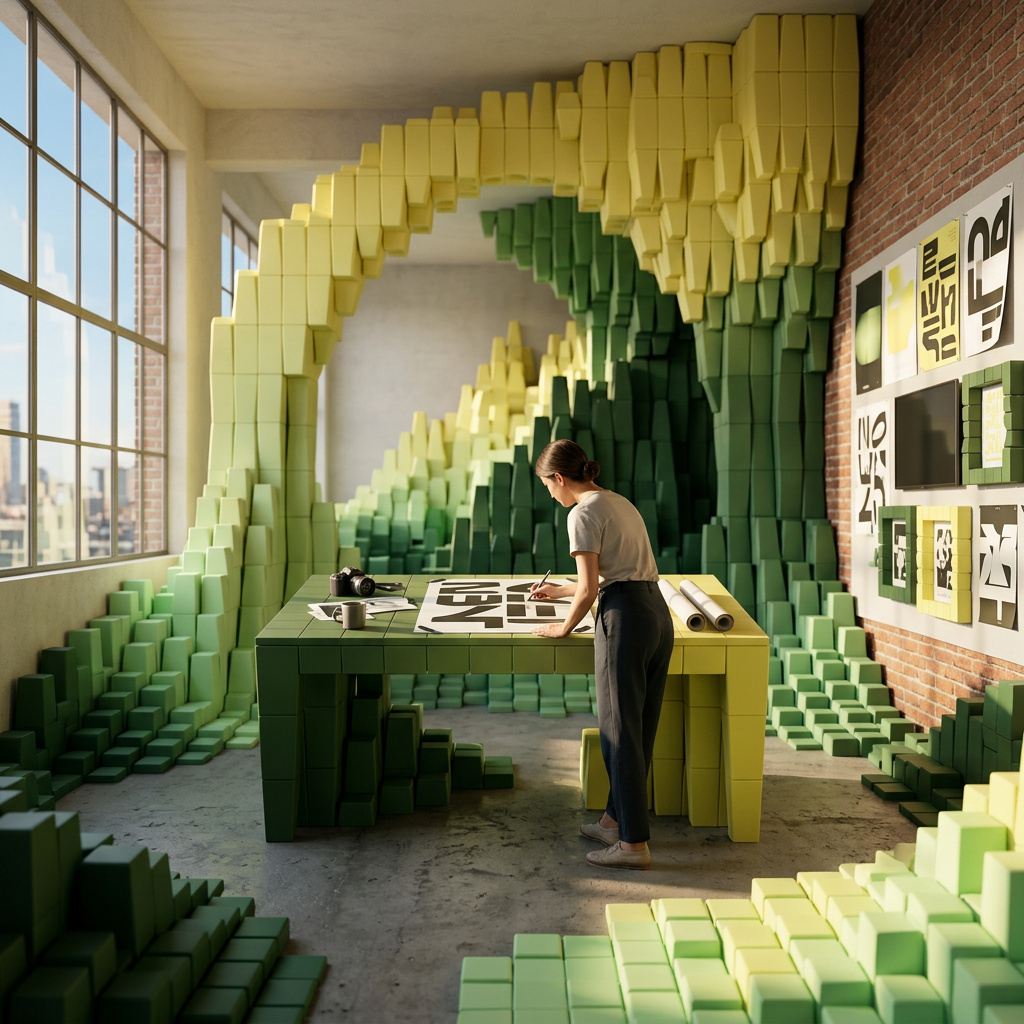
Prompting for photorealism, illustration, and design
How to write effective prompts for Recraft V4.1, from short interpretive prompts to structured multi-layer descriptions for precise creative control.
Introduction
Most image generation models need long, specific prompts to produce anything usable. Short inputs tend to produce generic, flat results. V4.1 works differently: it reads short prompts better than previous versions, filling in composition, lighting, and stylistic choices that produce visually rich, emotionally engaging output by default. It also follows long structured prompts with precision when you need exact control.
This means you can work in two modes. Use short prompts when you're exploring ideas and want the model to make aesthetic decisions. Use structured prompts when you have a specific composition in mind and need every element placed intentionally.

golden hour portrait
The image above was generated from a two-word prompt. V4.1 chose the framing, lighting direction, depth of field, and color grade on its own.
This guide covers both approaches, then walks through the visual formats where V4.1 performs strongest: photorealism, illustration, 3D rendering, and graphic design.
The prompting techniques in this guide apply to the entire Recraft model family: Recraft V4.1 Pro, Recraft V4.1 Utility, Recraft V4.1 Utility Pro, and the V4 generation including its Vector and Pro variants.
When to use Utility over the main model: Recraft V4.1 brings its own creative point of view to every prompt - it experiments with angle, light, and composition. The Utility variants do the opposite: flat lighting, front-facing composition, and simple scenes. Use Utility for mockups, product shots, icon sets, or design system assets where predictable output matters more than creative surprise.
Short prompts and interpretive mode
When you give V4.1 a prompt under ~15 words, the model enters what Recraft calls interpretive mode. Instead of following a rigid instruction, it makes its own compositional decisions: where to place the subject and how to light the scene.

autumn forest path

coffee on a rainy day
Both images used prompts under five words. The model decided on composition, color temperature, camera angle, and atmospheric effects. V4.1 defaults to high-aesthetic output: it picks lighting and mood that feel emotionally intentional rather than neutral.
Short prompts are effective for:
- Early-stage exploration when you're looking for a direction, not a specific result
- Mood discovery, where you want to see how the model interprets an abstract concept
- Concept sketching before investing time in detailed prompt engineering
- Generating visual references for a brief or pitch deck
import { createClient } from '@runware/sdk'

const client = await createClient({ apiKey: process.env.RUNWARE_API_KEY })
await client.connect()

const [result] = await client.run({
  model: 'recraft:v4.1@0',
  positivePrompt: 'coffee on a rainy day',
  width: 1024,
  height: 1024
})
import asyncio
import os
from runware import Runware
async def main():
async with Runware(api_key=os.environ["RUNWARE_API_KEY"]) as client:
results = await client.run({
"model": "recraft:v4.1@0",
"positivePrompt": "coffee on a rainy day",
"width": 1024,
"height": 1024
})
asyncio.run(main())curl https://api.runware.ai/v1 \
-H "Authorization: Bearer $RUNWARE_API_KEY" \
-H "Content-Type: application/json" \
-d '[
{
  "taskType": "imageInference",
  "taskUUID": "d4e5f6a7-b8c9-0123-def0-456789012345",
  "model": "recraft:v4.1@0",
  "positivePrompt": "coffee on a rainy day",
  "width": 1024,
  "height": 1024
}
]'runware run recraft:v4.1@0 \
positivePrompt="coffee on a rainy day" \
width=1024 \
height=1024{
"taskType": "imageInference",
"taskUUID": "d4e5f6a7-b8c9-0123-def0-456789012345",
"model": "recraft:v4.1@0",
"positivePrompt": "coffee on a rainy day",
"width": 1024,
"height": 1024
}Structured prompts for precise control
When you need specific results, V4.1 follows detailed prompts with high fidelity. The key is organizing your prompt in layers, from the most important element to the least:
- Subject and scene - who or what is in the image
- Environment - where the scene takes place
- Framing and pose - how the subject is positioned relative to the camera
- Physical details - identity, clothing, materials, textures
- Lighting - direction, quality, color temperature
- Camera - angle, depth of field, lens characteristics
- Mood - overall emotional tone and atmosphere
Compare the structured prompt above with a short one for the same concept. The short prompt gives you the model's interpretation. The structured prompt gives you yours.

Japanese garden in spring

A traditional Japanese zen garden with a red wooden torii gate at the end of a curved stone path through raked white gravel, mature cherry blossom trees on both sides with petals falling into a koi pond on the left, centered composition from the path's entrance, moss on the gate posts and morning mist settling low, soft overcast light, shot at eye level with a 50mm lens, serene and meditative atmosphere
You don't need all seven layers in every prompt. Use as many as the image requires. A product shot might only need subject, lighting, and camera. A character illustration might need all seven.

A street food vendor serving pad thai from a wheeled cart at night in Bangkok, crowded narrow alley with other food stalls visible behind, warm tungsten bulb hanging from the cart's canopy mixing with cool blue neon signs in the background, steam rising from the wok, shot from slightly below at 35mm, shallow depth of field on the vendor's hands, bustling atmosphere

A female architect in her 40s examining blueprints at a large wooden drafting table, mid-century modern office with floor-to-ceiling bookshelves and a large arched window showing a city skyline at dusk, single brass desk lamp casting warm directional light, reading glasses pushed up on her forehead, concentrated expression, muted earth tones, contemplative and focused atmosphere
Visual strengths by format
V4.1 handles multiple visual formats without switching models. The same API call produces different styles based on your prompt language.
Photorealism
V4.1's photorealistic output looks photographed rather than generated. Backgrounds are quieter and lighting is more purposeful. Skin and material textures read as natural.
Describe the scene as if you're briefing a photographer: specify the lens, the lighting setup, and the environment.

A young woman in a cream linen blouse reading a paperback book at a small marble cafe table, espresso cup and half-eaten croissant beside her, Parisian sidewalk cafe with green bistro chairs, morning sunlight casting long shadows across the table, shot at 85mm f/1.8 with natural bokeh from passing pedestrians, warm and relaxed editorial style

A pair of wireless earbuds in a matte black oval charging case, sitting on a raw concrete surface, single soft studio light from the upper left creating a clean shadow to the right, product hero shot, top-down 45-degree angle, minimal background, premium tech aesthetic
Illustration and 3D
Illustration prompts benefit from specifying the drawing style, line behavior, and color logic explicitly. For 3D renders, describe the material and lighting as you would in a rendering engine.

A hand-drawn illustration of a red fox sitting upright in a mossy forest clearing, loose watercolor washes with visible paper texture, ink outlines with varying stroke weight, muted greens and warm oranges, children's book illustration style, whimsical but not cartoonish, small mushrooms and ferns in the foreground

A 3D designer toy of a small bear character in matte vinyl finish, pastel pink body with mint green overalls, standing on a white circular pedestal, smooth rounded proportions with minimal detail, soft studio lighting from three directions, light gray seamless background, collectible figurine product shot
Graphic design and logos
For posters and graphic layouts, describe the typographic hierarchy and compositional mechanics. For logos, specify the shape logic, color system, and constraints (no gradients, no texture, etc.).

A retro travel poster for Tokyo, bold sans-serif text reading "TOKYO" at the top in white, stylized illustration of Tokyo Tower and Mount Fuji in the background, limited color palette of coral red, navy blue, and cream, flat graphic style with halftone dot texture, vintage print aesthetic, vertical format

A set of four minimalist animal logos arranged in a 2x2 grid: an owl, a whale, a deer, and a fox, each constructed from simple geometric shapes with consistent line weight, single color per icon using navy blue on white background, no gradients or shadows, professional brand identity style, scalable vector aesthetic
For vector and logo work, consider using Recraft V4 Vector or Recraft V4 Pro Vector, which are optimized for illustrated output with cleaner lines and flatter color fills.
Tips
-
Short prompts work best for photorealism and atmospheric scenes. The model's default aesthetic choices lean toward natural lighting and balanced composition, which suits photographic styles well.
-
Specify the medium early. "A watercolor illustration of..." or "A 3D render of..." at the start of the prompt sets the visual format before the model starts interpreting the scene.
-
Put text in quotation marks. If your prompt includes text that should appear in the image (poster headlines, brand names, labels), always quote it. Without quotes, the model treats the words as scene description rather than literal content.
-
Describe lighting like a photographer. "Soft overcast light" produces very different results from "harsh midday sun" or "single tungsten bulb from above". V4.1 responds well to specific lighting direction and quality.
-
Use lens references for photorealism. Adding "shot at 85mm f/1.8" or "wide-angle 24mm" changes the spatial relationships and depth of field in ways the model handles accurately.