VEED Fabric 1.0
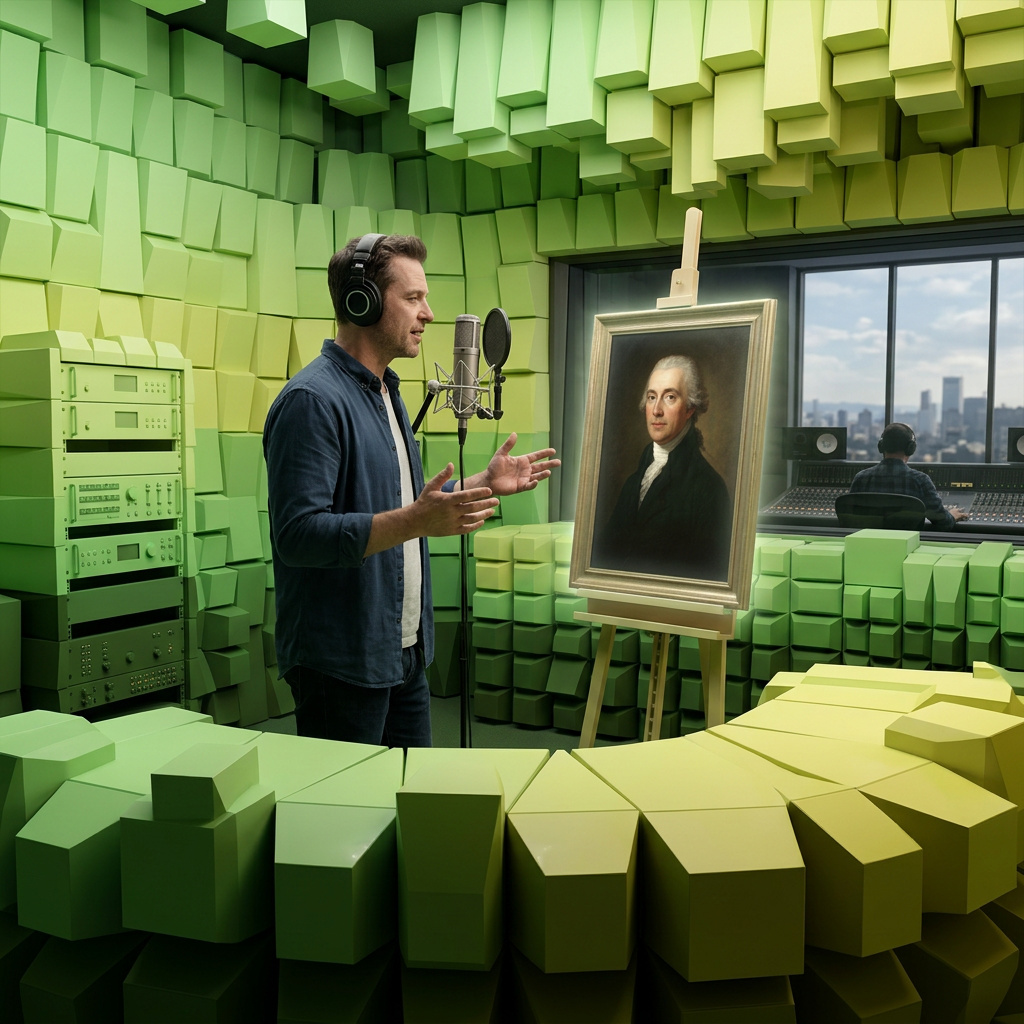
VEED Fabric 1.0 is a multimodal AI model that generates talking videos by animating a static image with synchronized speech and expressive motion. Given a single image and an audio input (either voice recording or text-to-speech), the model produces a short video where the subject’s facial expressions, lip movements, head gestures, and body motion align with the provided audio. It supports diverse input image styles and preserves the appearance of the source visual while delivering natural speech synchronization.
API Options
Platform-level options for task execution and delivery.
-
taskType
string required value: videoInference -
Identifier for the type of task being performed
-
taskUUID
string required UUID v4 -
UUID v4 identifier for tracking tasks and matching async responses. Must be unique per task.
-
outputType
string default: URL -
Video output type.
Allowed values 1 value
-
outputFormat
string default: MP4 -
Specifies the file format of the generated output. The available values depend on the task type and the specific model's capabilities.
- `MP4`: Widely supported video container (H.264), recommended for general use.
- `WEBM`: Optimized for web delivery.
- `MOV`: QuickTime format, common in professional workflows (Apple ecosystem).
Allowed values 3 values
-
outputQuality
integer min: 20 max: 99 default: 95 -
Compression quality of the output. Higher values preserve quality but increase file size.
-
webhookURL
string URI -
Specifies a webhook URL where JSON responses will be sent via HTTP POST when generation tasks complete. For batch requests with multiple results, each completed item triggers a separate webhook call as it becomes available.
Learn more 1 resource
- Webhooks PLATFORM
- Webhooks
-
deliveryMethod
string default: async -
Determines how the API delivers task results.
Allowed values 1 value
- Returns an immediate acknowledgment with the task UUID. Poll for results using getResponse. Required for long-running tasks like video generation.
Learn more 1 resource
- Task Polling PLATFORM
-
uploadEndpoint
string URI -
Specifies a URL where the generated content will be automatically uploaded using the HTTP PUT method. The raw binary data of the media file is sent directly as the request body. For secure uploads to cloud storage, use presigned URLs that include temporary authentication credentials.
Common use cases:
- Cloud storage: Upload directly to S3 buckets, Google Cloud Storage, or Azure Blob Storage using presigned URLs.
- CDN integration: Upload to content delivery networks for immediate distribution.
// S3 presigned URL for secure upload
https://your-bucket.s3.amazonaws.com/generated/content.mp4?X-Amz-Signature=abc123&X-Amz-Expires=3600

// Google Cloud Storage presigned URL
https://storage.googleapis.com/your-bucket/content.jpg?X-Goog-Signature=xyz789

// Custom storage endpoint
https://storage.example.com/uploads/generated-image.jpg
The content data will be sent as the request body to the specified URL when generation is complete.
-
safety
object -
Content safety checking configuration for video generation.
Properties 2 properties
-
safety»checkContentcheckContent
boolean default: false -
Enable or disable content safety checking.
-
safety»modemode
string default: none -
Safety checking mode for video generation.
Allowed values 3 values
- Disables checking.
- Checks key frames.
- Checks all frames.
-
-
ttl
integer min: 60 -
Time-to-live (TTL) in seconds for generated content. Only applies when
outputTypeisURL.
-
includeCost
boolean default: false -
Include task cost in the response.
-
numberResults
integer min: 1 max: 4 default: 1 -
Number of results to generate. Each result uses a different seed, producing variations of the same parameters.
Inputs
Input resources for the task (images, audio, etc). These must be nested inside the inputs object.
inputs object. Core Parameters
Primary parameters that define the task output.
-
model
string required value: veed:fabric@1.0 -
Identifier of the model to use for generation.
-
resolution
string -
Resolution preset for the output. When used with input media, automatically matches the aspect ratio from the input.
Allowed values 2 values
Settings
Technical parameters to fine-tune the inference process. These must be nested inside the settings object.
settings object.-
settings»voiceDescriptionvoiceDescription
string min: 1 max: 10000 -
Additional voice style description. The primary voice is auto-generated from the image. Use simple descriptors like 'British accent' or a detailed description.