Recraft V4.1

Recraft V4.1 is the standard raster model in the Recraft V4.1 family for professional image generation and editing. It improves the V4 line with cleaner photorealism, sharper object understanding, smoother gradients and 3D rendering, cleaner icons and vectors by default, and better results from shorter prompts, while staying faster and more cost-efficient than the Pro variant.
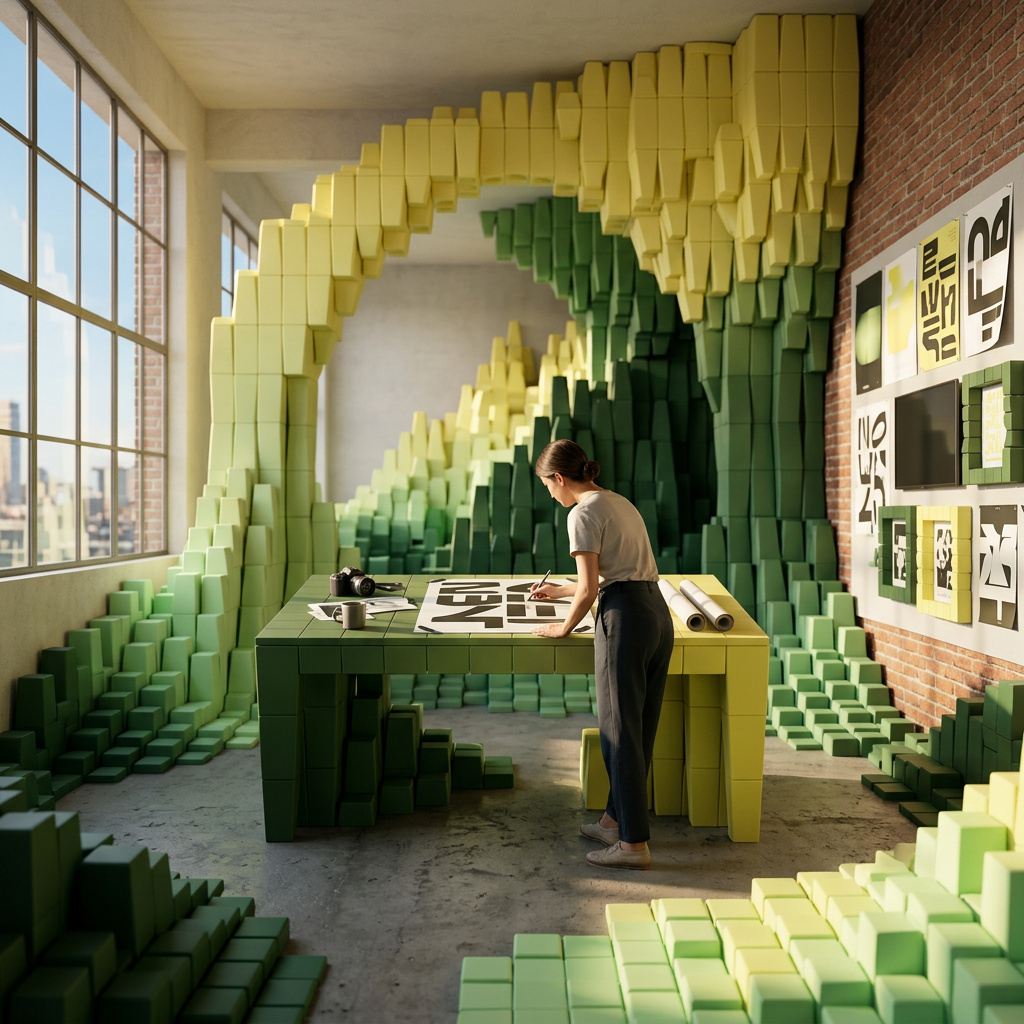
Controlling output colors with palettes and backgrounds
How to use the settings.colors and settings.backgroundColor parameters to lock generated images to a specific color palette or background color.
Introduction
Most image generation models pick colors on their own. You describe a scene, and the model chooses whatever palette feels right for the subject. That works for exploration, but falls apart the moment you need output that matches an existing brand or design system.
Recraft V4.1 gives you direct control over this through two API parameters: settings.colors locks the generation to a specific set of RGB values, and settings.backgroundColor sets the canvas color behind the subject. Both are optional. When omitted, the model picks colors freely. When provided, the model treats your palette as a hard constraint.

A premium flat-lay product arrangement of three minimalist skincare bottles on a smooth surface, scattered botanical leaves, folded linen napkin, overhead angle, editorial product photography, clean composition
This guide covers how both parameters work and practical scenarios where color control turns a random generation into a production-ready asset.
The settings.colors and settings.backgroundColor parameters are available across the entire Recraft model family: Recraft V4.1 Pro, Recraft V4.1 Utility, Recraft V4.1 Utility Pro, and the V4 generation including its Vector and Pro variants. Color palettes paired with the Utility variants work well for mockups, product shots, icon sets, or design system assets where you need both flat composition and strict color control.
Setting a color palette
The settings.colors parameter accepts an array of color objects, each containing an rgb field with three integer values (red, green, blue, each 0-255). The model distributes these colors across the generated image, using them as the dominant tones for the entire composition.

A geometric abstract poster design with overlapping shapes, clean lines, and bold color blocking, modern graphic design aesthetic, print-ready

A geometric abstract poster design with overlapping shapes, clean lines, and bold color blocking, modern graphic design aesthetic, print-ready
Both images above used the same prompt. The only difference is the second request included a settings.colors array. The model shifted its entire palette to use those tones instead of picking its own.
import { createClient } from '@runware/sdk'

const client = await createClient({ apiKey: process.env.RUNWARE_API_KEY })
await client.connect()

const [result] = await client.run({
  model: 'recraft:v4.1@0',
  positivePrompt: 'A geometric abstract poster design with overlapping shapes, clean lines, and bold color blocking, modern graphic design aesthetic, print-ready',
  width: 1024,
  height: 1024,
  settings: {
    colors: [
      {
        rgb: [
          194,
          120,
          86
        ]
      },
      {
        rgb: [
          138,
          154,
          119
        ]
      },
      {
        rgb: [
          240,
          230,
          214
        ]
      }
    ]
  }
})
import asyncio
import os
from runware import Runware
async def main():
async with Runware(api_key=os.environ["RUNWARE_API_KEY"]) as client:
results = await client.run({
"model": "recraft:v4.1@0",
"positivePrompt": "A geometric abstract poster design with overlapping shapes, clean lines, and bold color blocking, modern graphic design aesthetic, print-ready",
"width": 1024,
"height": 1024,
"settings": {
"colors": [
{
"rgb": [
194,
120,
86
]
},
{
"rgb": [
138,
154,
119
]
},
{
"rgb": [
240,
230,
214
]
}
]
}
})
asyncio.run(main())curl https://api.runware.ai/v1 \
-H "Authorization: Bearer $RUNWARE_API_KEY" \
-H "Content-Type: application/json" \
-d '[
{
  "taskType": "imageInference",
  "taskUUID": "a1b2c3d4-e5f6-7890-abcd-ef1234567890",
  "model": "recraft:v4.1@0",
  "positivePrompt": "A geometric abstract poster design with overlapping shapes, clean lines, and bold color blocking, modern graphic design aesthetic, print-ready",
  "width": 1024,
  "height": 1024,
  "settings": {
    "colors": [
      {
        "rgb": [
          194,
          120,
          86
        ]
      },
      {
        "rgb": [
          138,
          154,
          119
        ]
      },
      {
        "rgb": [
          240,
          230,
          214
        ]
      }
    ]
  }
}
]'runware run recraft:v4.1@0 \
positivePrompt="A geometric abstract poster design with overlapping shapes, clean lines, and bold color blocking, modern graphic design aesthetic, print-ready" \
width=1024 \
height=1024 \
settings.colors.0.rgb.0=194 \
settings.colors.0.rgb.1=120 \
settings.colors.0.rgb.2=86 \
settings.colors.1.rgb.0=138 \
settings.colors.1.rgb.1=154 \
settings.colors.1.rgb.2=119 \
settings.colors.2.rgb.0=240 \
settings.colors.2.rgb.1=230 \
settings.colors.2.rgb.2=214{
"taskType": "imageInference",
"taskUUID": "a1b2c3d4-e5f6-7890-abcd-ef1234567890",
"model": "recraft:v4.1@0",
"positivePrompt": "A geometric abstract poster design with overlapping shapes, clean lines, and bold color blocking, modern graphic design aesthetic, print-ready",
"width": 1024,
"height": 1024,
"settings": {
"colors": [
{
"rgb": [
194,
120,
86
]
},
{
"rgb": [
138,
154,
119
]
},
{
"rgb": [
240,
230,
214
]
}
]
}
}You can pass as few as one color or as many as you need. Fewer colors produce tighter, more constrained palettes. More colors give the model a wider range to work with while still staying within your specified tones.
Switching palettes on the same prompt
One direct application: generate the same concept in multiple brand colorways without changing the prompt text.

A sports drink aluminum can mockup, bold branding with dynamic swoosh graphics, condensation droplets on the surface, studio lighting on white background, product photography

A sports drink aluminum can mockup, bold branding with dynamic swoosh graphics, condensation droplets on the surface, studio lighting on white background, product photography
Same prompt, different settings.colors. This is useful for rapid prototyping of product concepts or producing assets for multiple sub-brands from a single prompt.
Setting a background color
The settings.backgroundColor parameter sets the canvas color behind the subject. It takes a single color object with an rgb field.

A minimalist ceramic vase with organic curves, single dried pampas grass stem, product photography, centered composition

A minimalist ceramic vase with organic curves, single dried pampas grass stem, product photography, centered composition
import { createClient } from '@runware/sdk'

const client = await createClient({ apiKey: process.env.RUNWARE_API_KEY })
await client.connect()

const [result] = await client.run({
  model: 'recraft:v4.1@0',
  positivePrompt: 'A minimalist ceramic vase with organic curves, single dried pampas grass stem, product photography, centered composition',
  width: 1024,
  height: 1024,
  settings: {
    backgroundColor: {
      rgb: [
        0,
        0,
        0
      ]
    }
  }
})
import asyncio
import os
from runware import Runware
async def main():
async with Runware(api_key=os.environ["RUNWARE_API_KEY"]) as client:
results = await client.run({
"model": "recraft:v4.1@0",
"positivePrompt": "A minimalist ceramic vase with organic curves, single dried pampas grass stem, product photography, centered composition",
"width": 1024,
"height": 1024,
"settings": {
"backgroundColor": {
"rgb": [
0,
0,
0
]
}
}
})
asyncio.run(main())curl https://api.runware.ai/v1 \
-H "Authorization: Bearer $RUNWARE_API_KEY" \
-H "Content-Type: application/json" \
-d '[
{
  "taskType": "imageInference",
  "taskUUID": "b2c3d4e5-f6a7-8901-bcde-f23456789012",
  "model": "recraft:v4.1@0",
  "positivePrompt": "A minimalist ceramic vase with organic curves, single dried pampas grass stem, product photography, centered composition",
  "width": 1024,
  "height": 1024,
  "settings": {
    "backgroundColor": {
      "rgb": [
        0,
        0,
        0
      ]
    }
  }
}
]'runware run recraft:v4.1@0 \
positivePrompt="A minimalist ceramic vase with organic curves, single dried pampas grass stem, product photography, centered composition" \
width=1024 \
height=1024 \
settings.backgroundColor.rgb.0=0 \
settings.backgroundColor.rgb.1=0 \
settings.backgroundColor.rgb.2=0{
"taskType": "imageInference",
"taskUUID": "b2c3d4e5-f6a7-8901-bcde-f23456789012",
"model": "recraft:v4.1@0",
"positivePrompt": "A minimalist ceramic vase with organic curves, single dried pampas grass stem, product photography, centered composition",
"width": 1024,
"height": 1024,
"settings": {
"backgroundColor": {
"rgb": [
0,
0,
0
]
}
}
}Background color is independent from the color palette. You can use both together: settings.colors to control the subject's palette and settings.backgroundColor to set what's behind it.
Combining both parameters
Using colors and backgroundColor together gives you full control over the entire frame. The background gets the exact color you specified, and the subject uses the palette you defined.
import { createClient } from '@runware/sdk'

const client = await createClient({ apiKey: process.env.RUNWARE_API_KEY })
await client.connect()

const [result] = await client.run({
  model: 'recraft:v4.1@0',
  positivePrompt: 'A set of four flat design app icons: a compass, a camera, a chat bubble, and a music note, clean vector style, consistent stroke weight, modern UI design',
  width: 1024,
  height: 1024,
  settings: {
    colors: [
      {
        rgb: [
          255,
          255,
          255
        ]
      }
    ],
    backgroundColor: {
      rgb: [
        30,
        30,
        30
      ]
    }
  }
})
import asyncio
import os
from runware import Runware
async def main():
async with Runware(api_key=os.environ["RUNWARE_API_KEY"]) as client:
results = await client.run({
"model": "recraft:v4.1@0",
"positivePrompt": "A set of four flat design app icons: a compass, a camera, a chat bubble, and a music note, clean vector style, consistent stroke weight, modern UI design",
"width": 1024,
"height": 1024,
"settings": {
"colors": [
{
"rgb": [
255,
255,
255
]
}
],
"backgroundColor": {
"rgb": [
30,
30,
30
]
}
}
})
asyncio.run(main())curl https://api.runware.ai/v1 \
-H "Authorization: Bearer $RUNWARE_API_KEY" \
-H "Content-Type: application/json" \
-d '[
{
  "taskType": "imageInference",
  "taskUUID": "c3d4e5f6-a7b8-9012-cdef-345678901234",
  "model": "recraft:v4.1@0",
  "positivePrompt": "A set of four flat design app icons: a compass, a camera, a chat bubble, and a music note, clean vector style, consistent stroke weight, modern UI design",
  "width": 1024,
  "height": 1024,
  "settings": {
    "colors": [
      {
        "rgb": [
          255,
          255,
          255
        ]
      }
    ],
    "backgroundColor": {
      "rgb": [
        30,
        30,
        30
      ]
    }
  }
}
]'runware run recraft:v4.1@0 \
positivePrompt="A set of four flat design app icons: a compass, a camera, a chat bubble, and a music note, clean vector style, consistent stroke weight, modern UI design" \
width=1024 \
height=1024 \
settings.colors.0.rgb.0=255 \
settings.colors.0.rgb.1=255 \
settings.colors.0.rgb.2=255 \
settings.backgroundColor.rgb.0=30 \
settings.backgroundColor.rgb.1=30 \
settings.backgroundColor.rgb.2=30{
"taskType": "imageInference",
"taskUUID": "c3d4e5f6-a7b8-9012-cdef-345678901234",
"model": "recraft:v4.1@0",
"positivePrompt": "A set of four flat design app icons: a compass, a camera, a chat bubble, and a music note, clean vector style, consistent stroke weight, modern UI design",
"width": 1024,
"height": 1024,
"settings": {
"colors": [
{
"rgb": [
255,
255,
255
]
}
],
"backgroundColor": {
"rgb": [
30,
30,
30
]
}
}
}
A set of four flat design app icons: a compass, a camera, a chat bubble, and a music note, clean vector style, consistent stroke weight, modern UI design

A detailed botanical illustration of a single branch with leaves and small berries, scientific illustration style, centered on the page, delicate line work with flat color fills
Use cases
Product photography
Product shots often need a specific background (white for e-commerce catalogs, colored for brand campaigns) and subject colors that match the product's real-world appearance.

A luxury perfume bottle with faceted glass and gold cap, amber liquid visible inside, centered composition, editorial beauty photography, shallow depth of field
"settings": {
  "colors": [
    { "rgb": [184, 134, 46] },
    { "rgb": [139, 90, 43] }
  ],
  "backgroundColor": { "rgb": [18, 22, 42] }
}
Poster and print design
Color palettes let you explore visual treatments without rewriting the prompt each time. Generate the same poster concept in warm and cool variants to see which direction works.

A large-format music festival poster, bold typographic layout, abstract landscape with layered mountains in the background, vintage screen-print texture, retro aesthetic

A large-format music festival poster, bold typographic layout, abstract landscape with layered mountains in the background, vintage screen-print texture, retro aesthetic
Tips
-
Start with 2-4 colors. A smaller palette gives the model a clear constraint. Large palettes (8+ colors) become loose suggestions rather than strict rules.
-
Use exact RGB values from your brand guidelines. Don't approximate. The model applies the values as-is, so
[0, 102, 204]will produce a different blue than[0, 120, 215]. -
Background color works best with simple compositions. For complex scenes with environments described in the prompt, the background color competes with the scene description. It's most effective for product shots and isolated subjects.
-
Combine with the Utility models for flat design. The Recraft V4.1 Utility variant produces flat-lit, front-facing compositions. Pair that with
settings.colorsfor design system assets or product mockups where you need controlled, predictable output.