MiniMax H3 is live on Runware
Access MiniMax H3, MiniMax's general-purpose video model that generates and edits clips from text, image, video, and audio inputs, with native stereo audio in every output.
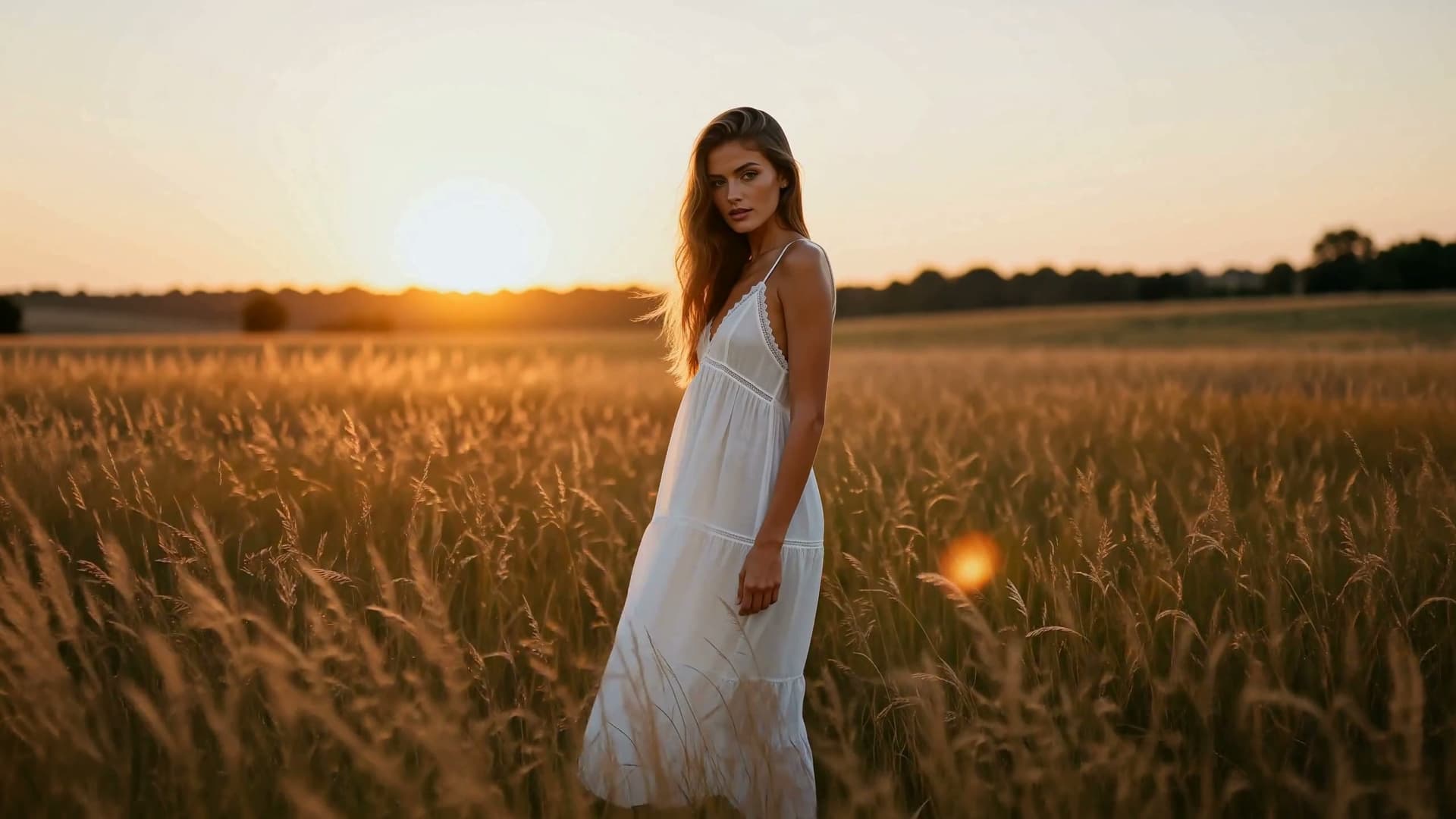
All workflows supported natively.
One integration for generation and editing, with no separate endpoints.
- Text-to-video
- Keyframe-guided video
- Reference-to-video
- Instruction-based editing
MiniMax H3 pricing
Metered per second of output. No subscription, no minimums, and the same key and billing as every other model on Runware, with no dedicated infrastructure to provision.
- Standard · 768p
- $0.08/sec
- High resolution · 1440p (2K)
- $0.13/sec
A 5-second clip costs $0.40 at 768p or $0.65 at 2K. Reference images: the first 5 are free, then $0.04 each. Reference video: $0.13 per second uploaded. Reference audio: free.
Four ways to build a video
MiniMax H3 can generate an entirely new clip from a written prompt, follow frames pinned to specific points in a sequence, carry a subject in from reference inputs, or edit a clip you already have. All of it runs through the same Runware integration.

Text to video
A prompt alone is enough. MiniMax H3 generates an entirely new clip from scratch, with synced audio timed to the action as it happens.

Keyframe-guided video
Pin a first frame, a last frame, or both, and H3 fills in the motion that connects them. It reads closer to storyboarding than prompting.

Multi-reference conditioning
Combine reference images, video, and audio in a single call to carry a subject's look, motion, or voice into a brand new scene.

Instruction-based editing
Point at an existing clip, describe the change as an instruction, and get back the same shot with just that change applied.
Why MiniMax H3 stands out

Native audio, generated by default
Every clip returns with synchronized stereo audio grounded in the action on screen, timed to specific moments like a hammer strike or a footstep rather than layered on as generic ambience.

Keyframe-guided generation
Pin a first frame, a last frame, or both, and H3 generates the motion that connects them, closer to storyboarding than prompting.
Multi-reference conditioning
Combine reference images, video, and audio in one call to keep a subject's look, motion, or voice consistent as it moves into a new scene.
Instruction-based editing
Point at an existing clip, describe the change as an instruction, and get back the same shot with just that change applied, while the subject and camera path hold.

Six aspect ratios, at 768p or 2K
Renders at a fixed set of size pairs spanning cinematic 21:9 to vertical 9:16, at either resolution tier, so the frame is chosen before generation instead of cropped after.

Directed with cinematic language
Responds to camera, lens, and lighting terms like low-angle dolly-in or chiaroscuro lighting, so a shot can be directed rather than just described.
See it in action
Real generations and edits from MiniMax H3, each with what actually went into making it.

Day-to-night relight
Text-to-video with native audio
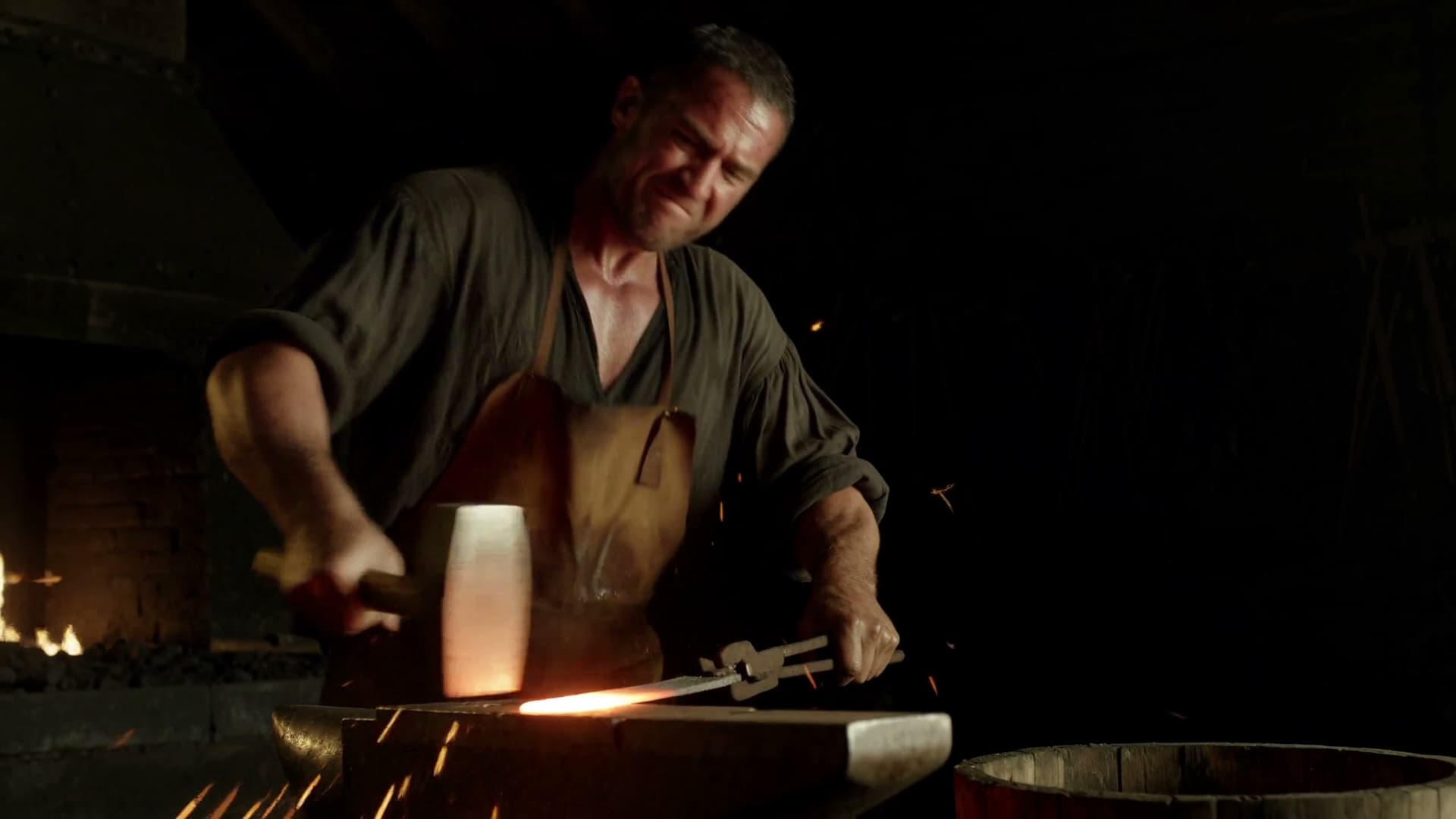
Every hammer strike timed to the hit
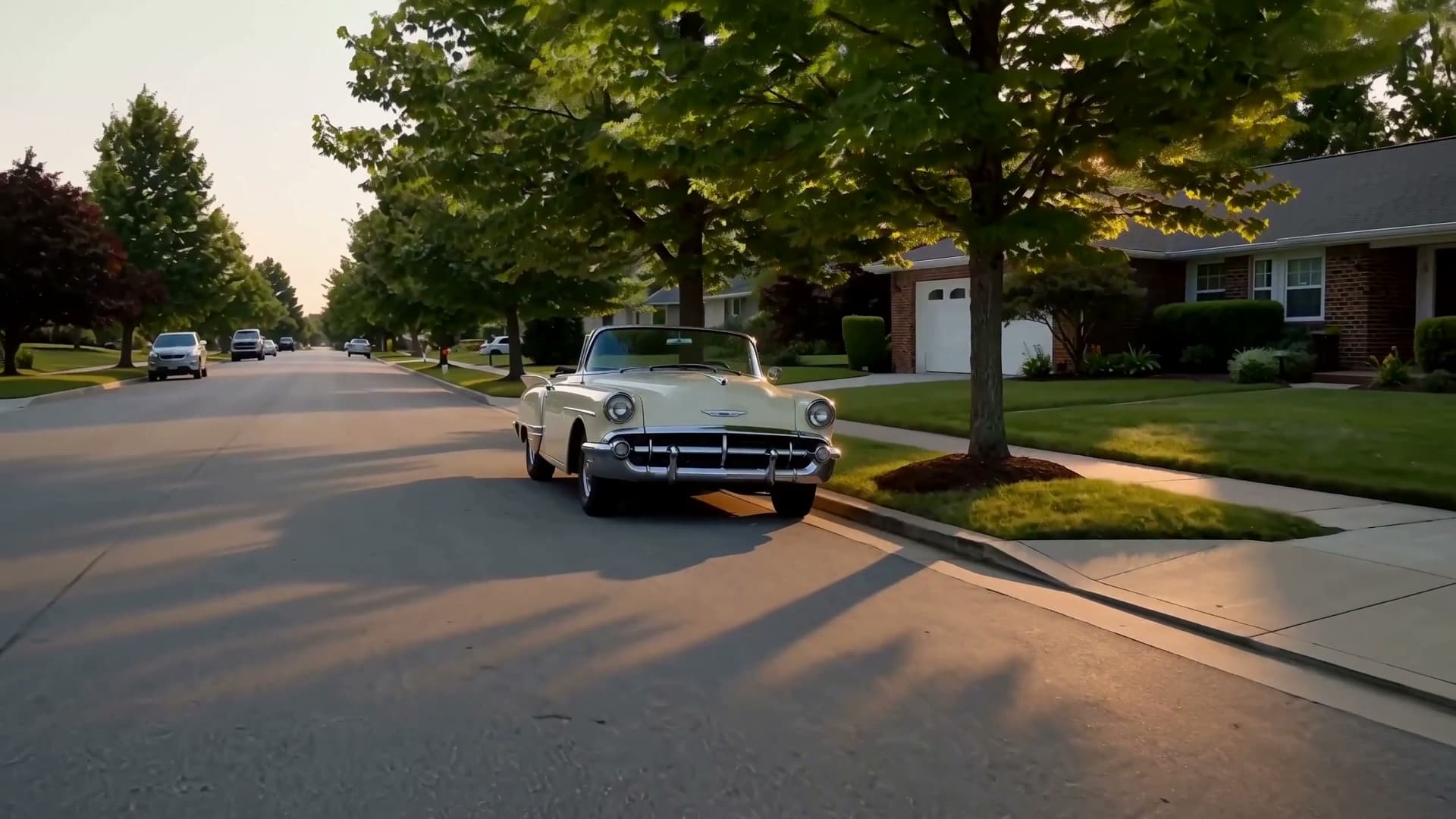
Three edits, one pass
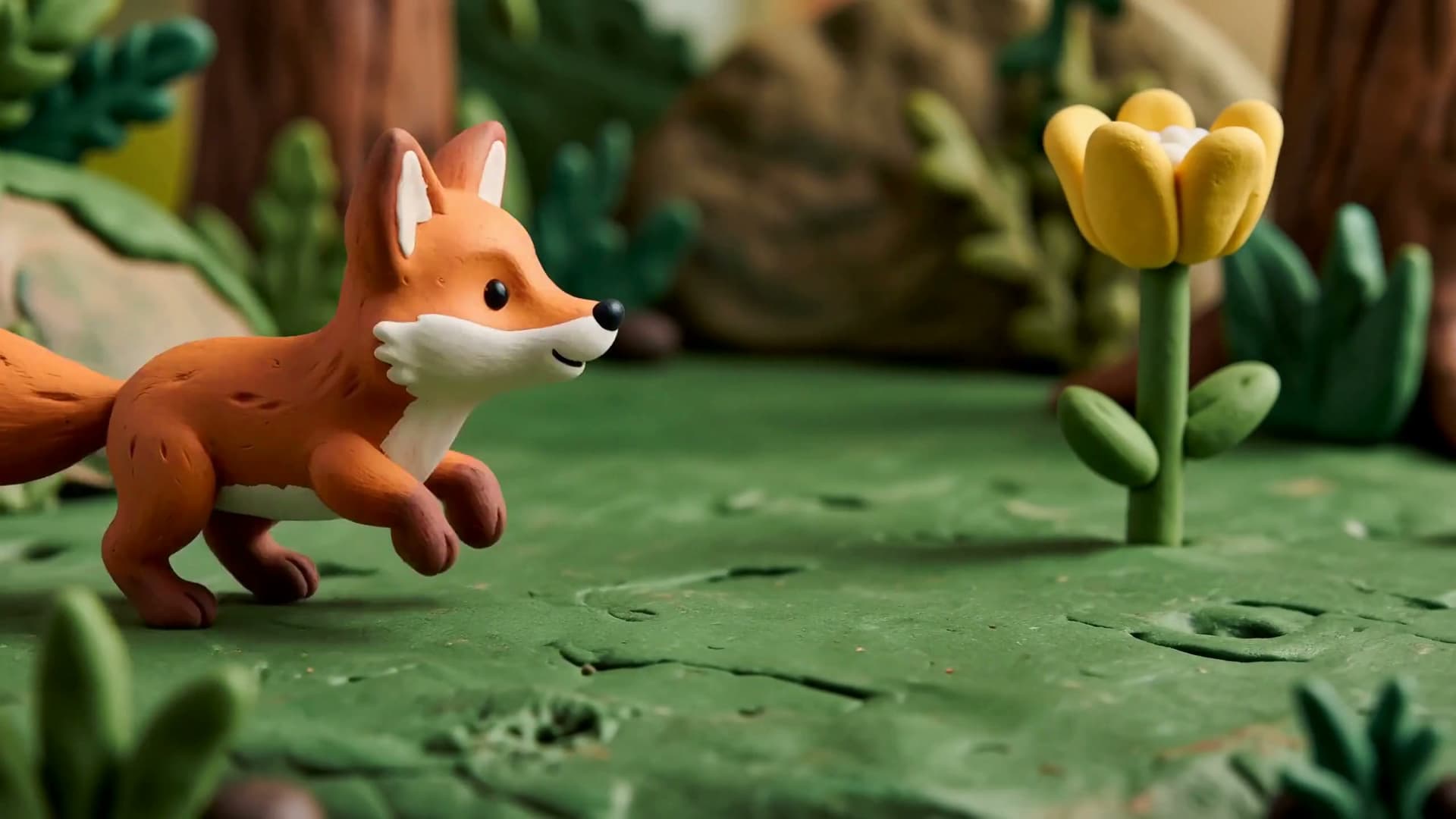
A new subject, rendered in the reference's clay style

Built from references
Pass reference images, video, or frames alongside the prompt, and H3 builds the shot from them.
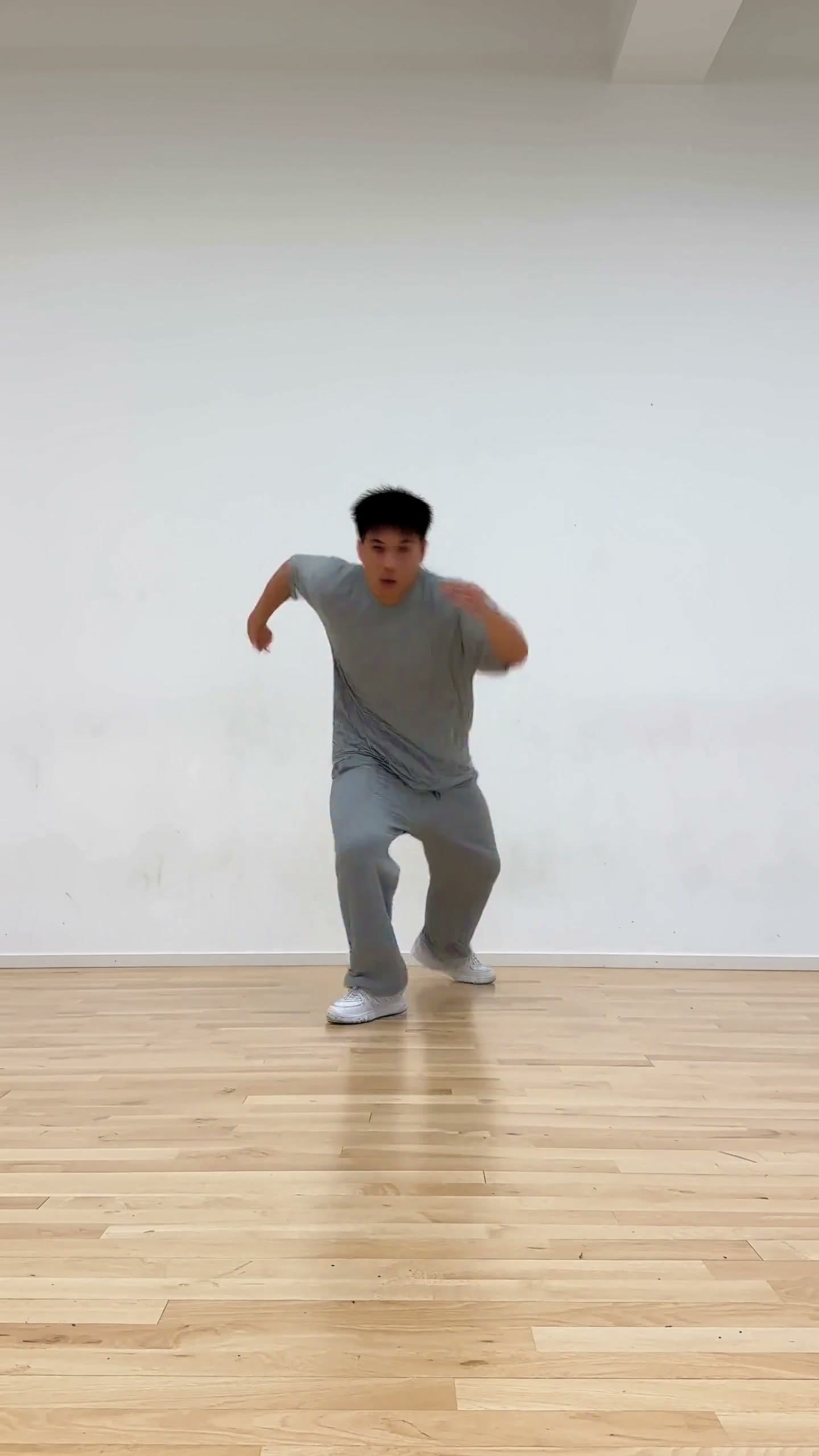
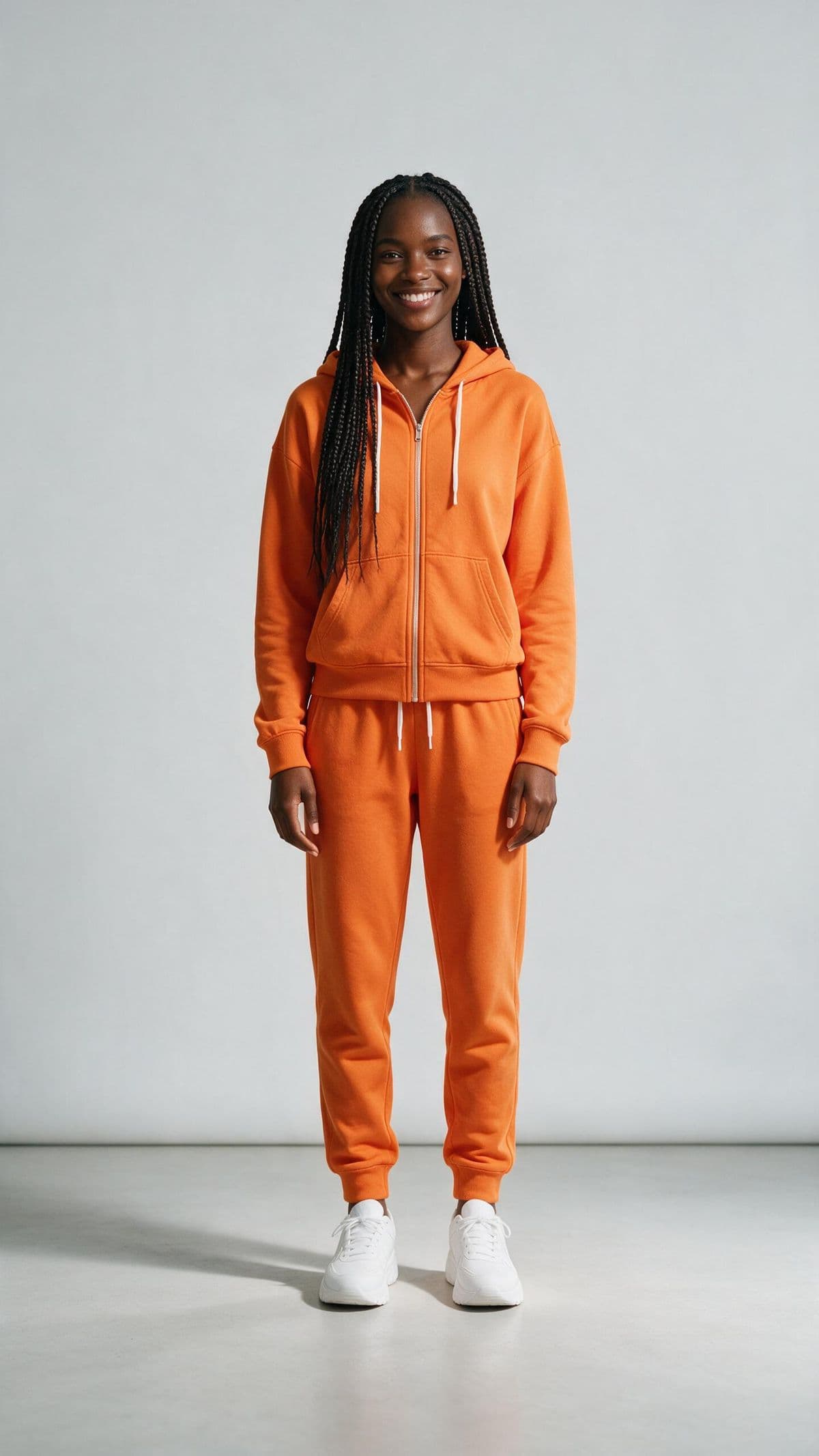
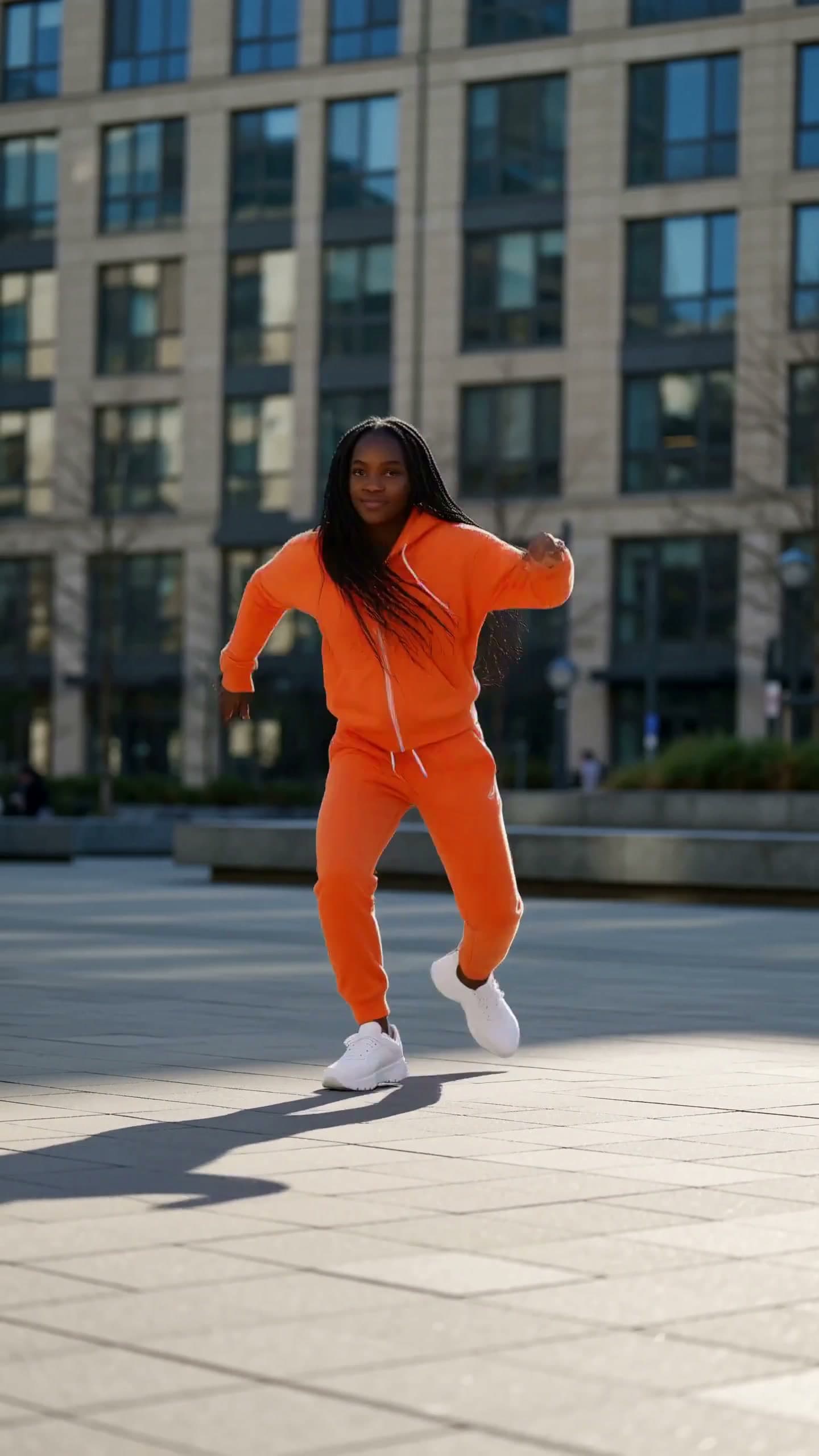
The character performing the reference dance
The dance comes from one video and the dancer from one image. H3 carries over the performance, not the reference's own look.
H3 generates the bloom between the two frames
Pin a first and a last frame, and H3 generates the motion that connects them: here, the bud opening into the bloom.



How it compares
Where MiniMax H3 sits next to other leading video models on Runware. Its edge is native audio directed like picture, paired with a nine-image, three-video, three-audio reference surface and single-instruction editing.
| Model | MiniMax H3 | Seedance 2.5 | Veo 3.1 | Kling VIDEO 3.0 Omni Standard | Gemini Omni Flash 1.1 |
|---|---|---|---|---|---|
| Max duration | 15s | 30s | 8s | 15s | 10s |
| Input types | Text, image, video, audio | Text, image, video, audio | Text, image, video | Text, image, video | Text, image, video |
| Reference inputs | 9 images + 3 video + 3 audio | 30 images + 10 video + 10 audio | Up to 3 images | 7 images + 1 video + 7 elements | 7 images + 3 videos |
| Native audio | Yes | Yes | Yes | Yes | Yes |
| Max resolution | 1440p (2K) | 1080p | 4K | 720p | 4K |
| Capabilities | Text-to-video, image-to-video, video-to-video, audio-to-video, edit | Text-to-video, image-to-video, video-to-video, audio-to-video, edit | Text-to-video, image-to-video, video-to-video, edit, extend | Text-to-video, image-to-video, video-to-video, edit | Text-to-video, image-to-video, video-to-video, edit, extend |


Built for real workflows
MiniMax H3 is a general-purpose, omni-modal video model: unified understanding across text, images, video, and audio, with generation and editing running through the same architecture. It's built for production work that starts from a prompt, a reference, or a clip you already have.

Product and brand footage
Swap an object, relight a scene, or add a prop to existing footage without a reshoot.

Reference-driven character performance
Carry a subject's look, motion, or voice into a brand new scene using a mix of image, video, and audio references.
Storyboarding with keyframes
Pin the first and last frame of a shot and let H3 generate the motion in between.

Clip continuation
Extend an existing clip or audio segment into a seamless new video, rather than starting the shot over.
Scene relighting and background swaps
Change the time of day or the backdrop while the subject, geometry, and camera path stay put.
Social-ready vertical video
Generate directly at 2K in six formats, from cinematic 21:9 to vertical 9:16, without cropping after the fact.
Get the most out of MiniMax H3
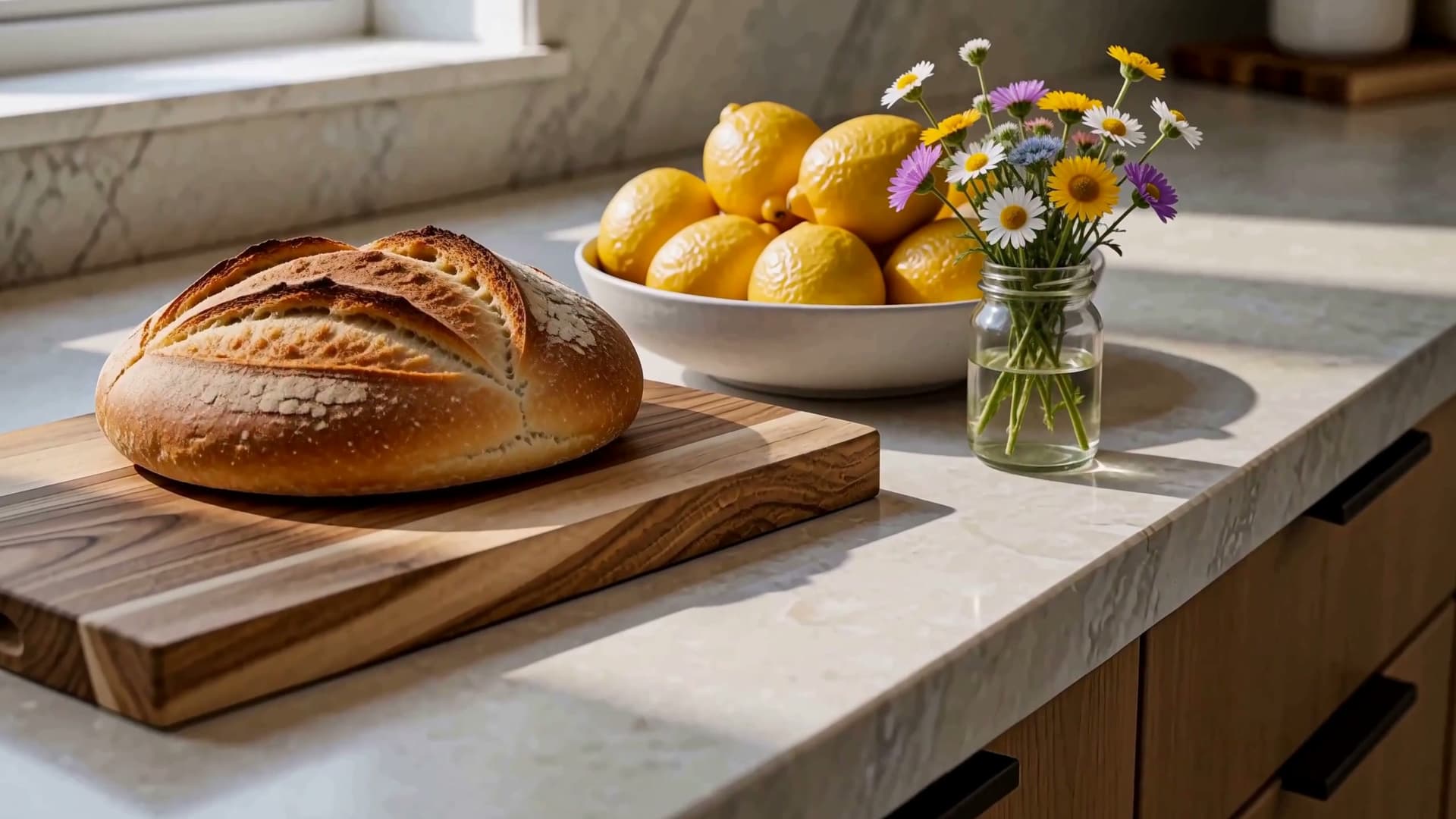
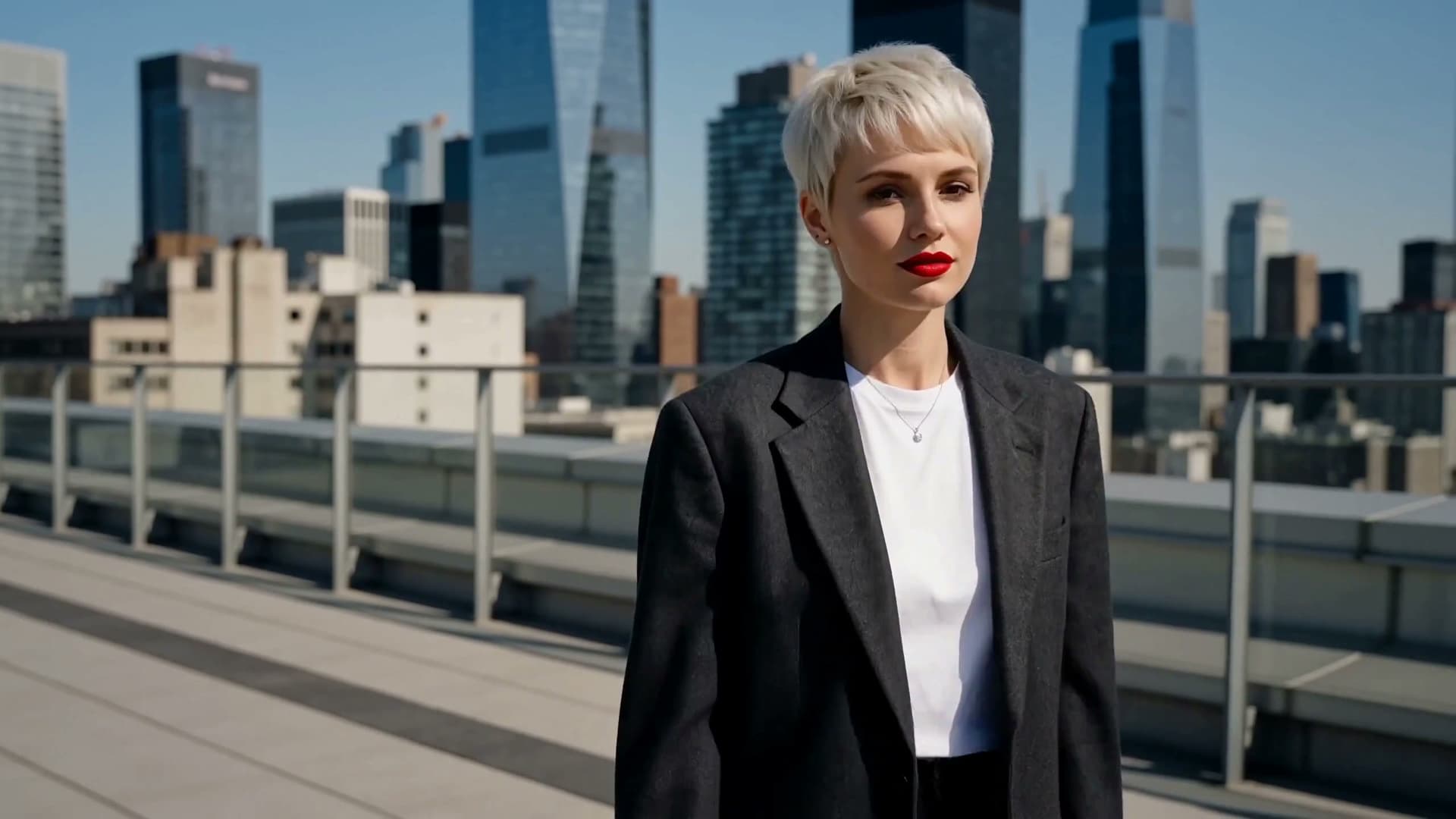
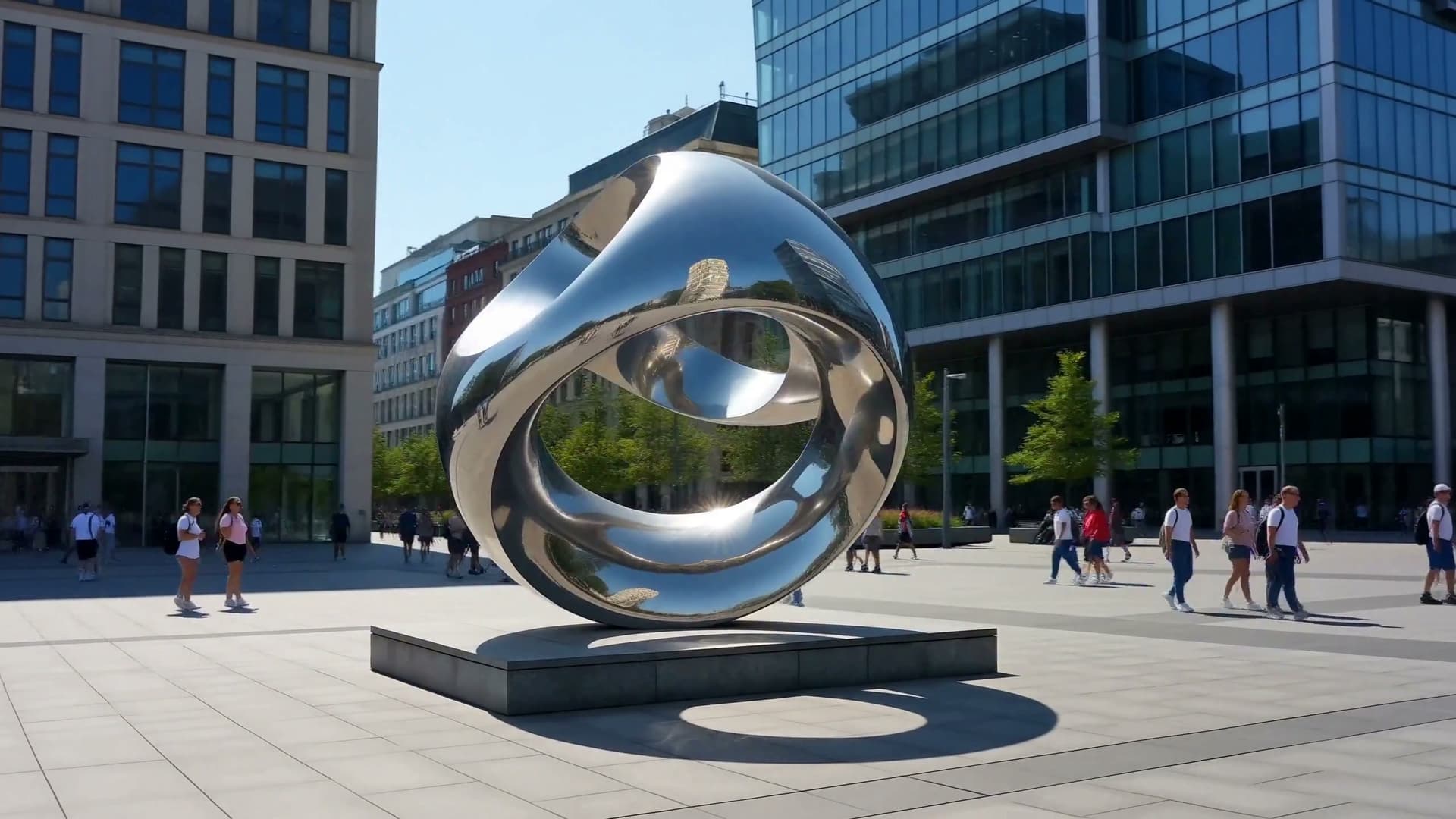
Guides covering generation, editing, reference and motion transfer, keyframes, and sound direction, written for building with MiniMax H3 on Runware.


Get started
One API call, in whichever language you're already using, with the same key and billing as every other model on Runware.
curl https://api.runware.ai/v1 \
  -H "Authorization: Bearer $RUNWARE_API_KEY" \
  -H "Content-Type: application/json" \
  -d '[
    {
      "taskType": "videoInference",
      "taskUUID": "<uuid-v4>",
      "model": "minimax:h3@0",
      "positivePrompt": "A slow dolly-in on a lighthouse keeper climbing a spiral staircase at dawn. Sound: wind howling, footsteps echoing on iron stairs.",
      "duration": 10,
      "seed": 1976
    }
  ]'
Response
[
  {
    "taskType": "videoInference",
    "taskUUID": "<uuid-v4>",
    "status": "success",
    "videoUUID": "3fa4c8e2-9b71-4e05-8c3a-1d2f6a9b7e40",
    "videoURL": "https://vm.runware.ai/video/ws/2/vi/3fa4c8e2-9b71-4e05-8c3a-1d2f6a9b7e40.mp4",
    "cost": 1.3,
    "seed": 1976
  }
]Frequently asked questions
What is MiniMax H3?
MiniMax's video model, hosted on Runware's API. It generates and edits video from text, image, video, and audio inputs, with native synchronized stereo audio in every output rather than a separate dubbing pass.
What generation modes does it support?
Text to video, first-frame and first-and-last-frame keyframe generation, reference-driven consistency (carrying a character, product, or style from reference images), motion and camera transfer from a reference video, and instruction-based editing of an existing clip. All of it runs through the same Runware integration.
Does it generate audio automatically?
Yes, by default. Every clip comes back with synced stereo sound generated alongside the picture, and it responds to a written Sound: clause the same way it responds to a description of the image: ambience, effects timed to specific frames, music, and lip-synced dialogue.
What resolutions and durations are supported?
Clips from 5 to 15 seconds, at either 768p or 1440p (marketed as 2K), across six aspect ratios per tier: 16:9, 21:9, 4:3, 1:1, 3:4, and 9:16.
How many reference inputs can I pass in one generation?
Up to 9 reference images, 3 reference videos, and 3 reference audio tracks in a single call, with combined video and audio duration capped at 15 seconds. First-and-last-frame mode is a separate path and can't be combined with reference images, video, or audio in the same request.
How does editing work?
Pass an existing clip in referenceVideos, then write the prompt as an instruction rather than a scene description, naming the change and what should stay untouched. MiniMax H3 returns the same shot with just that change applied, holding the subject, motion, and camera path.
Do I need separate integrations for each mode?
No. Generation, reference-driven composition, motion transfer, and editing all run through the same Runware API endpoint, under the same key and billing as every other model on the platform.
How much does MiniMax H3 cost?
Pricing is metered per second of output. $0.08 per second at 768p, or $0.13 per second at 1440p (2K). A 5-second clip, the shortest supported length, costs $0.40 at 768p or $0.65 at 2K.
Does it cost extra to pass in reference images, video, or audio?
Reference images: the first 5 are free, then $0.04 each. Reference video: $0.13 per second uploaded. Reference audio: free.
Is MiniMax H3 available now?
Yes. MiniMax H3 is live on Runware, available through the API and Playground under the same key and billing as every other model on the platform.
Already integrated with MiniMax H3 somewhere else?
Our Migration Skills and docs help map an existing integration over. It's the same request shape as every other Runware model, so the change is usually just field names and auth. See the migration guide for details.
Talk to us about MiniMax H3
Have questions about MiniMax H3? Chat to our team about enterprise usage, including volume discounts and dedicated RPM, and we'll follow up shortly.