FLUX 3 Video
Live now on RunwareBlack Forest Labs' first video generation model
Access FLUX 3 Video, Black Forest Labs' first video generation model, trained jointly across image, video, audio, and action for physically coherent scenes with sound generated alongside picture.
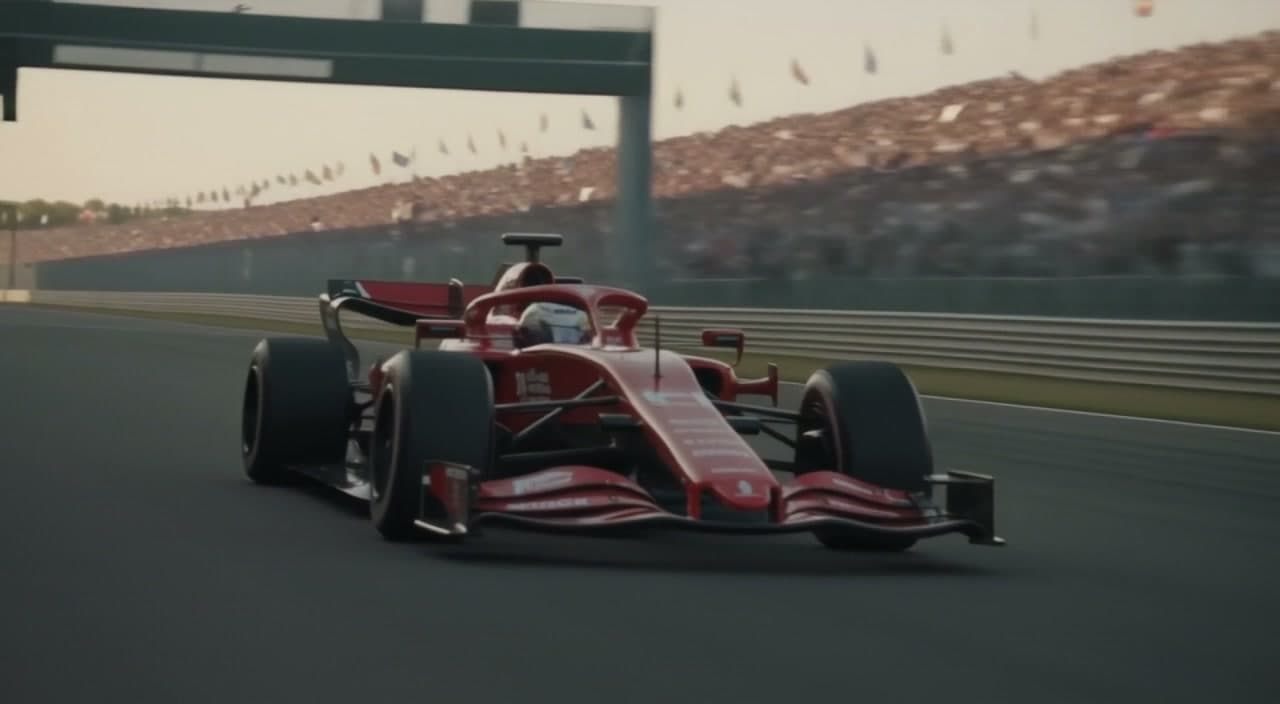
FLUX 3 Video pricing
Metered per second of output across text-to-video, image-to-video, and video-to-video. No subscription, no minimums — same key and billing as every other model on Runware.
Draft mode renders at reduced quality for a lower per-second rate — useful for iterating on a shot before your final render.
Four ways to build a video
FLUX 3 Video can generate an entirely new clip from a written prompt, animate forward from a single image, follow keyframes pinned to specific points in the sequence, or continue an existing clip forward from where it left off.
Text to video
A prompt alone is enough. FLUX 3 Video generates an entirely new clip from scratch, with audio synchronized to the action as it happens.
Image to video
Start from a single image and animate forward from it. The source frame keeps its look while the prompt drives the motion and camera work, with sound layered in automatically.
Keyframes
Pin the frames that matter, such as where a shot should begin or end, and FLUX 3 Video fills in the motion between them. It plays more like storyboarding than prompting.
Video continuation
Feed in an existing clip and generate new content forward from its final frames, keeping framing, lighting, and audio continuous. Chain continuations to build sequences past the 20-second limit.
Why FLUX 3 Video stands out
One model, not a pipeline
Most video systems stitch together separate models for picture and sound. FLUX 3 Video was trained jointly across image, video, audio, and action, so it learns how they relate instead of guessing after the fact.
Audio generated by default
Synchronized audio, including native multilingual dialogue, comes on by default and can be switched off per request when it isn't needed.
Full stylistic range in one model
Candid camcorder footage, animation, motion design, and cinematic photoreal all come from the same model, so switching styles doesn't mean switching tools.
Character consistency across cuts
When a generation includes multiple shots, the same character or subject holds up visually from one cut to the next, without extra prompting to keep it consistent.
Multi-shot sequences, clean on-screen text
Generate a full sequence with hard cuts inside one call instead of stitching shots together, and render titles or animated typography cleanly right in the frame.
Built for length and resolution
Generate clips from 5 to 20 seconds at 720p or 1080p, across aspect ratios spanning cinematic 21:9 to vertical 9:16.
See it in action
Real examples pulled straight from FLUX 3 Video's own guides — camera control, style diversity, native audio, keyframes, multi-shot sequences, and continuation.
Named camera moves
A slow controlled orbit around a ceramicist at her wheel, keeping her centred in frame while the background swings past behind her — one specific camera move on an otherwise stationary subject.
Built for real workflows
FLUX 3 Video is Black Forest Labs' first step into video, built from a unified multimodal architecture rather than an image model stretched to fit. It covers the full stylistic range in a single model, from candid camcorder footage to cinematic photoreal, so switching styles doesn't mean switching tools.
Product and brand footage
Turn a single product photo into polished commercial footage, with motion and sound generated to match, and no live shoot required.
Multi-shot cinematic sequences
Generate a full sequence with hard cuts inside one call, so establishing shots and follow-ups come back together with audio that matches the action.
Motion design and on-screen text
Produce stylized motion graphics with clean in-video titles and animated typography, from the same model used for photoreal footage.
Storyboarding with keyframes
Pin the key moments of a shot and let the model generate everything in between, closer to directing than prompting.
Localized dialogue and voiceover
Generate native multilingual dialogue synced to the action, so the same clip can carry a script in more than one language without a separate dubbing pass.
Stylized and handmade looks
Move between candid camcorder footage, animation, and motion design from the same model, so a campaign can shift styles without switching tools.
Get the most out of FLUX 3 Video
Guides covering prompting, keyframes, video continuation, multi-shot sequences, and audio, written for building with FLUX 3 Video on Runware.
Prompting


How to brief FLUX 3 Video like a shot list: camera moves, lens character, and how much detail the model can actually hold onto per prompt.
Keyframes


Pin up to 10 images to exact frames or timestamps and let the model fill in the motion between them, from a single opening frame to full storyboards.
Video continuation


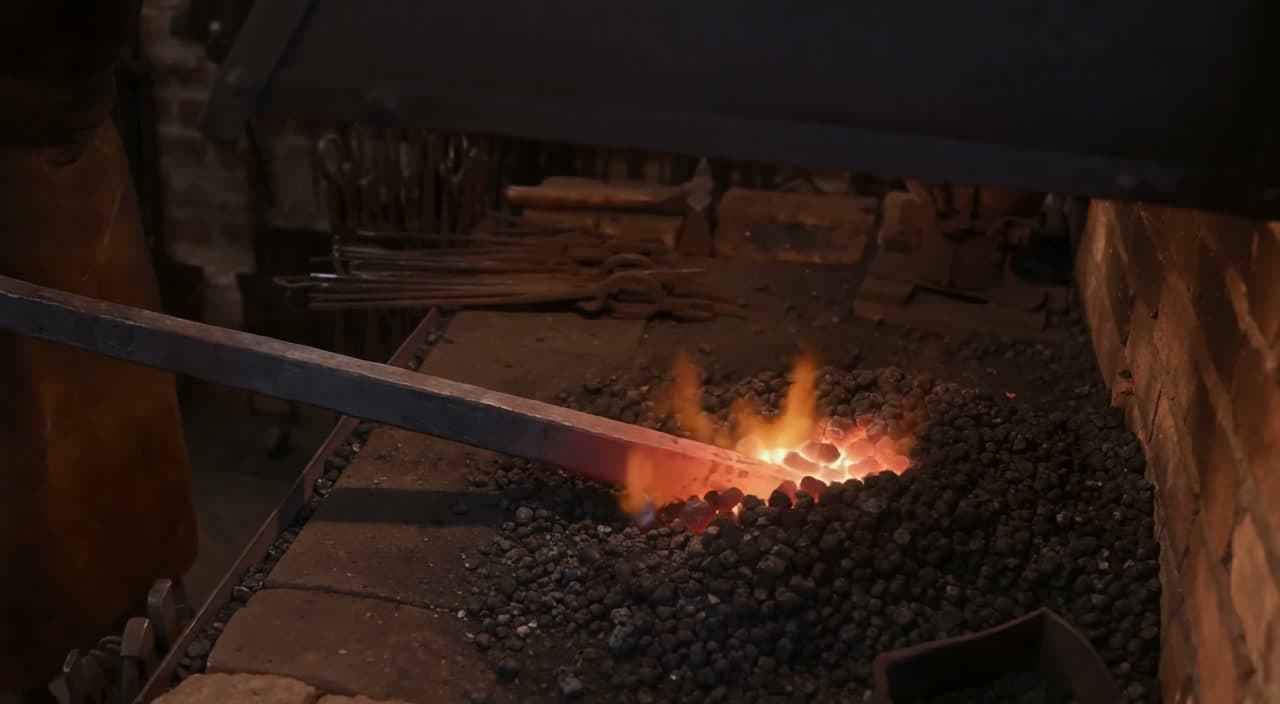
Extend an existing clip from its final frames, and chain continuations together to build sequences past the 20-second limit.
Multi-shot sequences
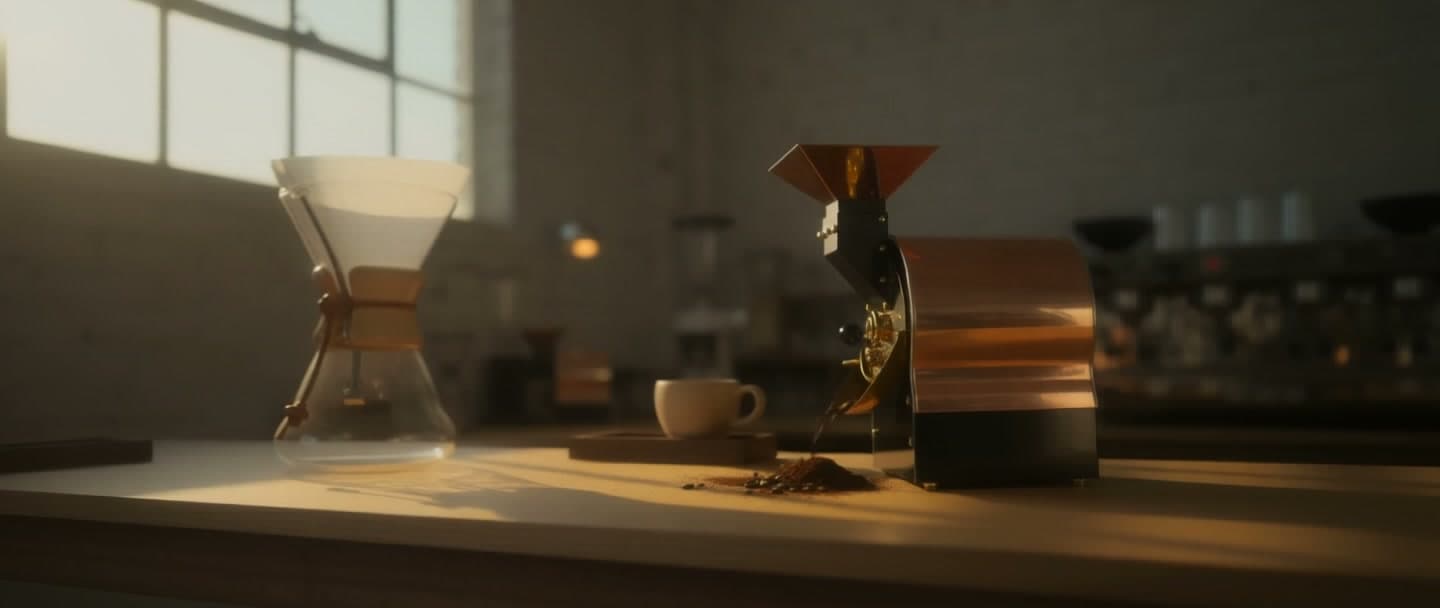

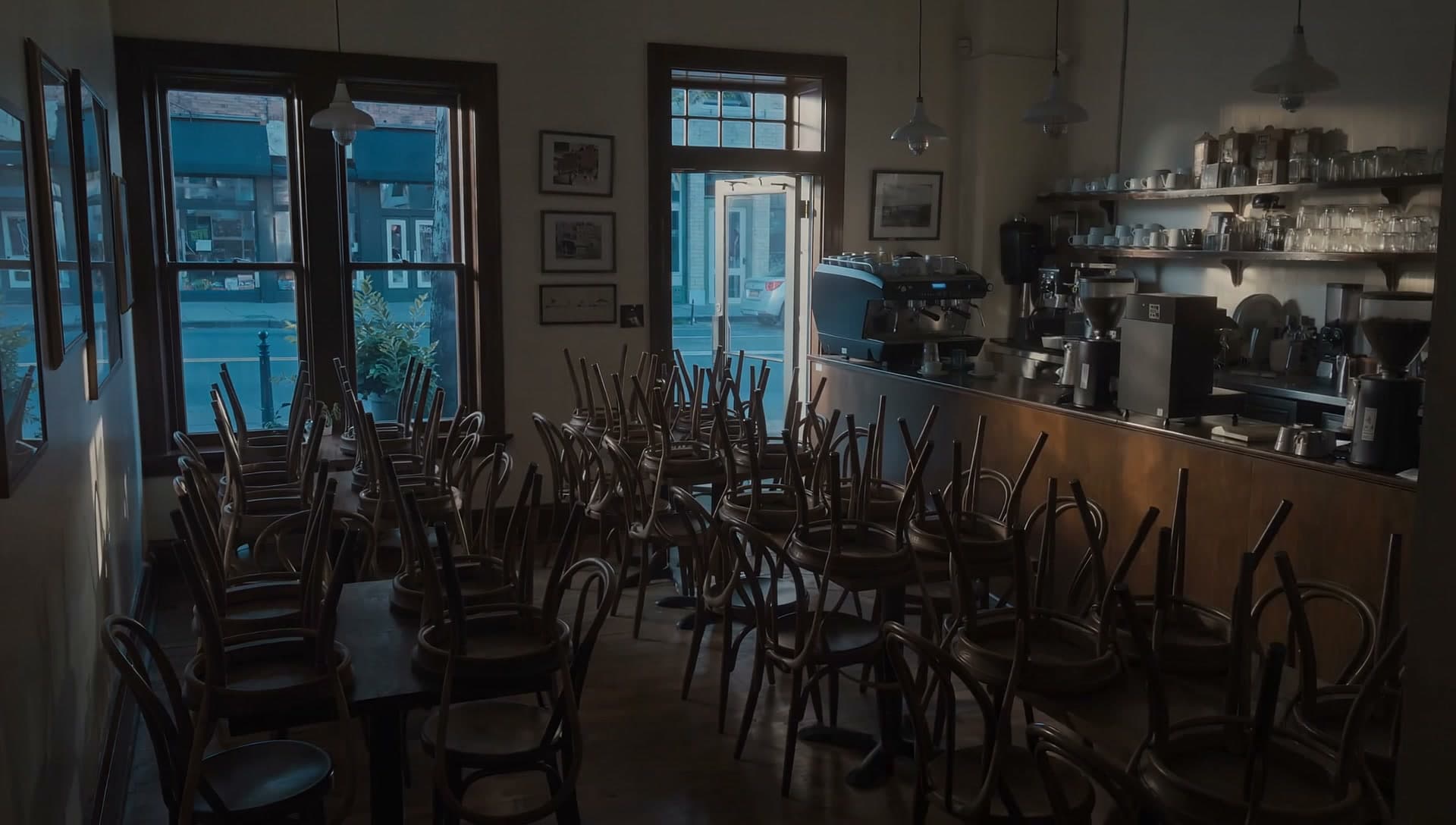
The SHOT / HARD CUT convention for generating real cuts between shots in a single request, with pacing and duration guidelines per cut.
Audio and speech


Directing dialogue, sound effects, and music as explicit layers rather than implied detail, including multilingual dialogue and lip-sync tips.
Get started
One API call, in whichever language you're already using — same key and billing as every other model on Runware.
curl https://api.runware.ai/v1 \
  -H "Authorization: Bearer $RUNWARE_API_KEY" \
  -H "Content-Type: application/json" \
  -d '[
    {
      "taskType": "videoInference",
      "taskUUID": "<uuid-v4>",
      "model": "bfl:flux@3-video",
      "positivePrompt": "A single continuous take flying low over a foggy pine forest at sunrise, breaking into a clearing with a waterfall. Sound: wind, distant birdsong, rushing water swelling as the waterfall comes into view.",
      "resolution": "720p",
      "duration": 5
    }
  ]'
Response
[
  {
    "taskType": "videoInference",
    "taskUUID": "<uuid-v4>",
    "status": "success",
    "videoUUID": "f38a2c17-9d64-4b0e-8f2a-3c7e9b5d1a68",
    "videoURL": "https://vm.runware.ai/video/ws/2/vi/f38a2c17-9d64-4b0e-8f2a-3c7e9b5d1a68.mp4",
    "cost": 0.85
  }
]Frequently asked questions
What is FLUX 3 Video?
Black Forest Labs' multimodal foundation model for video generation with synchronized audio, trained jointly across image, video, audio, and action. It covers text to video, image to video, and video continuation on one architecture, with keyframe control layered on top to pin what happens on screen.
Is FLUX 3 Video only a video model?
Video is the first capability shipping from FLUX 3, but the underlying architecture is a broader multimodal model family spanning video, audio, image generation, and action prediction. More capabilities will follow.
Is FLUX 3 Image available?
Not yet — see what's confirmed so far. In the meantime, Runware's image generation API covers FLUX.1, FLUX.2, and dozens of other open and closed image models.
Will FLUX 3 Dev with open weights be available?
Yes. FLUX 3 Dev is an upcoming open-weights release within the FLUX 3 family. More details will be shared when it becomes available.
What generation modes does it support?
Text to video, image to video, keyframe control to pin specific frames in a sequence, and video continuation to extend an existing clip from its final frames. All of it runs through the same Runware integration.
Does it generate audio automatically?
Yes, by default across every mode, and it can be switched off per request. Audio comes from the same joint training that grounds the model's sense of motion, rather than a separate pass added afterward.
What resolutions and durations are supported?
Clips from 5 to 20 seconds at 720p or 1080p, across seven aspect ratios: 21:9, 2:1, 16:9, 4:3, 1:1, 3:4, and 9:16.
Can I extend a clip once it's generated?
Yes. Video continuation takes an existing clip's final frames and generates new content forward from there, keeping framing, lighting, and audio continuous. Continuations can be chained to build sequences beyond the 20-second limit, though quality drifts the longer the chain gets.
Do I need separate integrations for each mode?
No. Text to video, image to video, keyframe control, and video continuation all run through the same Runware API as every other model on the platform, under the same key and billing.
How much does FLUX 3 Video cost?
Pricing is per second of output rather than a flat per-clip rate. Text to video and image to video cost $0.17 per second at 720p and $0.29 per second at 1080p. Keyframe control runs on the same per-second, usage-based pricing. Video continuation is priced separately at $0.43 per second at 720p and $0.54 per second at 1080p.
Is FLUX 3 Video available now?
Yes. FLUX 3 Video is live on Runware, available through the API and Playground under the same key and billing as every other model on the platform.
Already integrated with FLUX 3 Video somewhere else?
Our Migration Skills and docs help map an existing integration over — same request shape as every other Runware model, so the change is usually just field names and auth. See the migration guide for details.
Talk to us about production volume
Have questions about FLUX 3 Video? Chat to our team about enterprise usage, including volume discounts and dedicated RPM, and we'll follow up shortly.