Meta Muse Image
Live now on RunwareMeta's agentic image model
Access Muse Image, Meta Superintelligence Labs' flagship image model, on Runware: text-to-image, editing, and multi-reference composition in one call, grounded in the web and verified with code before it returns a result.


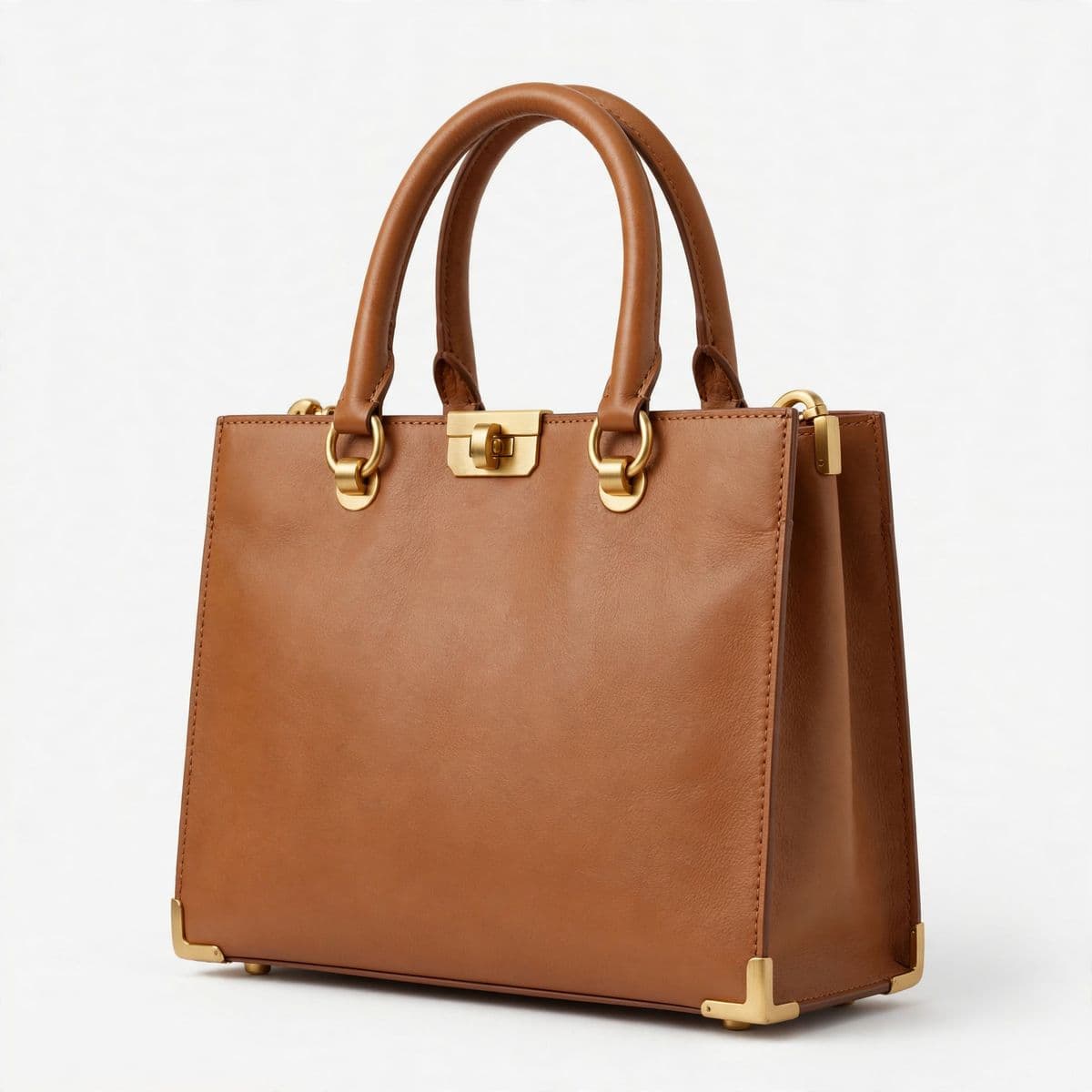

All workflows supported natively.
One integration for generation, editing, and composition, with no separate endpoints.
Four ways to build an image
Text-to-image, single-image editing, multi-image editing, and multi-reference composition all run through the same call — the difference is just how many reference images you pass in and what the prompt asks for.
Text to image
A written prompt alone is enough. Muse Image plans the layout, checks facts and visual references, and renders the result.
Single-image editing
Pass one reference image and describe the change as an instruction — remove an object, fix a region, restore a damaged photo — rather than a whole new scene.
Multi-image editing
Pass a few reference images and edit or recombine them together in one call, keeping the parts you want to carry over consistent across the result.
Multi-reference composition
Combine up to ten reference images into a single new composition — product shots into a catalog grid, or several elements into one designed scene.
Why Meta Muse Image stands out
One model, not a pipeline
Text-to-image, single- and multi-image editing, and multi-reference composition all live in the same model and the same call — no separate tools to stitch together.
Reasons before it renders
Muse Image plans a layout and checks its own draft before returning a result, rather than generating once and stopping. settings.thinkingLevel controls how much of that reasoning it does.
Grounded in the real world
settings.webSearch and settings.imageSearch pull in current facts and real visual references for things like logos, products, and landmarks — on by default, included in the price.
Code-verified charts and QR codes
settings.shell lets the model write and run code to build the underlying chart, table, or QR code before rendering it, so the numbers and scan targets come out correct.
Precise, legible text rendering
Signs, labels, headlines, and multi-element layouts render as specified rather than as approximate lettering.
Up to ten reference images
Combine up to ten reference images in a single call for multi-reference composition — one parameter, whether you're making a light edit or a full new scene.
See it in action
Real generations and edits from Meta Muse Image. Pick one below to see not just the result, but what actually went into making it.

How it compares
Where Meta Muse Image sits next to other leading image models on Runware. Its edge isn't in reference-image count alone — it's the only one here with built-in web and image-search grounding and code-verified charts, tables, and QR codes.
| Model | Meta Muse Image | Seedream 4.0 | Nano Banana Pro | GPT Image 1 | FLUX.1 Kontext [max] |
|---|---|---|---|---|---|
| Reference inputs | Up to 10 images | Up to 14 images | Up to 14 images | Up to 16 images | Up to 2 images |
| Max resolution | 2K (fixed presets) | Up to 4096×4096 | Up to 6336×2688 | 1536×1024 | 1568×1568 |
| Capabilities | Text-to-image, image-to-image, edit | Text-to-image, image-to-image, edit | Text-to-image, image-to-image, edit | Text-to-image, image-to-image, edit | Image-to-image, edit |
Built for real workflows
Muse Image is built for practical visual tasks as much as creative ones — the same model that generates a campaign image can restore a damaged photo, build a data-accurate chart, or compose a product catalog.
E-commerce catalogs
Compose individual product photos into a single catalog grid or for-sale listing, and re-edit it later when inventory or pricing changes.
Photo restoration and touch-up
Repair old or damaged photos, or remove an unwanted object or photobomber from an existing shot, without regenerating the rest of the scene.
Data-accurate infographics
Build charts and information graphics for reports or social posts where the numbers on screen need to actually match the data in the prompt.
Designed pieces with working QR codes
Embed a scannable QR code into a poster, flyer, or packaging design, verified with code rather than approximated as a graphic.
Consistent characters and brand series
Carry a character, product, or style across a sequence of images — comic panels, campaign variations, or personalized presets — via reference anchoring.
Marketing and ad creative
Generate on-brand ad assets and layouts with legible, precise on-image copy, grounded in real product or brand references when needed.
Get the most out of Muse Image
Guides covering prompting, editing, multi-reference composition, grounded generation, infographics, and text rendering, written for building with Muse Image on Runware.
Prompting Muse Image


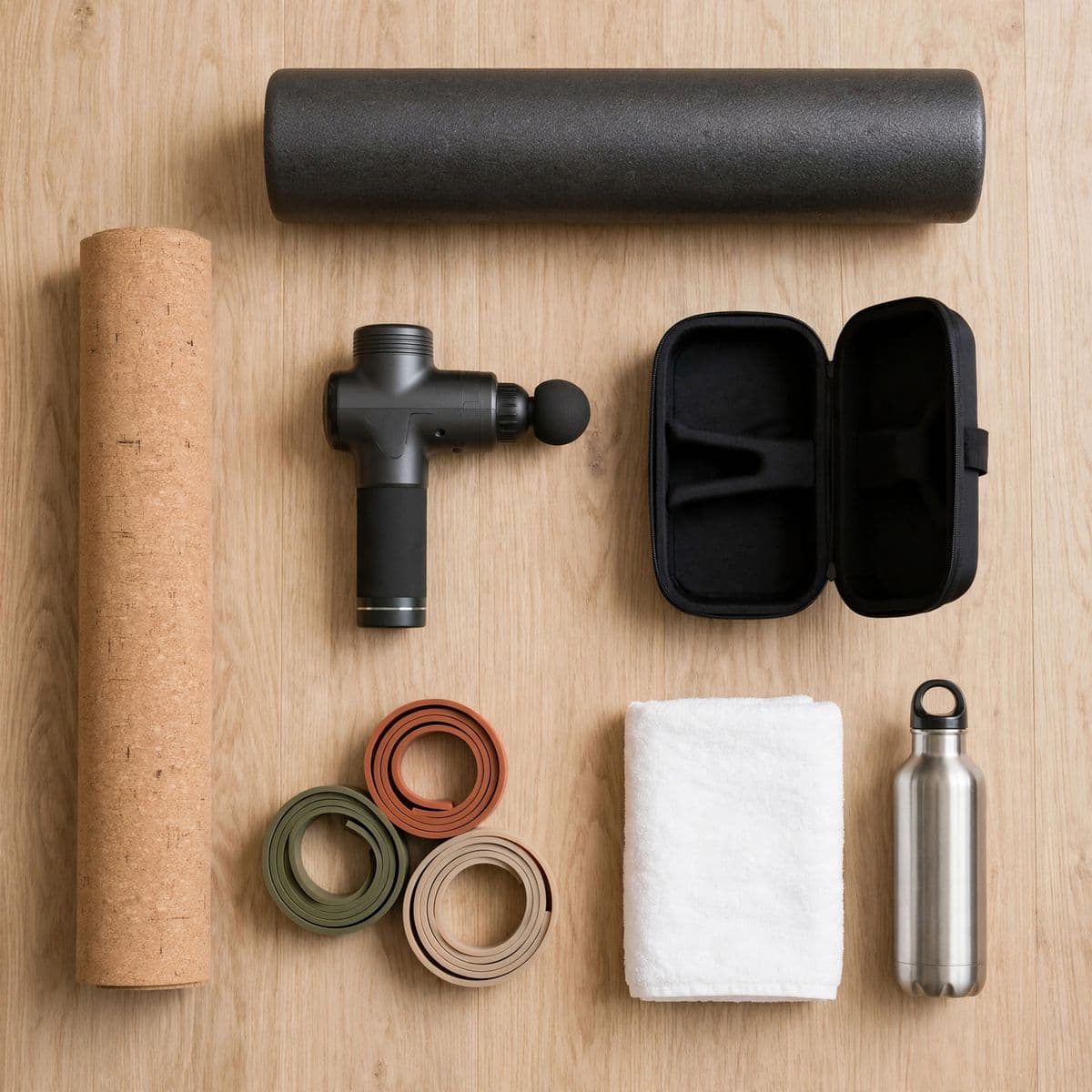
Foundational prompting: planning a layout before you write the prompt, choosing a thinking level, picking from the eight available sizes, and how seed behaves across runs.
Editing images


Pass a source image and target specific regions, remove objects, restore old photos, or refine a result iteratively rather than regenerating from scratch.
Multi-reference composition


Combine up to ten reference images into a single composition, with guidance on structuring the prompt and choosing the right resolution at 2K.
Grounding with web and image search

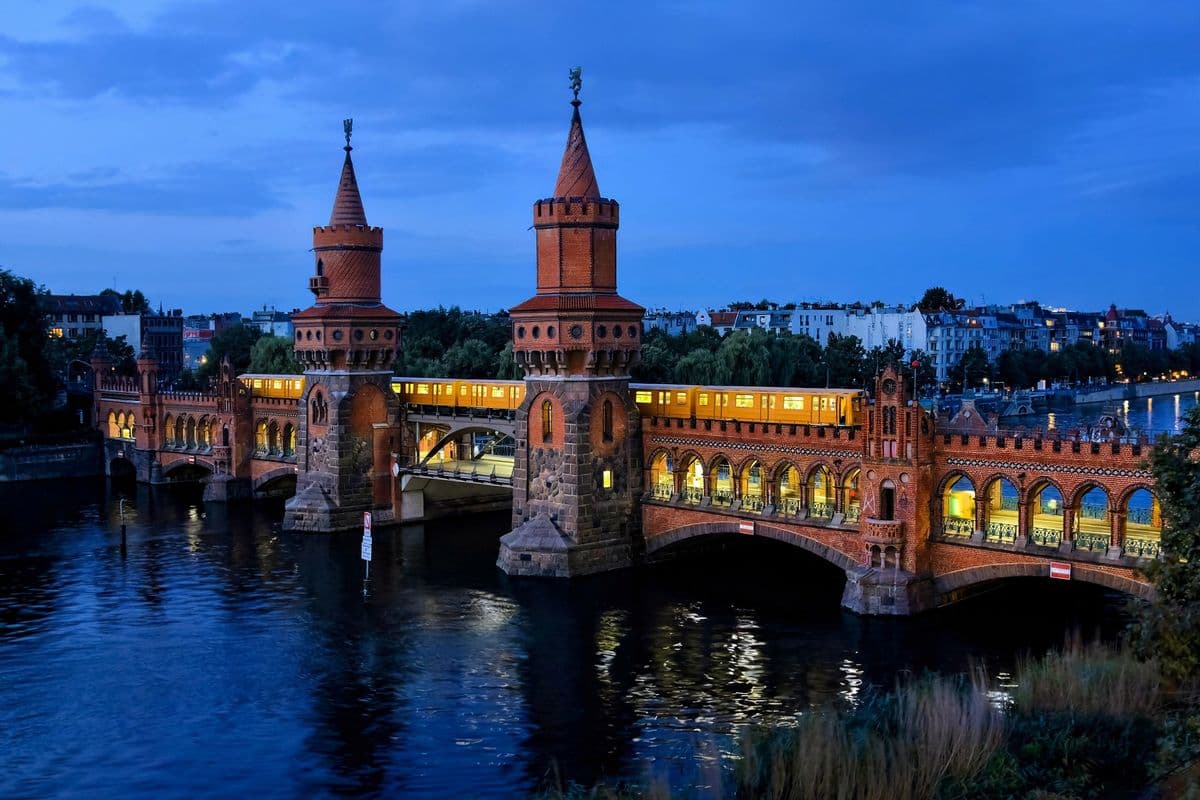

Use settings.webSearch and settings.imageSearch to anchor a generation in real, current facts and real visual references — and when to turn them off.
Infographics and charts


Build data-accurate charts and information graphics using settings.shell, plus how to phrase the numbers you want represented in the prompt.
Rendering exact text


Get precise, legible text into a generated image: specifying the exact string, keeping it short, directing typography, and placing multiple text elements in one layout.
Get started
One API call, in whichever language you're already using — same key and billing as every other model on Runware.
curl https://api.runware.ai/v1 \
  -H "Authorization: Bearer $RUNWARE_API_KEY" \
  -H "Content-Type: application/json" \
  -d '[
    {
      "taskType": "imageInference",
      "taskUUID": "<uuid-v4>",
      "model": "meta:muse@image",
      "positivePrompt": "A neon-lit night market food stall at dusk, a hand-painted wooden sign reading "LUCKY BOWL NOODLES" above the counter, steam rising from bowls of ramen, warm string lights overhead, rain-slicked pavement reflecting the colors.",
      "width": 2048,
      "height": 1152
    }
  ]'
Response
[
  {
    "taskType": "imageInference",
    "taskUUID": "<uuid-v4>",
    "imageUUID": "f38a2c17-9d64-4b0e-8f2a-3c7e9b5d1a68",
    "imageURL": "https://im.runware.ai/image/ws/2/ii/f38a2c17-9d64-4b0e-8f2a-3c7e9b5d1a68.jpg",
    "seed": 482910537
  }
]Frequently asked questions
What is Meta Muse Image?
Meta's flagship image model from Meta Superintelligence Labs, hosted on Runware's API. It generates and edits images from a text prompt and reasons before it renders — planning layout, checking facts against the web, and verifying elements like charts and QR codes with code before returning a result.
What generation modes does it support?
Text-to-image, single-image editing, multi-image editing, and multi-reference composition (combining up to ten reference images into one new scene) all run through the same call — you don't switch endpoints, you just change how many reference images you pass in and what the prompt asks for.
How does editing work?
Pass the image you want changed as a reference image, then write the prompt as an instruction naming the specific change — remove an object, fix a region, restore a damaged photo — rather than describing a whole new scene.
How many reference images can I combine in one call?
Up to ten. Fewer references reads as a simple edit; more references reads as a full composition — both are the same parameter, just with more images in it.
What sizes are available?
Eight fixed presets, all rendered at 2K: 1:1, 3:2, 2:3, 4:3, 3:4, 16:9, 9:16, and 21:9.
Does it search the web for accuracy?
Yes, by default. settings.webSearch grounds a generation in current, factual information, and settings.imageSearch pulls in real visual references for things like logos, products, and landmarks. Both are on unless you turn them off, and neither costs extra.
Can it generate accurate charts, tables, and QR codes?
Yes. settings.shell lets the model write and run code to build the underlying chart, table, or QR code before rendering it, which is why the numbers and scan targets come out correct instead of approximated.
What does thinking level control?
settings.thinkingLevel (high or low, default high) controls how much internal reasoning the model does before generating. High is the more deliberate, higher-quality default; low trades some of that reasoning for speed.
Is Muse Video available on Runware too?
Not yet. Meta announced Muse Image alongside an early preview of Muse Video. This page covers Muse Image only.
Already integrated with Meta Muse Image somewhere else?
Our Migration Skills and docs help map an existing integration over — same request shape as every other Runware model, so the change is usually just field names and auth. See the migration guide for details.
Talk to us about production volume
Have questions about Meta Muse Image? Chat to our team about enterprise usage, including volume discounts and dedicated RPM, and we'll follow up shortly.