Krea 3 is coming to Runware
Krea's new image editing model starts from your own images: a product, a person, a room, or a set of references. Describe the change, keep what matters, and get a native 2K result. We'll support it through the Runware API as soon as it's available.
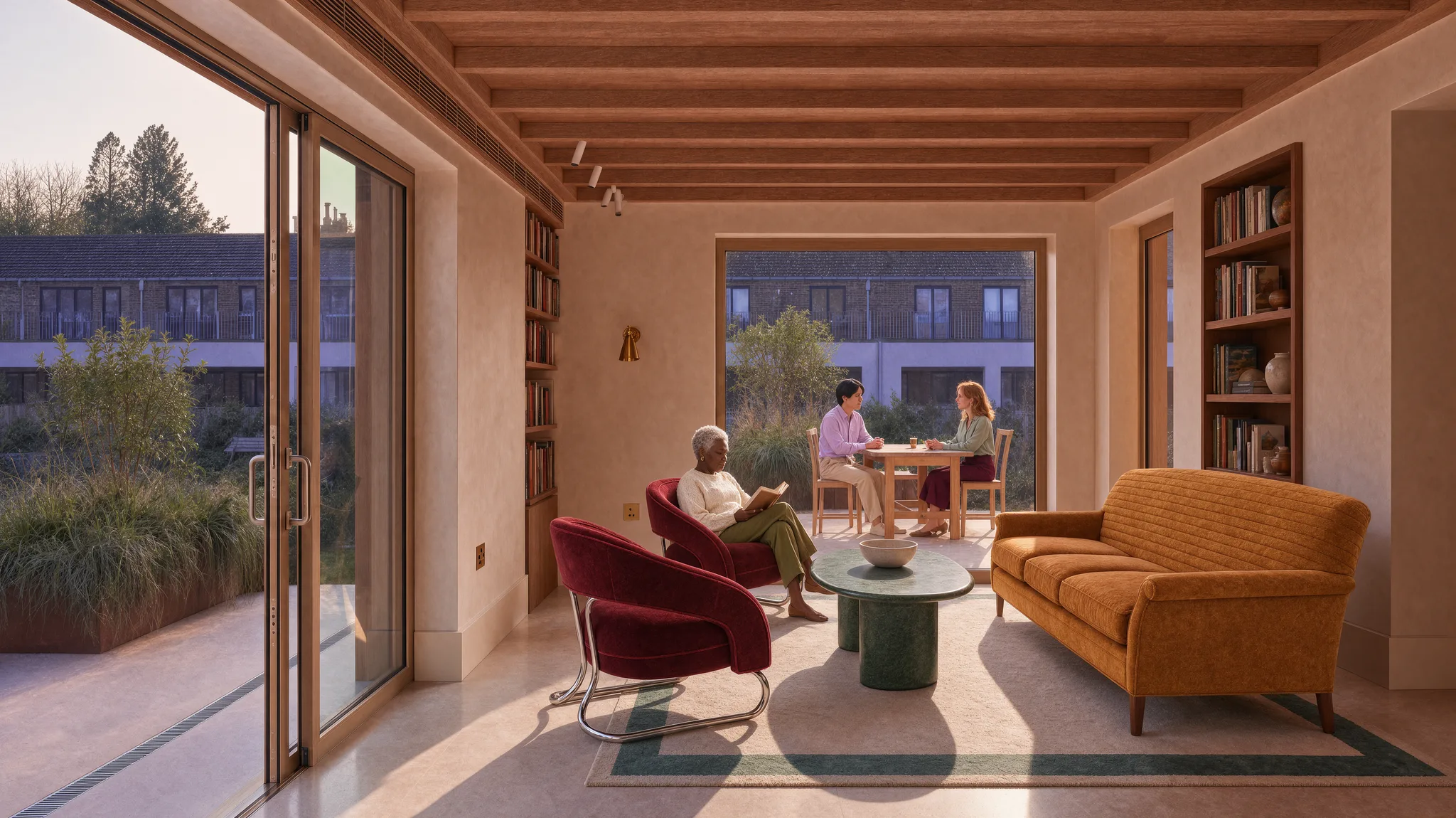
- Room
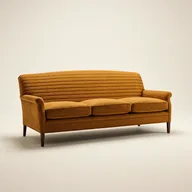
- Sofa
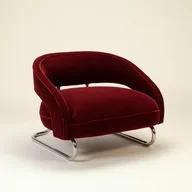
- Chair
- Table
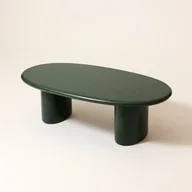
Edit from the images you already have.
One model for product, interior, fashion, character, and illustration edits, steered by your own images and references.
- Reference-driven editing
- Up to 6 references
- Style references
- Targeted edits
- Sketch to render
- Native 2K
What Krea 3 is built for
Edits in seconds
Krea says most edits come back in under 8 seconds end to end, at native 2K, so you can keep iterating while the decision is still being made.
Start from what you have
A product, a person, a room, a sketch, a moodboard, a line drawing with a color palette, or a painting. Krea 3 edits from your images rather than a blank prompt.
Change only what you name
Swap the furniture and leave the rest of the room alone. What the prompt doesn't mention stays as it was.
Products and characters stay intact
Products, logos, labels, and characters hold steady while the scene around them changes, and text in the image survives the edit.
Up to 6 references in one edit
Combine several images in one request, such as a room and three furniture shots, and say which one supplies what. Add style references to keep a whole series consistent.
Native 2K output
Krea trained Krea 3 at 2K, so edits come back at native 2K, with 1K output as well.
Your images in, the edit out
Krea's own Krea 3 examples: the images that went in, what Krea 3 returned, and the prompt behind each result.
Product photo to campaign shot
- Product
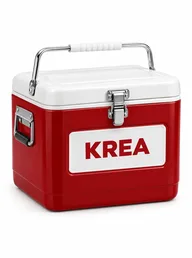
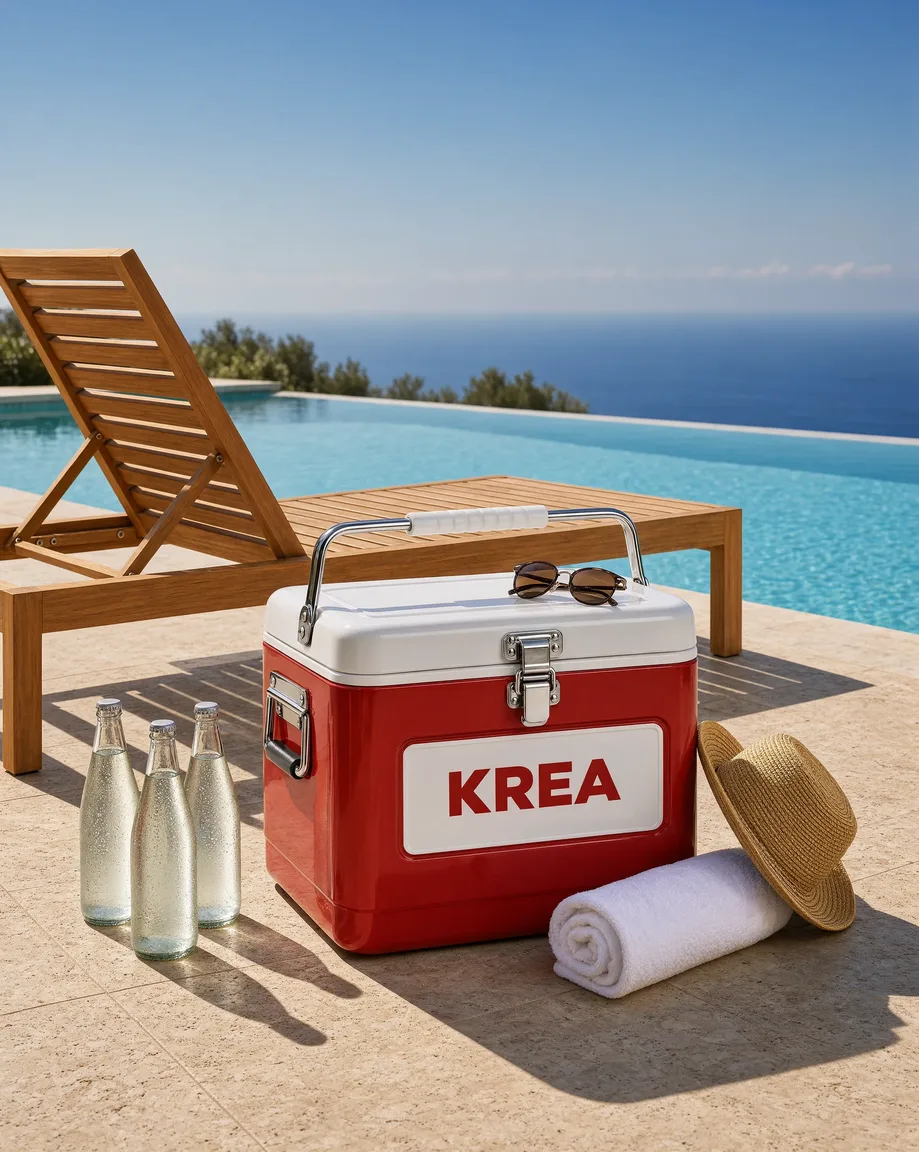
- Beautiful high-end product photograph of the exact red and white cooler box from the reference image, product unchanged (red body, white lid, chrome latch and handles, white panel with red KREA). It sits on a sleek travertine pool terrace beside a modern teak sun lounger and a turquoise infinity pool, related summer items next to it: chilled glass bottles of sparkling water, a pair of sunglasses, a rolled white towel and a straw hat. Bright clean Mediterranean sunlight with crisp shadows, luxurious resort catalog photography.
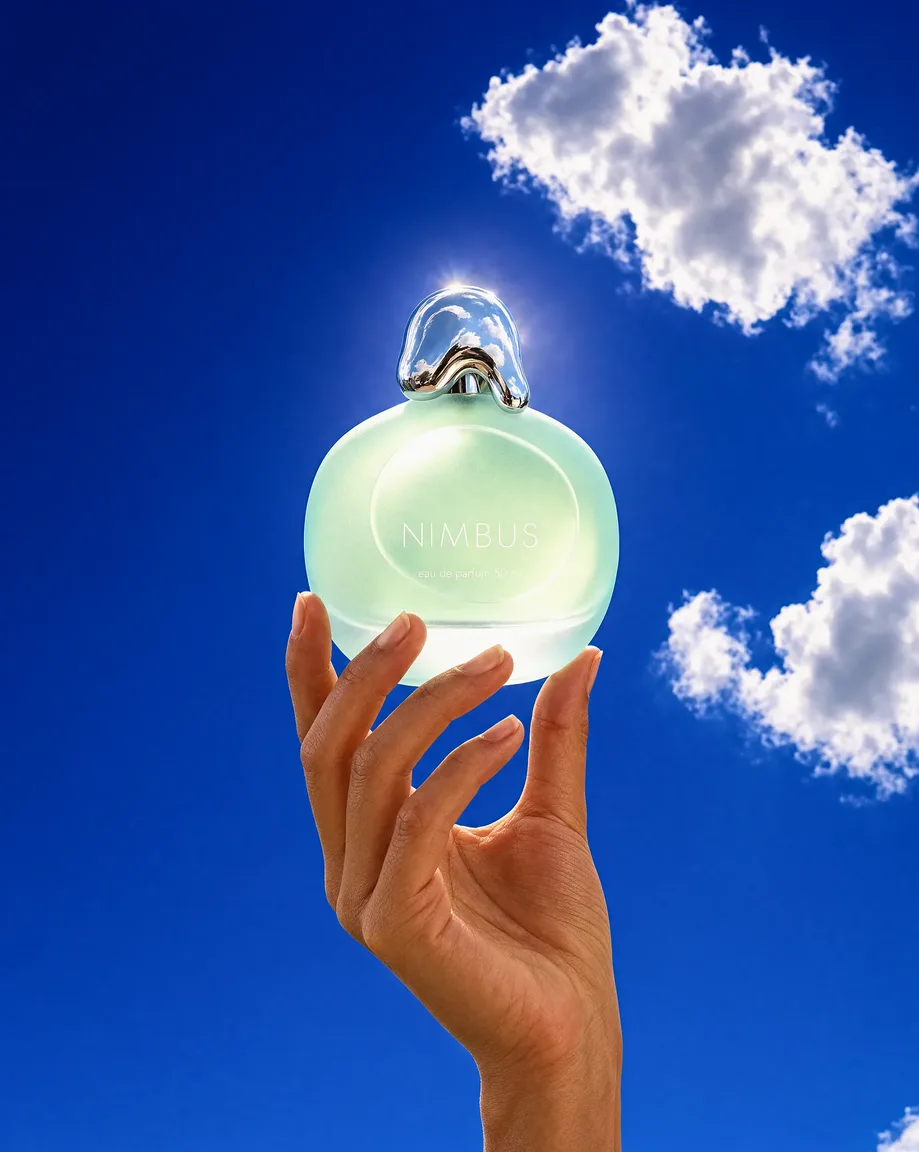
Packshot to fragrance campaign
- Product
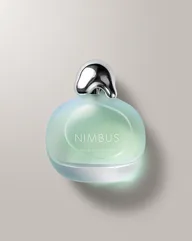
- Keep the perfume bottle exactly as in the reference image: same frosted seafoam pebble-shaped glass body, same melted-droplet chrome cap and the same white NIMBUS text. Restage it as an open-sky contre-jour fragrance campaign shot: vertical low-angle frame of a hand with bare natural nails raising the bottle up against a deep saturated cobalt summer sky with a few bright white cumulus clouds, the sun just behind the bottle so the frosted seafoam glass glows from within and the chrome cap catches a hot white rim highlight, a faint genuine lens flare bloom at the upper edge, palette of deep cobalt sky then glowing seafoam glass then white cloud then chrome then warm skin, 12:1 contrast against the sky, bottle at 55% across in the upper half, the hand entering from the bottom edge cropped at the wrist, lower left of the sky left empty, 70mm, 4:5, deep focus, clean digital finish, Y2K fragrance advertising photograph, no gradient sky filter, no added text.
References in, one image out
Krea's own clips of Krea 3 combining several references into one image, and the detail it holds up close.


Built for creative teams
Krea 3 is for teams that already have the images: product shots, rooms, models, characters, and sketches, edited toward the next round of feedback rather than regenerated from scratch.
Product imagery
Turn a cutout or packshot into campaign and catalog scenes while the product itself stays exactly as shot.
Interiors and architecture
Swap furniture from product shots, change finishes and materials, or turn a sketch into a photo.
Fashion and eyewear
Put a garment or accessory on a model from reference images, or explore design variations on a single piece.
Characters and series
Keep a face, an outfit, or a cast of characters consistent across a sequence of stills.
Concept art and illustration
Color a sketch, restyle a drawing, or turn flat artwork into a photographed object.
Campaign iteration
Edit an approved image toward the next round of feedback instead of starting again from a prompt.
Available today: Krea on Runware
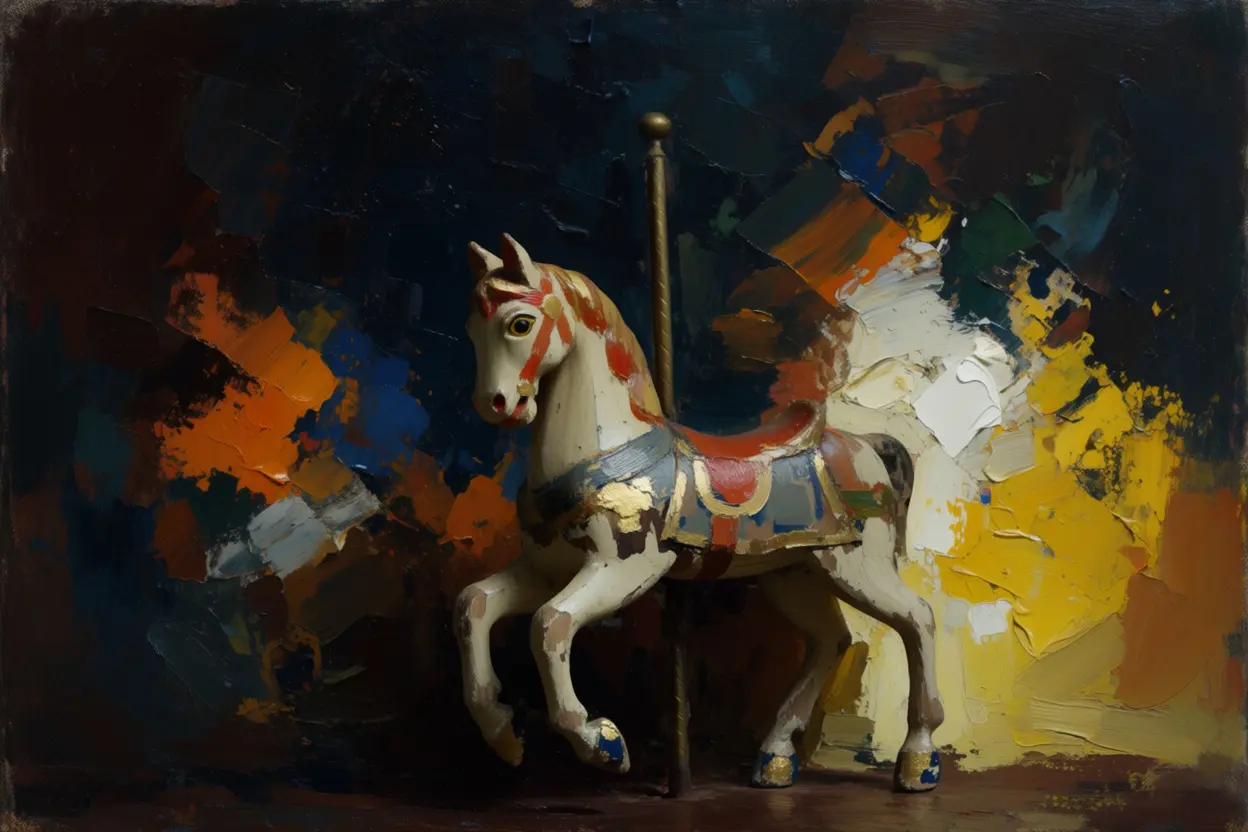
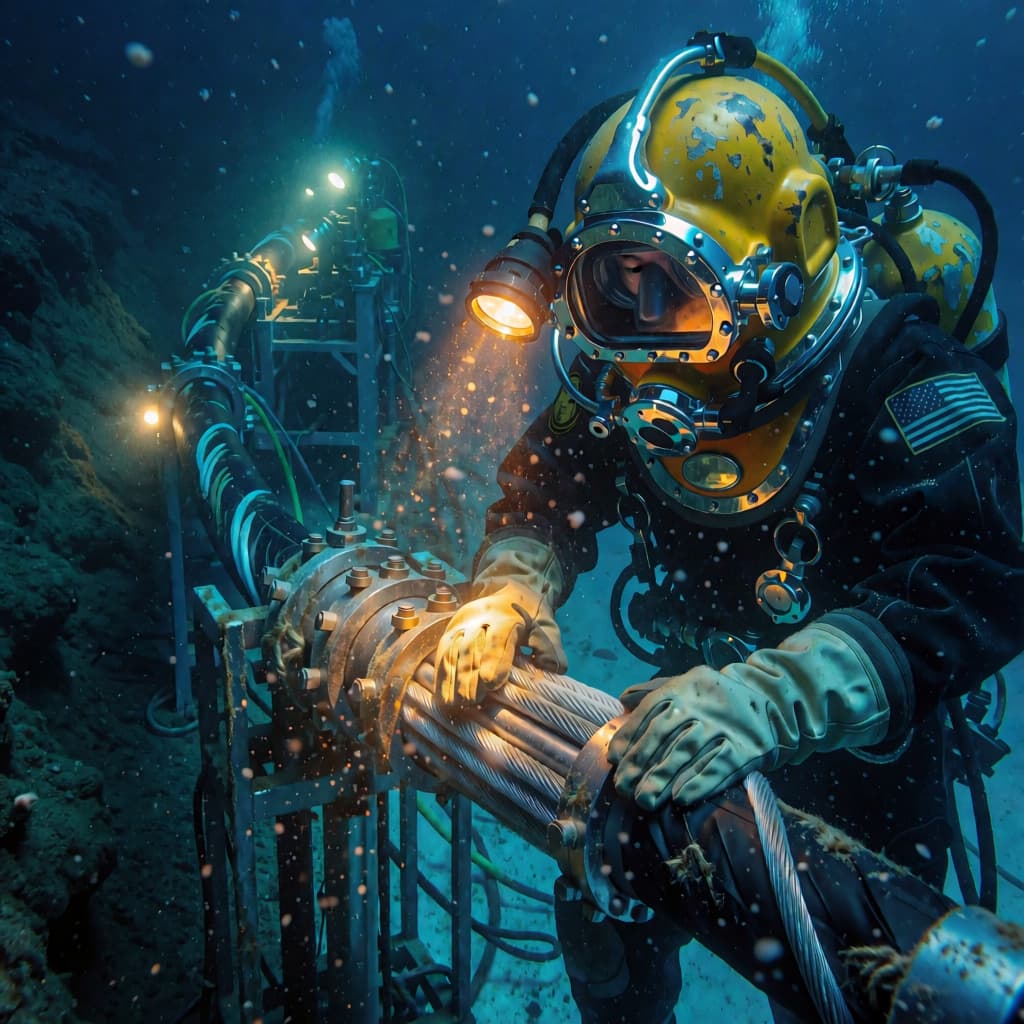
While Krea 3 is on its way, the Krea 2 family and FLUX.1 Krea [dev] are live on Runware now, under the same key and billing as every other model on the platform. When Krea 3 arrives, it's a new model ID on the same endpoint, with the same key and request shape.


![A portrait of a museum ceramics conservator, generated with FLUX.1 Krea [dev]](/_next/image?url=https%3A%2F%2Fassets.runware.ai%2Fexamples%2Fkrea-flux-1-krea-dev%2F760be6da-991c-40c1-a958-617a3c71c16f.jpg&w=1920&q=75)
Frequently asked questions
What is Krea 3?
Krea's new image editing model, released on October 15, 2026. You start from your own images, such as a product, a person, a room, or a set of references, describe the change, and Krea 3 edits what you name at native 2K. It's built by Krea, an independent lab.
When will Krea 3 be available on Runware?
Krea released Krea 3 on krea.ai and through its own API on October 15, 2026. It isn't on Runware yet, and we'll add it to the Runware API as soon as it's available. Leave your details at the bottom of this page and we'll let you know.
Will I be able to use Krea 3 through an API?
Yes. On Runware, Krea 3 will run through the same API as every other model: one endpoint, one API key, and the same request shape. If you already call Krea 2 on Runware, moving to Krea 3 will be a model ID change.
Can I use Krea models on Runware today?
Yes. The Krea 2 family is live on Runware now, including Krea 2 Large, Krea 2 Medium, Krea 2 Medium Turbo, the open-source Krea 2 Turbo, and the Krea 2 Raw base checkpoint, along with FLUX.1 Krea [dev].
What can I edit with Krea 3?
Products, people, rooms and buildings, characters, and artwork. Krea's own examples include restaging a product packshot as a campaign image, refurnishing a room from product shots, turning an architectural sketch into a photo, and keeping a cast of characters consistent across a series of stills.
How many reference images can I use?
Up to 6 per edit, according to Krea's launch post, with the prompt saying which image supplies what, such as a room and three furniture shots. You can also add style references to keep a series consistent.
What resolution does Krea 3 output?
Native 2K, which Krea says most edits reach in under 8 seconds end to end. Krea 3 also outputs at 1K.
How is Krea 3 different from Krea 2?
Krea 2 is Krea's image generation family, built for text-to-image with reference guidance. Krea 3 is Krea's image editing model: it starts from your own images and changes only what you describe.
How much will Krea 3 cost on Runware?
Runware will publish pricing for Krea 3 when it launches here. As with every model on Runware, you'll pay only for what you generate, with no subscription or minimums.
Already using Krea through another provider?
Our Migration Skills and docs help you move an existing integration to Runware, where every model shares one request shape, so the change is usually field names and auth. See the migration guide for details.
Get notified when Krea 3 launches
Leave your details and we'll let you know as soon as Krea 3 is live on Runware. We can also talk through enterprise access, including volume discounts and dedicated RPM.