Kling 4.0 is now available on Runware
Kling AI's newest video model is live on the Runware API: 30-second scenes at up to 1080p, directed by up to 10 keyframes and 15 combined references, with native audio. Kling 4.0 Flash, 4K, and 10-bit HDR are coming soon.

Every workflow in one native model.
Generation, reference-driven video, and editing in one native multimodal model, through one Runware integration.
- Text-to-video
- Image-to-video
- Start and end frames
- Multiple keyframes
- Omni Reference
- Video editing
- Creative Recreation
The Kling 4.0 lineup
Kling 4.0 is the full model, for finished, high-resolution work, and it's live on Runware now. Kling 4.0 Flash, built on it with a subset of its capabilities as a lighter, faster way to create, is coming soon.
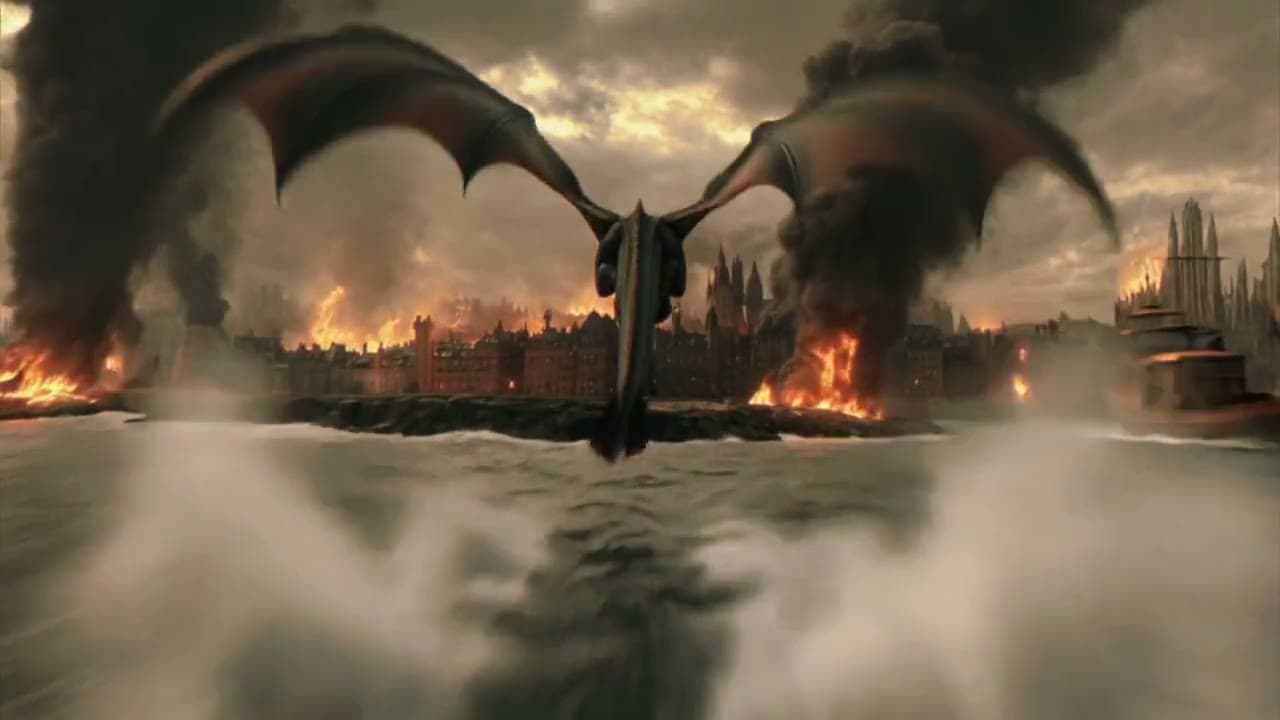
The full model, for finished work.
- 3 to 30 seconds in a single pass
- 720p and 1080p, with 4K and 10-bit HDR coming soon
- Start and end frames, plus up to 10 keyframes
- Omni Reference with up to 15 assets, and video editing
- Dual-channel stereo audio
Kling 4.0 and Kling 4.0 Flash specifications
Kling 4.0 as it runs on Runware today, next to Kling AI's announced specs for Kling 4.0 Flash, which is coming soon.
| Model | Kling 4.0 | Kling 4.0 Flash |
|---|---|---|
| Text-to-video | Yes | Yes |
| Image-to-video | Yes | Yes, from a first frame |
| Start and end frames | Yes | No |
| Multiple keyframes | Up to 10 images | No |
| Video duration | 3–30 seconds, in 1-second steps | 3–20 seconds |
| Resolution | 720p, 1080p (4K coming soon) | 720p |
| Dynamic range | SDR (10-bit HDR coming soon) | 8-bit SDR |
| Aspect ratio | 21:9, 16:9, 1:1, 9:16, or matched to input media | Not announced |
| Audio | Two-channel stereo | Not announced |
| Dialogue and on-screen text | Chinese, English, Japanese, Korean, Spanish, Portuguese, German, French, Hindi, and more | Not announced |
| Prompt length | Up to 8,000 tokens | Not announced |
| Omni Reference | Up to 15 assets: 10 images, 5 videos (30s combined), 7 subjects (3 from video), and 3 voices | Yes |
| Video editing | Up to 5 clips including 1 primary, each 3–30s, 30s combined | Not announced |
| Extension | Up to 2 minutes in total, forwards or backwards (coming soon) | Not announced |


Kling 4.0 pricing
Metered per second of output, by resolution and by whether the request includes a video. No subscription, no minimums, and the same key and billing as every other model on Runware.
- 720p
- $0.157/sec
- 1080p
- $0.235/sec
Text-to-video, image-to-video, keyframes, and reference images.
What's new in Kling 4.0
Six capabilities Kling 4.0 adds over Kling 3.0, each shown on one of Kling AI's own demo clips.

Native 30-second generation
Generate up to 30 seconds in a single pass, so a whole scene plays out with one continuous cast and camera instead of stitched clips.
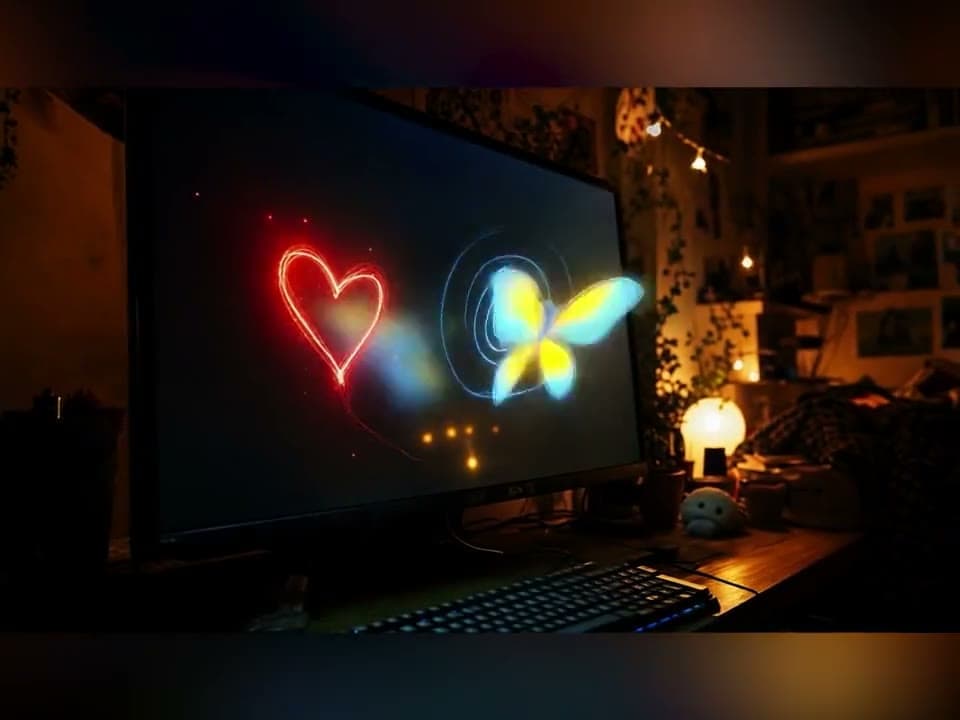
Up to 10 keyframes
Pin up to 10 images anywhere on the timeline to direct camera moves, shot changes, character entrances, and product reveals.
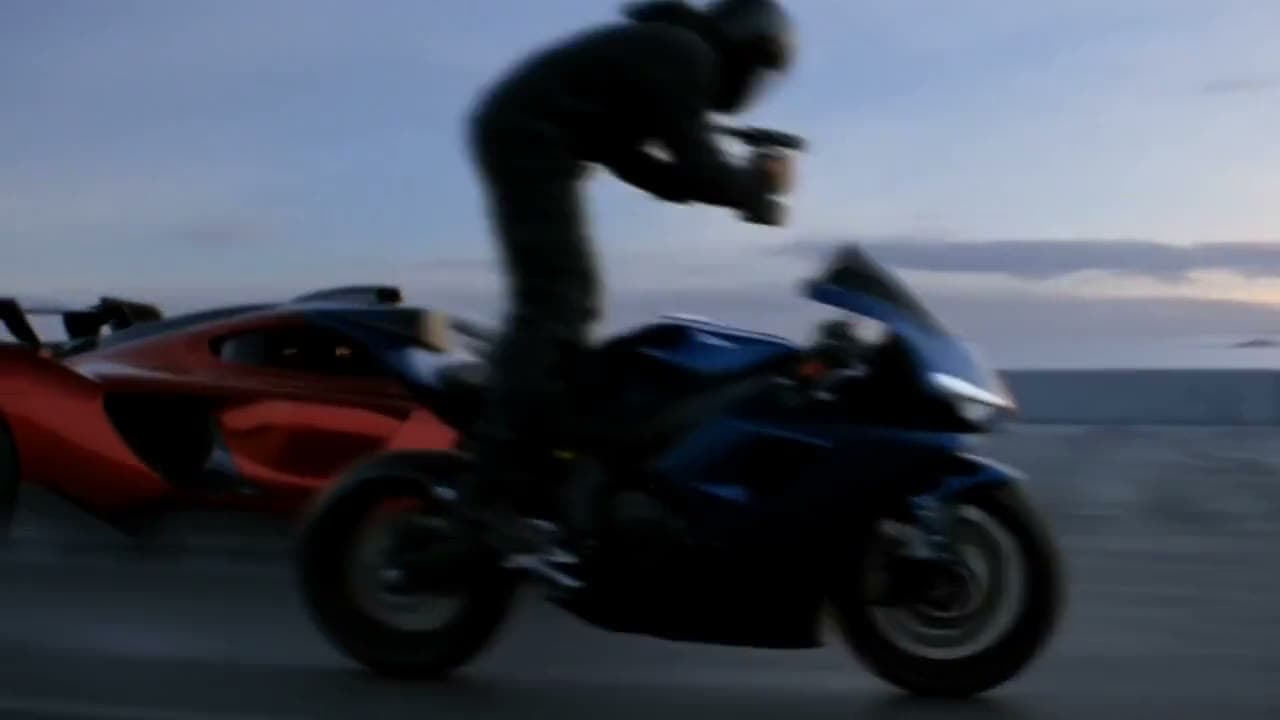
Omni Reference
Combine up to 15 references in one request, including up to 10 images, 5 videos, 7 subjects, and voice references.
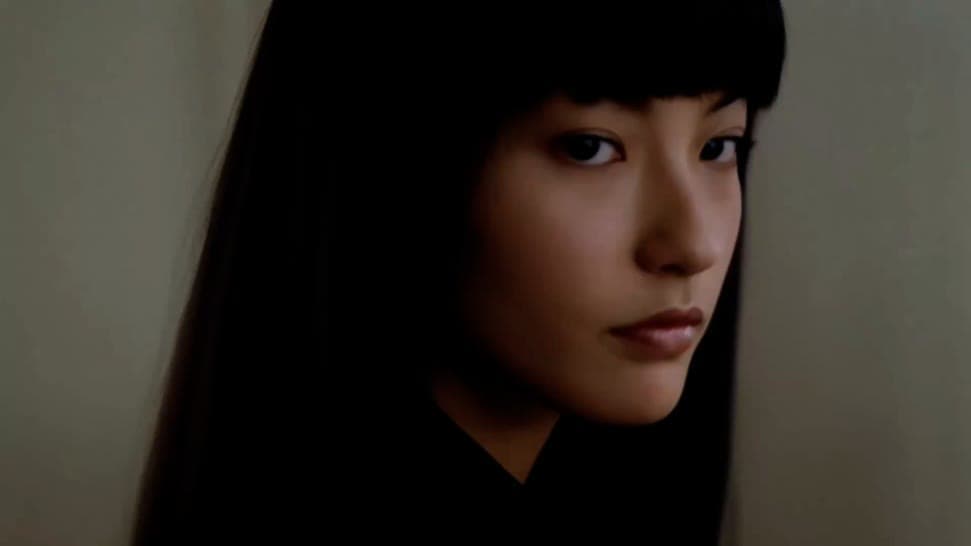
Stable motion, cinematic sound
Fights, sports, dance, and vehicle chases hold together, with dual-channel stereo audio and tighter lip sync.
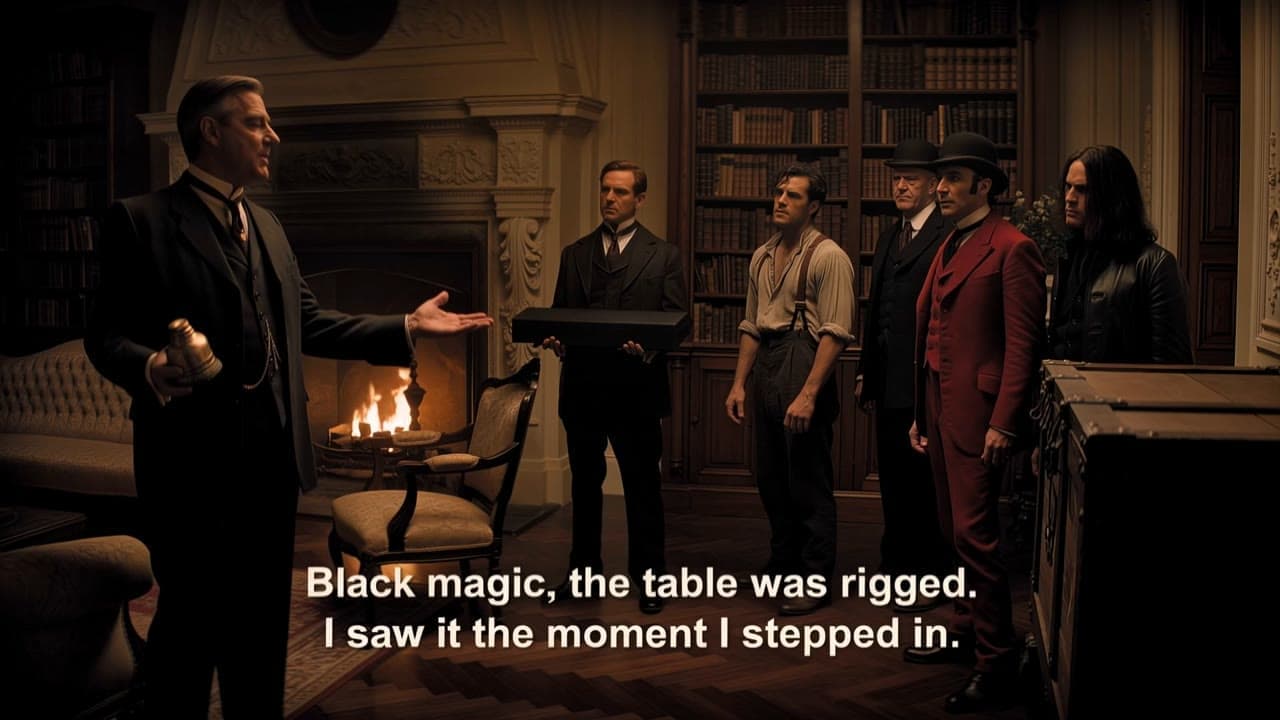
Edit existing footage
Add, replace, or remove elements, or change a background, an expression, the camera, the style, or a line of dialogue.
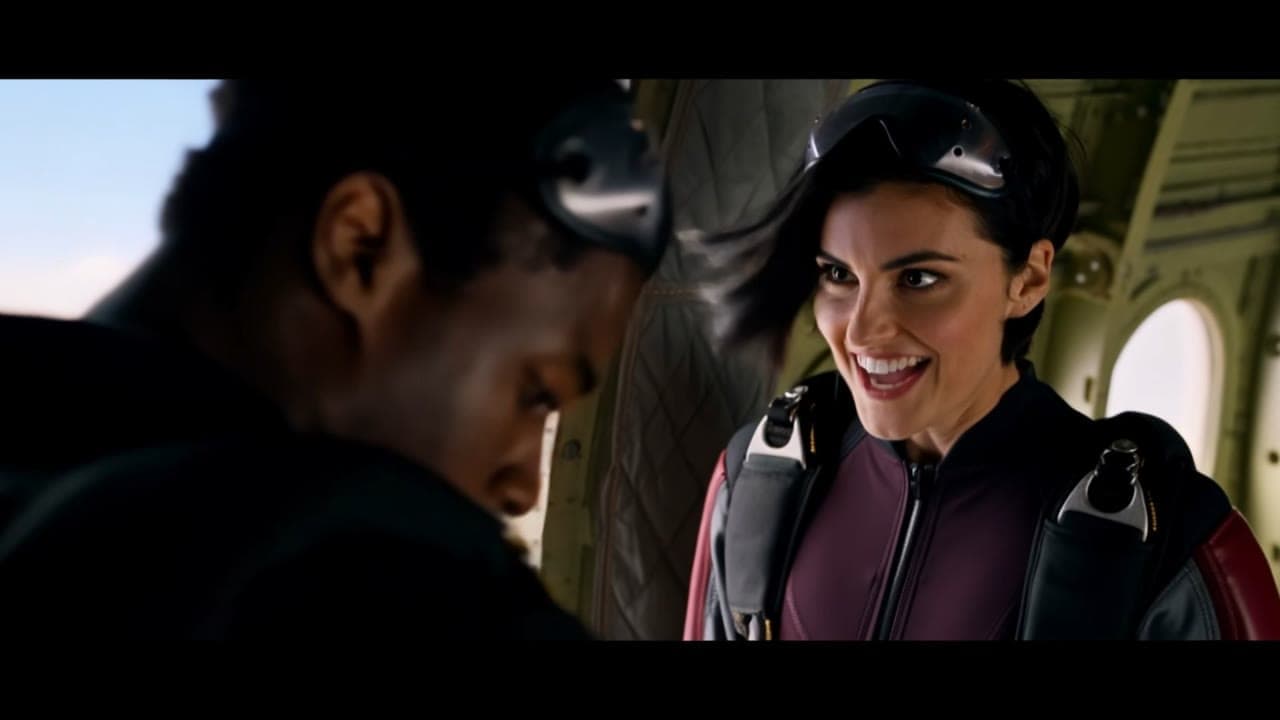
Multilingual dialogue and text
Dialogue in English, Chinese, Spanish, Hindi, and more, with regional accents, plus on-screen text, logos, and emoji that stay legible as the camera moves.
One line is enough
Kling 4.0 can expand a short idea into a full scene, filling in the storyline, the blocking, and the camera moves. When a prompt is already specific, it follows it as written instead.

“An old man ranting about AI.”
What goes in, what comes out
Real Kling 4.0 examples from Kling AI: the video that went in, the result, and the prompt that made it. Borrow a fight's choreography or a shot's camera move, remake an ad with a new star, or edit and restyle footage you already have.
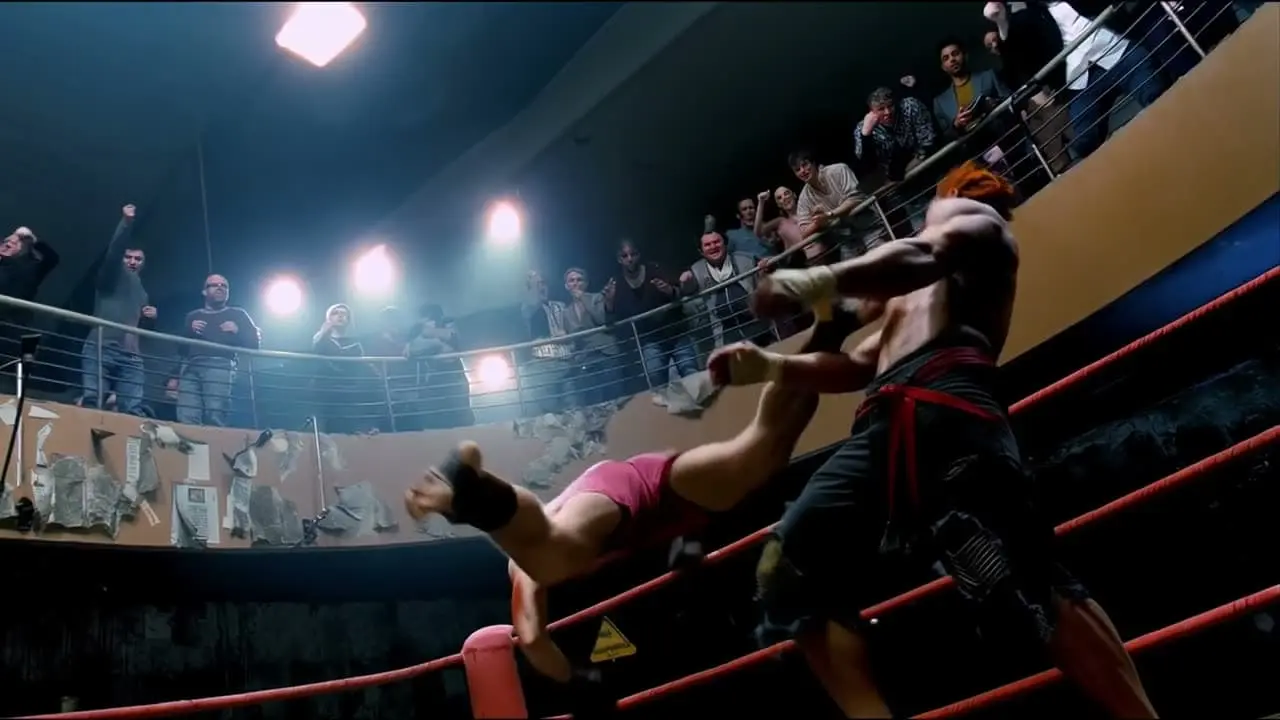
The reference fight
Used for its choreography and the timing of every hit. Two character designs went in as images.

Two new fighters
The same fight, move for move, performed by the characters from the two images.
Use @Video 1 as the reference for the fight choreography and attack timing. Use @Image 1 and @Image 2 as the references for the character designs.
Built for real workflows
Kling 4.0 is Kling AI's native multimodal video model for professional creators and commercial content teams. Text-to-video, image-to-video, reference-driven generation, and editing run in one workflow, with up to 30 seconds of video in a single pass, in styles from vlogs and documentaries to claymation, felt, glitch art, and 3D cyberpunk.

Short-form storytelling
Build a 30-second scene with a continuous cast and camera, directed shot by shot with keyframes.

Product ads and trend recreation
Recreate a reference video's pacing and camera work with your own product or characters.

Character-led series
Keep characters consistent across shots with subject and voice references.

Music videos
Build a video around an artist who stays consistent from shot to shot, with keyframes for each part of the track.

Game trailers and cutscenes
Bring in concept art, 3D renders, and gameplay footage as references, so each character keeps their look and voice.

Storyboards and previs
Turn a storyboard into moving shots with up to 10 keyframes, and preview a shoot before anyone is on set.

Localized campaigns
Generate dialogue and on-screen text in the viewer's language, with regional accents.

Post-production edits
Swap a background, change a line of dialogue, or replace a character without a reshoot.

Drafts at 720p
Try ideas at 720p for less per second, then render the take you keep at 1080p.
How it compares
Where Kling 4.0 sits next to other leading video models on Runware. Its edge is direction: 30-second scenes steered by up to 10 keyframes and 15 combined references, with stereo sound.
| Model | Kling 4.0 | Kling VIDEO 3.0 Omni Standard | Seedance 2.5 | Veo 3.1 | Gemini Omni Flash 1.1 |
|---|---|---|---|---|---|
| Max duration | 30s | 15s | 30s | 8s | 10s (30s with extension) |
| Input types | Text, image, video, voice | Text, image, video | Text, image, video, audio | Text, image, video | Text, image, video |
| Reference inputs | Up to 15: 10 images, 5 videos, 7 subjects, 3 voices | 7 images + 1 video + 7 elements | 30 images + 10 video + 10 audio | Up to 3 images | 7 images + 3 videos |
| Native audio | Yes, stereo | Yes | Yes | Yes | Yes |
| Max resolution | 1080p (4K coming soon) | 720p | 1080p | 4K | 4K |
| Capabilities | Text-to-video, image-to-video, up to 10 keyframes, reference-to-video, edit | Text-to-video, image-to-video, video-to-video, edit | Text-to-video, image-to-video, video-to-video, audio-to-video, edit | Text-to-video, image-to-video, video-to-video, edit, extend | Text-to-video, image-to-video, video-to-video, first and last frame, edit, extend |


Get started
One API call, in whichever language you're already using, with the same key and billing as every other model on Runware.
curl https://api.runware.ai/v1 \
  -H "Authorization: Bearer $RUNWARE_API_KEY" \
  -H "Content-Type: application/json" \
  -d '[
    {
      "taskType": "videoInference",
      "taskUUID": "<uuid-v4>",
      "model": "klingai:[email protected]",
      "positivePrompt": "A slow dolly shot through a rain-soaked night market as a street vendor calls out to customers in Spanish, then turns to the camera and smiles. Sound: sizzling woks, rain on canvas awnings, distant music.",
      "width": 1920,
      "height": 1080,
      "duration": 10
    }
  ]'
Response
[
  {
    "taskType": "videoInference",
    "taskUUID": "<uuid-v4>",
    "status": "success",
    "videoUUID": "3f9c2a7e-5b1d-4e8a-a6c4-7d2e9b0f1c35",
    "videoURL": "https://vm.runware.ai/video/ws/2/vi/3f9c2a7e-5b1d-4e8a-a6c4-7d2e9b0f1c35.mp4",
    "cost": 2.35
  }
]Frequently asked questions
What is Kling 4.0?
Kling AI's next-generation native multimodal video model, built for professional creators and commercial content teams and announced on September 28, 2026. Text-to-video, image-to-video, reference-based generation, and video editing run in one workflow, with up to 30 seconds of video in a single pass.
Is Kling 4.0 available on Runware?
Yes. Kling 4.0 is live on Runware now, at 720p and 1080p in SDR. Kling 4.0 Flash, 4K output, and 10-bit HDR are coming soon.
Can I use Kling 4.0 through an API?
Yes. On Runware, Kling 4.0 runs through the same API as every other model: one endpoint, one API key, and the same request shape. Its model ID is klingai:[email protected].
What is Kling 4.0 Flash?
A lighter, faster model in the Kling 4.0 family, built on Kling 4.0 with a subset of its capabilities and designed for frequent creation, combining fast generation with excellent value. It's coming soon to Runware. It generates 3 to 20 seconds per pass at 720p, and supports text-to-video, image-to-video from a first frame, and Omni Reference, but not end frames or multiple keyframes. Kling hasn't announced its audio support or reference limits yet.
What's the difference between Kling 4.0 and Kling 4.0 Flash?
Kling 4.0 is built for finished work: clips up to 30 seconds at up to 1080p (4K coming soon), keyframe direction, and video editing. Kling 4.0 Flash, coming soon to Runware, is built for frequent, fast generation at 720p, such as drafting ideas before rendering the take you keep on Kling 4.0.
What's new compared with Kling 3.0?
Generation length doubles from 15 to 30 seconds per pass. Up to 10 keyframes join start and end frames, Omni Reference grows to 15 combined inputs including up to 5 videos, audio moves to dual-channel stereo with dialogue in more languages, and prompts can run to 8,000 tokens, which Kling 4.0 can expand and refine from even a short prompt.
How long can a Kling 4.0 video be?
From 3 to 30 seconds in a single generation, set in 1-second steps. Kling has also announced extending a video forwards or backwards over multiple passes, up to 2 minutes in total, as coming soon.
What resolutions and aspect ratios does Kling 4.0 support?
On Runware, 720p and 1080p in SDR, at 21:9 ultrawide, 16:9, 1:1, or 9:16, or matched to the aspect ratio of your input media. 4K output and 10-bit HDR are coming soon.
What can I use as references?
Omni Reference takes up to 15 assets per request: up to 10 images, up to 5 videos with a combined length of 30 seconds, up to 7 subjects (3 of them from video), and up to 3 voices. Images can be subject shots, three-view references, image grids, storyboards, or wireframes. Reference videos can guide performance, motion, camera movement, and pacing, and can be depth maps or untextured 3D renders. Reference videos, videos you're editing, and subjects made from video share one limit: 5 clips and 30 seconds combined.
Should I use Omni Reference or keyframes?
Use keyframes when you know what the picture should be at set moments: a first frame, a last frame, both, or up to 10 frames anywhere on the timeline. Use Omni Reference to combine images, videos, subjects, and voices, or when you have an idea but not the exact shots yet. On Runware you can also combine them, pairing keyframes with reference images, reference videos, or elements in one request.
Can I upload music or sound effects?
No. Voice is the only audio reference: up to 3 voices per generation, each made from a 5 to 30 second sample. Kling 4.0 generates music and sound effects to fit the picture, so describe the sound you want in the prompt.
Can Kling 4.0 edit existing video?
Yes. Make targeted changes to expressions, body movement, camera position and movement, style, or background while the rest of the scene stays stable, remove elements, or replace characters and scenes. An edit takes up to 5 input clips, including 1 primary video, each 3 to 30 seconds long and up to 30 seconds combined.
Does Kling 4.0 generate audio?
Yes. It generates dual-channel stereo audio with tighter lip sync, and dialogue in Chinese, English, Japanese, Korean, Spanish, Portuguese, German, French, Hindi, and more, with accents and dialects such as American, British, and Indian English, Beijing, Taiwanese, and Northeastern Mandarin, Cantonese, and Sichuanese. On-screen text, logos, and emoji in the same languages stay legible as the camera moves.
How much does Kling 4.0 cost on Runware?
Kling 4.0 is metered per second of output: $0.157 per second at 720p and $0.235 at 1080p, or $0.188 and $0.282 when the request includes an input video. A 10-second 1080p clip costs $2.35. As with every model on Runware, you pay only for what you generate, with no subscription or minimums.
Already using Kling through another provider?
Our Migration Skills and docs help map an existing integration over — same request shape as every other Runware model, so the change is usually just field names and auth. See the migration guide for details.
Talk to us about Kling 4.0
Planning volume on Kling 4.0, or want to hear when Kling 4.0 Flash, 4K, and HDR go live? Leave your details and our team will follow up, including on enterprise access with volume discounts and dedicated RPM.