Gemini Omni Flash 1.1 is live on Runware
Access Gemini Omni Flash 1.1, Google's multimodal video model for generation, conversational editing, and extension, up to 4K.
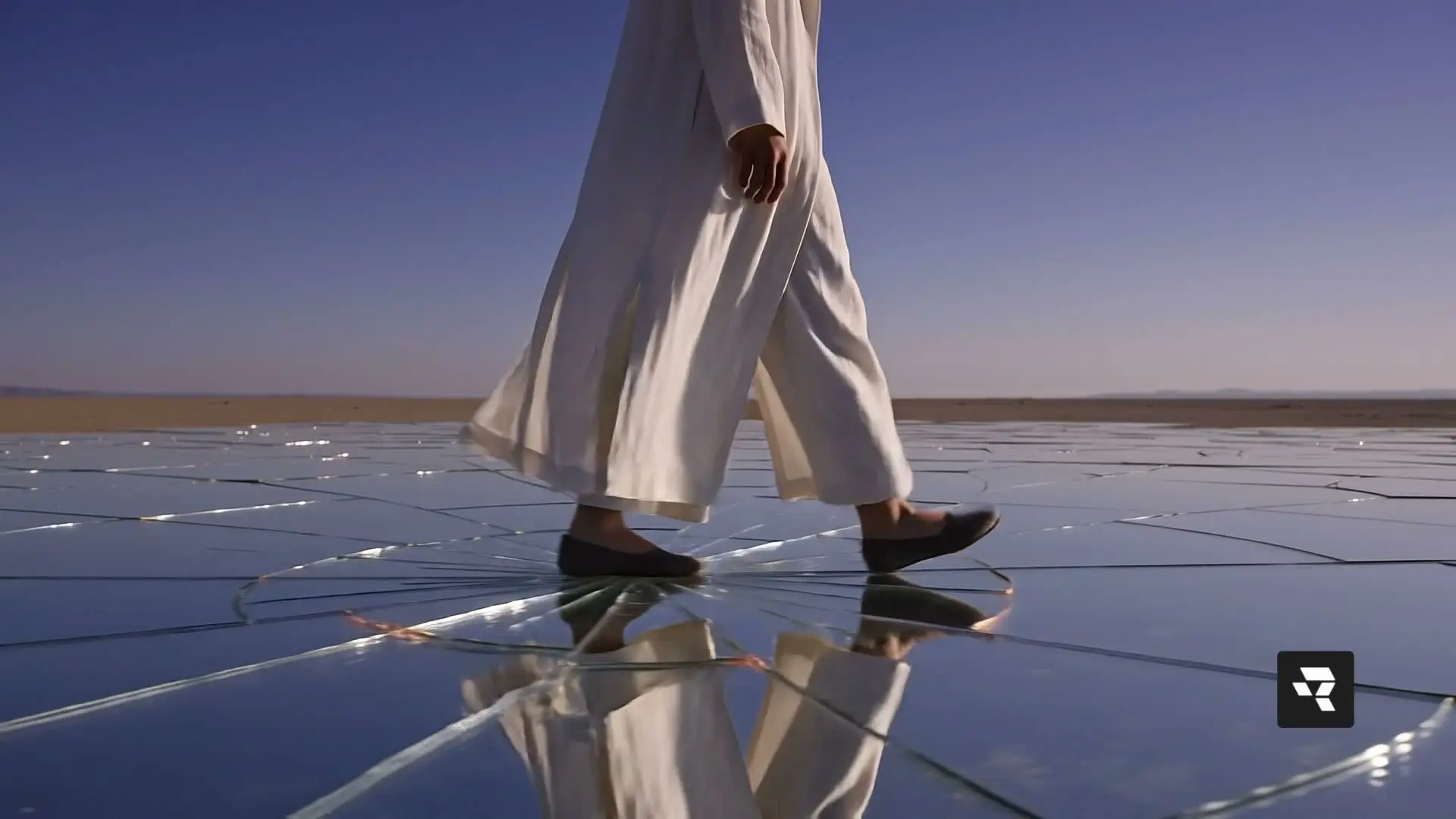
All workflows supported natively.
One integration for generation and editing, with no separate endpoints.
- Text-to-video
- Image-to-video
- Reference-to-video
- First and last frame
- Multi-turn video editing
- Video extension
Gemini Omni Flash 1.1 pricing
Metered per token on input, text output, and video output. No subscription, no minimums, and the same key and billing as every other model on Runware.
- Input — text, image, video
- $1.50/1M tokens
- Text output — response & reasoning
- $9.00/1M tokens
- Video output — 360p to 4K, with audio
- $17.50/1M tokens
Every rate is per token, so a clip's cost scales with its resolution tier and duration. The resolution and duration guide works through what each tier costs per second of video.
Why Gemini Omni Flash 1.1 stands out
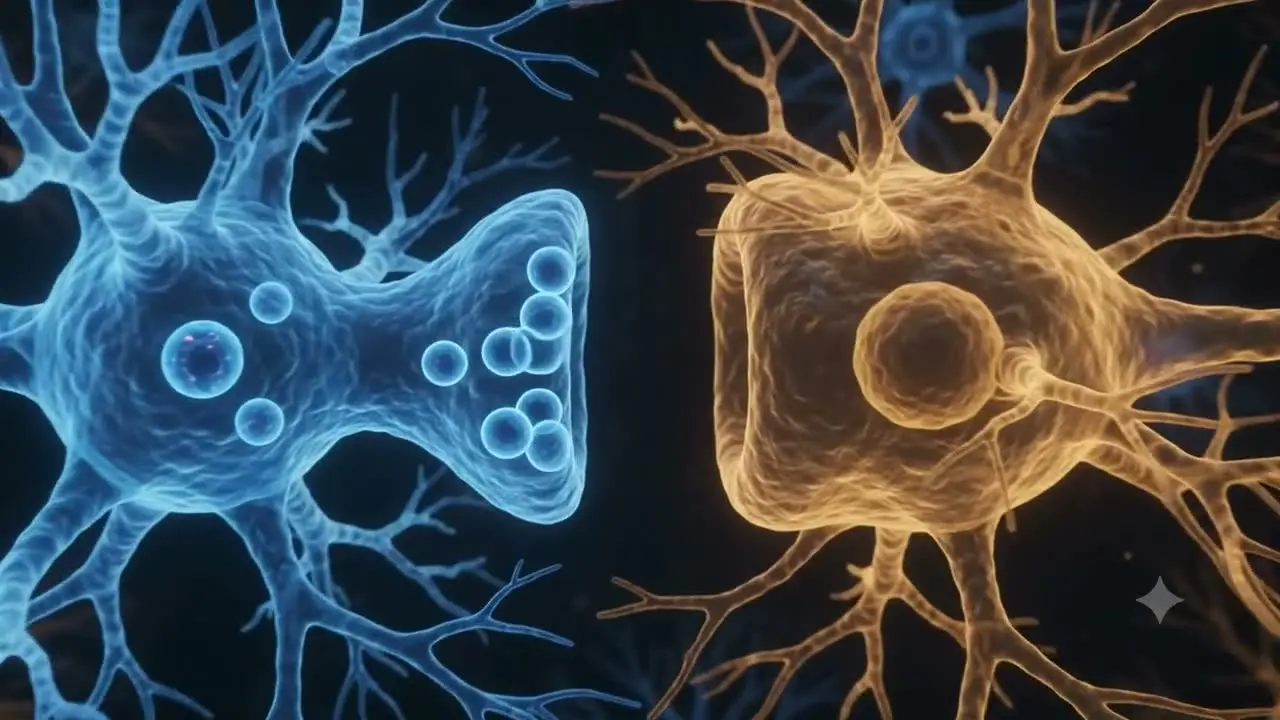
Grounded in real-world knowledge
An intuitive grasp of physics, plus Gemini's knowledge of history and science as well as culture, for believable scenes.
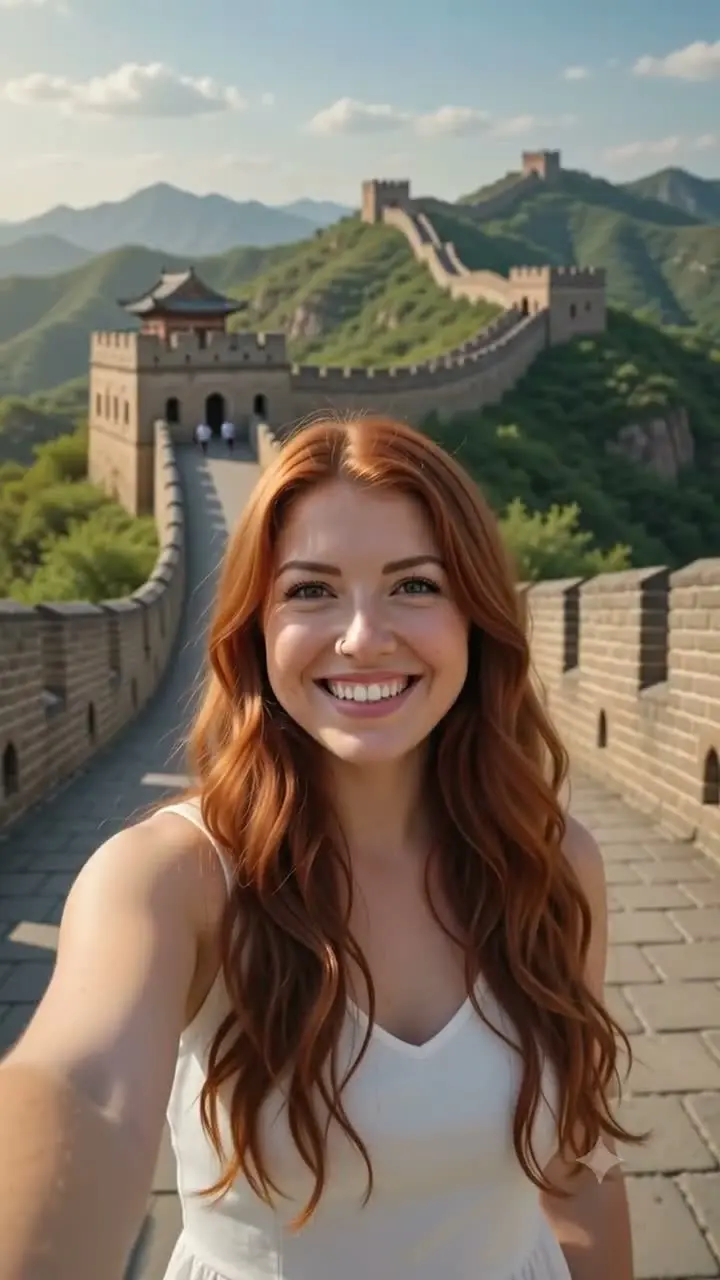
Location & world awareness
Understands real places and generates regionally accurate settings, down to local signage and language.
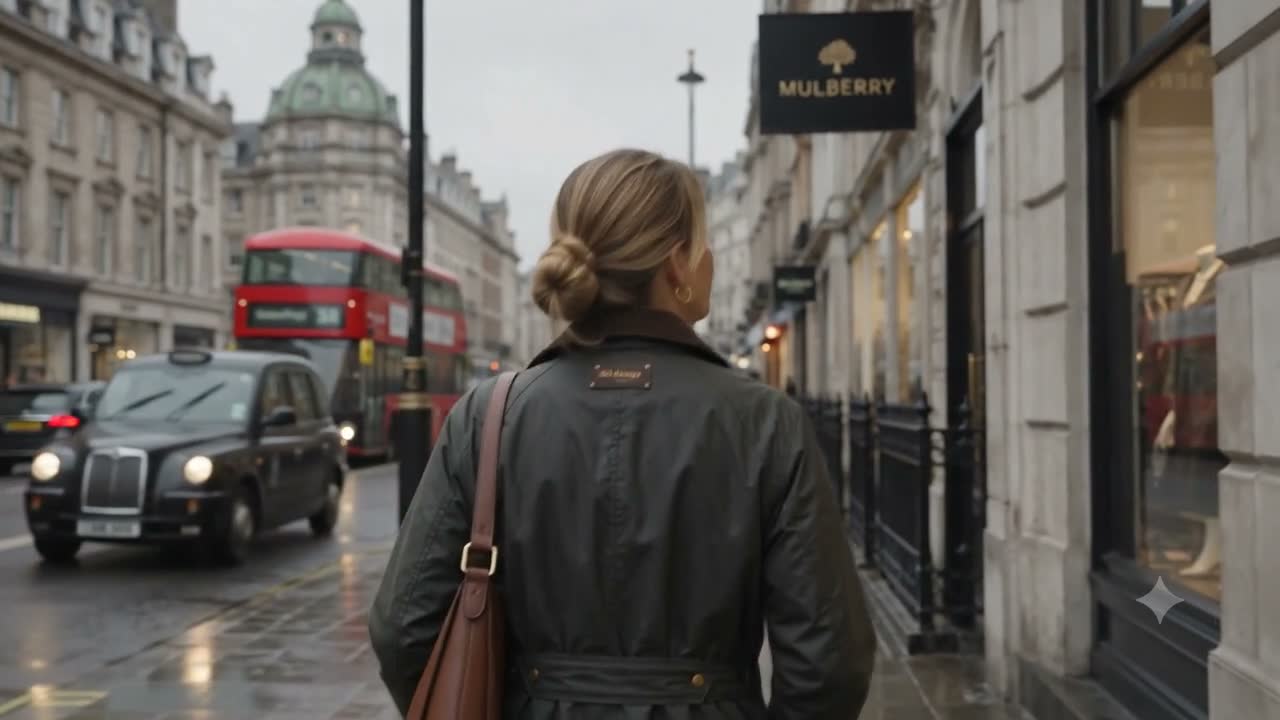
Character consistency across scenes
One reference image keeps a character or product consistent across scenes, angles, and lighting.

Character & object swaps
Replace characters or objects just by asking. Motion and dialogue carry over seamlessly.

Motion & style transfer
Apply motion from a source clip to a reference character, or restyle footage without regenerating the scene.
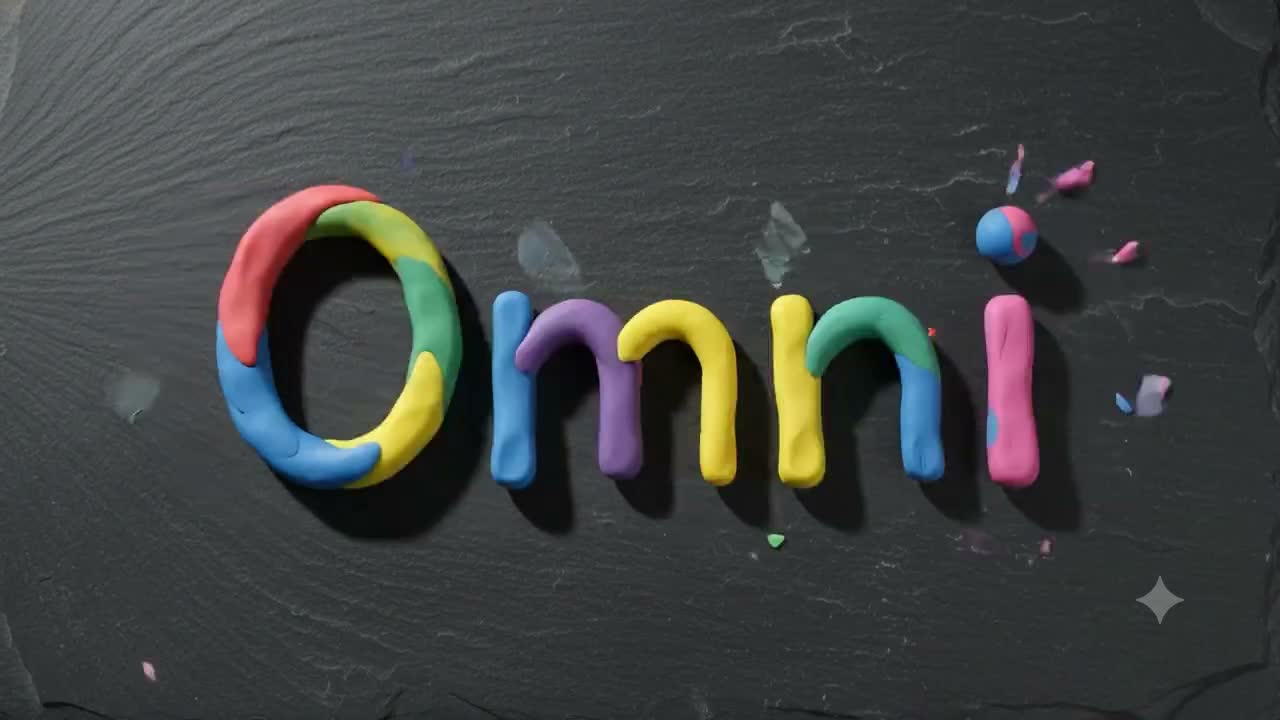
Synced text and audio
On-screen text and sound that connect coherently to what's happening in the frame.
Built for real workflows
Gemini Omni Flash 1.1 creates, edits, and extends video from text, image, and video inputs, grounded in Gemini's real-world knowledge. Iterate through natural conversation, with every edit building on the last while keeping your scene consistent. It's built for real production work, not just isolated clips.

Storyboard to finished video
Upload a storyboard image and get a full video with dialogue and narrative.

Character-led storytelling
Turn a single character image into a multi-scene story with narration and captions.

Background & setting swaps
Drop a subject into a new environment, like a Bollywood dance scene.

Location-aware generation
Generate regionally correct outputs from real places, coordinates, signage, and native language.

Natural-language editing
Change one segment with a follow-up instruction, like swapping Sydney for the Taj Mahal.

Draft cheap, finish in 4K
Iterate on takes at the 360p draft tier, then render the keeper at 1080p or 4K.
How it compares
Where Gemini Omni Flash 1.1 sits next to other leading video models. Its edge is conversational, multi-turn editing on top of generation, grounded in Gemini's real-world knowledge.
| Model | Gemini Omni Flash 1.1 | Veo 3.1 | Kling VIDEO 3.0 Omni Standard | Seedance 2.0 | HappyHorse 1.0 |
|---|---|---|---|---|---|
| Max duration | 10s (30s with extension) | 8s | 15s | 15s | 15s |
| Input types | Text, image, video | Text, image, video | Text, image, video | Text, image, video, audio | Text, image, video |
| Reference inputs | 7 images + 3 videos | Up to 3 images | 7 images + 1 video + 7 elements | 9 images + 3 video + 3 audio | Up to 9 images |
| Native audio | Yes | Yes | Yes | Yes | No |
| Max resolution | 4K | 4K | 720p | 4K | 1080p |
| Capabilities | Text-to-video, image-to-video, video-to-video, first and last frame, edit, extend | Text-to-video, image-to-video, video-to-video, edit, extend | Text-to-video, image-to-video, video-to-video, edit | Text-to-video, image-to-video, video-to-video, audio-to-video, edit, extend | Text-to-video, image-to-video, edit |


Get the most out of Gemini Omni Flash 1.1
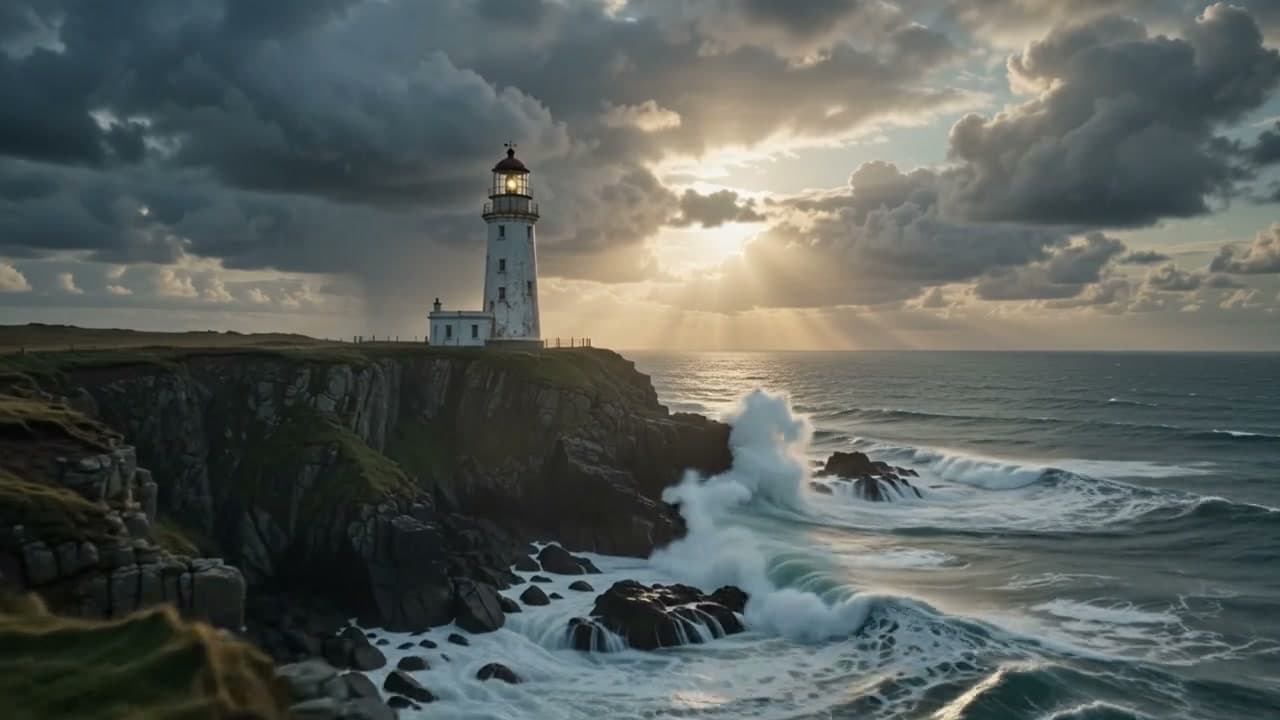
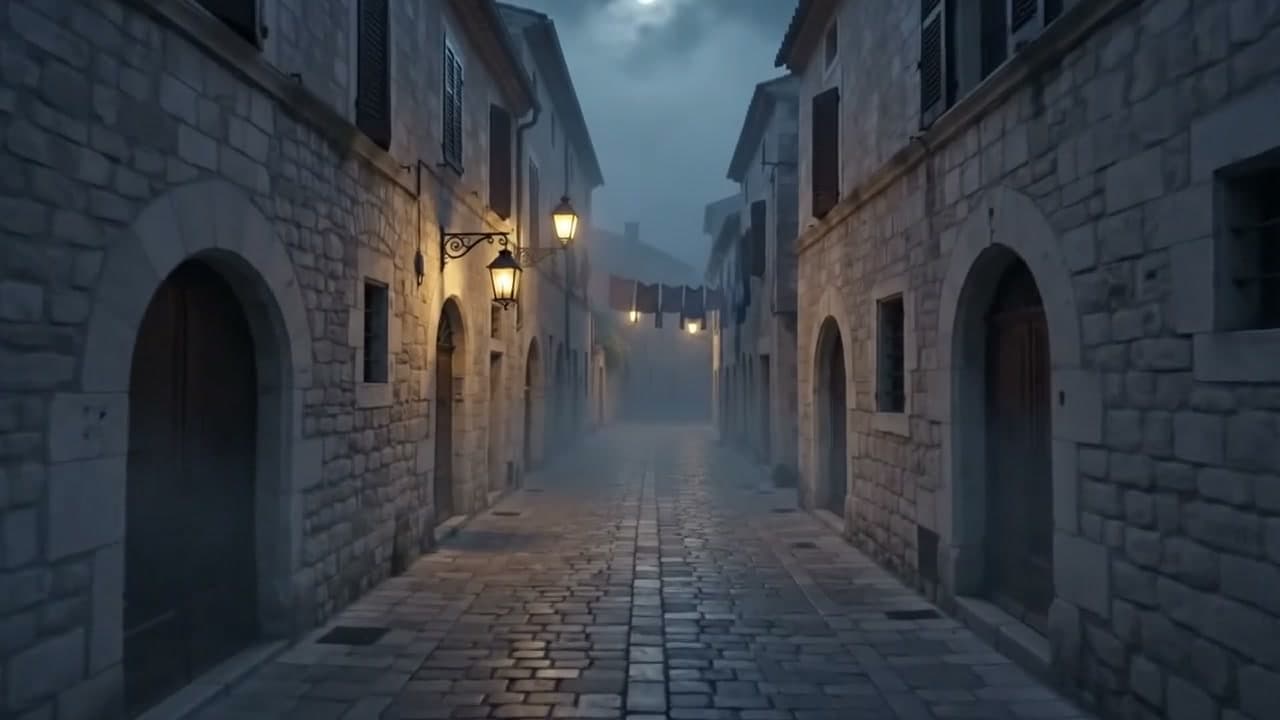
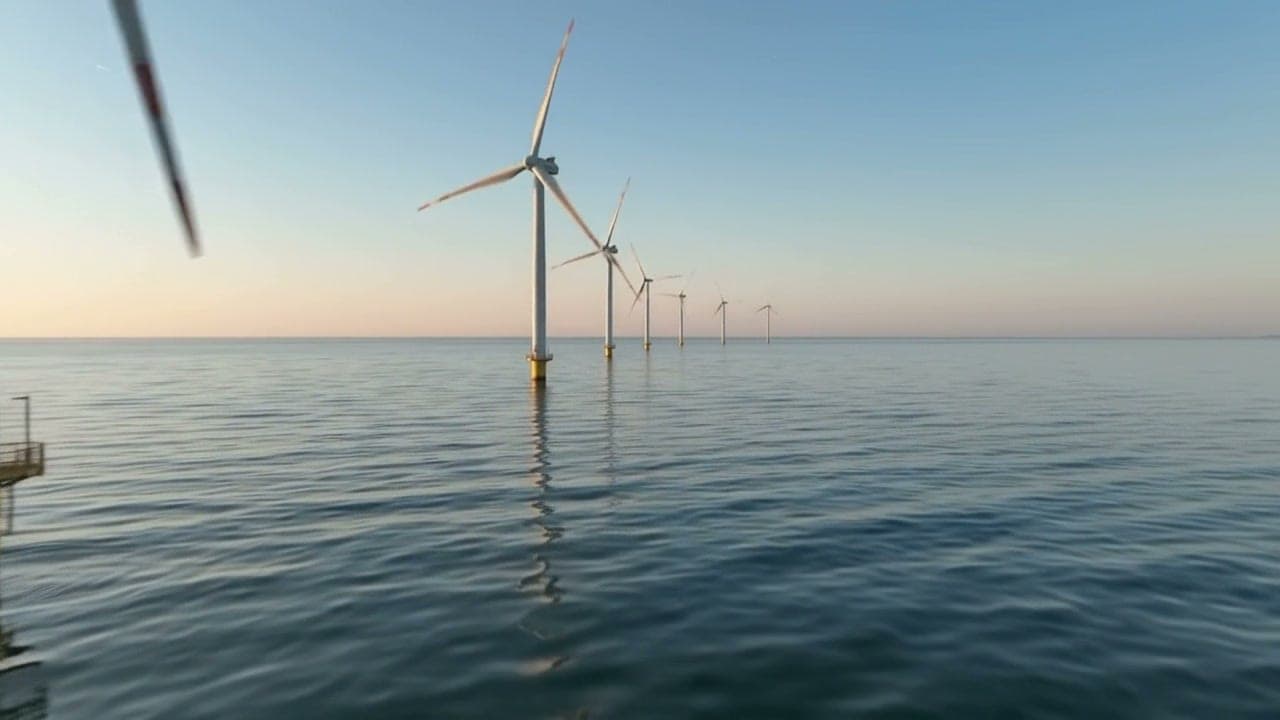
Guides covering prompting, references, editing, extension, frame control, and resolution, written for building with Gemini Omni Flash 1.1 on Runware.



Get started
One API call, in whichever language you're already using, with the same key and billing as every other model on Runware.
curl https://api.runware.ai/v1 \
  -H "Authorization: Bearer $RUNWARE_API_KEY" \
  -H "Content-Type: application/json" \
  -d '[
    {
      "taskType": "videoInference",
      "taskUUID": "<uuid-v4>",
      "model": "google:[email protected]",
      "positivePrompt": "A slow push-in on a violinist practicing alone in an empty concert hall, dust motes drifting in a shaft of afternoon light. Sound: solo violin, room reverb, a page turning.",
      "duration": 5,
      "resolution": "1080p"
    }
  ]'
Response
[
  {
    "taskType": "videoInference",
    "taskUUID": "<uuid-v4>",
    "status": "success",
    "videoUUID": "1e4f7a92-6c3b-4d81-9a05-8b2e6f1c7d39",
    "videoURL": "https://vm.runware.ai/video/ws/2/vi/1e4f7a92-6c3b-4d81-9a05-8b2e6f1c7d39.mp4"
  }
]Frequently asked questions
What is Gemini Omni Flash 1.1?
Google's multimodal model that generates, edits, and extends video from text, image, and video inputs, with native synchronized audio, grounded in Gemini's real-world knowledge. In Google's own shorthand: “Think of Gemini Omni Flash like Nano Banana, but for video.” It's a conversational, iterative editing workflow, not just a generation tool.
What's new in Gemini Omni Flash 1.1?
1.1 adds 1080p and 4K output alongside 720p, plus a 360p draft tier for cheap iteration. It can extend a clip in 3- to 10-second runs up to 30 seconds total, pin the first and last frames of a shot, and take up to 3 reference videos as well as up to 7 reference images.
What makes Gemini Omni Flash 1.1 different?
Conversational, multi-turn editing where each change builds on the last while keeping the scene consistent, plus an intuitive grasp of real-world physics, drawing on Gemini's knowledge of history and science as well as culture.
What workflows does it support?
Text-to-video, image-to-video, reference-to-video from images and videos, first-and-last-frame control, multi-turn video editing, and video extension, all through one Runware integration.
How does Gemini Omni Flash 1.1 compare to other models?
Most video models focus on single-shot generation. Gemini Omni Flash 1.1 adds conversational, iterative editing on top of generation, so you can refine a scene over multiple turns instead of regenerating from scratch, while keeping characters and continuity consistent. On Runware it sits alongside other leading video models, so you can pick the right one for each task through the same API.
How much does Gemini Omni Flash 1.1 cost?
Input tokens (text, image, and video) are billed at $1.50 per 1M tokens. Text output costs $9.00 per 1M tokens. Video output is $17.50 per 1M tokens, so a clip's cost scales with its resolution tier and duration. Full pricing is listed on the Runware pricing page.
Do I need separate integrations?
No. Generation and editing run through the same API.
Is Gemini Omni Flash 1.1 available now?
Yes. Gemini Omni Flash 1.1 is live on Runware. You can try it directly in the Playground using your existing Runware credentials and billing.
Already integrated with Gemini Omni Flash somewhere else?
Our Migration Skills and docs help map an existing integration over — same request shape as every other Runware model, so the change is usually just field names and auth. See the migration guide for details.
Talk to us about Gemini Omni Flash 1.1
Have questions about Gemini Omni Flash 1.1? Chat to our team about enterprise usage, including volume discounts and dedicated RPM, and we'll follow up shortly.