MiniMax H3 Image is live on Runware

MiniMax's model for generating images from text and editing them with up to 16 reference images, at up to 20 megapixels. Highspeed runs twice as fast. 50% off 4K images on both models through November 17.

0:00

Generation and editing in one model.

Send reference images to edit, or leave them out to generate from text. Same call, same parameters.

  • Text-to-image
  • Image editing
  • Up to 16 reference images
  • Legible text and brand names
  • Custom sizes up to 20 MP
  • Built-in prompt enhancement
  • Highspeed version
50% off 4K images through November 17

MiniMax H3 Image pricing

Billed per million tokens, for your prompt, your reference images, and each image generated. No subscription, no minimums, and the same key and billing as every other model on Runware.

MiniMax H3 Image

Standard speed, as minimax:h3@image

Text input
$2.30/1M tokens
Image input
$1.50/1M tokens
Image output
$3.80/1M tokens

MiniMax H3 Image Highspeed

Twice as fast, as minimax:h3@image-highspeed

Text input
$2.30/1M tokens
Image input
$3.00/1M tokens
Image output
$7.60/1M tokens

Output cost per image

Each image is 4,096 output tokens at 1K and 2K, and about 8,200 at 4K. Prompt enhancement, on by default, adds roughly 1,000 to 3,300 text tokens, under a cent, and reference images add image input tokens.

1K or 2K, Standard
$0.016
4K, Standard
$0.016
Regular price: $0.031
1K or 2K, Highspeed
$0.031
4K, Highspeed
$0.031
Regular price: $0.062

50% off 4K images on both models through November 17. 4K means an output of 16.6 megapixels or more. Set includeCost to true and each response returns what the request cost.

Edit with up to 16 reference images

Up to 16 reference images, each with its own role: the product, the style, the structure, or the layout.

A concept motorcycle, taken apart and labeled

The bodywork, motor, and hubless wheels keep the look of the reference while every part moves out along its assembly line.

Reference image
  • Image 1: product
“Disassemble the concept electric motorcycle in image 1 into a highly detailed exploded parts diagram, keeping its form, white geometric bodywork, metallic-gray motor, hubless wheels, and orange-red light strips consistent with image 1…”
MiniMax H3 Image result

A controller, in another poster's style

One reference supplies the product and the other supplies the layout and style, including the parts table and title block.

2 reference images
  • Image 1: product
  • Image 2: style
“Make an exploded view of the game controller in image 1, using the layout and style of the poster in image 2…”
MiniMax H3 Image result
From one prompt

Text-to-image results from MiniMax's own guide: game art, fashion editorials, painting styles, and scenes that have to get light, shadow, and reflections right.

Game environment

Sunlight through a broken station roof

Read the prompt

Aspect ratio 16:9, 4K. Generate a photorealistic AAA image with a high-end real-time engine look. Emphasize indirect illumination, varied roughness, contact shadows and depth separation. Show only the rendered scene, without an editor or performance counters. Scene: Sunlight enters an abandoned station through a glass roof and reflects its steel frame in wet tiles. Use original identities and designs without existing franchise names, characters, brand marks or watermarks.

Environment concept

An amphitheater swallowed by forest

Read the prompt

Aspect ratio 16:9, 4K. Create a finished environment concept image for a AAA game, in which the terrain, landmarks, and function of the settlement are immediately legible before the viewer notices the finer details. Use a credible, realistic 3D space, architecture adapted to climate and terrain, and distinct foreground, midground, and background. Specific subject: an amphitheater swallowed by the forest, with tree roots entering the seating through cracks. Do not use names, characters, or brand logos from existing works, and do not add a watermark.

Game effects

A mage's fan of fire

Read the prompt

Aspect ratio 16:9, 4K. Render a realistic AAA game effect at its peak, keeping the character or device and ground readable. Clearly distinguish origin, direction and area of influence, with layered particle density and environmental light interaction, without damage numbers, UI or text. Scene: An adult mage releases a fan of fire from the palm with flame tails bending downwind. Use original identities and designs without existing franchise names, characters, brand marks or watermarks.

Light and shadow

A hand in a projector's beam

Read the prompt

A realistic on-site photograph of a projection art installation: a projector casts a blue-and-white checkerboard onto a white plaster bust, with the grid deforming over the bridge of the nose, cheeks, and curved chest. An operator stands beside the projection area and extends one hand with all five fingers spread into the beam in front of the sculpture's chest, palm facing the projector. Part of the checkerboard falls onto the palm itself, while a dark hand-shaped shadow without the checkerboard appears on the sculpture's chest behind it. Bright squares are cut off at the shadow boundary, while projected light still passes through the gaps between the fingers. Photograph from a front-side angle so that the actual hand and its shadow on the chest are offset in the composition, showing the person's upper body, the sculpture, and the operating projector at the side.

Optics

A model station in a corner mirror

Read the prompt

Show a tabletop optics demonstration as a realistic photograph: two upright plane mirrors meet along their vertical edges at a right angle, with their reflective surfaces facing inward. Photograph from the open side, slightly off-center, including the entire physical object in front of the mirror corner and all three corresponding sets of mirror images. The object is a small station model with a central clock tower, a tall water tower on only one side, a low waiting shelter on the other, and a small vehicle in front with a yellow front and black rear. A curved red line connects the base of the water tower to the waiting shelter. In front of the model stands a sign facing the mirror corner, bearing the text “R7”; the real camera view shows the back of the sign. Each side mirror contains one singly reflected image, and a doubly reflected image appears deep in the mirror corner. The side reflections show mirror-written text, while “R7” is readable normally in the double reflection. The water tower, waiting shelter, vehicle front, and red line all change direction together according to the reflections, preserving their spatial relationships to the clock tower. Make the mirror seam and apparatus base clearly visible, with sufficient space between reflections to identify each model image.

Fashion editorial

A cloud at the barber

Read the prompt

A retro, playful, refined surreal fashion photograph. A cherry-red barber chair stands on a vivid green hill, with an enormous white cloud seated in it, its fluffy body wrapped in a mint-green barber cape. An adult female model in a pale-purple short-sleeved blouse, dark-purple pencil skirt, and white tall boots stands beside the chair, carefully trimming the cloud with silver scissors while lifting one corner of it with her other hand. Small cut-off tufts of cloud lie scattered on the lawn like freshly cut hair. The model has a neat retro short haircut and a focused expression. Use a low-angle wide shot with blue sky filling most of the frame, a simple set, and vivid colors. Give it the look of a live-action fashion editorial, with soft translucent cloud details, credible volumetric shadows, slight direct-flash fill, and film grain, without a cartoon feel. Landscape 16:9, no text.

Fashion editorial

A pear as a changing room

Read the prompt

A surreal photograph for a 2000s avant-garde fashion magazine. In a pale-pink studio, a three-meter-tall yellow-green pear has been converted into a changing room. A small round-cornered doorway is cut into its skin, with the door retaining a thick cross-section of peel and milky-white flesh. An adult female model steps one foot out of the pear, wearing a chocolate-brown satin dress, pale-blue tights, and pointed shoes. One hand rests on the doorway while the other adjusts an earring, with a nonchalant expression. The interior is lined with burgundy velvet padding and contains two elegant hanging garments. A normal-sized pear rests on a small silver chair nearby, establishing a clear scale contrast. Use an off-center composition with clean empty space, soft studio light, and a slight frontal flash. Pear-skin pores, juicy flesh, velvet, and satin all have tactile, realistic textures, with the look of a carefully constructed physical set. Landscape 16:9, no text.

Painting styles

Table tennis, painted like Caravaggio

Read the prompt

A Caravaggio-style oil painting of a group of 17th-century Italian townspeople playing and watching a singles match in a modern table-tennis hall. All six retain Baroque-era appearances, natural curls, and coarse linen shirts, wearing brown short jackets, wool capes, fitted-waist dresses, or knee breeches with leather boots, with no modern sportswear. The table cuts diagonally from the lower foreground toward the rear right, clearly showing its green surface, white boundary lines, taut central net, and two rubber-faced paddles. A small white ball bounces over the net toward the foreground. On the near side, a young man in a reddish-brown jacket leans forward and steps into a stroke, while a white-shirted man opposite lowers his center of gravity for the next return, their actions responding to one another. An older woman at the front left grips the edge of her cape; a girl behind her follows the ball over her shoulder. Of two men at the rear right, one leans forward with a hand on a chair back while the other raises a hand to indicate the score. Overlapping figures create depth. The sole main light enters through a high window at the upper left, concentrating on the hitter's cheekbone, forearm, and the white ball, while the spectators' faces recede in layers into warm-brown darkness. Natural flesh tones, creamy white, and ocher red dominate. Give the wooden floor and matte-coated tabletop distinct textures. Shape fingers and clothing folds with subtle transitions, thin glazes, and restrained highlights, preserving the weight of a complex multi-figure narrative oil painting. Avoid uniformly thick coarse textures, crackle filters, and a photographic look.

Photography

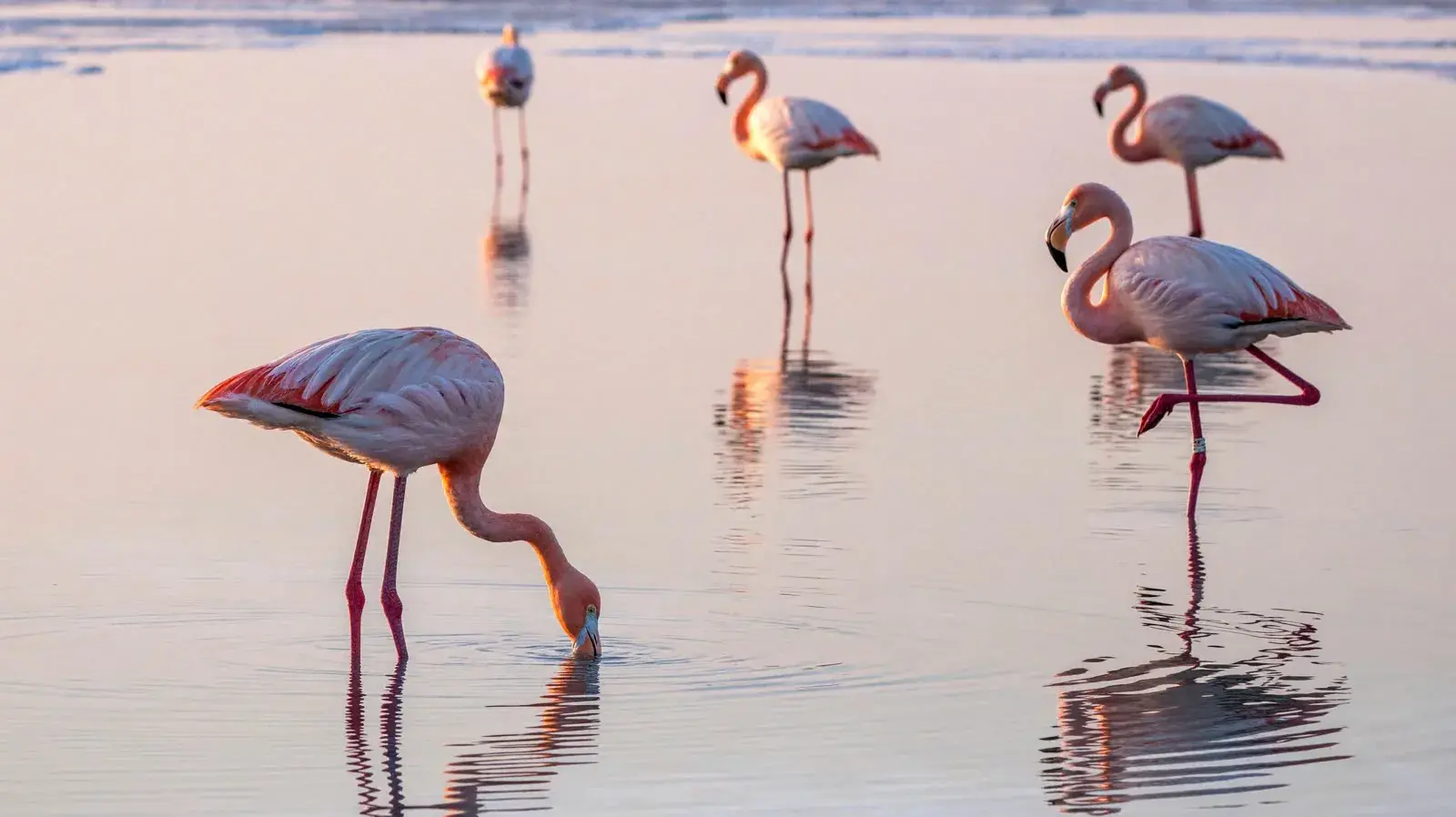
Flamingos on a salt lake at dawn

Read the prompt

In the shallows of a salt lake at dawn, five flamingos are spread across a broad, mirror-like water surface. The nearest bends its head to feed, the second stands on one leg, and three distant birds create a gentle rhythm of pink. The lake reflects a pale-pink sky and distant white salt crusts. Use an eye-level telephoto composition with water filling almost the entire frame and ample breathing room between the birds. Feather colors should have delicate gradations from grayish pink to coral pink. Water ripples, reflections, salt crusts, and bird legs must be realistic. Elegant nature photography, without crowded flocks or highly saturated cartoon colors. Real photographic and cinematic-still texture. Prioritize natural light and physically credible reflections, with a clear visual focal point and breathing room. Keep colors restrained with one or two narrative accents, finely realistic materials, and natural human gestures. Retain moderate 35 mm film grain, gentle highlight bloom, and realistic depth of field. The image should be refined, rewarding to look at, and capture a narrative moment. Avoid cheap-looking CG, plastic skin, excessive sharpening, HDR halos, randomly added objects, watermarks, borders, logos, or unnecessary text.

Portrait

Backlit curls before a sip of tea

Read the prompt

Photograph a realistic portrait of a curly-haired person pausing before drinking tea. Include the head, shoulders, upper chest, and both hands holding a dark ceramic cup, with the face slightly turned. Warm light from the rear right grazes the hair against a darker interior wall. The edges of loose curls and a few flyaway strands glow translucently, with the dark background still visible between strands. Dense locks remain dark inside, and the bright rim breaks naturally where strands occlude one another. Very weak soft light from the camera's front left illuminates the face so the eyes, cheeks, and fingers remain visible. Only the edges of the ear and shoulder facing the rear light are lit. The ceramic cup has a broad, weak surface highlight, with contact shadows where its rim meets the fingers. Focus should cover the eyes, outer hair strands, and cup rim.

Built for real workflows

Made by Runware's creative team with MiniMax H3 Image: scenes built from 8 to 12 reference images, and product and lifestyle shots from a text prompt.

Many references, one scene

Products, people, props, the room, and even a layout sketch, each passed in as its own reference image. Open a scene to see them all.

  • Brand and marketing · 8 references

    A perfume launch shot from its brand kit

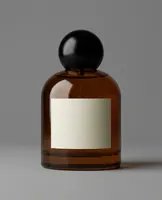
    • Hero bottle
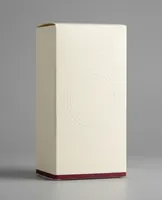
    • Packaging
    • Brand graphic
    • Botanical
    • Ingredient
    • Fabric
    • Pedestal
    • Lighting guide
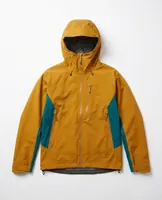
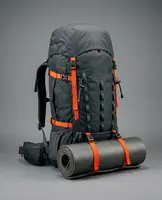
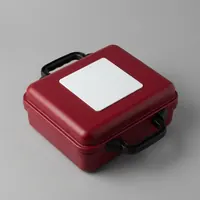
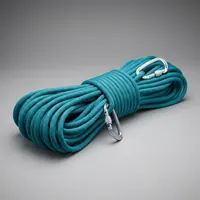
  • Casting and apparel · 12 references

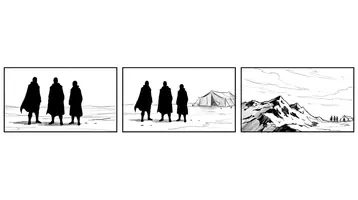
    A rescue team, posed from a layout sketch

    • Team leader
    • Medic
    • Climber
    • Leader jacket
    • Medic jacket
    • Climber jacket
    • Expedition pack
    • Medical case
    • Rope
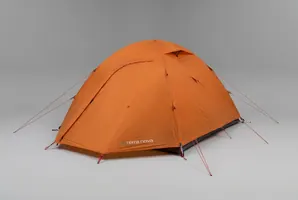
    • Tent
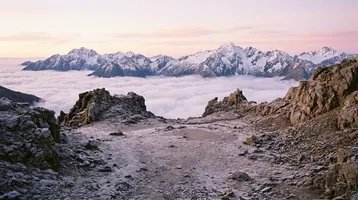
    • Mountain setting
    • Composition guide
  • Exhibitions · 12 references

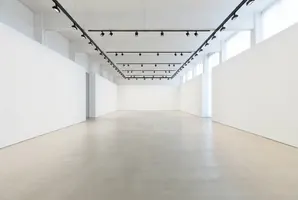
    A gallery, hung and installed

    • Gallery
    • Painting A
    • Painting B
    • Painting C
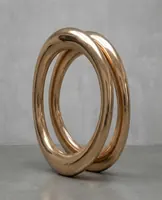
    • Sculpture A
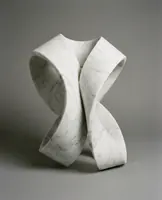
    • Sculpture B
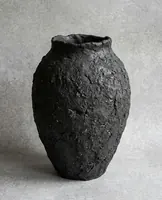
    • Vessel
    • Plinth
    • Bench
    • Wall graphic
    • Visitor A
    • Visitor B
  • Events · 10 references

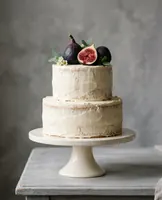
    A wedding table on a seaside terrace

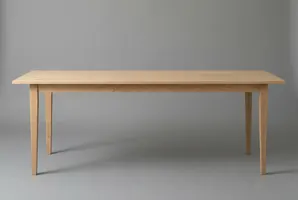
    • Venue
    • Table
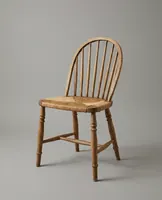
    • Chair
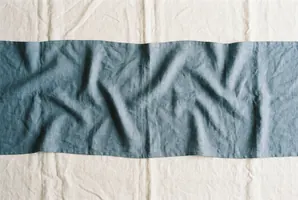
    • Linen
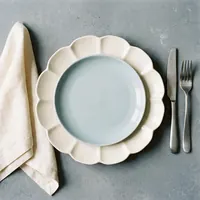
    • Place setting
    • Glassware
    • Flowers
    • Candles
    • Menu
    • Cake
  • Interiors · 10 references

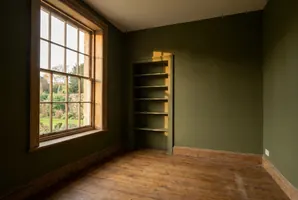
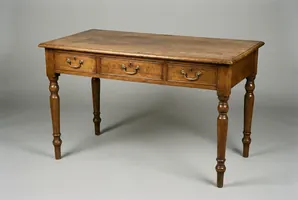
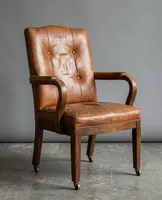
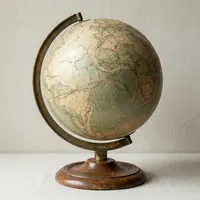
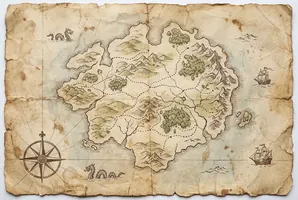
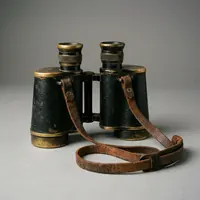
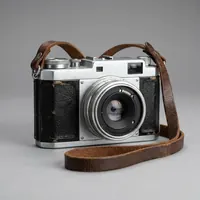
    An explorer's study, furnished piece by piece

    • Room
    • Desk
    • Chair
    • Globe
    • Map
    • Binoculars
    • Camera
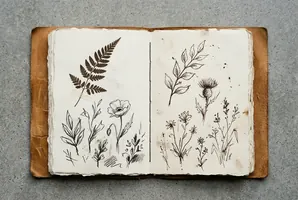
    • Field journal
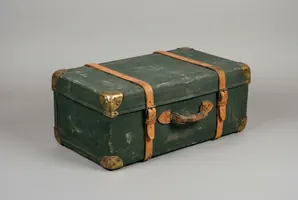
    • Travel trunk
    • Desk lamp
  • Lifestyle · 9 references

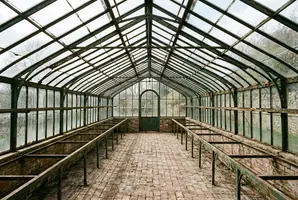
    A gardener's morning in an old glasshouse

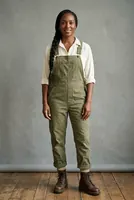
    • Gardener
    • Greenhouse
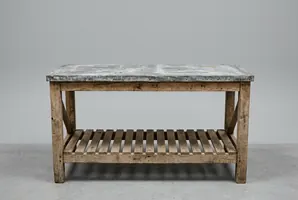
    • Potting bench
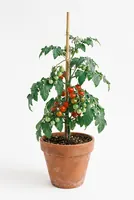
    • Tomato plant
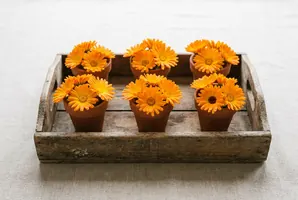
    • Flower tray
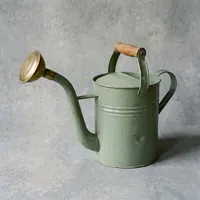
    • Watering can
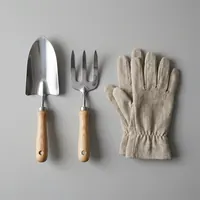
    • Hand tools
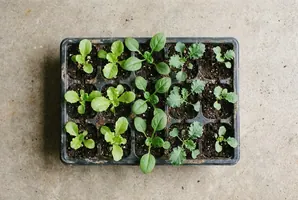
    • Seedling tray
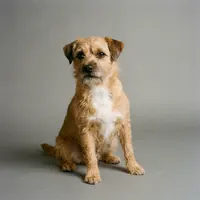
    • Dog

Product and lifestyle shots

Generated from a text prompt, with no reference images.

  • Sport sunglasses on a sunlit plinth

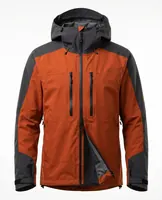
  • A trail runner's jacket, shot on the mountain

  • A flower truck on a cobbled street

  • Headphones on a sculptural stand

  • A beekeeper on a city rooftop

  • Handmade ceramics in raking light

  • Lotus flowers at a floating market

  • A globe floor lamp in an empty loft

  • Moving a marble knight on a giant chessboard

What MiniMax built it for

MiniMax's recommended uses, from product visualization to concept art and technical diagrams.

Product and industrial visualization

Exploded views, blueprints, and product renders that keep the form and materials from your product photos.

Game and film concept art

Key art, environments, characters, creatures, and effects, from epic fantasy to post-apocalyptic sci-fi.

Brand and marketing assets

Campaign visuals and posters with legible text and brand names, built from your product and style references.

Education content

Infographics and posters that turn key facts into a clear visual hierarchy.

Technical diagrams

Academic figures, CAD drawings, and annotated diagrams, laid out from a written spec or a source document.

3D and CG scenes

Finished scenes from untextured 3D renders, and first-person views built from a 2D map.

MiniMax H3 Image specifications

What a single request can take and return on Runware.

SpecMiniMax H3 Image
VersionsStandard (minimax:h3@image), or Highspeed (minimax:h3@image-highspeed) at twice the speed
Text-to-imageFrom a prompt of up to 32,000 characters
Image editing1 to 16 reference images in inputs.referenceImages
Resolution presets1K, 2K, or 4K
Custom sizeAny width and height from 0.65 to 20 megapixels
Aspect ratio1:3 to 3:1
Images per request1 to 20, set with numberResults
Output formatsJPG, PNG, or WEBP
Prompt enhancementOn by default for text-to-image, always on for edits
Reference images128 to 8,192 px per side, up to 4:1, up to 64 MB each

Writing prompts for MiniMax H3 Image

MiniMax's own advice for getting the result you asked for, from layouts and text to multi-image edits.
01

Say what the image is for

Start with the goal, the use, and the main people or objects and what they're doing. Add the style after that.

02

Set the layout before the details

Give the number and placement of subjects, the viewing angle, and the empty space. For dense layouts, describe the sections first: “Title at the top, image on the left and text on the right below.”

03

Quote the exact text

Put the text you want in the image inside quotation marks, with its position and line breaks. If you want the model to write the copy, say so.

04

Give each reference a job

Refer to references as image 1, image 2, and so on: “Keep the product from image 1, use image 2 for color, and image 3 for layout.”

05

Name what changes and what stays

“Change the cup on the left to blue, keeping its shape, material, position, and size the same.”

06

Edit in rounds

The API keeps no session, so send the latest output back as a reference and state what this round changes and keeps.

Get started

One API call, in whichever language you're already using, with the same key and billing as every other model on Runware. For Highspeed, set the model to minimax:h3@image-highspeed.

curl https://api.runware.ai/v1 \
  -H "Authorization: Bearer $RUNWARE_API_KEY" \
  -H "Content-Type: application/json" \
  -d '[
    {
      "taskType": "imageInference",
      "taskUUID": "<uuid-v4>",
      "model": "minimax:h3@image",
      "positivePrompt": "A matte black espresso machine on a marble counter, morning light through a window, steam rising from a fresh cup",
      "resolution": "2K",
      "includeCost": true
    }
  ]'

Response

[
  {
    "taskType": "imageInference",
    "taskUUID": "<uuid-v4>",
    "imageUUID": "8c1d4e27-3a9f-4b62-9e05-71f6d2a8c4b3",
    "imageURL": "https://im.runware.ai/image/ws/2/ii/8c1d4e27-3a9f-4b62-9e05-71f6d2a8c4b3.jpg",
    "cost": 0.022996
  }
]

Frequently asked questions

What is MiniMax H3 Image?

MiniMax's image generation and editing model, hosted on Runware's API. It creates images from text, or edits and combines up to 16 reference images, at 1K, 2K, or 4K, or at a custom width and height up to 20 megapixels.

What's the difference between MiniMax H3 Image and Highspeed?

Speed and price. MiniMax says Highspeed generates images twice as fast. It costs $2.30 for text input, $3.00 for image input, and $7.60 for image output, per million tokens, against $2.30 for text input, $1.50 for image input, and $3.80 for image output for the standard version. To use it, set model to minimax:h3@image-highspeed.

What is MiniMax H3 Image best at?

Following detailed instructions about count, position, direction, layout, and how objects relate, combining several reference images in one composition, and rendering legible text and brand names. MiniMax recommends it for product and industrial visualization, game and film concept art, brand and marketing assets, education content, technical diagrams, and 3D and CG scenes.

How does editing work?

Pass 1 to 16 images in inputs.referenceImages and describe the result in the prompt. Each reference can do a different job, such as the product, the style, or the layout. Refer to them as image 1, image 2, and so on, and say what each one contributes and what must stay the same.
Can I edit an image over several rounds?

Yes. The API keeps no session between requests, so send the latest output back as a reference image with the next instruction, and say what this round changes and what it keeps.

What sizes can it output?

Set resolution to 1K, 2K, or 4K and the model picks the aspect ratio, from your prompt or to match your reference images. Or set width and height yourself, anywhere from 0.65 to 20 megapixels at an aspect ratio between 1:3 and 3:1. Use one or the other in a request, not both.

What does prompt enhancement do?

It turns a short prompt into a detailed scene description before the image is generated. It's on by default through settings.promptOptimizer. You can turn it off for text-to-image when you set width and height, but edits with reference images always use it.

What are the limits on reference images?

Up to 16 per request. Each one can be 128 to 8,192 pixels per side, with an aspect ratio up to 4:1, and up to 64 MB. Send them as a URL, an uploaded image's UUID, a data URI, or Base64.

How many images can I get from one request?

Up to 20. Set numberResults anywhere from 1 to 20, and each result is a separate variation of the same request.
What isn't supported?
MiniMax doesn't support masked inpainting, transparent backgrounds, or setting a seed for this model yet.

How much does MiniMax H3 Image cost?

It's billed per million tokens: $2.30 for text input, $1.50 for image input, and $3.80 for image output. Highspeed costs $2.30 for text input, $3.00 for image input, and $7.60 for image output. At list price, a 1K or 2K image's 4,096 output tokens cost $0.016 on Standard and $0.031 on Highspeed, and a 4K image's about twice that. 50% off 4K images on both models through November 17. 4K means an output of 16.6 megapixels or more. Your prompt, your reference images, and each generated image all count. Set includeCost to true and the response returns what the request cost.

Does MiniMax H3 Image make video?

No. Video comes from MiniMax H3, a separate model on Runware that generates and edits clips with native audio. See the MiniMax H3 page for details.

Is MiniMax H3 Image available now?

Yes. MiniMax H3 Image is live on Runware, available through the API and Playground under the same key and billing as every other model on the platform.

Already integrated with MiniMax H3 Image somewhere else?

Our Migration Skills and docs help map an existing integration over. It's the same request shape as every other Runware model, so the change is usually just field names and auth. See the migration guide for details.

Talk to us about MiniMax H3 Image

Have questions about MiniMax H3 Image? Chat with our team about enterprise usage, including volume discounts and dedicated RPM, and we'll follow up shortly.