Seedream 5.5 is coming to Runware
Seedream 5.5 is ByteDance's new image model for realistic generation and consistent multi-turn editing, with native transparent backgrounds and layer decomposition. It's coming to the Runware API soon.

Generate, edit, and take apart.
Every workflow will run through one imageInference request, with the same key and billing as every other model on Runware.
- Text-to-image
- Up to 10 reference images
- Multi-turn editing
- Transparent backgrounds
- Layer decomposition
- Text recognition
Edit again and again, and keep the rest
Make one targeted change per turn. Seedream 5.5 applies it and keeps every unedited region as it was, so a scene can evolve over many edits without drifting. These are ByteDance's own demos.
A study, refurnished one request at a time
Rug, shelves, colors, and decor change across turns while the room's layout and light stay put.
One face, six looks
Hair, makeup, and wardrobe change with each edit, and the face stays the same person.
A still life, built up from a stone
Each turn adds one element and leaves everything already placed where it was.


Transparent from the start
Generate artwork on a transparent or semi-transparent background, then reuse it on any product or scene without cutting it out first.
A character on a transparent layer
Generated as a cutout, then reused as a keychain, a towel, and a sticker.
One flamingo, many products
A transparent illustration placed on luggage, a robe, a patch, and a pin.
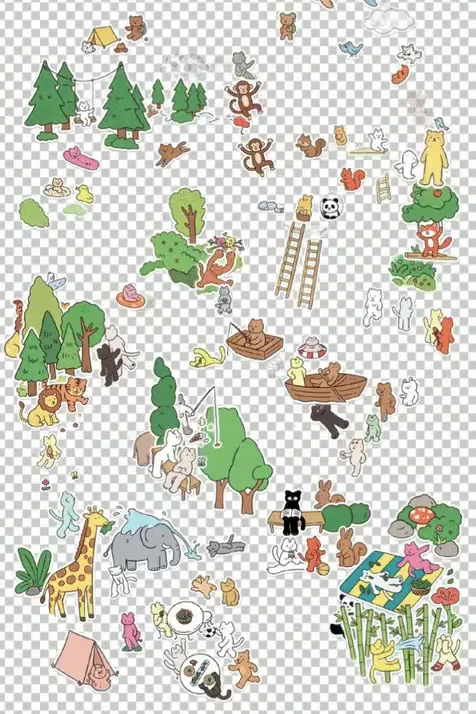
Whole sticker packs
Dozens of separate elements on one transparent sheet, ready to cut and arrange.


Take a flat image apart
Set settings.layerDecomposition and Seedream 5.5 splits a finished image into editable layers, so a generated poster can go straight into a design tool.

ByteDance's demo: a finished snowy owl infographic comes apart into the owl, its callouts, and each text block as separate transparent layers.
- Input
- One reference image of at least 0.26 megapixels
- Output
- A base image plus up to 99 transparent PNG layers
- Per layer
- A name, a description, and a bounding box in pixels
- Text layers
- The text with its position, font, and style, when text recognition is on
Lifelike by default
ByteDance's own Seedream 5.5 stills: natural light, fine materials, and refined skin textures, from street portraits to landscapes.
 A portrait on screen, styled in front of it
 A stone bust in bloom
 Airborne over the ramp
 A glacier lake under red peaks
 A cat among the bottles
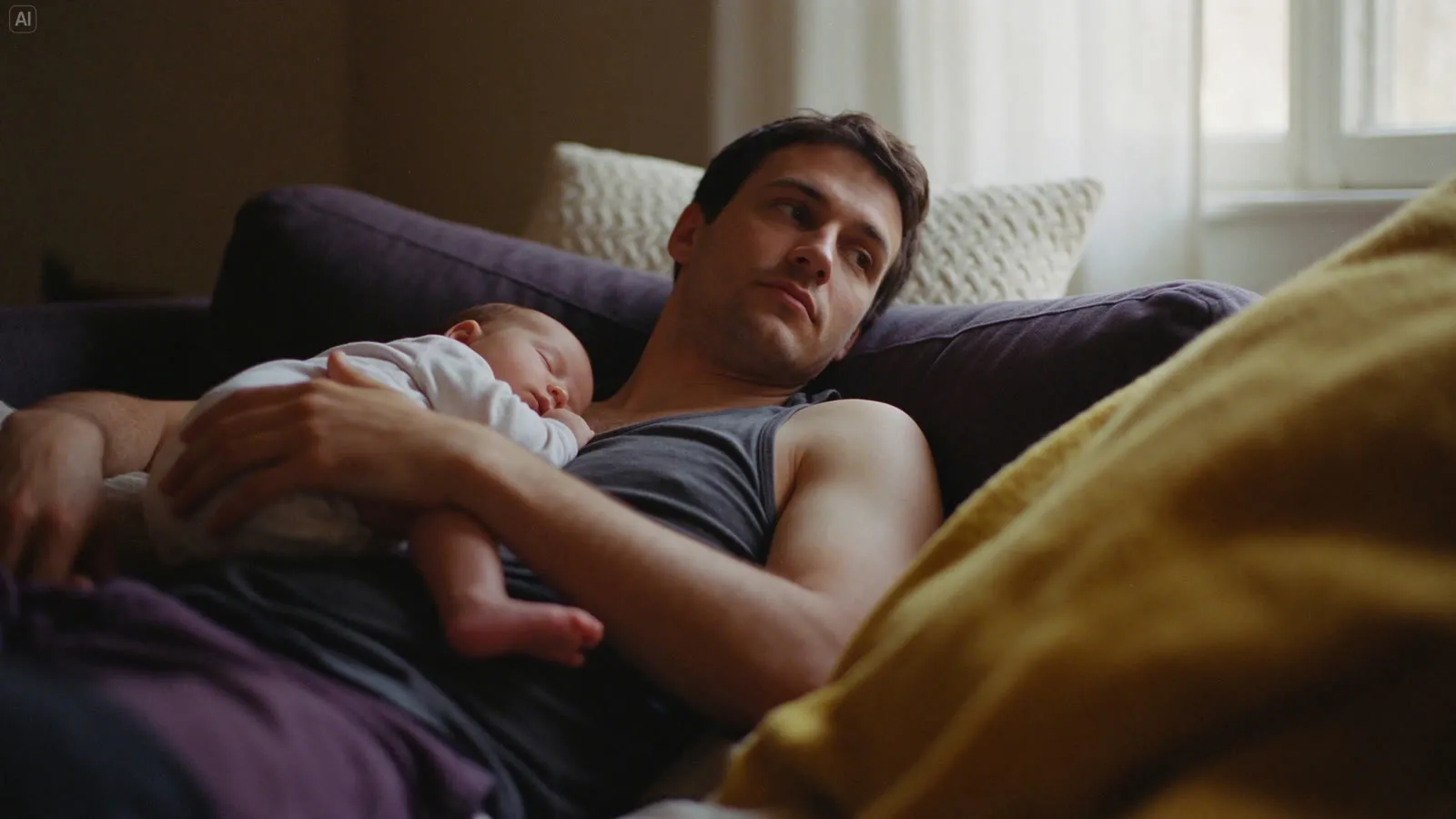 Asleep on the sofa
 A street portrait in the wind
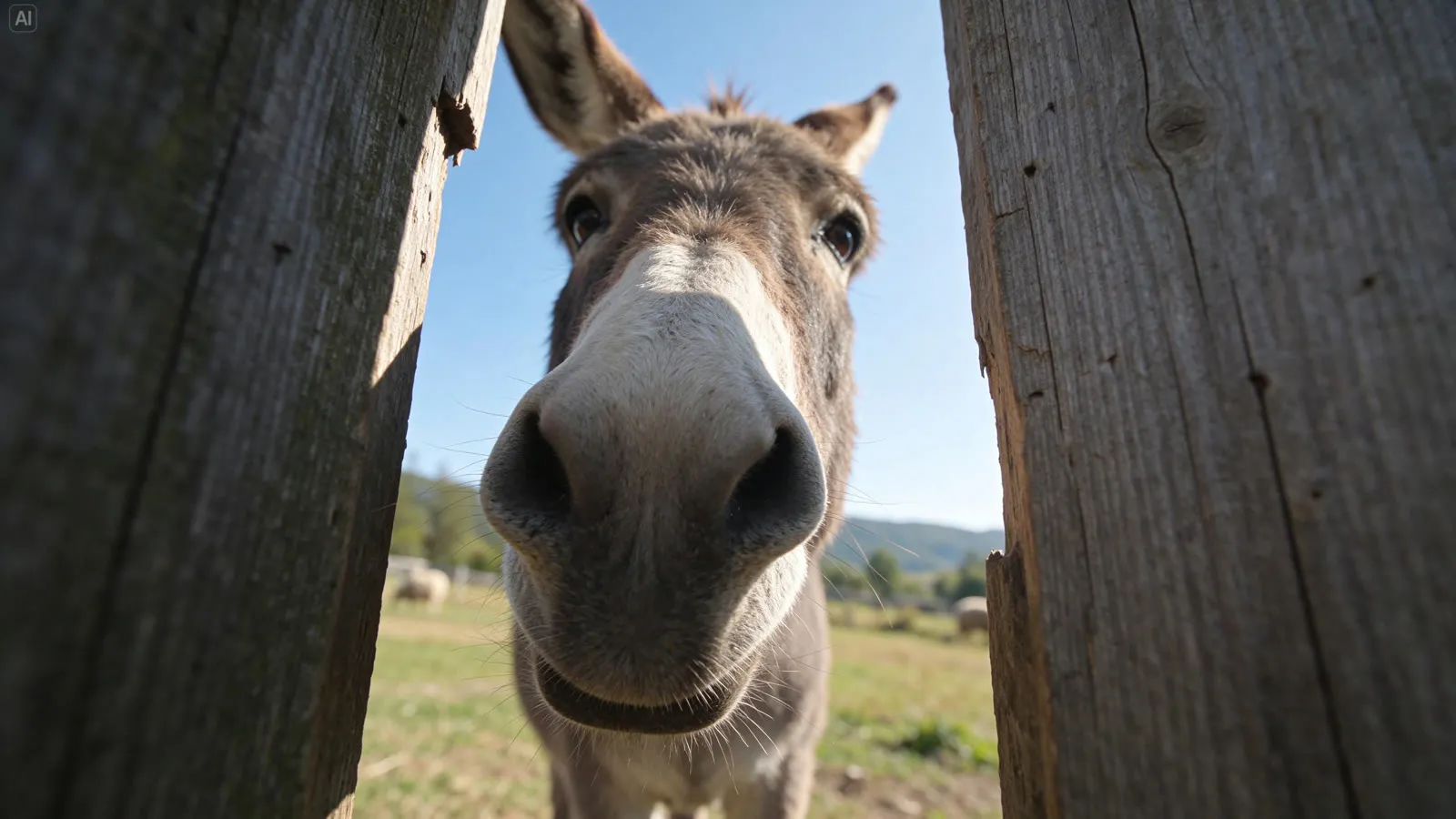 A donkey between the boards
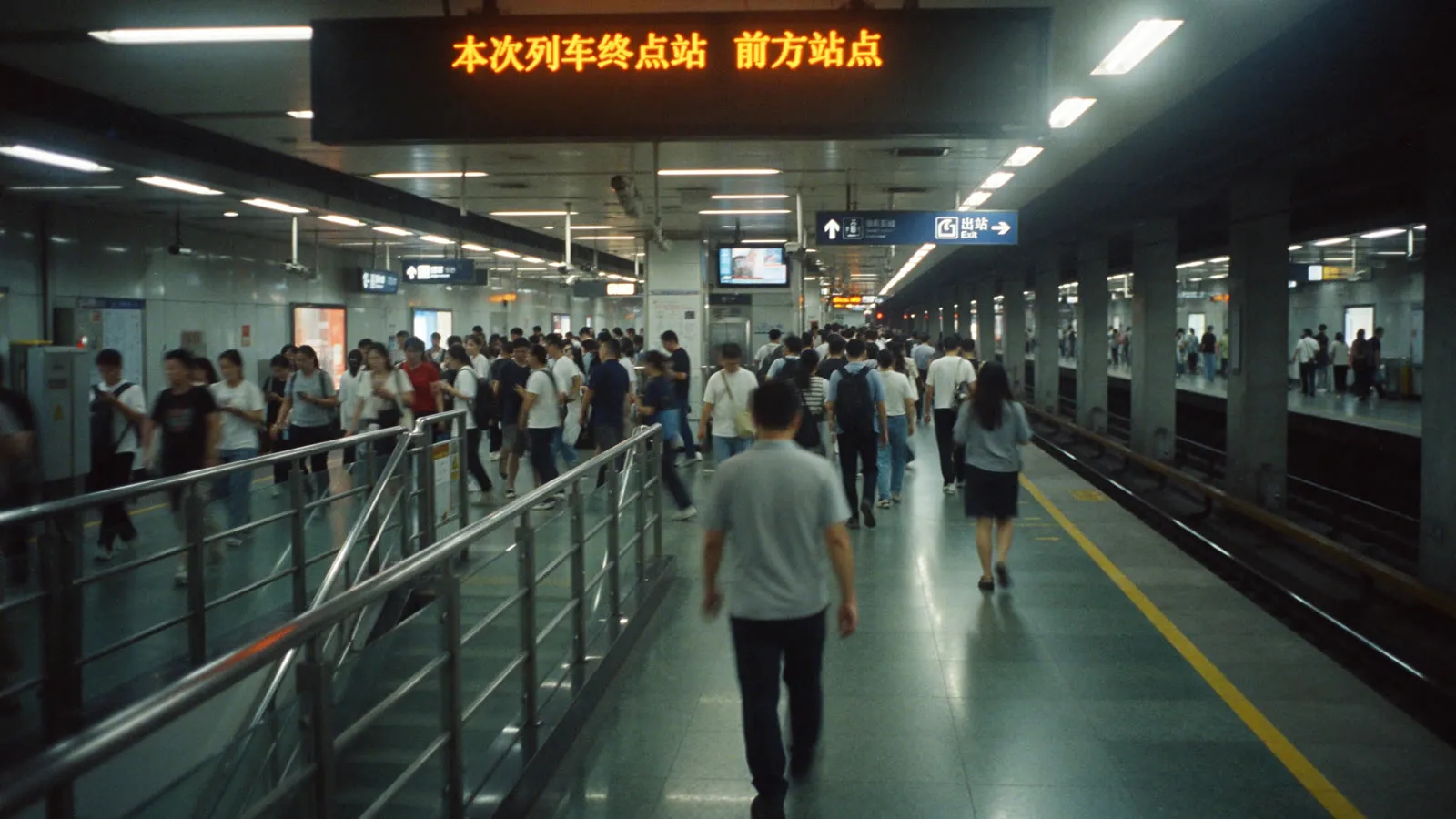 Rush hour on the platform
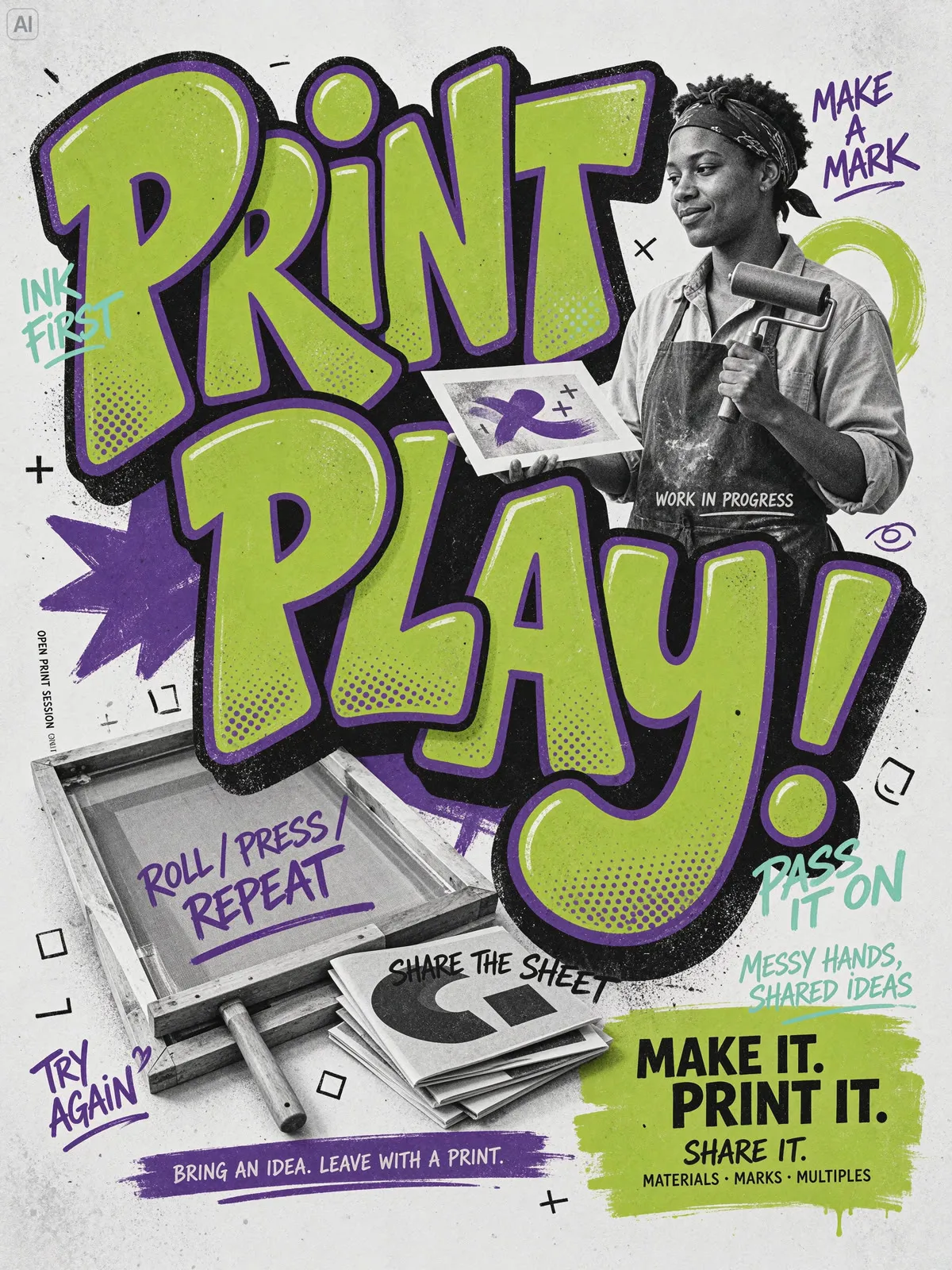
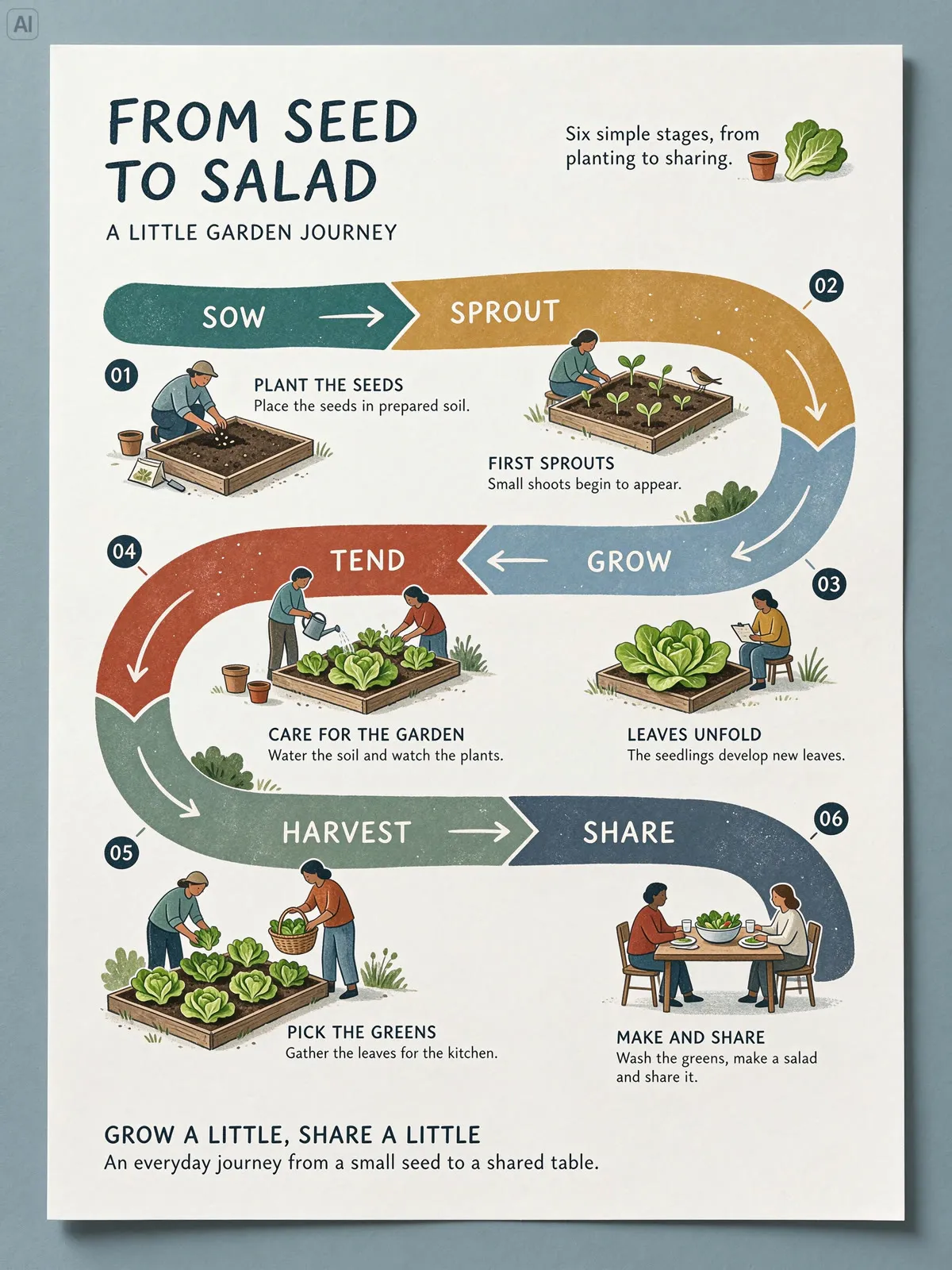
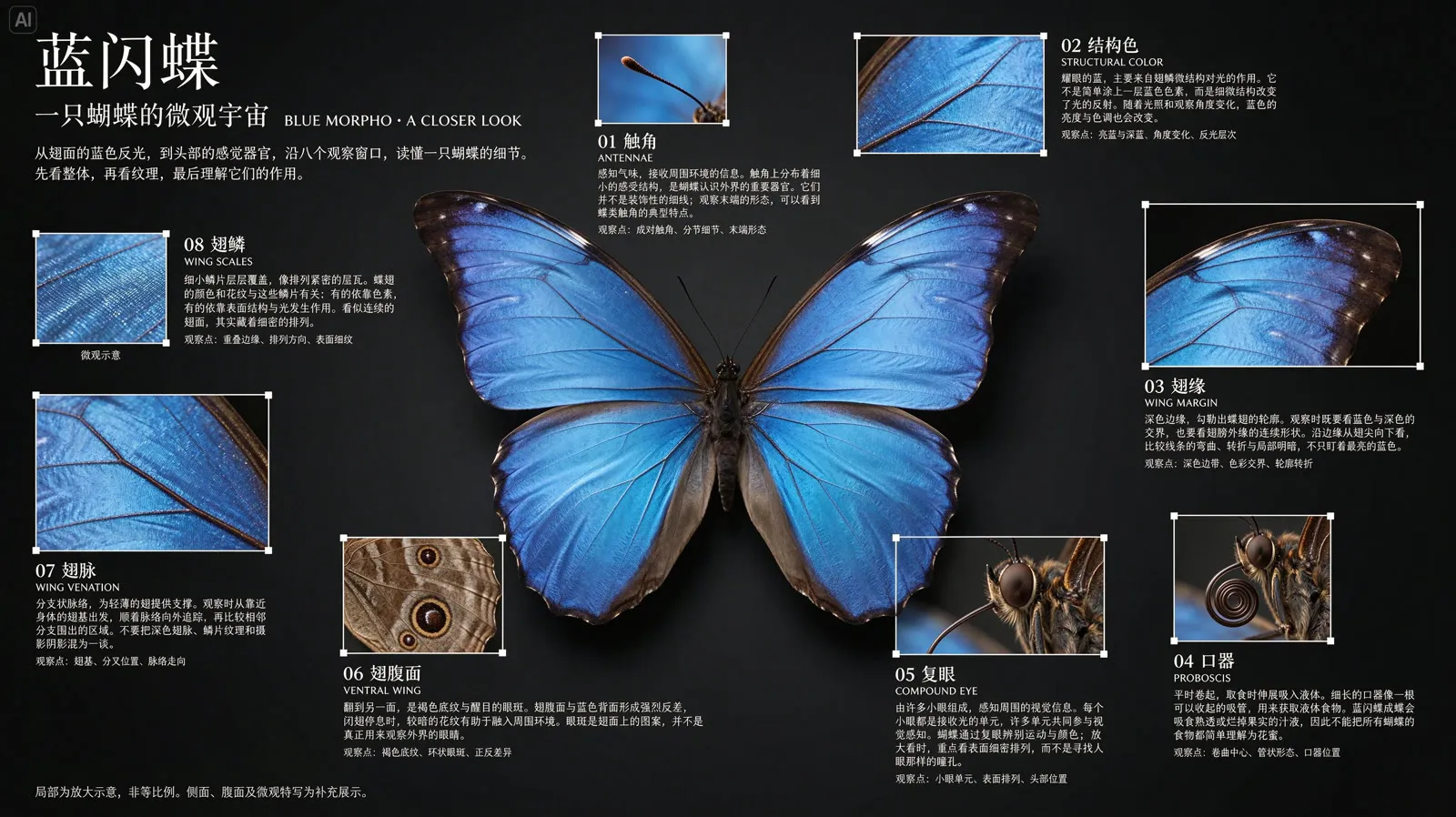
Set text, legible layouts
Posters, character sheets, and infographics with readable headlines and labels, in English and Chinese. All of them are ByteDance's own Seedream 5.5 outputs.

What one request can do
Seedream 5.5 on Runware, from its schema.
Text-to-image and editing
Generate from a prompt of up to 10,000 characters, or edit with 1 to 10 reference images.
1K, 1.5K, or 2K
Or any width and height from 0.92 to 4.62 megapixels, at aspect ratios from 1:16 to 16:1.
Transparent output
Set settings.background to transparent for a PNG or WEBP cutout, or leave it on auto.
Layer decomposition
One image in, a base image plus up to 99 PNG layers out, each with a name, a description, and its position.
Text recognition
For layers recognized as text, get the text itself with its position, font, and style.
Up to 20 images per request
Set numberResults from 1 to 20. JPG, PNG, or WEBP output.
Built for design and production work
Where Seedream 5.5's editing consistency, transparency, and layers save the most time.
Posters and campaign assets
Layouts with legible headlines and copy, then split into layers for your design tool.
Packaging and product mockups
Transparent artwork you can place on any product, and edits that keep the product untouched.
Iterative creative direction
Adjust one thing per turn, such as color, props, or wardrobe, and keep everything else stable.
Sticker packs and brand kits
Sets of separate elements on transparent backgrounds, ready for apps, merch, and social.
Editable text from flat images
Decompose a finished poster and get its text back as text, with the font, style, and position.
Photoreal scenes
Natural light, fine materials, and realistic skin for editorial, lifestyle, and product photography.
Get ready to build
When Seedream 5.5 launches, it's one API call in whichever language you're already using, with the same key and billing as every other model on Runware.
curl https://api.runware.ai/v1 \
  -H "Authorization: Bearer $RUNWARE_API_KEY" \
  -H "Content-Type: application/json" \
  -d '[
    {
      "taskType": "imageInference",
      "taskUUID": "<uuid-v4>",
      "model": "bytedance:[email protected]",
      "positivePrompt": "A cyclist waiting at a crossing in Lisbon at dusk, warm backlight through her hair, natural skin texture, 50mm lens",
      "resolution": "2K"
    }
  ]'
Response
[
  {
    "taskType": "imageInference",
    "taskUUID": "<uuid-v4>",
    "imageUUID": "b7e21f04-93c6-4d58-8a1e-5f0c2d9e6a31",
    "imageURL": "https://im.runware.ai/image/ws/2/ii/b7e21f04-93c6-4d58-8a1e-5f0c2d9e6a31.jpg"
  }
]Available today: Seedream on Runware
While Seedream 5.5 is on its way, the Seedream 5.0 family is live on Runware now, under the same key and billing as every other model on the platform. When Seedream 5.5 arrives, it's a new model ID on the same endpoint, with the same request shape.


Frequently asked questions
What is Seedream 5.5?
ByteDance's new image generation and editing model, coming soon to Runware's API. It focuses on realism, aesthetics, and editing consistency: text-to-image, editing with up to 10 reference images, multi-turn edits that keep unedited areas stable, transparent output, and layer decomposition.
When will Seedream 5.5 be available on Runware?
Soon. Leave your details at the bottom of this page and we'll let you know as soon as it's live. It will run through the same API as every other model on Runware: one endpoint, one API key, and the same request shape.
What's new compared with Seedream 5.0?
Multi-turn editing that keeps unedited regions intact from one edit to the next, native transparent and semi-transparent backgrounds, and layer decomposition with text recognition. ByteDance also reports more natural lighting, finer materials, and more refined skin textures.
How does multi-turn editing work?
Send the image you want to change as a reference image with an instruction that names the change. To keep going, send the latest result back with the next instruction. Seedream 5.5 changes what you ask for and keeps the rest of the image as it was.
How do I get a transparent background?
Set settings.background to transparent. The result comes back as a PNG by default, or as a WEBP. JPG output is always opaque, so the auto setting picks an opaque background for it.
What does layer decomposition return?
Send one reference image with settings.layerDecomposition set to true. You get a base image plus up to 99 layers in outputs.layers. Each layer is a transparent PNG with a name, a description, and its bounding box. Turn on settings.layerDecompositionTextRecognition to also get the text, font, and style of each text layer.
What sizes can it output?
Set resolution to 1K, 1.5K, or 2K, or set width and height yourself, anywhere from 0.92 to 4.62 megapixels at an aspect ratio between 1:16 and 16:1. Use one or the other in a request, not both.
How many reference images can I use?
Up to 10 per request, each up to 30 MB and 36 megapixels. Layer decomposition takes exactly one.
How much will Seedream 5.5 cost on Runware?
Runware will publish pricing for Seedream 5.5 when it launches here. As with every model on Runware, you'll pay only for what you generate, with no subscription or minimums.
Can I use Seedream on Runware today?
Yes. Seedream 5.0 Pro, Seedream 5.0 Lite, Seedream 5.0 Flash, Seedream 4.5, and Seedream 4.0 are live on Runware now, under the same key and billing as every other model on the platform.
Already integrated with Seedream somewhere else?
Our Migration Skills and docs help map an existing integration over. It's the same request shape as every other Runware model, so the change is usually just field names and auth. See the migration guide for details.

Get notified when Seedream 5.5 launches
Leave your details and we'll let you know as soon as Seedream 5.5 is live on Runware. We can also talk through enterprise access, including volume discounts and dedicated RPM.