
Guaranteed H100s for a term
A fixed number of H100s, guaranteed even when the shared pool is full. Anything above the reservation bursts into pay as you go. Suits production workloads that cannot miss capacity.
70% off Wan3.0 Standard and 50% off Wan3.0 Prime. Try Wan3.0
80 GB of HBM3 memory per GPU, on Runware. Billed per second while your app runs, and nothing once it scales to zero.
80 GB HBM3 memoryNVIDIA Hopper
An H100 on Runware costs $3.95 per GPU-hour, billed per second. There is no minimum term.
| Rate | Pay as you go | Reserved |
|---|---|---|
| Per GPU-second | $0.001097 | — |
| Per GPU-hour | $3.95 | As low as $2.45 |
| Per day (24 hours) | $94.80 | As low as $58.80 |
| Per month (730 hours) | $2,884 | As low as $1,789 |
| Commitment | None | 1 to 24 months |
| Capacity | Shared pool, subject to availability | Guaranteed for the term |
Pay while a worker is allocated to your app.
Time spent waiting for a GPU or pulling your image is not metered.
Published H100 rates per GPU-hour, from each provider's own pricing page.
Reserved capacity on Runware is as low as $2.45 per GPU-hour on a 1 to 24 month term.
There are two ways to rent an H100 on Runware.
A fixed number of H100s, guaranteed even when the shared pool is full. Anything above the reservation bursts into pay as you go. Suits production workloads that cannot miss capacity.
runware serverless deploy app.py --id my-app --gpu-type h100 --waitThe app stays scaled to zero until the first request arrives, which is also when billing starts.
GPU Compute is bare metal, reserved on a two to four year term.
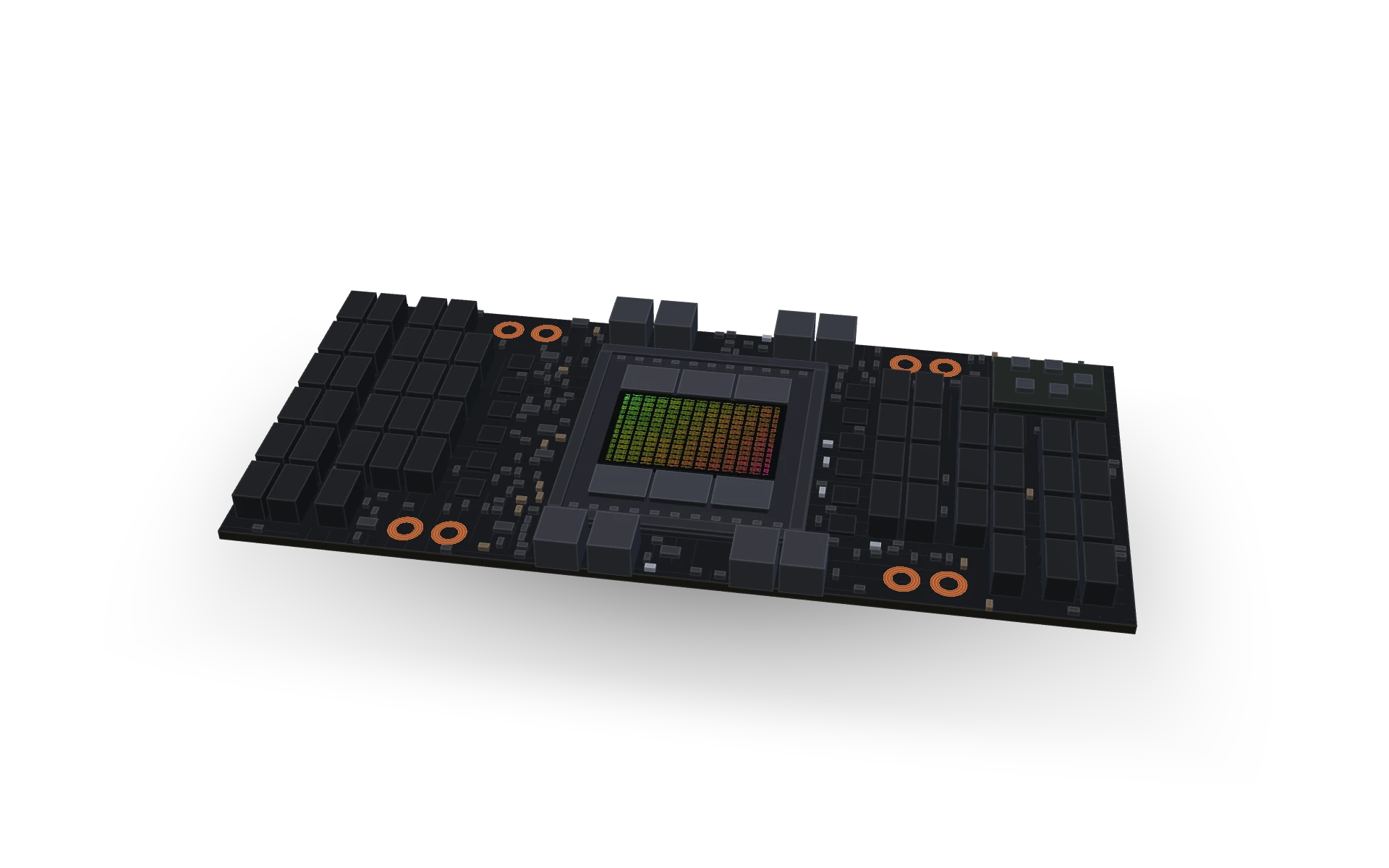
The H100 is NVIDIA's Hopper-generation data center GPU. It has 80 GB of HBM3 memory, fourth-generation Tensor Cores, and a Transformer Engine with FP8 precision for training and serving transformer models.
The A100 and H200 are the H100's neighbors on Runware. The A100 has the same 80 GB of memory on the previous GPU generation, at a lower rate. The H200 is the same Hopper generation with 141 GB of memory, for $0.55 more per GPU-hour.
80 GB HBM
Best for
Models that fit in 80 GB, where cost matters more than throughput.
80 GB HBM3
Best for
Serving and fine-tuning LLMs that fit in 80 GB, at higher throughput.
141 GB HBM3e
Best for
Models or context that no longer fit in 80 GB.
Prices are per GPU-hour on Runware.
It costs $3.95 per GPU-hour to rent an NVIDIA H100 on Runware with pay as you go, billed per second at $0.001097. Reserved capacity costs as low as $2.45 per GPU-hour on a 1 to 24 month term.
One H100 running all month (730 hours) costs $2,884 on pay as you go, or as low as $1,789 reserved. Most apps cost less, because billing stops when the app scales to zero. An app that holds one H100 for 8 hours a day costs about $961 a month.
Renting an H100 is usually cheaper unless the card runs close to full time for years. Buying means paying for the server, power, cooling and operations around the card as well as the card itself. Renting on pay as you go costs nothing while your app is scaled to zero.
Idle time is not billed once your app has scaled to zero. A worker that you keep warm is billed, because it still holds the GPU. Time spent waiting for a GPU or pulling your image is not billed.
There is no minimum commitment on pay as you go. Reserved capacity runs on a 1 to 24 month term.
Choose reserved when production cannot miss capacity, because reserved H100s are guaranteed for the term. Choose pay as you go for variable traffic, development and bursts. Most production teams reserve a baseline and burst above it on pay as you go.
Yes, you can rent more than one H100. An app scales up to the number of workers you set, and a worker can hold more than one GPU. Common layouts are 2, 4 and 8 GPUs per worker, depending on capacity.
You get access by creating a Runware account and requesting access from the Serverless overview in your dashboard. We review fit and capacity, then enable Serverless on your workspace.
Pay only while a worker holds a GPU.
Specs explained, what it runs and what it costs to buy.
80 GB HBM, $2.50 per GPU-hour.
141 GB HBM3e, $4.50 per GPU-hour.
The platform these GPUs run on, and every GPU it offers.
Tell us what you want to run on the H100 and how much capacity you need. We'll get in touch with you after assessing fit and capacity.