Juggernaut Z Fast
Request
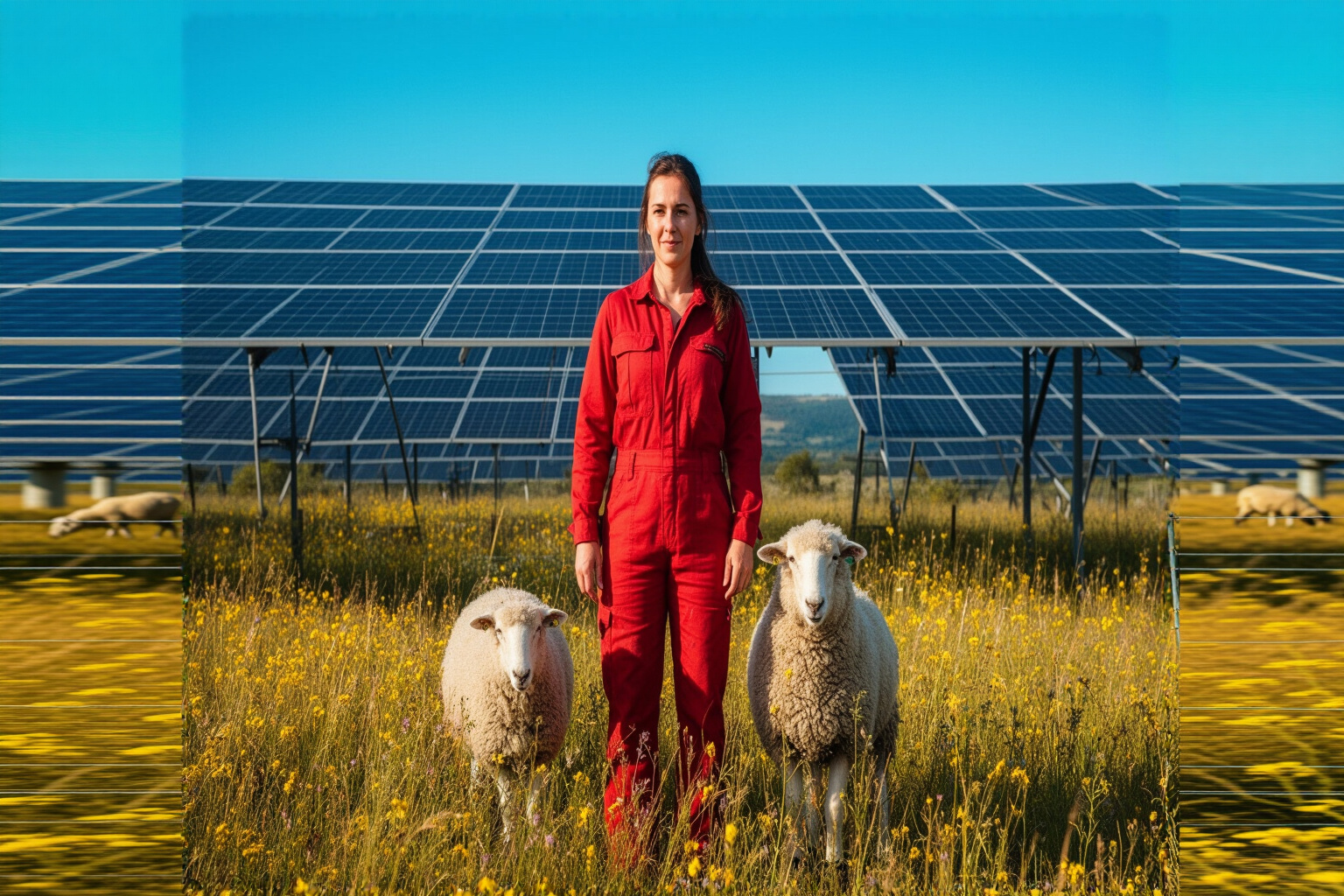
Create a seamless horizontal extension of the existing agrivoltaic campaign photograph into a 3:2 landscape key visual. Preserve the complete central source scene exactly: do not redesign, move, crop or replace the farmer, the white ewe, or the solar panels already present. Continue only the surrounding environment coherently beyond the left and right boundaries. Extend the same flowering golden meadow, tall grasses, small mustard-yellow wildflowers, grazing sheep at varied distances, slim agricultural fencing, low distant hills and repeating rows of elevated deep-blue photovoltaic panels with correct perspective and scale. Continue the clear cyan sky, crisp late-morning sunlight, panel shadows and warm color grade seamlessly across the expanded frame. Keep the farmer and ewe as the central hero subjects while creating generous, uncluttered campaign copy space in the open sky toward the upper left and balanced environmental depth on the right. Premium large-format brand photography for an agrivoltaic energy developer, bold color-blocked palette of cyan, solar-panel blue, field gold and workwear red, realistic rural details, polished editorial composition, natural textures, clean horizon, optimistic and credible. One finished photographic key visual with no lettering, logos, borders or interface elements.
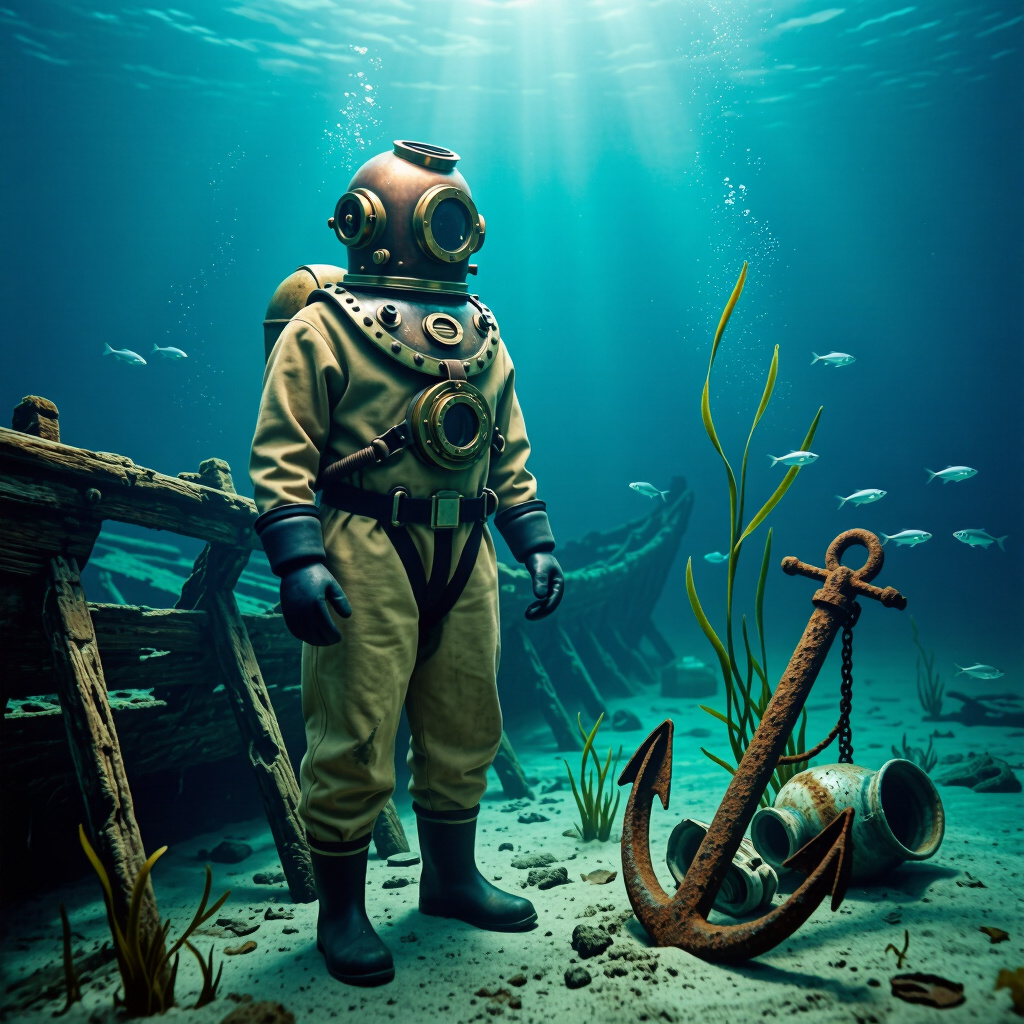
Finished photorealistic background-replacement composite for a maritime museum campaign. Preserve a single 1920s standard diving suit as the unmistakable hero subject: full-length aged tan canvas suit, heavy brass-and-copper helmet with round glass viewports, lead chest weights, thick rubber cuffs, weighted boots, authentic patina and tiny water droplets. Place the suit standing naturally on the silty seabed beside the weathered timber ribs of a historic shipwreck, as though the original studio background has been convincingly swapped for this location. Square composition, subject slightly left of center, three-quarter view, entire suit visible, strong readable silhouette. Deep teal water fading into blue-black distance, shafts of cold sunlight descending from the surface, suspended particles, strands of eelgrass, subtle schools of tiny silver fish, corroded anchor and broken ceramic cargo half-buried in silt. Match underwater cyan light, soft contact shadows, atmospheric haze and reflected color across the suit so subject and environment feel seamlessly integrated. Premium museum editorial photography, documentary realism, meticulous metal and textile detail, restrained cinematic mood, natural optics, no text, no logo, no border.
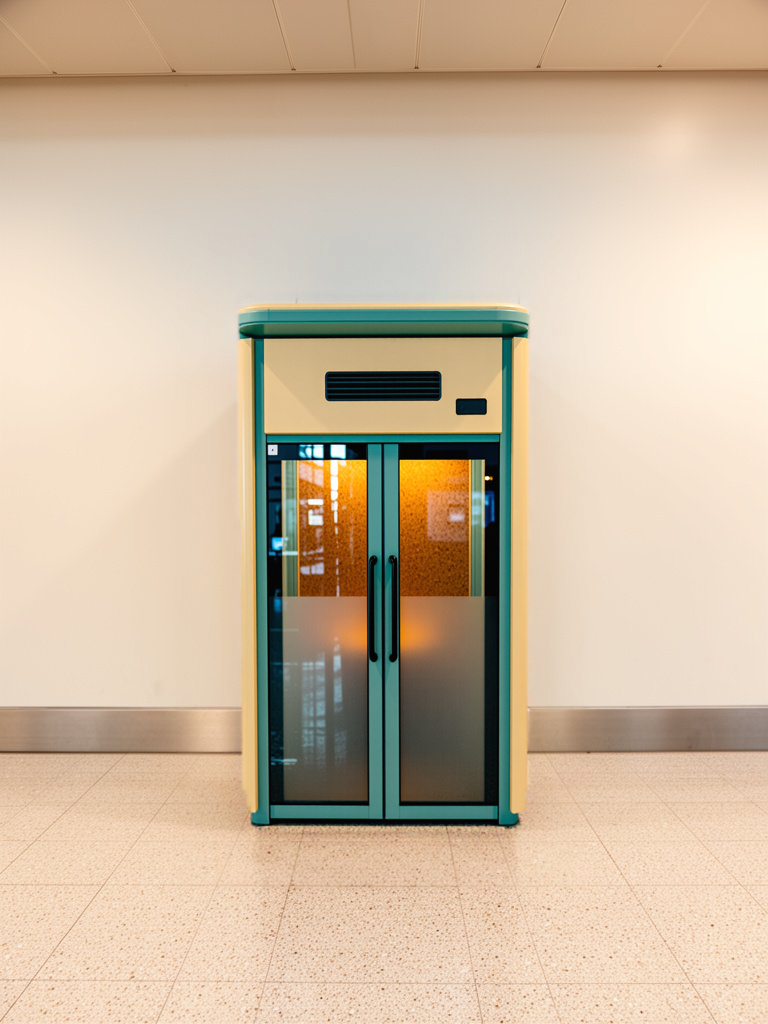
Replace the entire masked vending machine with a compact one-person sensory regulation booth for an airport accessibility retrofit. The new subject occupies the same footprint and height naturally: a freestanding acoustic booth with softly rounded corners, warm ivory exterior panels, muted teal trim, a full-height lightly frosted glass door, slim black door handle, subtle ventilation slots, and a small unlit occupancy indicator without words or branding. Through the frosted glass, only a suggestion of a cork-lined calming interior and soft amber light is visible. Make the installation physically credible, stable on the terrazzo floor, correctly scaled, and aligned with the preserved wall perspective. Match the existing overhead illumination, contact shadows, reflections, lens characteristics, color temperature, and photographic grain exactly. Preserve every unmasked part of the airport wall and floor unchanged. Clean contemporary inclusive-design aesthetic, realistic architectural photography suitable for an airport facilities planning presentation. No remains of the vending machine, no products, logos, labels, promotional graphics, people, furniture, screens, or added signage.
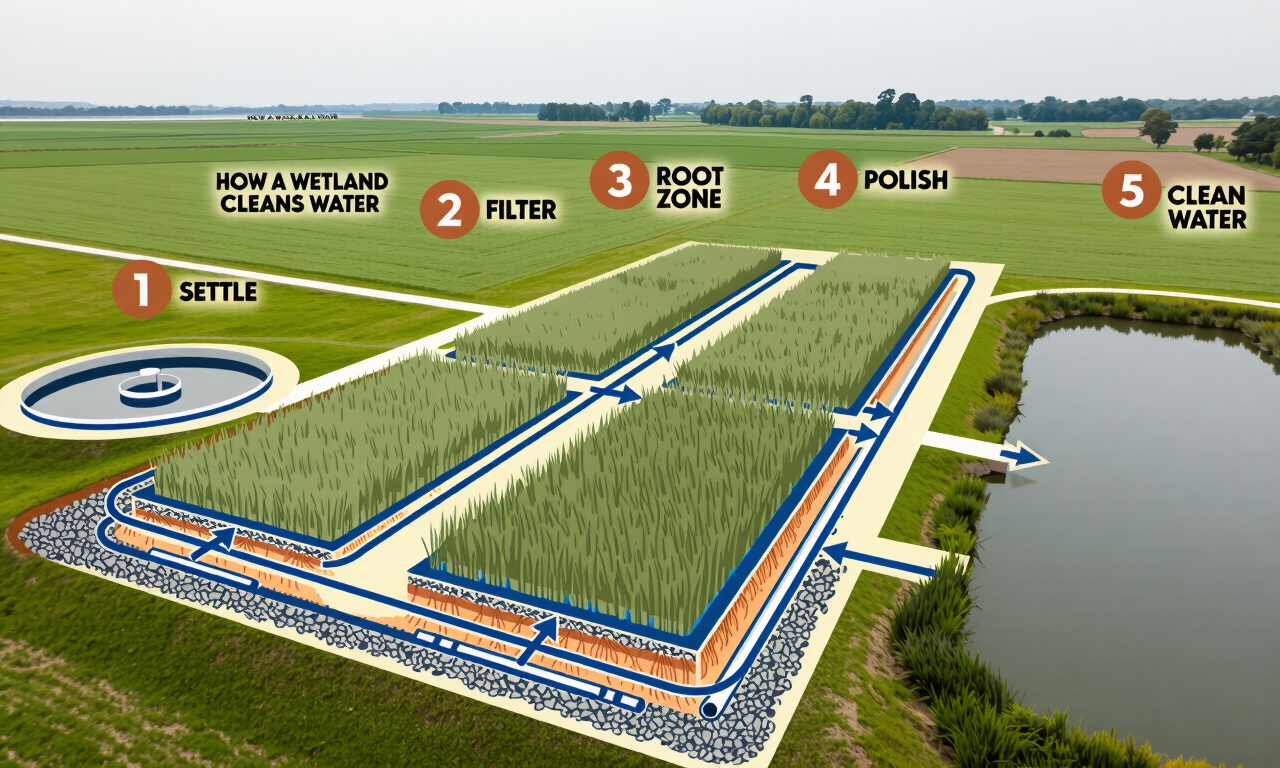
Transform the supplied aerial photograph into a finished public-works educational infographic explaining how a constructed wetland cleans wastewater. Preserve the source image's main subject, left-to-right orientation, proportions, and recognizable layout: round inlet tank at far left, three parallel reed-filled gravel treatment cells in the center, polishing pond at right, and the connecting maintenance path. Redraw the entire scene as a crisp axonometric cutaway illustration with screen-printed editorial character, flat geometric shapes, subtle paper grain, precise civil-engineering clarity, and a warm civic-education mood. Use a distinctive limited palette of cream, deep cobalt blue, terracotta orange, muted sage green, and charcoal. Reveal simplified underground cross-sections beneath the treatment cells: layered gravel, sand, root zones, perforated pipes, and blue water moving below the reeds. Show a continuous cobalt flow line with clear arrowheads traveling from left to right through all stages. Add five large terracotta numbered circles, 1 through 5, aligned above the process. Include only these short, clean labels in bold condensed sans-serif lettering: “1 SETTLE”, “2 FILTER”, “3 ROOT ZONE”, “4 POLISH”, “5 CLEAN WATER”. Add a small title at upper left reading “HOW A WETLAND CLEANS WATER”. Keep labels widely spaced and visually subordinate to the illustrated process; no paragraphs or tiny body copy. Generous cream negative space around the facility, balanced landscape composition, strong visual hierarchy, legible educational diagram suitable for a municipal open-house display and printed fact sheet. Standalone infographic artwork only, edge-to-edge composition, no poster mockup, no website, no app interface, no logos, no branding.