Seedream 5.0 Lite
Request
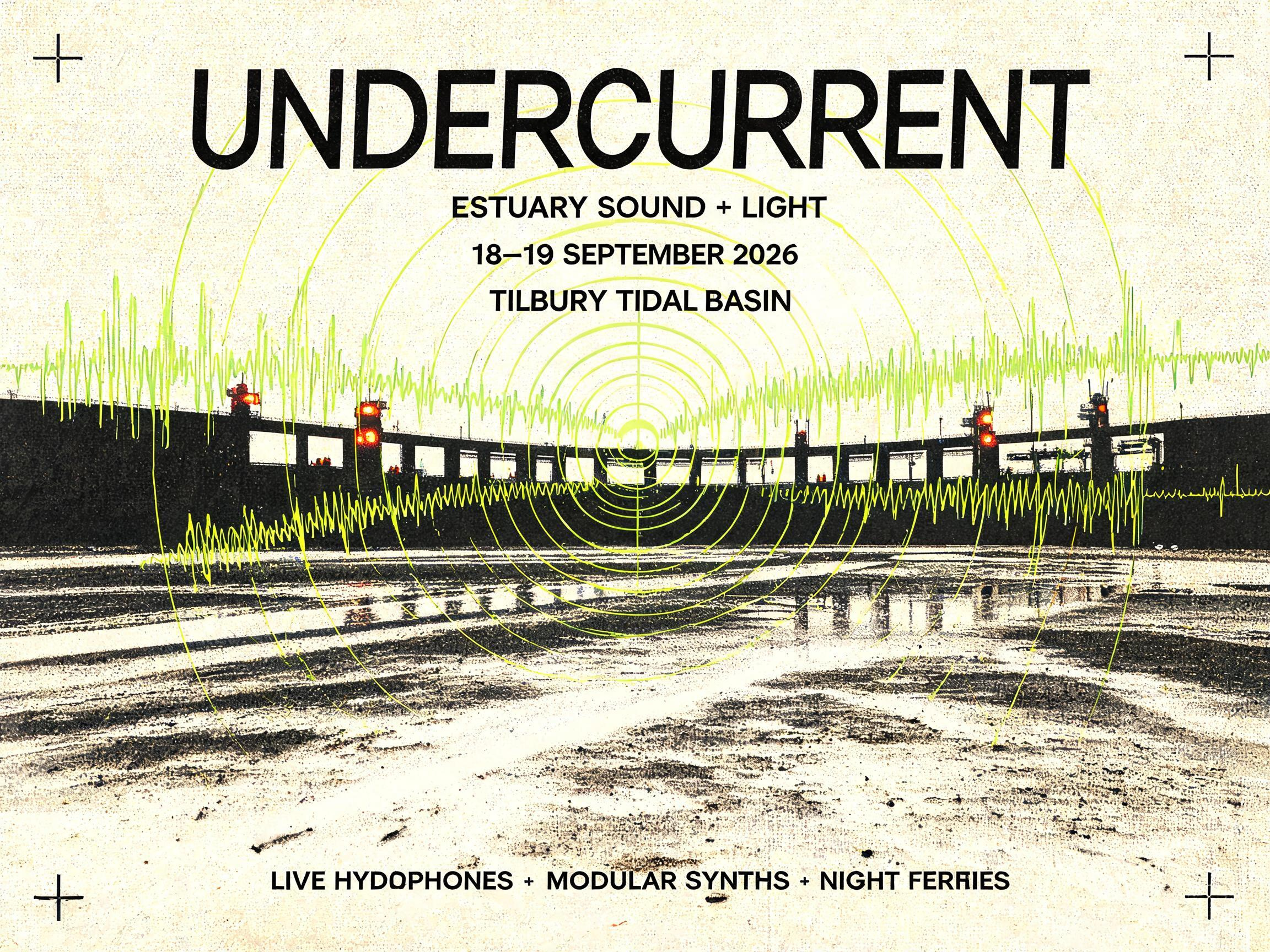
Create a finished full-bleed landscape festival poster, not a poster mockup. Design an identity for UNDERCURRENT, an experimental estuary sound and light festival. Use reference image 1 for the recognizable architecture, low horizontal viewpoint, repeating floodgates, exposed tidal channels, and immense industrial scale. Use reference image 2 for the chartreuse phosphor glow, sonar sweep geometry, waveform textures, black glass depth, and small safety-orange accents. Fuse both references into one cohesive graphic image: the tidal barrier becomes a near-black architectural silhouette while luminous sonar rings and hydrophone waveforms travel through the water and sky like measured currents. Add restrained halftone grain, registration marks, contour lines, and the tactile character of a three-color screen print on warm bone stock. Palette limited to tar black, electric chartreuse, safety orange, and warm bone. Strong asymmetric International Typographic Style layout with generous negative space and precise alignment. Include large, crisp, correctly spelled condensed sans-serif display lettering: “UNDERCURRENT”. Secondary text: “ESTUARY SOUND + LIGHT”. Event details: “18–19 SEPTEMBER 2026” and “TILBURY TIDAL BASIN”. Small footer line: “LIVE HYDROPHONES • MODULAR SYNTHS • NIGHT FERRIES”. Keep all typography legible, intentional, and integrated into the composition. Cerebral, nocturnal, industrial, urgent, premium cultural-event art direction; no logos, no extra words, no frame, no wall, no people in the foreground.

Premium commercial product photograph for a cryogenic PPE manufacturer, square composition. Close three-quarter view of a seed-bank technician wearing one oversized cryogenic safety gauntlet, the glove as the unmistakable hero product: matte pearl-white insulated shell, articulated fingers, quilted thermal panels, reinforced cobalt-blue palm and fingertips, extra-long protective cuff with a clean adjustable strap. The gloved hand carefully holds a small frost-covered seed vial above an open stainless-steel cryogenic storage tank. Accurate hand anatomy and a physically plausible grip. The technician wears a minimal white cleanroom suit and clear face shield, softly out of focus behind the product. Working agricultural gene-vault laboratory with orderly racks of preserved seed samples receding into the background, cold vapor curling around the cuff, tiny ice crystals catching the light. Crisp cyan laboratory illumination contrasted with one restrained amber safety light, polished steel reflections, precise clinical atmosphere, sophisticated science-forward art direction. Sharp tactile material detail on the glove, shallow depth of field, controlled studio-quality lighting within a real environment, generous negative space, no logos, no brand names, no lettering, no interface, no additional hands or gloves.
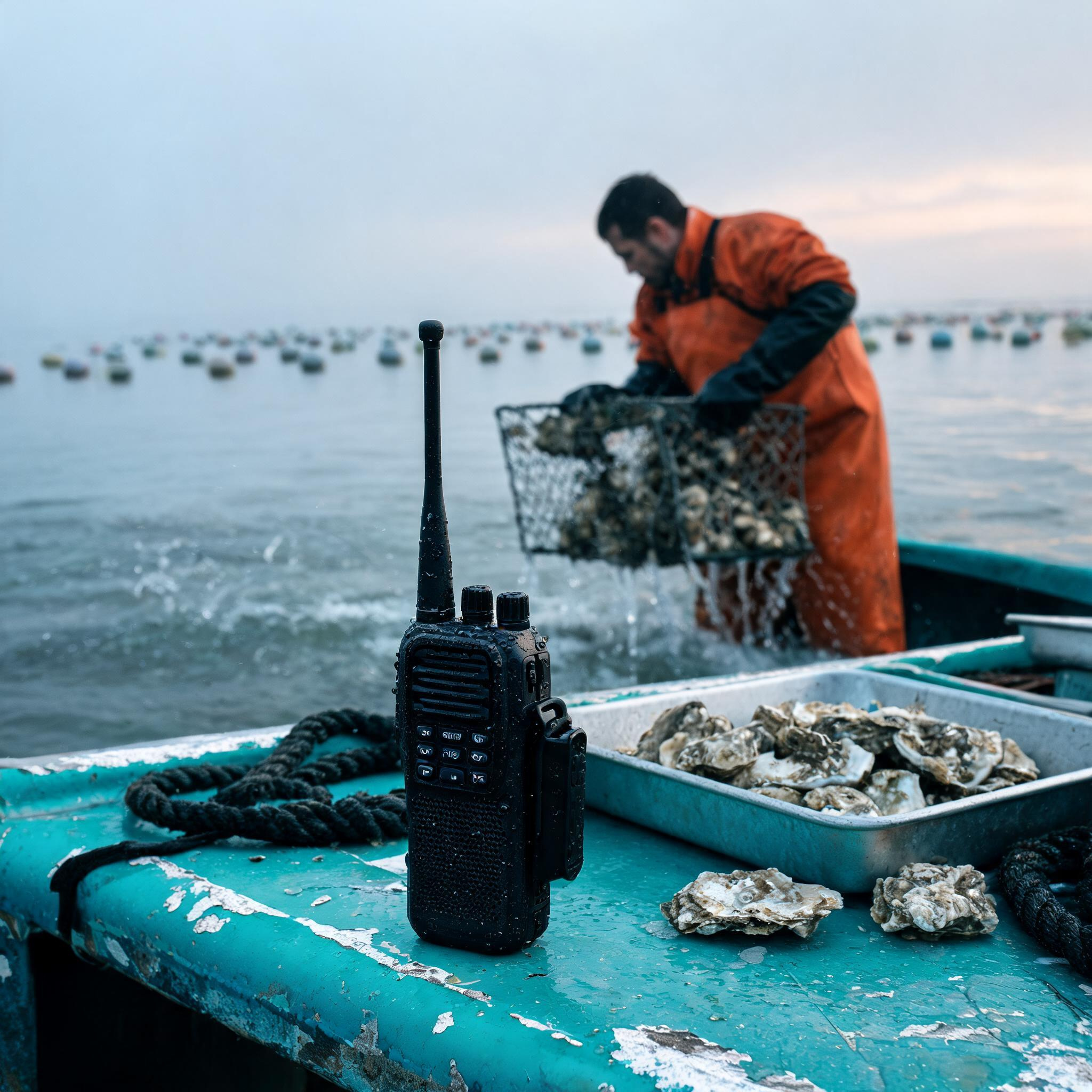
Premium documentary-style product lifestyle photograph for a manufacturer of rugged marine communication equipment. Hero subject: a compact, unbranded black handheld VHF marine radio with a long antenna, tactile controls, waterproof casing, speaker grille, belt clip, and a few realistic beads of seawater. Place it upright in the foreground on the chipped turquoise gunwale of a working aluminum oyster-farm skiff. Behind it, slightly out of focus, an oyster farmer in orange waterproof bib overalls and heavy rubber gloves hauls a dripping wire oyster cage from cold estuary water. Include wet ropes, a galvanized sorting tray, rough oyster shells, and distant rows of aquaculture floats to establish the industry without cluttering the hero product. Blue-gray dawn fog, pale peach light breaking along the horizon, cool sea spray, authentic working-boat wear, quiet resilient mood. Low three-quarter camera angle close to the gunwale, square composition, radio large and sharply resolved near the lower-center intersection, worker providing context in the upper background, natural depth of field, crisp water droplets, restrained teal, slate, rust-orange, and silver palette. Photorealistic commercial location photography with believable materials, subtle 35mm grain, controlled highlights, no dramatic fantasy effects. No logos, brand names, captions, labels, borders, packaging, or interface elements.
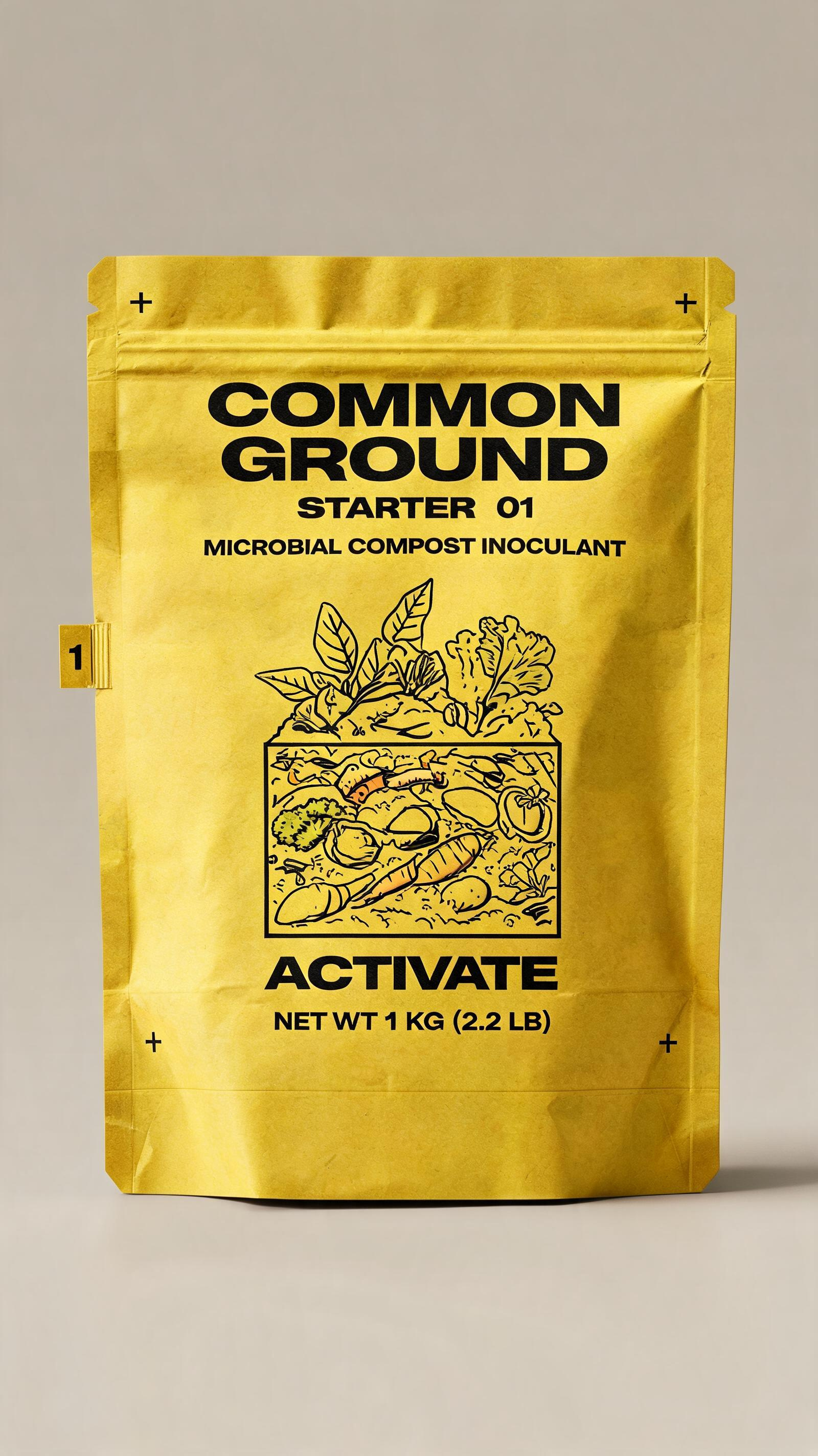
Create a coherent sequence of four separate portrait packaging-design images for COMMON GROUND, a professional microbial composting system used by farms and municipal gardens. Show one tall 1 kg matte gusseted pouch per image, centered in the same straight-on orthographic product view against the same warm gray studio background. Do not make a grid or contact sheet. Maintain identical pouch shape, logo position, typography, information hierarchy, lighting, camera angle, and bold 1970s municipal field-manual art direction throughout the sequence. Each package features a precise screen-printed cross-section illustration of the same compost pile as it visibly progresses through four stages. Image 1: acid-yellow package, fresh leaves and vegetable scraps in the pile, labeled exactly “COMMON GROUND” / “STARTER 01” / “MICROBIAL COMPOST INOCULANT” / “ACTIVATE” / “NET WT 1 KG (2.2 LB).” Image 2: safety-orange package, the same pile now taller and steaming, labeled exactly “COMMON GROUND” / “THERMAL 02” / “MICROBIAL COMPOST INOCULANT” / “HEAT” / “NET WT 1 KG (2.2 LB).” Image 3: saturated cobalt-blue package, the same pile turned into aerated layers with a pitchfork diagram, labeled exactly “COMMON GROUND” / “TURN 03” / “MICROBIAL COMPOST INOCULANT” / “AERATE” / “NET WT 1 KG (2.2 LB).” Image 4: deep forest-green package, the same material transformed into dark crumbly soil with one healthy seedling, labeled exactly “COMMON GROUND” / “CURE 04” / “MICROBIAL COMPOST INOCULANT” / “FINISH” / “NET WT 1 KG (2.2 LB).” Use heavy condensed grotesque typography, simple registration marks, numbered stage tabs, crisp two-color technical diagrams, tactile recycled-paper texture, restrained black ink, and excellent legibility. The progression should feel operational, credible, and shelf-ready rather than whimsical. Premium packaging visualization with realistic folds, subtle edge highlights, soft grounded shadow, no hands, no props, no extra packages, no invented certification seals, no illegible filler copy.