UNI-1
Request
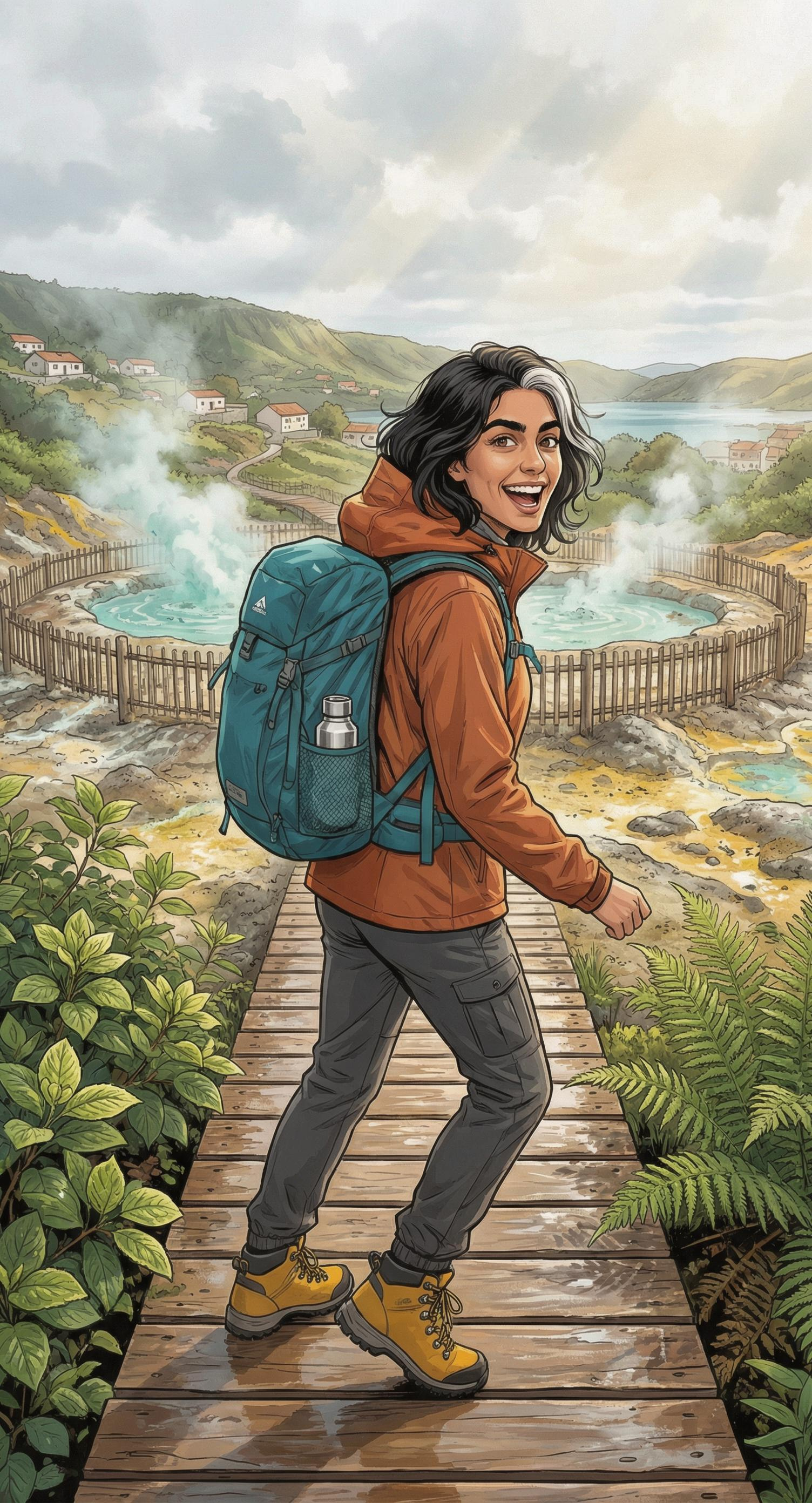
Create a finished portrait-oriented manga tourism campaign illustration for hiking in Furnas on São Miguel Island, Azores. Use reference image 1 to preserve the traveler's recognizable face, dark wavy hair, and white temple streak; use reference image 2 to preserve her rust-orange rain shell, charcoal trousers, mustard boots, teal backpack, and silver bottle. Show her hiking toward the viewer along a safe raised timber boardwalk through the real geothermal landscape of Furnas, turning back with an inviting, exhilarated smile. Low ferns and glossy hydrangea leaves frame the foreground; pale mineral steam rises from fenced caldeiras behind her; green volcanic slopes, tiled village roofs, and a glimpse of Furnas Lake recede through the mist. Dynamic low viewpoint with one boot stepping into the lower foreground, sweeping boardwalk lines leading upward through the composition, protagonist occupying the lower-middle third, generous atmospheric depth above her. Sophisticated contemporary travel manga, clean expressive ink lines, selective screentone texture, richly colored cel shading, mineral-turquoise steam, sulfur yellow accents, deep fern green vegetation, rust-orange jacket, soft pearl-gray sky. Fresh post-rain atmosphere with luminous breaks of Atlantic sunlight, wet timber reflections, believable volcanic terrain and practical hiking details. Aspirational, invigorating, welcoming, premium destination-campaign finish. One coherent scene, no text, no logo, no border, no UI, no collage.
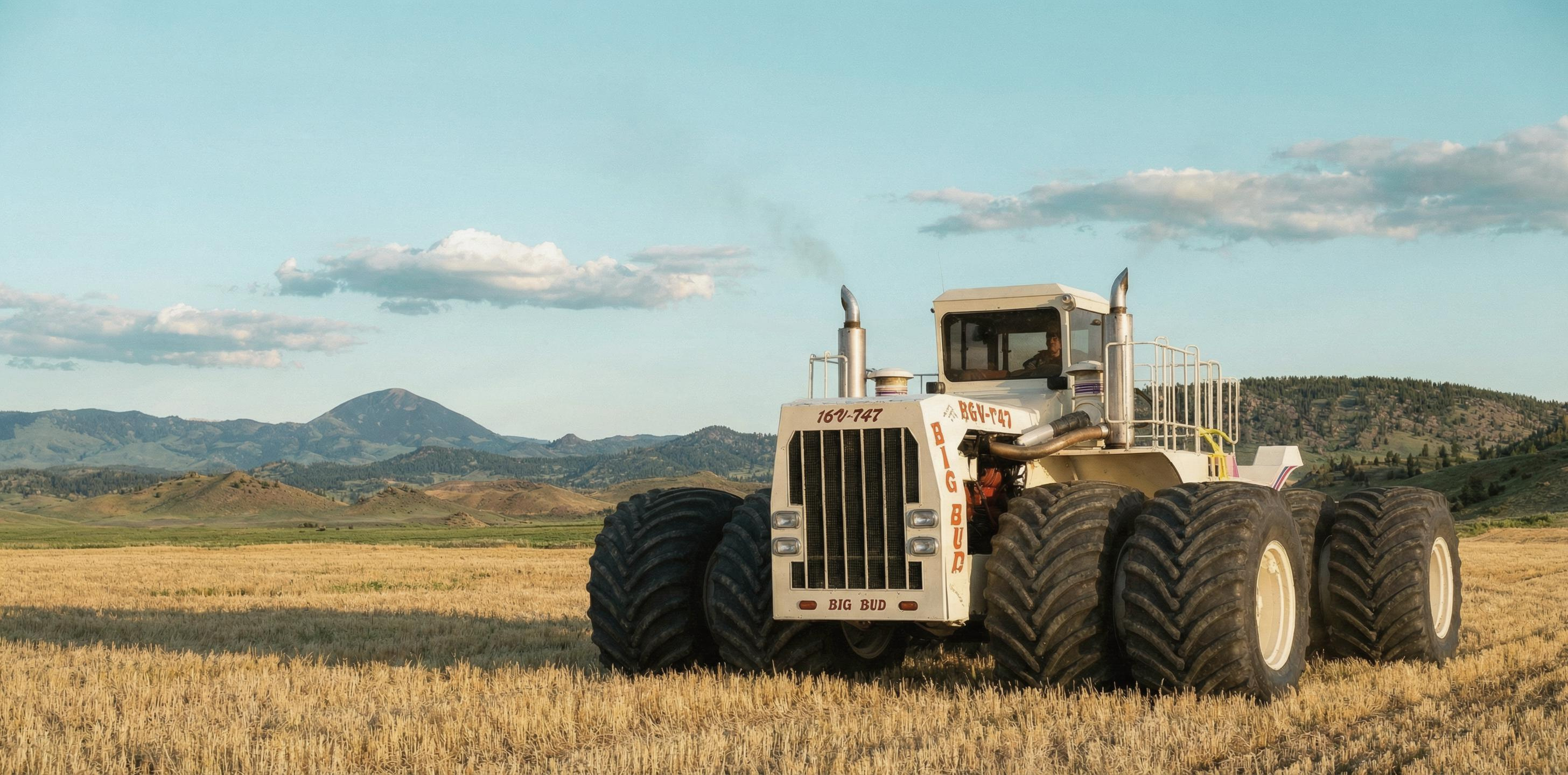
Create a finished, photorealistic background-replacement composite featuring the real Big Bud 16V-747 tractor, accurately reproducing its monumental proportions, articulated chassis, cream-white bodywork, red-orange trim, authentic BIG BUD 747 markings, exhaust stacks, cab glazing, and eight enormous dual tires. Show the complete tractor from a low three-quarter front angle on the right side of a wide landscape frame. Replace any trade-show, museum, or parking-lot surroundings with a sunlit late-summer wheat field near Havre, Montana, with distant Bear Paw Mountains, a pale cyan sky, dry straw-gold grasses, and subtle windblown dust. Match the warm directional sunlight across the tractor and landscape; add realistic tire contact, compressed vegetation, and a soft grounded shadow. Preserve crisp, natural cutout edges around the cab, mirrors, exhausts, steps, and tires with no haloing or color spill. Leave generous uncluttered landscape and sky on the left for museum campaign copy, but include no added headline, logo, border, interface, or watermark. Grounded heritage-documentary art direction, restrained cream, oxidized red, straw gold, and clear blue palette, exceptional mechanical detail, believable scale, premium commercial retouching.
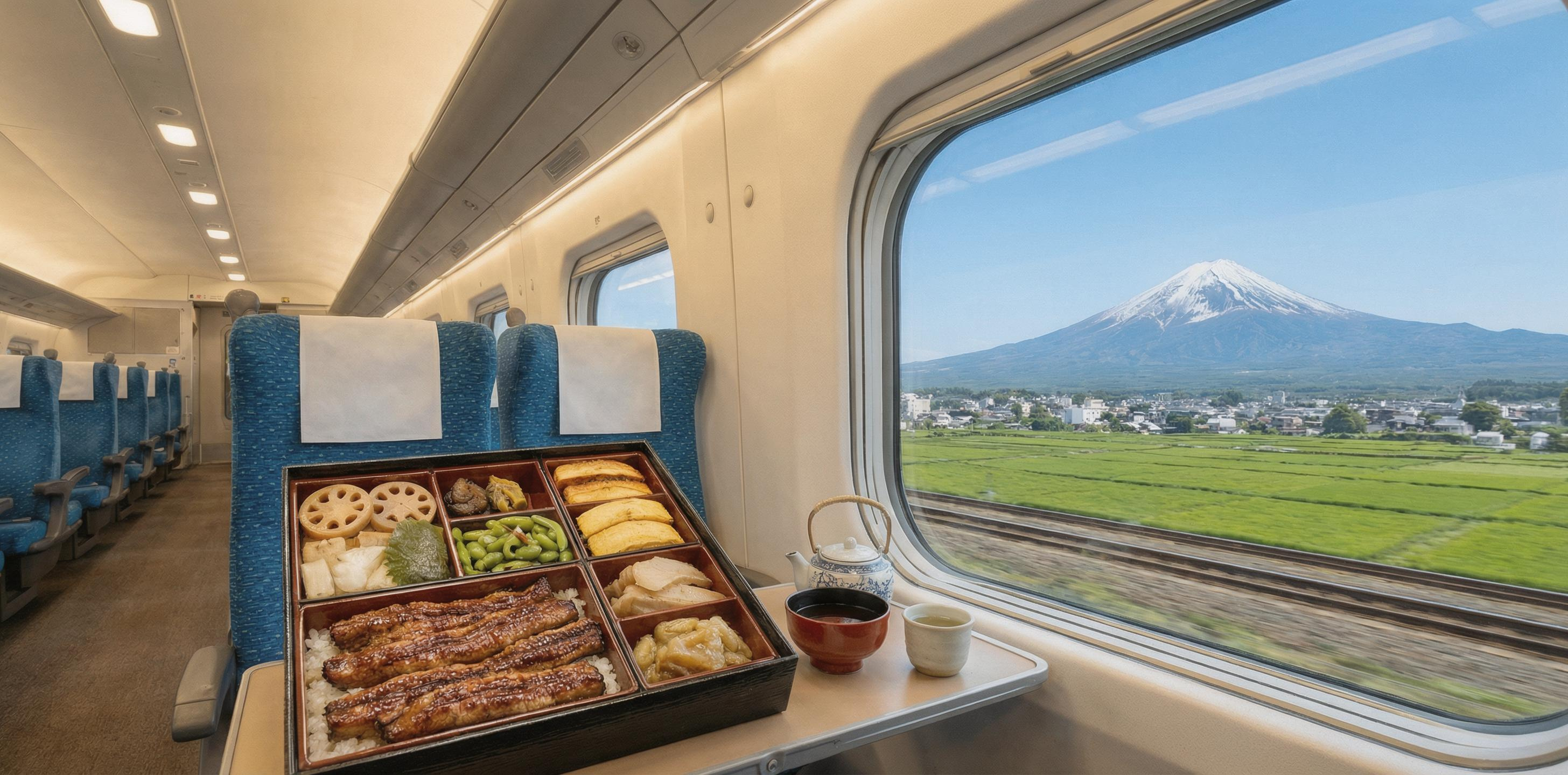
Premium landscape menu photography inside an accurately rendered N700S Shinkansen carriage traveling past Mount Fuji. In the foreground, an open Japanese ekiben box is the unmistakable hero: glossy soy-glazed anago over rice, precise slices of tamagoyaki, lotus root, bamboo shoot, edamame, shiso, umeboshi and seasonal pickles, each compartment immaculate and appetizing, with a small ceramic cup of green tea beside it. Place the meal on the window tray table, photographed from the adjacent passenger seat at table height. Through the large window, show a geographically plausible, sharply recognizable snow-capped Mount Fuji above sunlit fields, with subtle lateral motion blur near the tracks. Accurate contemporary Japanese high-speed-train interior details, clean blue upholstery, restrained white surfaces and soft daylight. Crisp editorial food styling, realistic steam and glaze, natural textures, bright cool morning palette with warm amber food accents, generous ultra-wide environmental framing, shallow but sufficient depth of field so the meal is tack-sharp and Mount Fuji remains clearly legible. Sophisticated hospitality catalog quality, photorealistic, no people, no visible logos, no packaging text, no captions or typography.
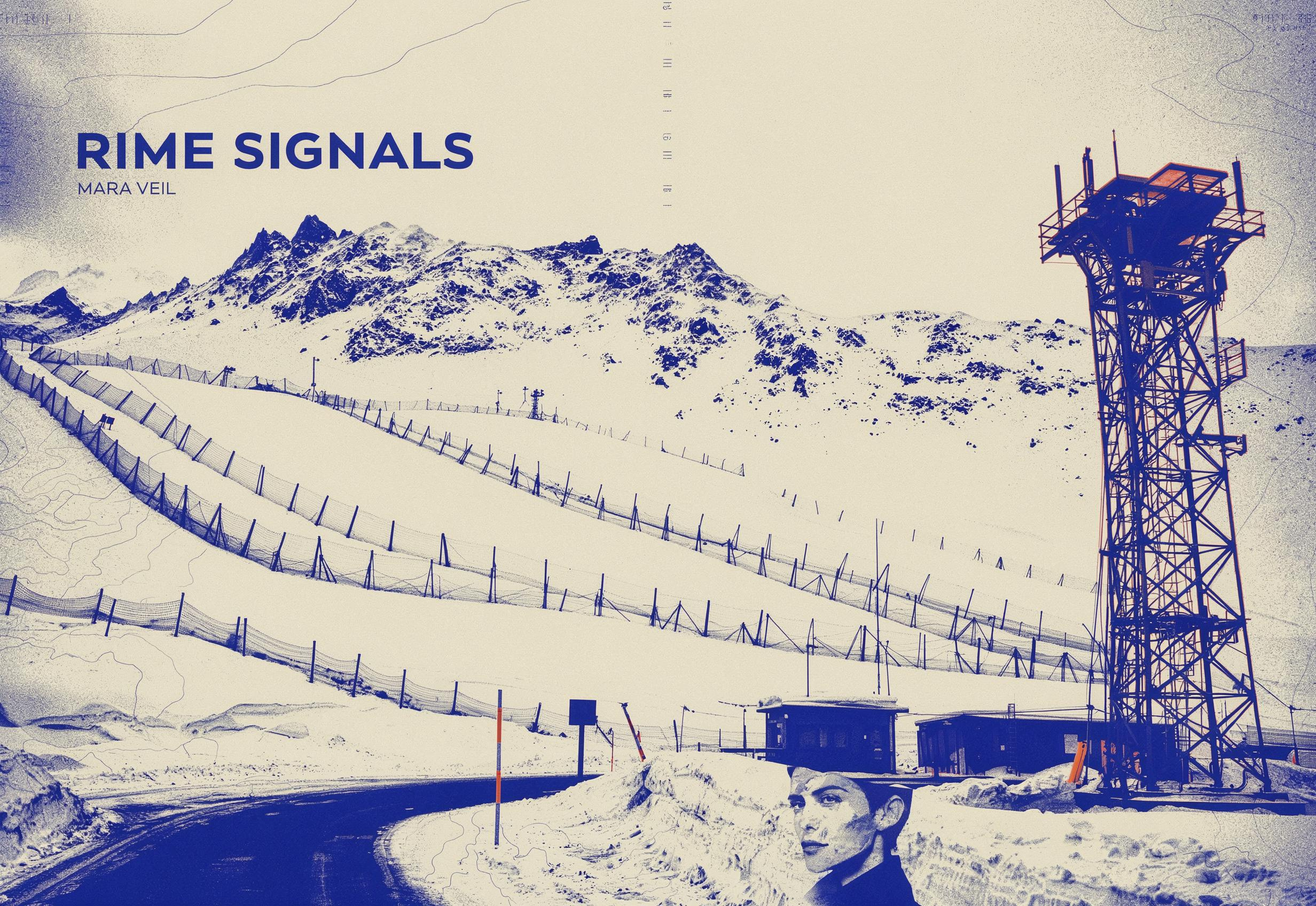
Transform the seed photograph into finished landscape album artwork for an experimental electronic field-recording album. Retain the clearly recognizable structure and perspective of the original scene: the exact mountain ridgeline, steel avalanche-control tower on the right, diagonal snow fences across the central slope, and service road beginning at the lower-left corner. Reinterpret the photograph as a bold two-color screen print combining deep cobalt blue shadows, cold off-white snow, and sparse fluorescent safety-orange accents on the tower and route markers. Add subtle halftone grain, weather-map contour lines, calibration ticks, and utilitarian Swiss safety-manual graphics without obscuring the landscape. Integrate a small duotone profile portrait of the musician from the reference image into the lower-right snowfield, preserving her recognizable facial identity and short dark hair; make it feel deliberately printed into the artwork rather than pasted on. Set the exact album title “RIME SIGNALS” in large condensed uppercase lettering across the open sky at upper left, with the exact artist name “MARA VEIL” in much smaller uppercase type beneath it. Crisp editorial hierarchy, severe alpine atmosphere, tactile ink texture, restrained contemporary record-label design, no border, no mockup, no additional words, no logos, one finished cover image composed for a wide 2464x1696 frame.