GPT Image 1.5
Request
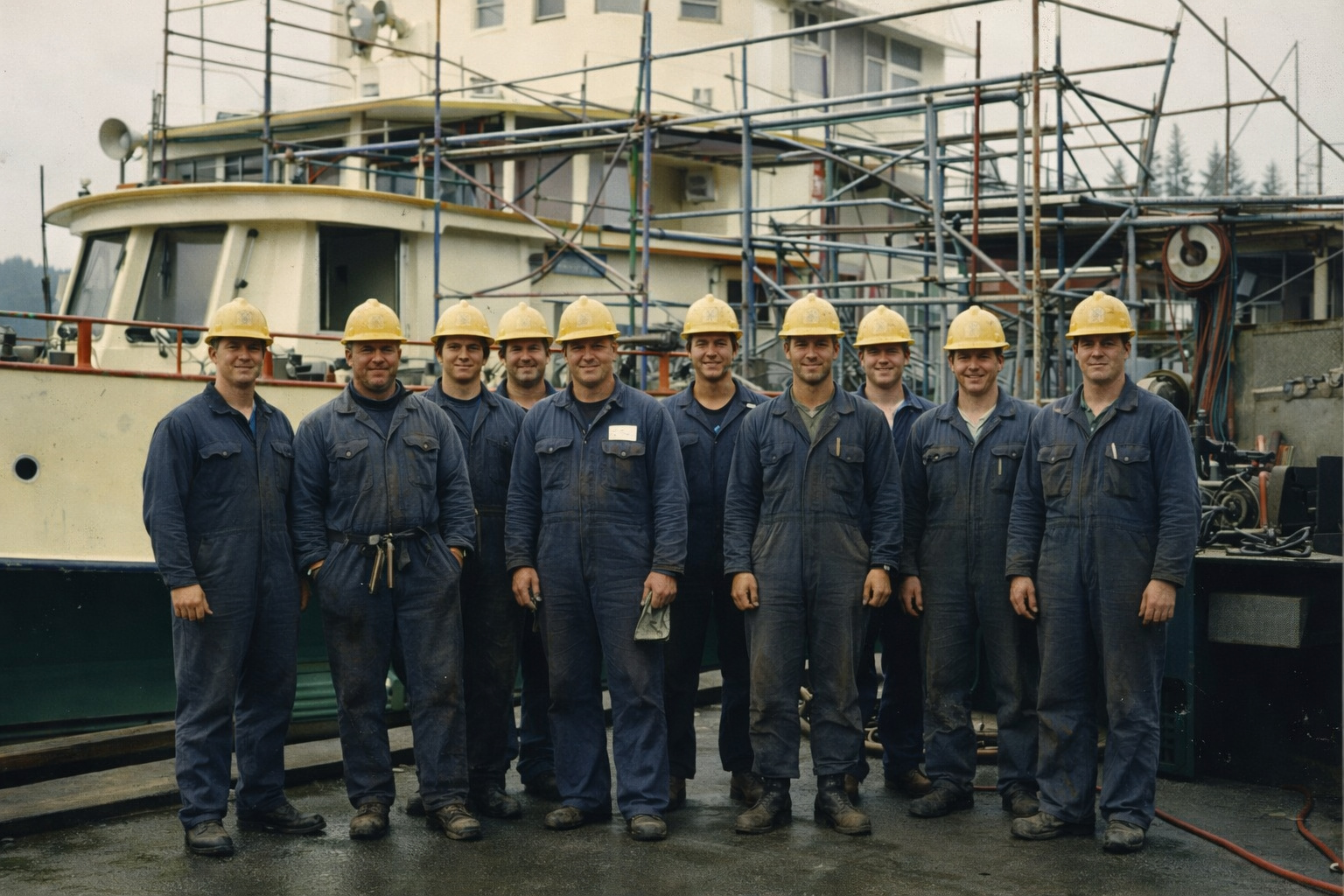
Create a faithful, museum-quality restoration and colorization of reference image 1. Reference image 1 is the authoritative source for the entire composition, people, facial identities, poses, clothing shapes, tools, ferry structure, scaffolding, camera angle, crop, depth of field, and documentary character. Repair its diagonal tear, creases, scratches, dust, water stains, fading, and missing emulsion; reconstruct only the small details logically interrupted by that physical damage. Preserve every visible person and object in the same location and do not beautify, modernize, replace, remove, or add anyone. Use reference image 2 only as the historical color and material guide: apply its restrained late-1970s palette of deep navy coveralls, mustard-yellow hard hats, pale seafoam-green and cream ferry paint, safety-orange railings, blue-gray steel, red welding leads, wet charcoal concrete, and muted evergreen background tones to the corresponding elements in reference image 1. Match the overcast Pacific Northwest light and believable surface qualities shown in reference image 2, including worn paint, oxidized steel, cotton workwear, and damp pavement. Do not copy the second image's composition or introduce objects from it. The finished image should look like the original 1978 photograph had survived in excellent condition and had been captured on authentic color negative film: natural skin tones across the crew, subtle tonal separation, controlled saturation, fine period-appropriate grain, gentle highlight roll-off, and modest edge softness. Retain small signs of age such as very fine grain and slight optical softness while removing distracting physical damage. Avoid contemporary digital sharpness, HDR contrast, glossy AI smoothing, invented lettering, altered faces, duplicated people, anachronistic safety gear, or cinematic relighting. Deliver one clean full-frame landscape archival photograph with no frame, mat, caption, watermark, comparison layout, or before-and-after split.
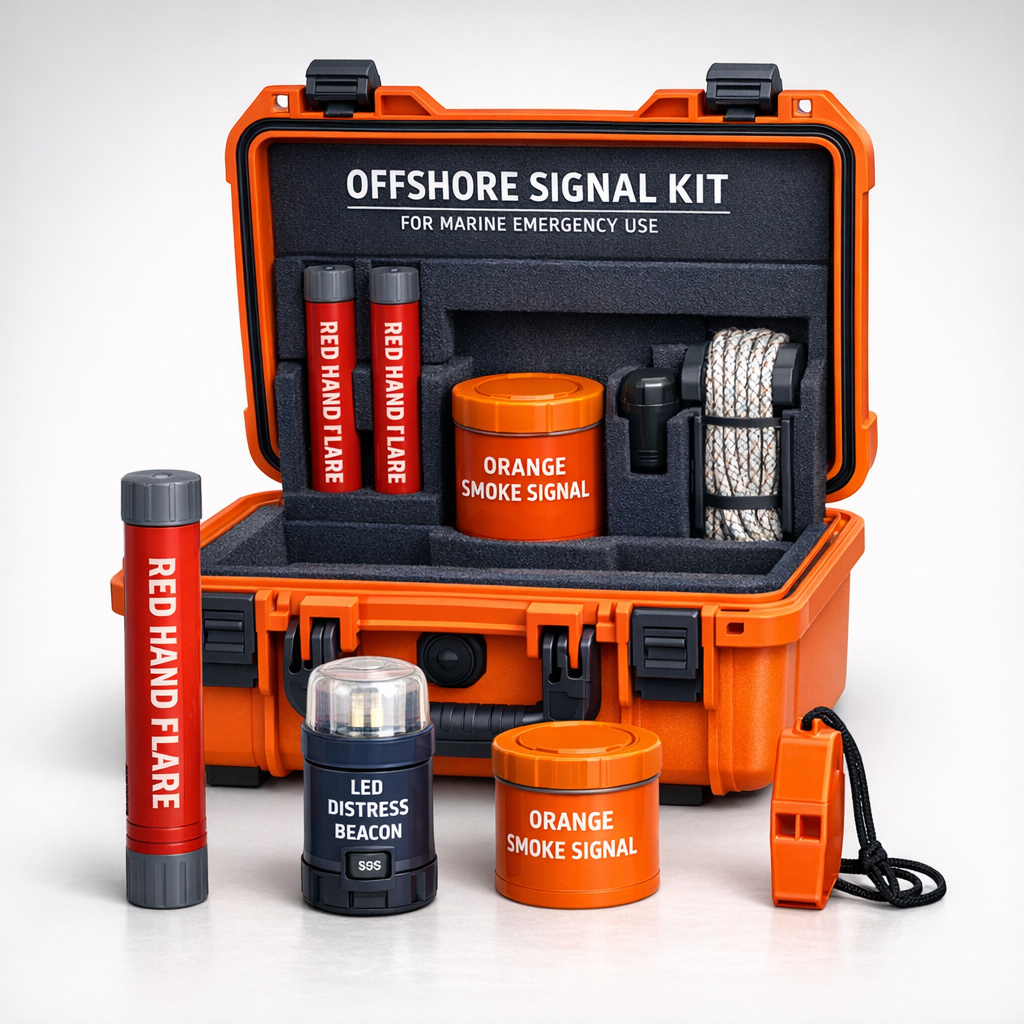
Create a premium ecommerce product packshot of a complete marine emergency signaling kit. Center an open, rugged safety-orange waterproof carrying case in a three-quarter front view, with charcoal-gray latches, a black rubber perimeter seal, a sturdy molded handle, and precisely fitted dark navy closed-cell foam inside. Arrange the contents clearly and logically: two cylindrical red hand flares, one compact orange smoke signal canister, a navy LED distress beacon with a translucent lens, an orange signal whistle on a short black cord, and a neatly coiled reflective rescue line. Keep several items secured in their foam cutouts and place one hand flare, the beacon, and the whistle upright in front of the case so shoppers can inspect their forms. Every object must be complete, correctly proportioned, physically plausible, and visually distinct, with clean manufacturing details and no duplicated accessories. Use a restrained industrial palette of safety orange, signal red, dark navy, charcoal, and brushed metal. Photograph the kit against a seamless warm light-gray studio background with a soft floor gradient. High-key commercial lighting: a large diffused key from upper left, gentle fill from the front, crisp controlled rim light along the case edges, realistic contact shadows, subtle reflections on plastic and metal, and excellent texture definition without harsh glare. Square composition with generous even margins, product occupying roughly 78 percent of the frame, camera at product height with a slightly elevated view so both the interior organization and front-facing items are visible. Sharp focus throughout, realistic product photography, accurate materials, polished catalogue retouching, neutral color balance, no dramatic environment and no decorative props. Render only these prominent generic labels, exactly as written and clearly legible: on the case lid, “OFFSHORE SIGNAL KIT” with the smaller line “FOR MARINE EMERGENCY USE”; on each red cylinder, “RED HAND FLARE”; on the orange canister, “ORANGE SMOKE SIGNAL”; on the beacon, “LED DISTRESS BEACON” and a small “SOS” button label. Use clean condensed sans-serif safety typography printed directly on the products. Do not invent a company name, brand logo, certification mark, website, price, barcode, promotional badge, or additional copy. The final image must be a single isolated ecommerce packshot, not packaging artwork, not a lifestyle scene, and not a website or app mockup.
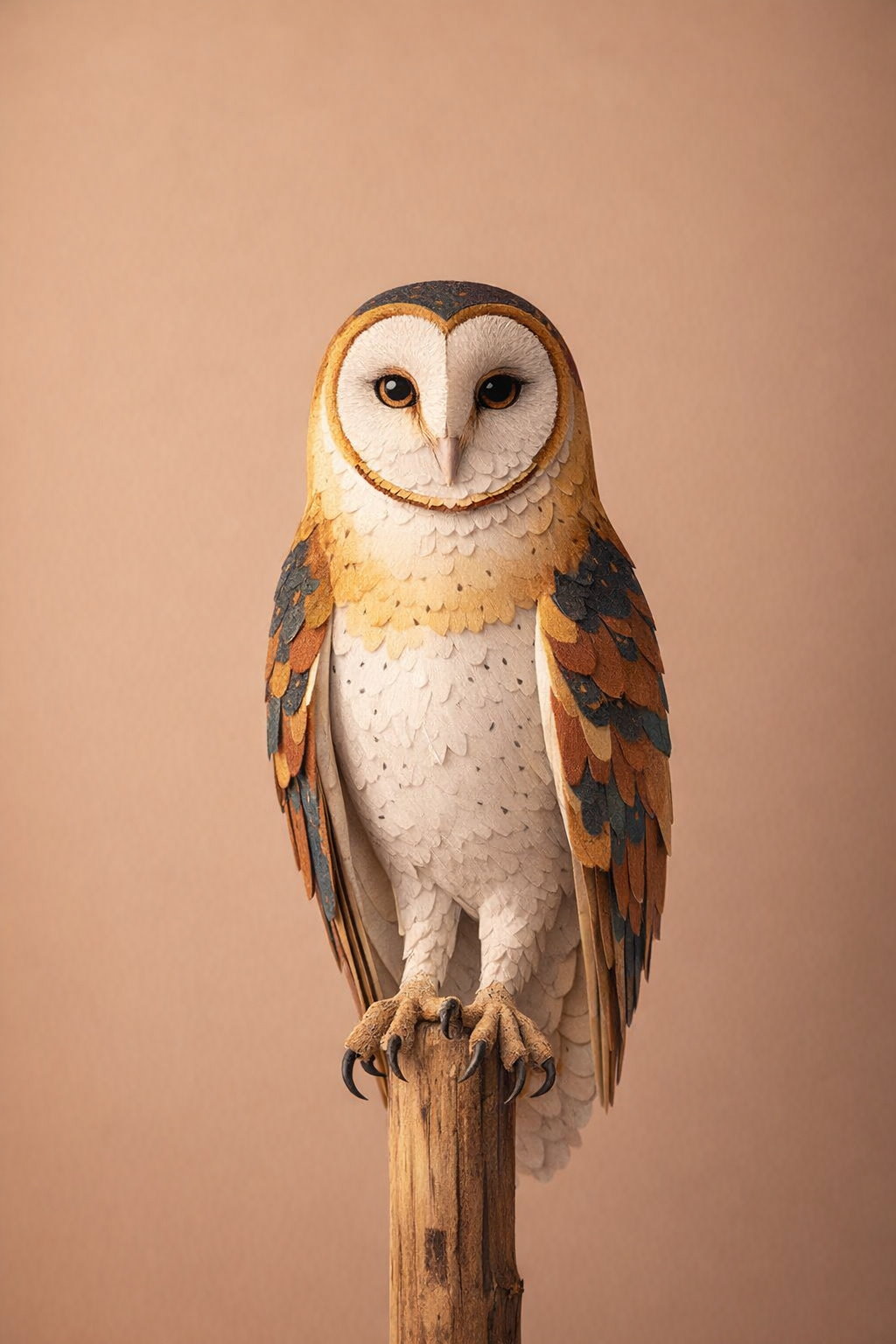
Edit the supplied photograph into finished annual report cover artwork for a wildlife rehabilitation hospital. Replace the entire barn owl with a convincing handcrafted, dimensional cut-paper interpretation of the same owl. Preserve its exact species, upright pose, proportions, folded-wing silhouette, head angle, placement, scale, feet position, and alert forward gaze. Construct the owl from many precisely cut and subtly raised paper layers: a cream heart-shaped facial disc, charcoal and warm-brown feather markings, rust-red wing accents, muted mustard highlights, and restrained deep-teal details. Use elegant simplified feather shapes inspired by mid-century natural-history illustration, with visible paper fibers, crisp cut edges, tiny registration variations, and delicate shadows between overlapping layers. Keep the eyes expressive and anatomically aligned, rendered as layered black and amber paper rather than photographic eyes. The result should feel like an expertly photographed physical paper sculpture occupying the owl's original position, not a flat digital filter. Preserve the wooden perch, seamless warm-beige background, original lighting direction, negative space, camera angle, depth of field, and all surrounding scene details unchanged. Maintain believable contact where the paper feet wrap around the perch and add only the subtle shadows needed to integrate the transformed owl naturally into the existing photograph. Sophisticated editorial craft aesthetic, calm and compassionate mood, clean portrait composition, no typography, no logo, no border, no additional objects.
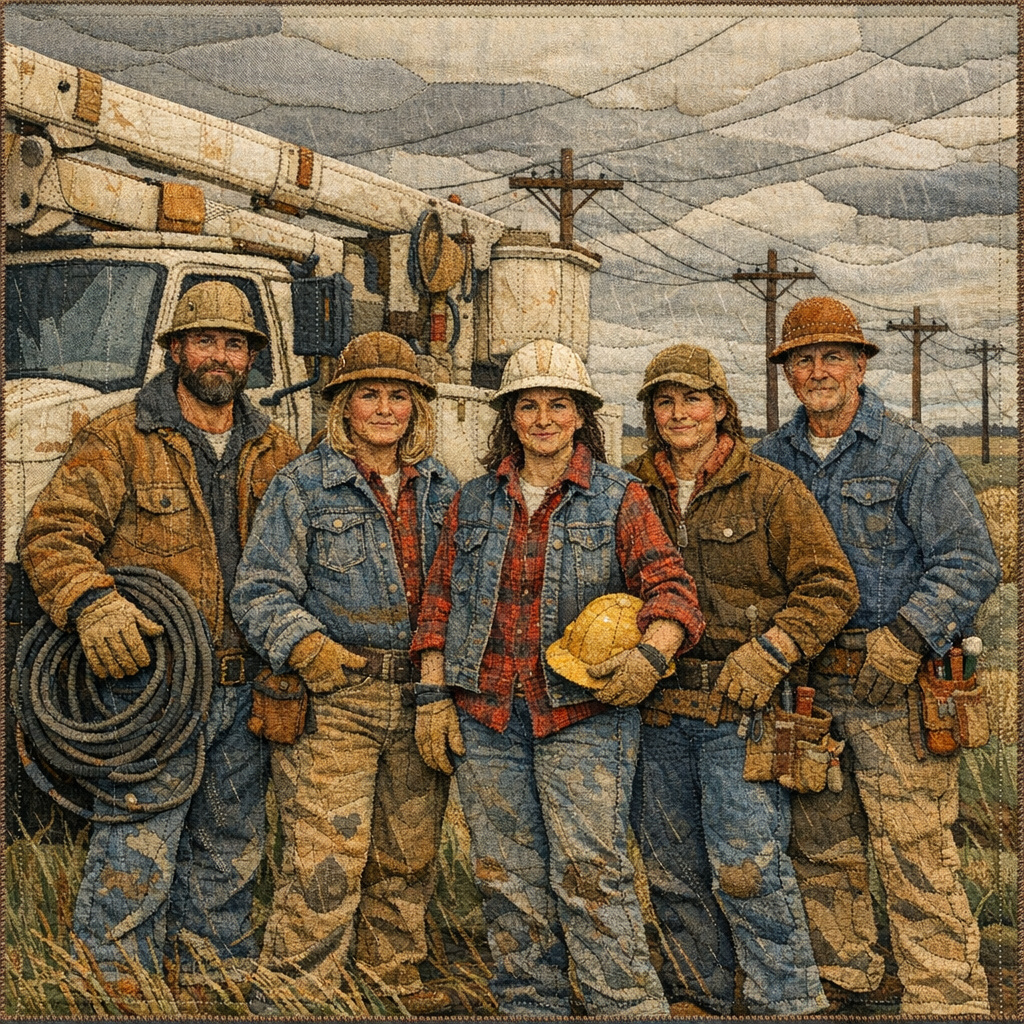
Create a finished square commemorative artwork that looks like a 1970s documentary photograph transformed into a handmade American story quilt. Depict five rural electrical lineworkers—three women and two men—standing beside a weathered bucket truck after repairing storm damage. Preserve the convincing composition and candid specificity of an archival crew photo: full figures arranged in a loose row, one worker resting a gloved hand on a coiled cable, another holding a hard hat at her hip, utility poles and repaired power lines receding across flat farmland behind them. Their expressions are tired, proud, and understated rather than heroic poses. Render every element as layered fabric appliqué, dense hand embroidery, visible running stitches, quilted seams, frayed denim edges, corduroy, canvas, wool felt, and tiny thread highlights. Faces must remain recognizable and anatomically coherent despite the textile treatment. Construct the bucket truck, insulators, tool belts, work boots, gloves, cable, and pole hardware with accurate, readable shapes. Use a restrained heritage palette of faded indigo, workwear tan, rust orange, mustard yellow, brick red, warm cream, and charcoal, with subtle variations from aged cloth. The cloudy post-storm sky should be assembled from broad overlapping fabric panels, while fine embroidered lines describe rain, electrical wires, and windblown grass. Front-facing, balanced square composition with the crew occupying the central two-thirds and enough environmental context to establish rural utility work. Soft overcast lighting translated into fabric value changes; tactile shadows cast by raised seams and appliqué layers. Authentic handmade imperfections, but polished enough for a museum exhibition graphic. No frame, wall, room, mockup, logos, captions, borders, watermarks, or added typography; the textile artwork itself fills the entire image.