
KlingAI Avatar 2.0 Pro
High fidelity avatar video generation with smoother motion and quality
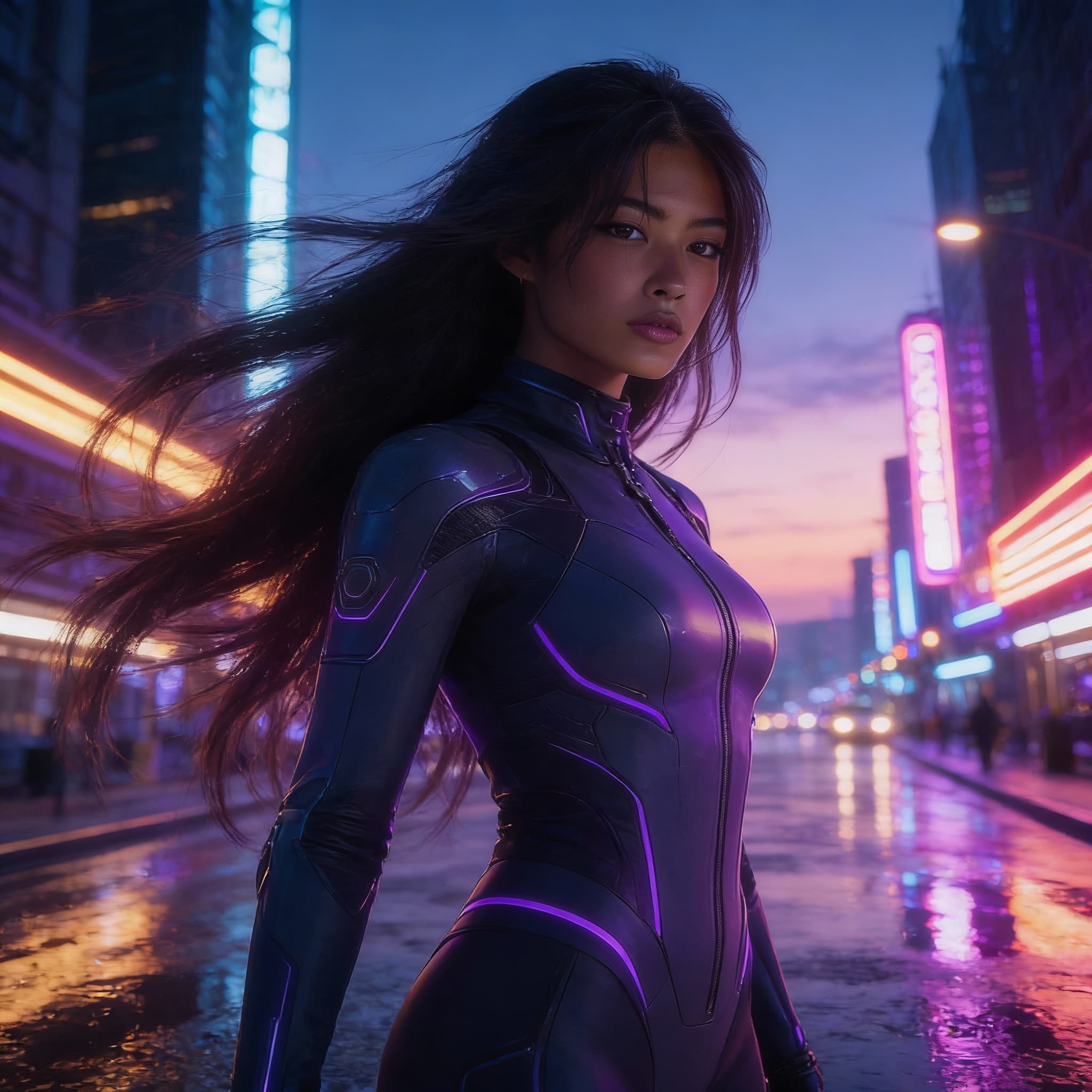
KlingAI Avatar 2.0 Pro builds on the Standard version with higher visual fidelity, smoother motion, and improved expressivity. It generates up to five-minute avatar videos from a single image and audio track, with enhanced detail and production-ready results for varied character types.
README
Overview
Kling Avatar 2.0 Pro is a high-fidelity audio-driven avatar video model that transforms a single image into a realistic, expressive talking video. By combining a portrait image with an audio track, the model generates natural lip sync, facial expressions, and subtle head and upper-body motion that closely follows the tone, pacing, and emotion of the audio.
The model is designed for professional use cases where visual quality, consistency, and believable performance matter. It works well with realistic human portraits, stylized characters, and illustrated avatars, without requiring animation rigs, keyframes, or manual motion work.
Key Capabilities
-
Audio-synchronized lip movement
Mouth shapes and facial motion closely follow speech timing and phonetics for convincing dialogue. -
Expressive facial animation
Subtle changes in expression, eye movement, and head motion help avoid a static “talking photo” look. -
Single-image input
Only one source image is required to generate a full talking avatar video. -
Style-agnostic
Supports photorealistic faces, illustrated characters, and stylized avatars. -
Production-ready output
Optimized for consistent results suitable for marketing, education, and professional content.
Typical Use Cases
Kling Avatar 2.0 Pro is well suited for:
- Talking-head videos from scripts or voiceovers
- Personalized video messages at scale
- Marketing explainers and product walkthroughs
- Educational content and virtual instructors
- Visualizing podcasts or audio-only content
- Character-driven storytelling and social content
How It Works
The model combines three inputs into a single generation pass:
-
Source Image
A portrait or character image that defines the avatar’s appearance and identity. -
Audio Input
A spoken audio track that drives lip sync, expression, and timing. -
Optional Prompt
Text guidance to influence performance style, emotion, or pacing.
Internally, the model aligns facial structure from the image with temporal cues from the audio, producing a video where motion and expression evolve naturally over time.
Input Guidelines
Image
- Clear view of the face produces the best results
- Frontal or near-frontal portraits are recommended
- Works with realistic, illustrated, or stylized images
Audio
- Spoken voice gives the strongest results
- Clean audio improves lip sync accuracy
- Output duration typically matches audio length
Prompt (Optional)
- Can be used to guide mood or delivery
- Examples: calm, energetic, confident, conversational
Output Characteristics
- Talking avatar video with synchronized speech
- Natural facial expressions and micro-movements
- Stable identity across the full duration
- Smooth animation suitable for direct publishing
Performance & Pricing Notes
Kling Avatar 2.0 Pro is typically billed per second of generated video, making costs predictable for longer clips. Output duration scales directly with the provided audio length.
Best Practices
- Use high-quality source images with visible facial features
- Avoid extreme angles or heavy occlusion of the face
- Ensure audio is clear and well-paced for best sync
- Use prompts sparingly to refine tone rather than override audio performance
Summary
Kling Avatar 2.0 Pro enables high-quality talking avatar videos from minimal input. With a single image and an audio track, it produces expressive, synchronized performances suitable for real-world production workflows — without the overhead of traditional animation or video recording.
Documentation
For full API details, supported parameters, and integration guidance, see:
https://runware.ai/docs/en/providers/klingai