
Kling VIDEO 2.6 Pro
Kling VIDEO 2.6 Pro is a full audio-visual AI video model that combines cinematic-quality video generation with native audio (dialogue, sound effects, ambience).
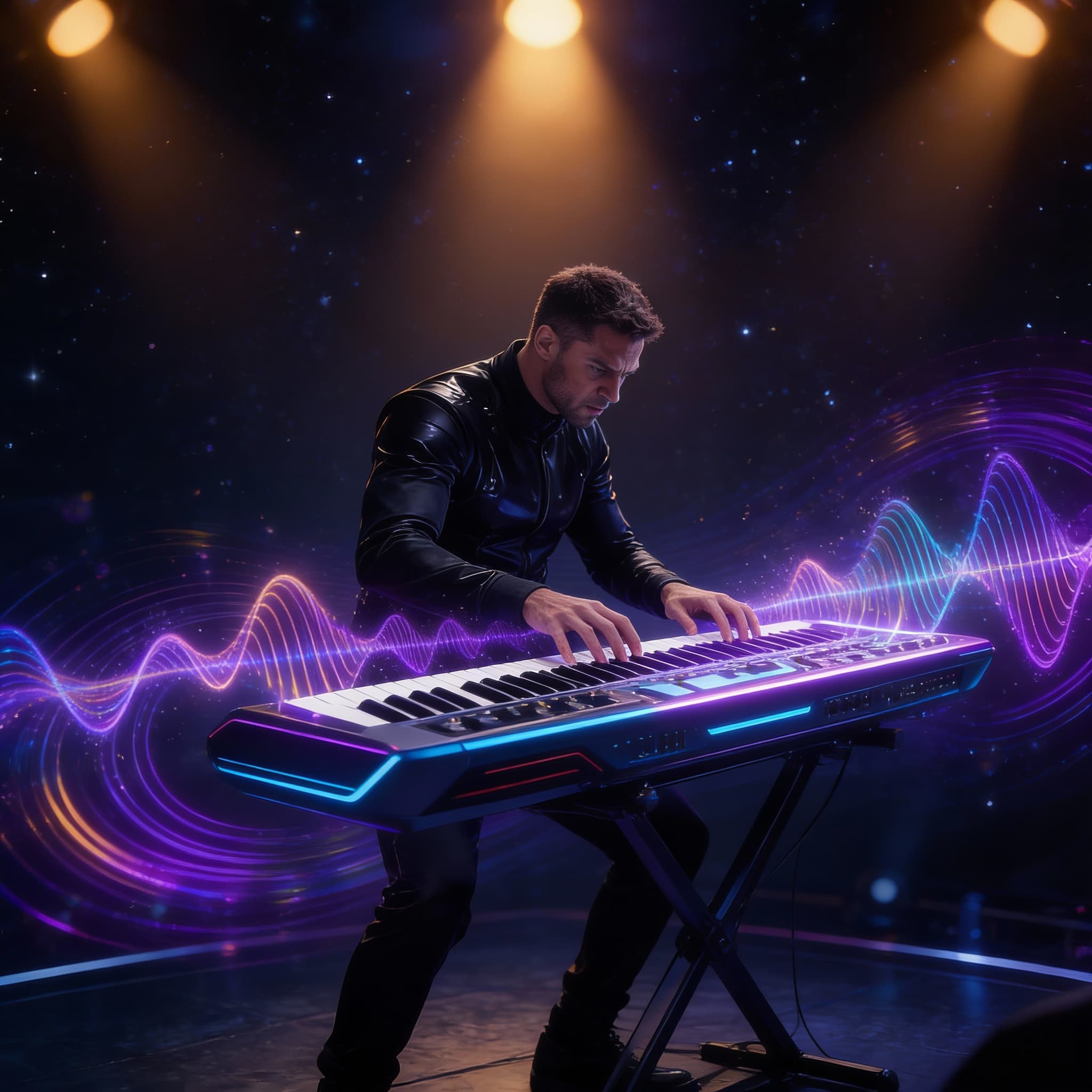
Kling VIDEO 2.6 Pro is a full audio-visual AI video model that combines cinematic-quality video generation with native audio (dialogue, sound effects, ambience). It supports flexible workflows from text or image input, delivering synchronized video and sound in one pass with strong consistency and creative control.
README
Overview
Kling VIDEO 2.6 Pro is a full audio-visual AI video generation model that combines cinematic-quality visuals with native audio, including dialogue, sound effects, and ambient sound. From a single prompt — and optionally an input image — the model produces short, cohesive video clips where motion, camera work, and sound feel intentionally designed together.
Rather than treating audio as a secondary layer, Kling VIDEO 2.6 Pro generates sound and visuals in the same pass. This results in clips with tight timing, natural pacing, and strong alignment between what you see and what you hear. It is well suited to narrative shorts, social content, product explainers, and cinematic previews.
How it Works
Kling VIDEO 2.6 Pro uses a unified audio-visual generation pipeline that interprets scene intent holistically, producing motion and sound as a single output.
Prompt Interpretation
The model analyses the prompt to understand characters, actions, camera behaviour, environment, and audio intent. This includes narration style, ambience, sound effects, and overall mood.
Video Generation
Visuals are generated as a temporally coherent sequence with stable motion and smooth camera transitions. If an input image is provided, it is used as the starting frame and visual anchor for the animation.
Audio Generation
Audio is generated alongside the visuals, including voice, ambience, and sound effects. Timing is synchronised to on-screen action, character movement, and camera changes to create a unified scene.
Key Features
-
Joint Audio-Visual Generation
Video and sound are created together, ensuring consistent timing, mood, and pacing. -
Optional Image-Guided Motion
Adding an input image automatically guides the video generation, using the image as the visual foundation. -
Character-Aware Dialogue
Generated voices align with on-screen subjects and actions. -
Scene-Driven Sound Design
Ambient audio and sound effects respond to camera movement and scene changes. -
Strong Prompt Adherence
Camera motion, action, and audio cues closely follow the structure and intent of the prompt.
Technical Specifications
- Model Name: Kling VIDEO 2.6 Pro
- Model Type: Audio-visual video generation
- Input Modes: Text prompt with optional image input
- Audio: Native dialogue, ambience, and sound effects
- Clip Lengths: 5 seconds or 10 seconds
- Guidance Control:
cfg_scalefor balancing creativity and prompt adherence
How to Use
- Write a prompt describing the scene, including camera movement, character actions, and audio mood.
- Optionally include an input image to guide composition and visual continuity.
- Enable or disable audio generation depending on your use case.
- Adjust guidance strength if needed.
- Run the model and retrieve the generated video clip.
Example prompt:
A close-up of a humanoid robot repairing a flickering neon sign, slow handheld camera movement, soft synthwave music, quiet city ambience, no dialogue.
Tips for Better Results
- Structure prompts like a short shot list: subject, setting, camera, action, then sound.
- Explicitly describe voice characteristics if narration is required.
- Use negative prompts to avoid unwanted artefacts in both visuals and audio.
- Start with the default guidance strength and increase only if outputs drift from intent.
- Keep prompts aligned with any provided input image to preserve realism and coherence.
Notes & Limitations
- Kling VIDEO 2.6 Pro is optimised for short-form clips with tightly integrated sound and motion.
- More complex narratives may benefit from being split into multiple generations.
- Output quality depends heavily on prompt clarity and structure.
Documentation
You can find full usage details, parameters, and examples here: https://runware.ai/docs/en/providers/klingai