Introducing the new Runware documentation: Schema-driven and built for developers
We rebuilt our entire documentation from the ground up. Every model page is now generated directly from our API schemas, so the docs are always in sync with the API.


Why we rebuilt our API documentation
If you've ever integrated a fast-moving API, you know the feeling. You read the docs, build your request, send it, and get back a cryptic 400 error. The docs said the parameter was optional. The API disagrees. You check the Discord, find a three-month-old message explaining it changed. Nobody updated the docs.
We've been on both sides of this. Our old documentation was hand-written and updated manually whenever something changed. That worked fine when we had a handful of models and a small parameter surface. But as the platform grew to support image, video, audio, text, and 3D generation across dozens of providers, the manual approach broke down. Parameters would go stale, new models would launch with incomplete documentation, and developers couldn't trust what they were reading.
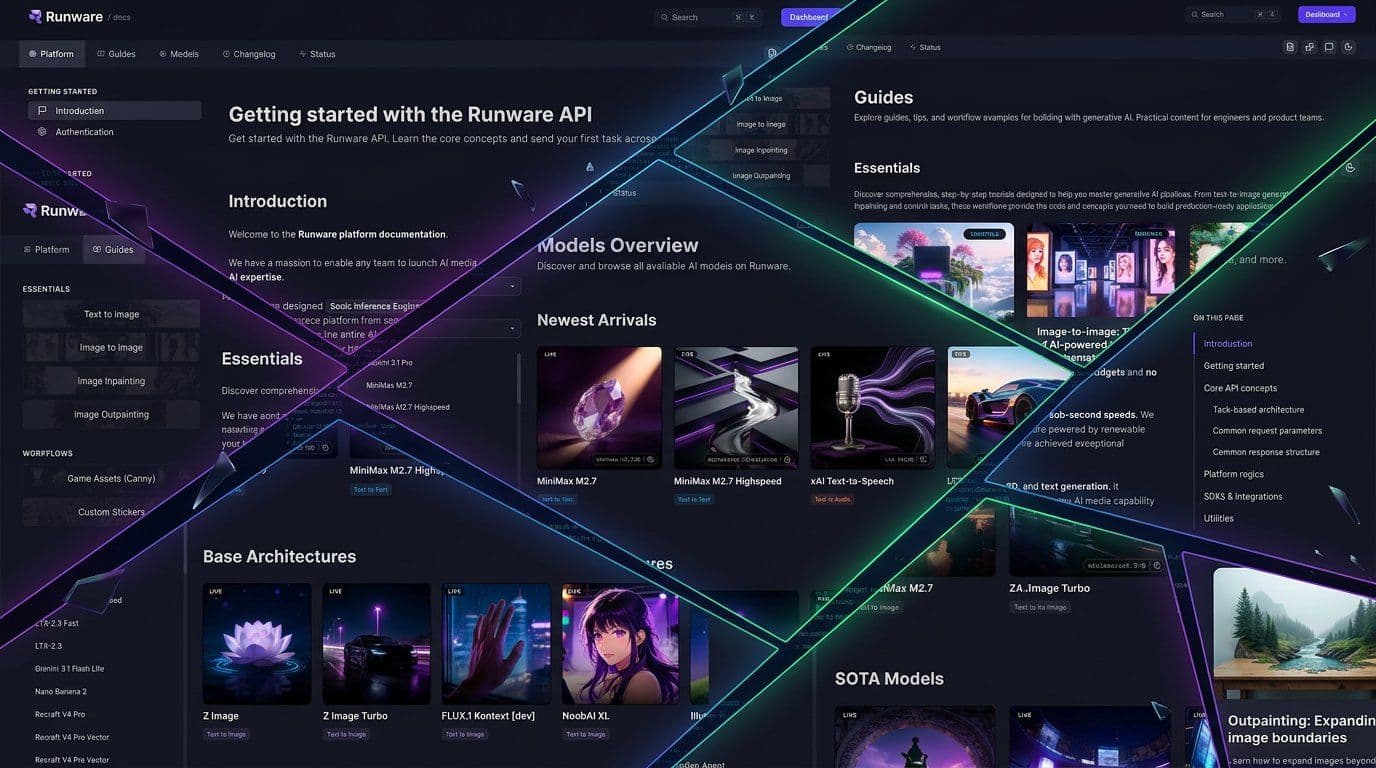
So we stopped writing docs by hand. The new documentation is schema-driven. Everything comes directly from the same JSON Schemas that our API uses for request validation. If the API accepts it, the docs show it. If a parameter has a minimum value of 512, that's not because someone remembered to type it. It's because the schema says so. When the schema changes, the docs update automatically.
One API, fully documented
Runware is a single endpoint that abstracts models and providers behind a unified interface. Instead of organizing by task type or dumping everything into a flat reference as before, we structured the new docs around three sections that match how developers actually work:
Integrate. The Platform section covers integration fundamentals. Authentication, connections, error handling, webhooks, cost tracking. Everything you need to run the API in production.
Learn. The Guides section teaches you about generative AI, from generation methods to model architectures. Think of it as an academy for the concepts behind the technology.
Explore. The Models section is the catalog. Every model individually documented with its exact parameters and pricing. Find what fits your use case and get the schema you need.
Schema-driven model pages
This is where the rebuild really pays off.
Every model on the platform now gets its own dedicated documentation page, generated automatically from its JSON Schema. Not a generic "here's how to use our API" reference page. A page built specifically for that model, showing exactly what it supports and how to use it.
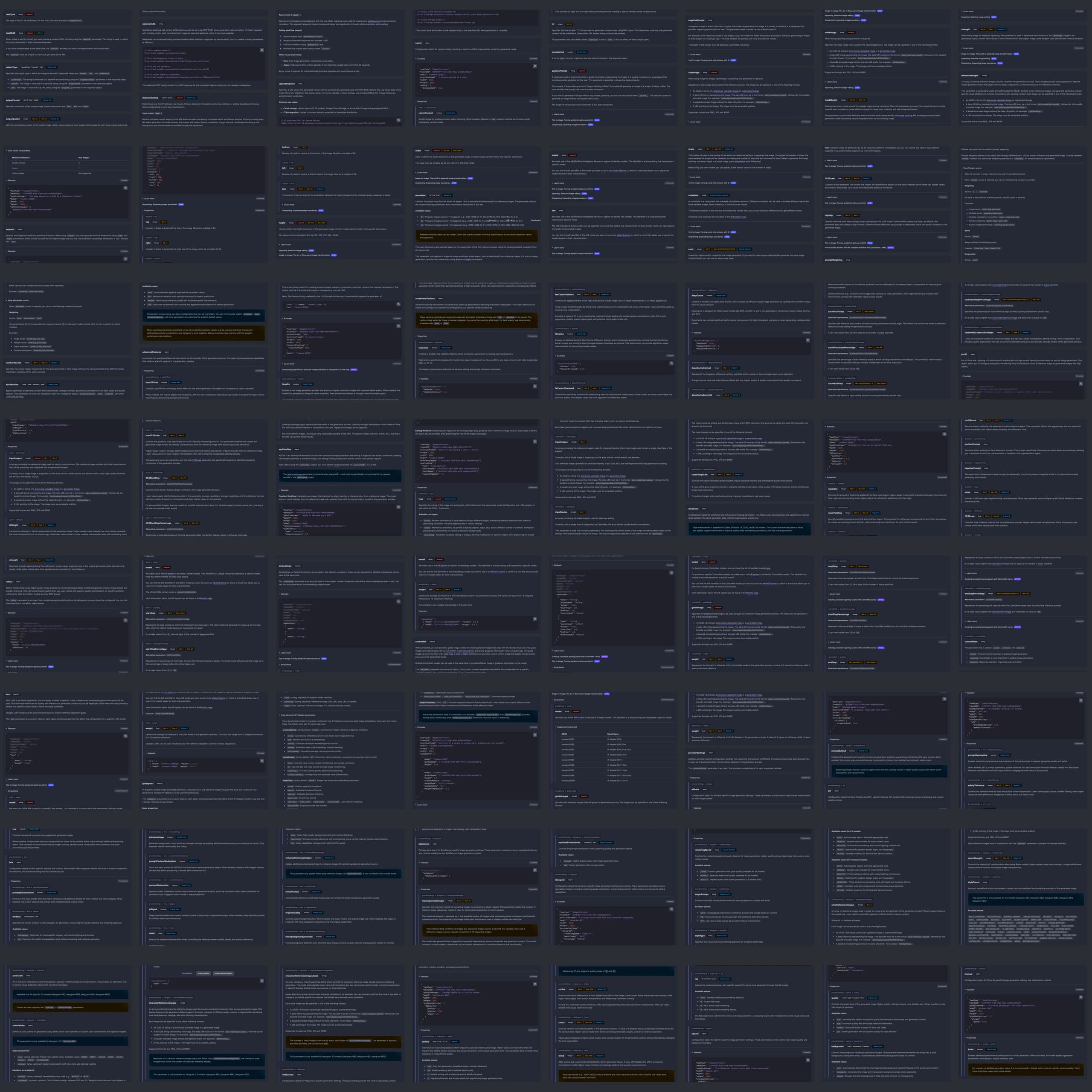
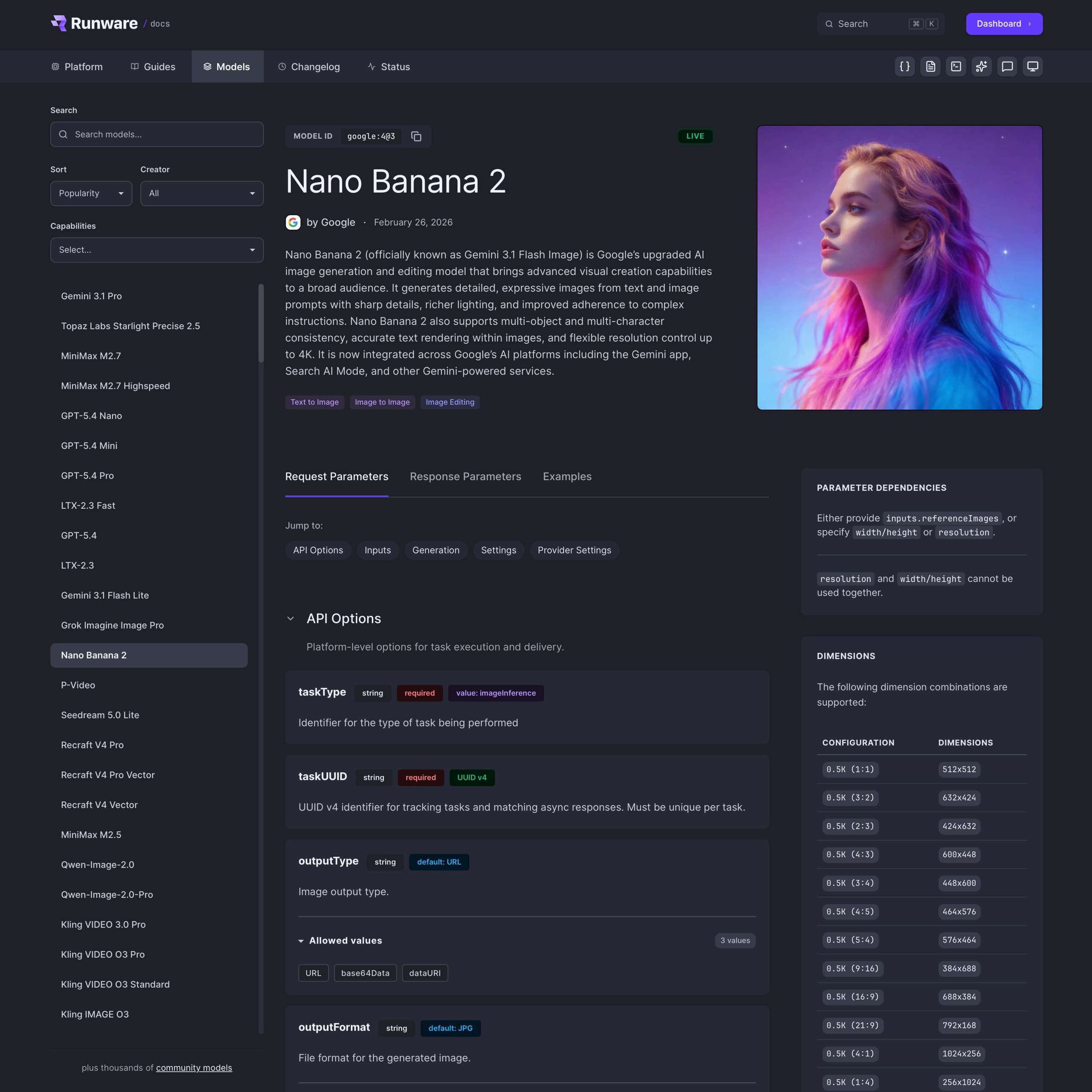
When you open a model page, here's what you get:
- Header with the model name, creator, release date, status badge, and the AIR identifier you need for API calls.
- Capability badges showing exactly what the model supports (text-to-image, image-to-video, inpainting, and so on).
- Pricing with both an overview and detailed breakdowns by configuration.
- Supported dimensions with resolution tables pulled directly from the schema.
- Full parameter reference grouped into clear sections: API, Inputs, Generation, Features, and Provider Settings.
- Validation rules surfacing the constraints most docs hide, like mutual exclusivity and dependency requirements.
- Working code examples with ready-to-use request and response JSON for every model.
Parameters that actually tell you something
Most API docs give you a parameter name, a type, and a one-liner. That's not enough when you're dealing with hundreds of parameters across dozens of models, each with different constraints.
Model pages use a color-coded badge system so you can scan parameters without reading every description. Required shows in red, min/max constraints in yellow, defaults in blue, format modifiers like UUID v4 in green, and fixed values (const) in purple. A parameter like taskType immediately shows as required with a fixed value of imageInference, while something like width shows its default, min, and max — all at a glance.
All of it is extracted directly from the schema. When a model requires a UUID v4 format, or enforces a minimum of 512 and maximum of 2048, you see it immediately. No guessing.
We've made every parameter description clearer. Instead of just listing data types, they now explain what actually happens when you change a value, how it affects the output, and what the trade-offs are. Less trial and error, more understanding. And like everything else, descriptions live in the schema, so they stay consistent across the docs, the playground, and any tooling built on top.
Validation rules, exposed
Here's something that always frustrated us about API docs: validation rules live in the shadows. You read the parameter list, you think you understand the API, you build your request, and you get a cryptic 400 error because two parameters are mutually exclusive. Or because setting one requires another that you didn't know about.
We made these rules first-class citizens. Patterns like mutual exclusivity (you can use A or B, but not both), dependencies (if you set A, you must also set B), and conditional behavior (the behavior changes depending on which parameters are present). These show up directly on the model page, right alongside the parameters they affect. No more guessing why a request failed.
Working examples for every model
Every model page ships with working examples out of the box. Not generic templates you have to adapt, but valid request payloads tuned for that specific model. Even newly added models ship with usable code from day one. Copy, paste, run.
Download the schema, integrate in minutes
Every model's JSON Schema is available for download directly from the model page. Click the schema button in the page toolbar and you get the raw schema file that powers both the API validation and the documentation.
You can import the schema directly into your codebase and use it for client-side validation or to build tooling around it. That means you can catch invalid requests before they ever hit the API, using the same constraints defined in the documentation.
We're also working on applying these schemas on the server side, so both your client and our API will validate requests against the same source of truth.
But validation is just the starting point. Because every schema is a complete, machine-readable contract, you can build on top of it. Generate form UIs dynamically from the parameter definitions. Build pipelines that discover model capabilities programmatically and route requests accordingly. Feed schemas to AI agents that construct valid API calls without any hardcoded knowledge of the model. The schema becomes the integration layer, not your code.
And here's where architecture schemas make this practical at scale: when a new model launches on an architecture you already support, your integration handles it automatically. No code changes, no migration guide. The schema tells your system what the model can do, what parameters it accepts, and what constraints apply. You don't adapt to new models. New models adapt to your existing integration.
Beyond model pages
The model pages are the biggest change, but we rebuilt everything else around them too. The new docs are organized around three sections.
Platform
The Platform docs were restructured into a cleaner hierarchy:
- Getting Started: introduction, authentication.
- Core Concepts: errors, pricing, rate limits, streaming, task responses, webhooks.
- SDKs: JavaScript, Python, OpenAI, ComfyUI, Vercel AI.
- Utilities: model search, image upload, model upload, account management.
Instead of mixing platform-level concepts with API references, everything now lives where you'd expect to find it.
Guides
The Guides section is closer to an academy than a typical docs section. Instead of just showing you how to call an endpoint, it teaches the concepts behind generative AI: how diffusion models turn noise into images, what ControlNet does under the hood, why certain parameters affect output quality the way they do.
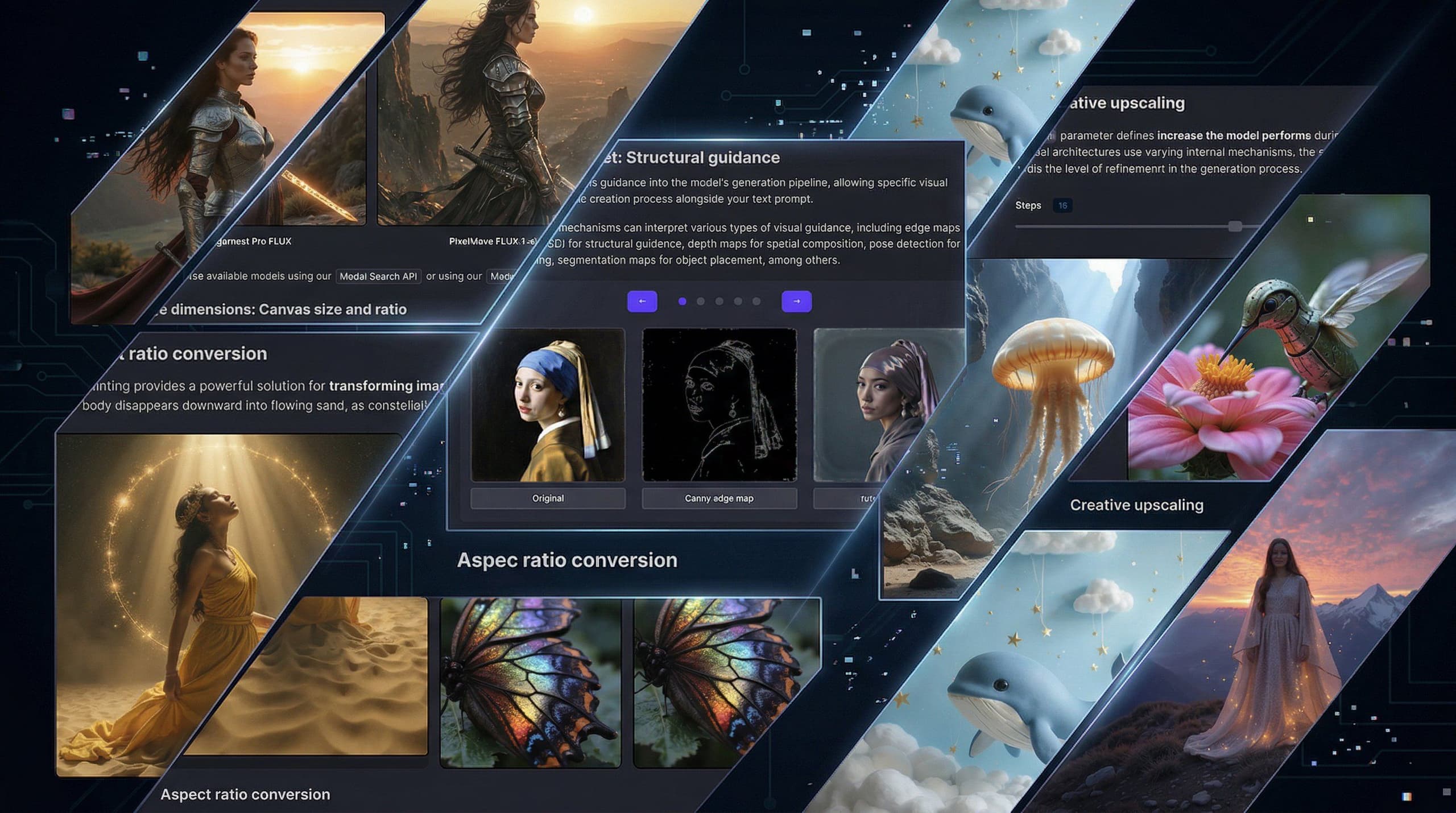
If you're new to AI image generation, it's where you build foundational knowledge. If you're experienced, it's where you go deeper into advanced topics like structural guidance and LoRA-based workflows.
We're adding more as the platform grows.
Models
The platform supports over 300,000 models through runware.ai/library. Obviously, we can't give each one a hand-curated docs page. So we split it into two layers.
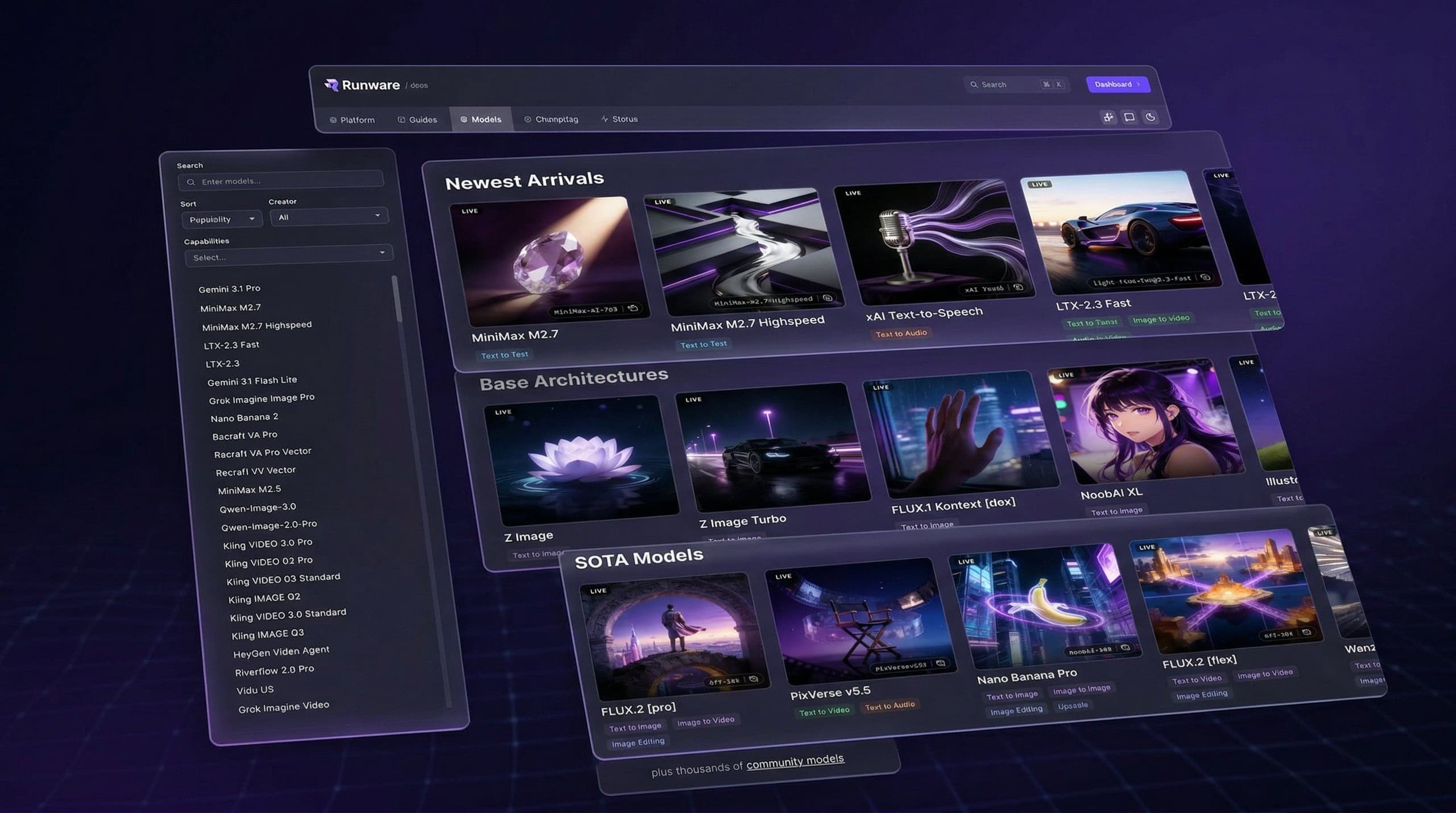
The Model Explorer in the docs is a curated catalog of the most notable models, organized by capability. These get dedicated documentation pages with full parameter references, examples, and pricing.
Everything else is covered by architecture schemas. These define the capabilities of an entire model family: what parameters it supports, what dimensions are valid, what settings exist. When a new model uses a known architecture, it inherits the full documentation and validation automatically. No manual work needed.
What else is new
Changelog
Keeping up with model releases and platform updates used to mean following Discord or checking the blog. Now there's a dedicated changelog that shows everything that's happened on the platform. Each entry is categorized and links directly to the relevant model pages.
Markdown and LLM access
Here's something we built because we use it ourselves: every page on the documentation site is available as clean Markdown. Click the Markdown button in the page toolbar and you get a .md version of the current page with YAML frontmatter. Drop it into a README, paste it into an LLM, or import it into your own systems.
We also added an llms.txt endpoint that aggregates the entire documentation into a single file, formatted specifically for AI consumption. If you're building tools or agents that need to understand our API, this gives them everything in one request.
Navigation and tooling
Every page has a toolbar with Markdown export, AI assistance, and feedback. Model pages add shortcuts to download the JSON Schema and open the model in the Playground.
There's also full-text search across all docs, models, and parameters. Start typing and results appear instantly.
What this means in practice
For developers: documentation you can actually trust. No more cross-referencing Discord to figure out if a parameter changed, no more trial-and-error debugging against undocumented constraints. Less time figuring out the API, more time building your product.
For us: documentation that maintains itself. Instead of spending time keeping docs in sync with every release, that time goes into shipping things that matter. The new Playground, more guides, better tooling. And because new models inherit their documentation from architecture schemas, docs are no longer a bottleneck for model launches. New models roll out faster and with accurate documentation from day one.
Part of a bigger picture
This documentation revamp isn't happening in isolation. Over the past months, we've already redesigned the website and rebuilt the dashboard. The documentation was the next piece of that puzzle.
The next piece is the Playground. We're rebuilding it from the ground up with support for every model and every parameter the platform supports. Powered by the same schemas that now drive the docs, the new Playground will let you test everything in one place. That's coming next.
We rebuilt these docs because accurate documentation shouldn't be a luxury. Not generic API reference pages, but specific, model-level documentation that tells you exactly what's possible and how to do it.
Explore the new docs at runware.ai/docs and the model catalog at runware.ai/models. If something's missing or wrong, hit the feedback button on any page. We read every submission.
There's a lot coming next. The new Playground, schema-based API validation, more models, more guides. Follow us on X or join our Discord if you want to follow along.