KlingAI Avatar 2.0 Standard
Expressive avatar video generation from image and audio
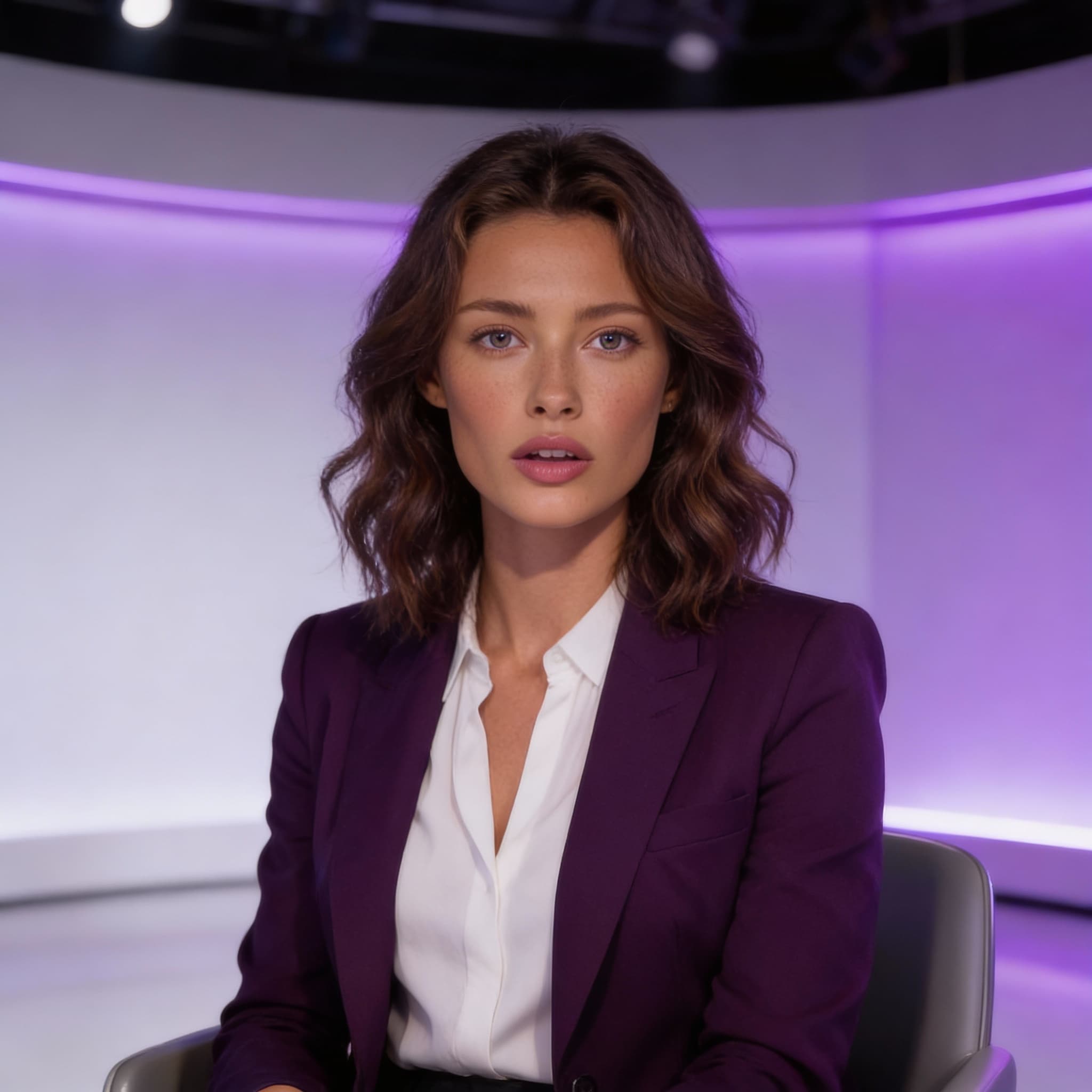
KlingAI Avatar 2.0 Standard generates talking avatar videos from a single portrait image and audio, preserving identity and producing natural lip-sync and expressive motion. It supports up to five minutes of video with multilingual control and gesture clarity for human or cartoon characters.

README
Overview
Kling Avatar 2.0 Standard is an expressive audio-synchronized avatar animation model that turns a single source image into a talking video driven by spoken audio. With just an image and an audio track, the model produces convincing lip sync and natural motion patterns without the need for traditional animation tools.
Compared to Kling Avatar 2.0 Pro, the Standard variant targets workflows where fast turnaround and efficient performance are priorities, while still delivering engaging, synchronized visual animation that feels lively and human-like.
Key Capabilities
-
Audio-driven facial animation
The model maps audio timing and phonetics to mouth shapes and facial motion for believable speech. -
Single image input
Only one portrait or character image is required to generate a full animated sequence. -
Expressive motion
Generates subtle head and upper-body movement beyond raw lip sync for a dynamic feel. -
Broad style support
Works with real faces, stylized portraits, and illustrated or avatar artwork. -
Balanced quality
Standard offers a cost- and time-efficient generation path that still produces professional results.
How It Works
Kling Avatar 2.0 Standard synthesizes talking video by combining:
-
Image Input
A portrait or character image that defines the visual identity of the avatar. -
Audio Input
A spoken audio track (e.g., narration, dialogue, voiceover) which drives movement and timing. -
Optional Prompt
Freeform text guidance to influence expressive style, emotion, or performance cues.
The model internally aligns facial features with temporal audio cues to produce an animated video where motion and expression evolve fluidly across time.
Differences Compared to Pro
Standard distinguishes itself from the Pro variant in the following ways:
-
Performance-oriented
Prioritizes generation speed and efficiency while still maintaining sync quality. -
Balanced fidelity
Offers slightly scaled-down motion refinement and detail compared to Pro, making it ideal for rapid iteration or use cases where ultra-detailed nuance is not required. -
Cost-efficient
Standard is typically more economical per second of output, making it suitable for longer content or higher volume needs. -
Consistent results
Delivers reliable outputs across a wide set of images and audio, with simpler setup and fewer fine-tuning parameters.
Use Cases
Kling Avatar 2.0 Standard is well suited for:
- Social content with audio dialogues
- Internal video announcements
- Voice-driven tutorials and explainers
- Automated avatar responses
- Lightweight character visualizations for messaging
Input Guidelines
Image Requirements
- Clear portrait or character art works best
- Head and facial features should be visible and well-framed
- Both realistic and stylized source images are supported
Audio Requirements
- Spoken audio yields the most accurate sync
- Clean, well-paced recordings improve motion alignment
- Total duration typically dictates the output length
Prompt (Optional)
- A short text description can refine delivery style
- Example prompts might focus on emotion or pacing
Output Characteristics
- A video where lip sync aligns with provided audio
- Natural expression and head motion
- Output length generally matches audio duration
- Suitable for direct use in content and messaging
Best Practices
- Use a high-quality image with clear facial definitions
- Avoid extreme side profiles or occluded features
- Provide clean, noise-reduced audio for best sync
- Use prompts sparingly to guide overall style without overshadowing audio performance
Summary
Kling Avatar 2.0 Standard enables fast, expressive talking avatar videos from minimal inputs. With only an image and an audio track, it lets users generate synchronized visual animation that’s ideal for everyday content needs — balancing quality, speed, and cost for efficient workflows.
Documentation
Detailed API parameters, supported options, and integration guidance are available here:
https://runware.ai/docs/en/providers/klingai